How Much Processing Power Does an Industrial Panel PC Need?
Modern buildings depend on interconnected systems to provide comfortable indoor conditions, improve energy efficiency, and streamline facility management. HVAC equipment, lighting, access control, elevators, energy meters, and environmental sensors all produce data that building operators must monitor and manage.
A Building Management System (BMS) integrates these systems within a centralized platform. At the operator level, an industrial Panel PC can serve as a touchscreen interface for checking equipment status, tracking energy use, managing alarms, and accessing building information.
Selecting a Panel PC for a BMS project, however, requires more than choosing a display of the right size. The hardware must be compatible with the building’s communications architecture, support the necessary software, and operate dependably in its intended environment.
This guide outlines the main considerations when selecting an industrial Panel PC for building management applications.
1. Understand the Panel PC’s Role in a BMS
Before choosing hardware, it is essential to understand how the Panel PC fits into the building automation architecture.
A typical BMS consists of several layers:
- Field devices: Temperature and humidity sensors, occupancy detectors, meters, actuators, and other connected equipment.
- Controllers: HVAC, lighting, and access control controllers, along with other local automation devices.
- Communication network: Links field controllers, gateways, servers, and operator terminals.
- Management software: Collects data, processes alarms, manages schedules, and presents system information visually.
- Operator interface: Enables facility managers and maintenance personnel to view system information and interact with the BMS.
An industrial Panel PC generally serves as the operator interface or a local management terminal. It can present building layouts, equipment status, energy data, alarm notifications, and control dashboards.
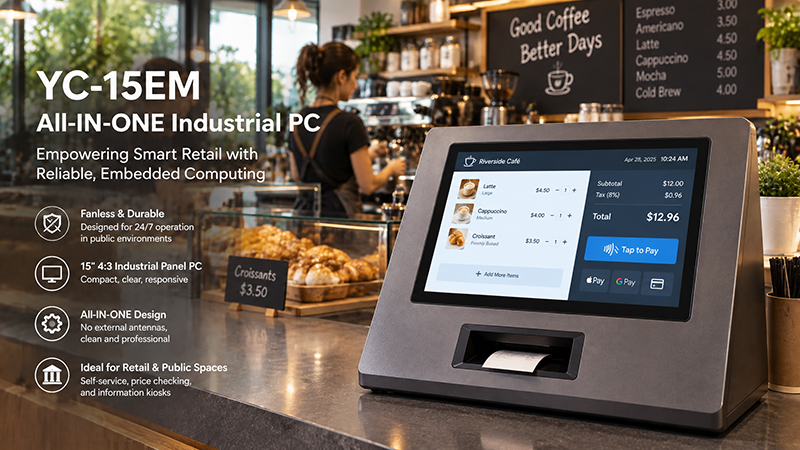
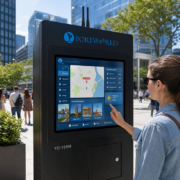
YC-15EM touch screen solution
Depending on the system architecture, BMS software may run directly on the Panel PC or be hosted on a central server and accessed through a web browser or client application.
The Panel PC should not automatically be regarded as the primary controller for HVAC or other safety-critical building functions. Local controllers should retain their assigned control responsibilities, while the operator terminal supports monitoring and authorized supervisory actions.
Recognizing this distinction helps define the required processing capacity, software environment, communication interfaces, and reliability standards.
2. Select the Appropriate Screen Size for Building Management
Display size determines how much information operators can see and how comfortably they can interact with the system.
A small touchscreen may meet the needs of a local room-control interface. By contrast, a central building management workstation may require a larger screen to display several equipment diagrams, floor plans, and data dashboards at once.
Typical screen-size applications include:
4–7 inches: Room and zone control
Compact touchscreens work well for managing lighting, temperature, blinds, and other functions within individual rooms or zones. They can be wall-mounted or built into smart building control panels.
10–10.4 inches: Local equipment monitoring
A 10-inch touchscreen provides additional space for equipment status, HVAC details, energy readings, and streamlined building dashboards. It may be installed in equipment rooms, local control stations, or facility service areas.
15–21.5 inches: Centralized monitoring interfaces
Larger displays are beneficial when operators must view detailed floor plans, multiple system diagrams, alarm lists, and energy dashboards simultaneously.
Screen selection involves more than diagonal measurement. Resolution, brightness, viewing angle, touch accuracy, and mounting location all affect usability.
For instance, a wall-mounted interface in a public building may require a different display configuration than a panel PC installed in a mechanical room.
3. Verify Communication Protocol Compatibility
Communication compatibility is a key factor when selecting BMS hardware.
Buildings may include equipment from multiple manufacturers, with each subsystem using a different communication protocol. To exchange data with the required devices, the Panel PC must support a compatible software driver, communication service, or gateway architecture.
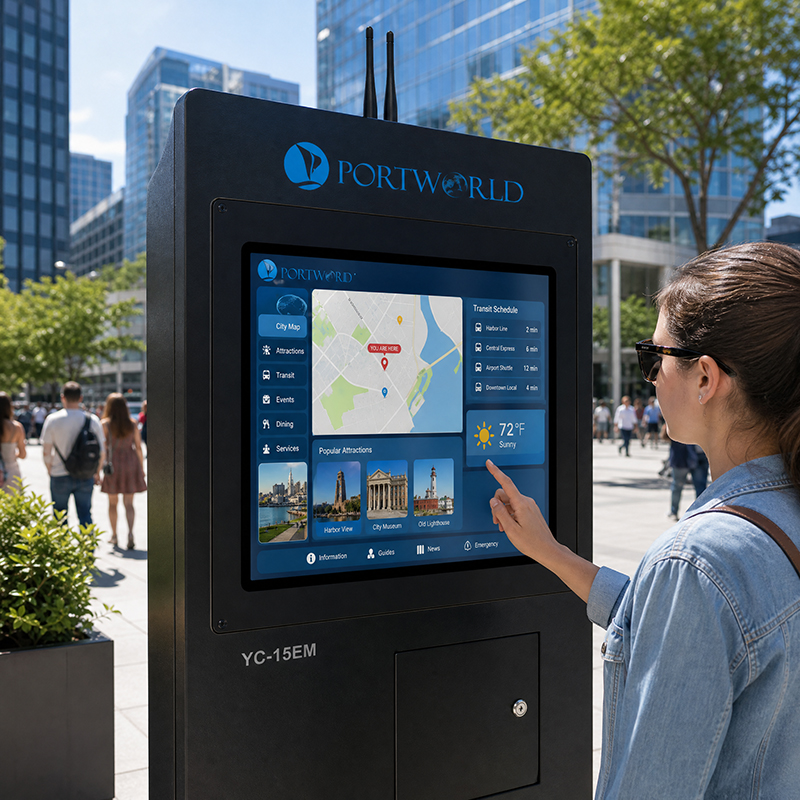
industrial touch screen monitor6
Several protocols are especially relevant.
BACnet
BACnet is widely used in building automation to connect controllers, monitoring systems, and management platforms.
It is commonly used for HVAC control and equipment such as air handling units, chillers, boilers, and other building services.
BACnet/IP operates over Ethernet networks, whereas BACnet MS/TP typically uses RS485. Because these use different data-link arrangements, confirm the required software support and physical interfaces separately.
If the BMS application needs to communicate directly via BACnet, ensure the selected software platform supports the necessary BACnet client or server role and device functions. An Ethernet port by itself does not guarantee BACnet compatibility.
Modbus
Modbus is widely used to connect energy meters, variable-frequency drives, power equipment, sensors, and industrial controllers.
The two most common versions are:
Modbus RTU: Usually communicates through serial interfaces such as RS485.
Modbus TCP: Operates over Ethernet networks.
For a BMS Panel PC, RS485 may be required to connect with existing field devices, while Ethernet supports communication with networked controllers and gateways.
During integration, verify the register map, communication parameters, and software driver.
KNX
KNX is commonly used in building automation for functions including lighting, blinds, room temperature control, and other smart building applications.
In projects combining room-level automation with centralized BMS management, KNX devices can be connected through an appropriate gateway or integration layer.
A Panel PC or smart control panel can serve as the user interface. However, the required KNX communication capabilities depend on the chosen hardware, software, and gateway configuration.
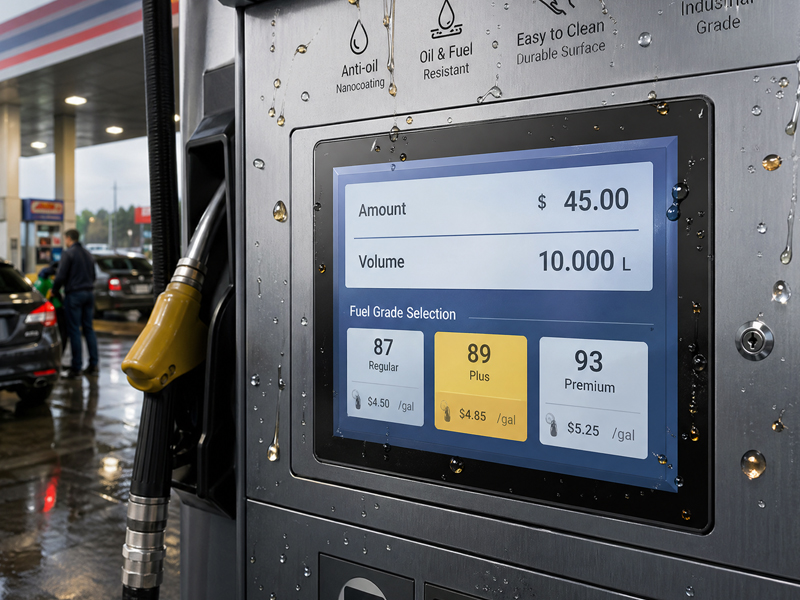
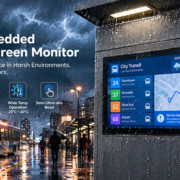
Industrial Embedded Touch Monitor
MQTT and Other Integration Protocols
Modern buildings may link monitoring platforms, IoT sensors, and cloud services using MQTT and other IP-based communication technologies.
These protocols enable data exchange between distributed devices and centralized applications. However, their availability must be verified at the software and system architecture level; it should not be inferred from the Panel PC’s hardware specifications.
The core principle is straightforward: choose communication interfaces and software drivers based on the actual BMS device list, rather than simply counting the Panel PC’s ports.
4. Assess Ethernet, RS485, and Other Interfaces
Once the communication protocols have been identified, verify that the Panel PC includes the required physical interfaces.
A typical BMS installation may need:
- Ethernet: Connection to the building network, BMS server, or IP-based controllers.
- RS485: Communication with BACnet MS/TP or Modbus RTU devices.
- RS232: Connection to compatible legacy equipment or serial peripherals.
- USB: Support for maintenance devices, configuration tools, and external accessories.
- Wi-Fi: Wireless network access where allowed by the building’s IT architecture.
- GPIO: Integration with selected external signals or customized hardware.
The number of ports is another important consideration. Projects connecting several controllers or peripherals may require additional serial ports, network interfaces, or an external communications gateway.
When designing larger BMS deployments, account for network topology, IP and device addressing, polling rates, and communications traffic.
Keep in mind that RS485 is a physical communications interface, not a protocol. Both BACnet MS/TP and Modbus RTU can operate over RS485, but they require different software implementations and communications configurations.
5. Choose an Operating System Compatible with the BMS Software
Select the operating system based on the software intended to run on the Panel PC.
BMS applications vary in their requirements. Some rely on browser-based dashboards, while others require Windows desktop software or customized embedded applications.
Windows
Windows-based industrial Panel PCs may suit BMS software that requires x86 compatibility, desktop applications, specialized drivers, or existing Windows management tools.
Linux and Ubuntu
Linux-based platforms provide flexibility for embedded applications, web interfaces, custom communications services, and long-term system integration. They can be appropriate for customized BMS terminals and embedded monitoring systems.
Android
Android can be a practical choice for touch-oriented building control interfaces, especially when the application is designed around mobile-style interaction and embedded deployment.
Before choosing the operating system, confirm:
- Whether the BMS software supports the selected platform.
- Whether the required communication drivers are available.
- Whether the application needs local installation or browser access.
- Whether remote updates and maintenance are supported.
- Whether the software vendor provides long-term compatibility updates.
A powerful processor cannot compensate for an operating system that does not support the required BMS application.
Industrial Embedded Touch Monitor
6. Determine the Necessary Processing Power and Memory
A BMS Panel PC’s processing requirements vary according to the number of locally running applications and the complexity of its user interface.
A basic room-control terminal may only display temperature readings, lighting status, and simple control options. By contrast, a central monitoring terminal may need to manage multiple dashboards, floor plans, alarm histories, browser sessions, and communication services.
For more demanding applications, consider the following:
CPU performance
Select a processor capable of running the BMS application, rendering graphics, supporting communication services, and handling the anticipated multitasking workload.
ARM-based platforms may be appropriate for embedded Android or Linux interfaces. Intel-based platforms may be a better choice for Windows software and applications that require x86 compatibility.
RAM capacity
Memory requirements depend on the operating system, browser usage, the number of applications, and local data-processing needs.
A lightweight embedded interface may require less memory than a full desktop BMS client. Check the software vendor’s specifications and allow adequate capacity for future updates.
Storage capacity
Local storage supports the operating system, applications, configuration files, logs, and cached data.
A Panel PC may require additional storage if it retains historical information or runs multiple services locally.
In many BMS projects, the priority is not maximum processor performance, but sufficient computing capacity to ensure stable operation over the expected service life.
7. Assess Reliability and Environmental Conditions
Building management terminals are installed in diverse settings, such as control rooms, electrical rooms, equipment rooms, corridors, and public areas.
The operating environment should guide the required hardware design.
In equipment rooms, factors such as temperature fluctuations, dust, vibration, and restricted ventilation may need consideration. In public areas, frequent touch use, regular cleaning, and physical protection may be more significant.
When choosing an industrial Panel PC, assess:
- Operating temperature range.
- Front-panel protection requirements.
- Enclosure material and mechanical strength.
- Fanless or active cooling design.
- Power input and stability.
- Mounting method and cable management.
- Expected operating hours and maintenance access.
A fanless industrial design can minimize moving parts and reduce maintenance needs. Even so, its thermal design must accommodate the processor’s sustained workload in the anticipated ambient conditions.
For terminals installed in public spaces, consider reinforced cover glass, appropriate touch technology, and mounting that safeguards connectors and cables.
8. Consider Power Supply and Installation Flexibility
Power and mounting requirements are frequently overlooked in the early stages of product selection.
A Panel PC installed in a control cabinet may rely on a dedicated DC power supply, whereas a wall-mounted room-control panel may be designed to use PoE.
Power over Ethernet can simplify installation by transmitting network communication and power through a single Ethernet cable, as long as the power sourcing equipment and powered device are compatible.
For PoE-powered smart building interfaces, verify the supported PoE standard, the available power budget, and the device’s maximum power consumption. Do not assume that every Ethernet port provides PoE.
Mounting options should also suit the building’s design. Common choices include:
- Wall mounting.
- VESA mounting.
- Panel mounting.
- Embedded installation.
- Custom brackets and enclosures.
For projects deploying terminals across multiple floors or buildings, using consistent dimensions and installation methods can make deployment and maintenance easier.
9. Consider Centralized Monitoring and Remote Maintenance
A BMS may comprise dozens or even hundreds of connected devices throughout a large building. Maintaining each terminal on site can drive up service costs.
For this reason, the Panel PC should integrate with the project’s broader IT and operational technology architecture.
Depending on the software design, valuable features may include:
- Remote application updates.
- Centralized device configuration.
- Remote diagnostics.
- System log collection.
- Network monitoring.
- Controlled user access.
- Recovery and restart functions.
Cybersecurity should also inform the selection process. BMS terminals may connect to networks responsible for critical building infrastructure. Access permissions, software updates, network segmentation, and secure remote access should be planned in collaboration with the building’s IT and security teams.
The Panel PC is only one component of this architecture. Network security and system availability rely on the complete BMS deployment.
Industrial Embedded Touch Monitor
10. Standard Industrial Panel PC or Custom Solution?
A standard industrial Panel PC may be suitable for projects with conventional display, processor, and interface requirements.
Some building management projects, however, require customized hardware designed to fit a specific control cabinet, wall-mounting arrangement, communications architecture, or software platform.
Portworld offers industrial touchscreen displays, embedded Panel PCs, smart home control panels, and motherboard customization services for building automation and smart building applications.
Examples include:
YC-104EM: A 10.4-inch industrial touchscreen Panel PC featuring Intel processor options, 10-point capacitive touch, an aluminum enclosure, and IP65 front-panel protection. It may suit local monitoring of building equipment and industrial-style operator interfaces.
YC-215EM: A 21.5-inch industrial touchscreen all-in-one PC for applications requiring a larger display.
YC-SM41P-KNX: A 4-inch smart control panel powered by the Rockchip RK3566, with KNX and Zigbee gateway capabilities and PoE support. It is suited to room-level smart building control.
YC-SM10P: A 10-inch touchscreen control panel featuring a 1280 × 800 display, 10-point capacitive touch, and PoE support.
These products fulfill distinct roles. Industrial Panel PCs are better suited to general-purpose operator interfaces and local monitoring, whereas compact smart control panels are designed for room-level control and user interaction.
For OEM/ODM projects, Portworld can provide support for:
- Custom screen sizes and display configurations.
- Motherboard and PCBA design.
- Processor, RAM, and storage selection.
- Customization of Android, Linux, Ubuntu, Debian, and Windows.
- Integration of Ethernet, RS232, RS485, USB, and other interfaces.
- Integration of KNX, Modbus, and other communication-related hardware.
- Custom UI, boot logo, enclosure, and branding.
- SDK, BSP, and technical documentation.
The specific communication protocol implementation depends on the hardware selected, the software stack, and the integration architecture. For instance, having an RS485 port does not by itself ensure support for every BACnet MS/TP or Modbus RTU application; compatible software and configuration are also required.