Android Industrial Panel PCs: What to Know About Firmware Customization
Android industrial panel PCs are commonly deployed in industrial HMI systems, machine-control terminals, production-monitoring equipment, smart-building interfaces, and self-service applications. Their touchscreen functionality and adaptable software environment make them an appealing choice for equipment manufacturers creating customized products.
Yet an industrial Android panel PC may need to perform tasks beyond running a standard Android app. It might be required to launch a dedicated interface on startup, communicate with PLCs over RS485, operate external peripherals, limit operator access, and recover reliably following an unexpected loss of power.
Meeting these needs often requires Android firmware customization.
For OEMs and system integrators, it is important to understand the firmware-level customization options before choosing a hardware platform. With the right firmware, an industrial panel PC can function as a purpose-built industrial device rather than a general-purpose Android tablet.
What Is Android Firmware Customization?
Android firmware customization involves modifying system software so an Android device can meet specific hardware, application, and operational requirements.
On an industrial panel PC, firmware generally consists of several software layers:
- Bootloader: Initializes the hardware and launches the operating system.
- Linux kernel: Controls hardware resources and device drivers.
- Device Tree: Specifies the hardware components and configurations that the kernel uses.
- Hardware Abstraction Layer (HAL): Connects Android services to the hardware through defined interfaces.
- Android framework: Handles system services, permissions, application execution, and user interaction.
- System applications: Comprise launchers, settings, management tools, and other applications installed in advance.
- Depending on the project, a manufacturer may customize one or more of these layers.
For instance, changing the startup logo is relatively simple compared with adding a driver for a new RS485 interface or adapting firmware for a different touchscreen controller.
This distinction matters: installing a customized APK does not constitute Android firmware customization.
An APK changes application-level behavior. Firmware customization can change how the operating system starts, communicates with hardware, manages permissions, and interacts with the complete device.
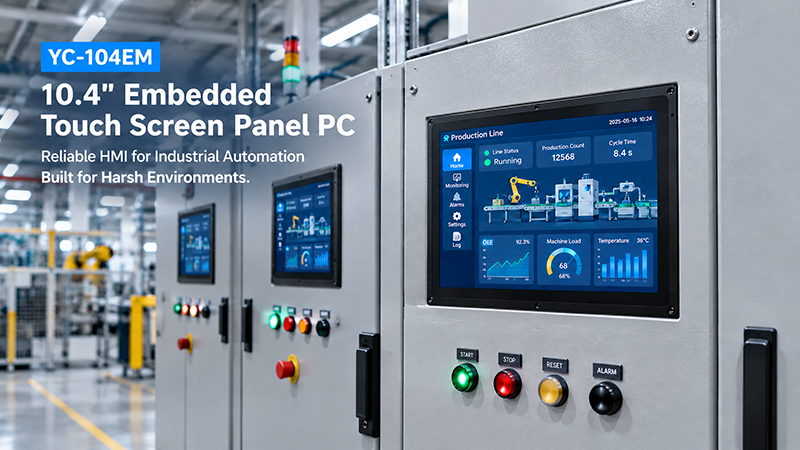
YC-104EM touch screen solutions
1. Boot Logo, Startup Animation, and Automatic Application Launch
Customized startup behavior is one of the most common requirements for OEM Android industrial panel PCs.
When a device is built into a machine or marketed under a customer’s brand, the standard Android startup screen may not suit the finished product.
Firmware customization may include:
Boot logo customization: Replace the default manufacturer logo with the customer’s company logo or product branding.
Boot animation: Show a custom animation while the system starts.
Custom launcher: Replace the standard Android home screen with a dedicated interface for industrial use.
Automatic application launch: Open the designated HMI or control application once Android has completed startup.
Unnecessary application removal: Remove or disable applications that the product does not require, when supported by the system build.
For instance, an industrial touchscreen terminal installed on a packaging machine may need to display the machine manufacturer’s logo during startup and automatically open the production monitoring interface.
Operators should not have to navigate the standard Android desktop each time the machine is powered on.
A customized startup sequence helps ensure a consistent user experience across all deployed units.
2. Android System Optimization and Kiosk Mode
Industrial panel PCs are often built to run one application or a small number of specific functions. In these cases, unrestricted access to the Android desktop can introduce unnecessary complexity.
System customization can limit the device to its intended use.
Common requirements include:
- Hiding or limiting the status bar and navigation controls.
- Blocking unauthorized access to Android settings.
- Disabling system applications that are not needed.
- Setting screen timeouts and automatic display behavior.
- Limiting application installation.
- Preventing operators from exiting the designated application.
- Setting up automatic recovery or application restart behavior.
Kiosk mode is especially useful for industrial HMI terminals, public information displays, and self-service equipment.
There are several ways to implement kiosk behavior. Android lock-task mode and device-owner management offer a structured solution for dedicated devices, while more extensive restrictions may require changes to the framework or firmware.
Implementation should also account for maintenance. Engineers may need controlled access to system settings, update installation, or troubleshooting tools without making these functions available to everyday operators.
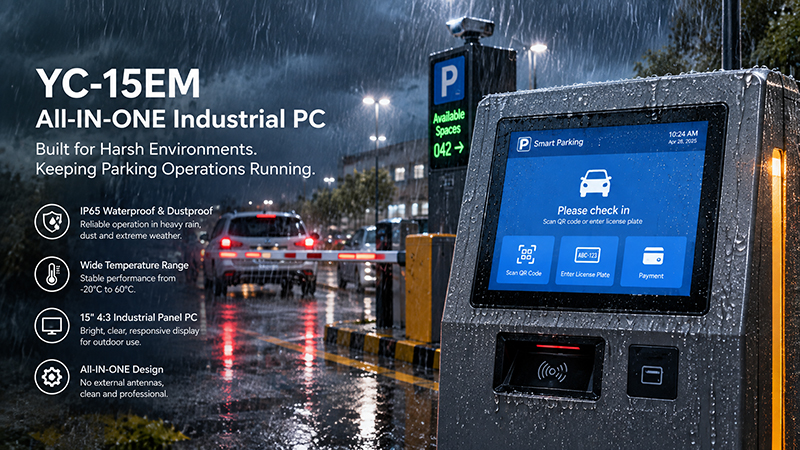
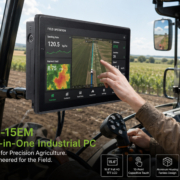
YC-15EM touch screen solutions
3. Hardware Driver and Peripheral Integration
Integrating hardware is one of the most technically significant aspects of Android firmware customization.
An industrial panel PC may include or connect to various components:
- LCD displays and touchscreen controllers.
- Ethernet and Wi-Fi modules.
- Bluetooth devices.
- USB peripherals.
- RS232 and RS485 interfaces.
- GPIO inputs and outputs.
- Cameras and audio devices.
- CAN or other project-specific interfaces.
Android must detect these components and provide an appropriate software interface for applications to use them.
For instance, choosing a new display panel may require firmware changes to display timing, backlight control, resolution, and orientation.
If a project uses a different touchscreen controller, its kernel driver and device configuration may need to be modified.
Industrial communication interfaces can involve more complex requirements. The presence of a physical RS485 port does not, by itself, guarantee that an Android application can access it. The system may need a supported serial driver, device permissions, an SDK, or a dedicated system service.
This is why hardware and firmware development should be planned together. Adding a connector to the motherboard is only one part of making an interface usable.
Android’s device-specific configuration and ODM customization mechanisms provide ways to adapt system software to different hardware designs.
4. Android BSP Customization: The Foundation of Industrial Firmware
In more advanced projects, Android firmware customization typically begins with the Board Support Package (BSP).
The BSP provides the software foundation that enables Android to operate on a specific processor and motherboard.
For Rockchip-based industrial panel PCs, BSP customization may include:
U-Boot and bootloader configuration: Tailor startup behavior and hardware initialization.
Kernel configuration: Enable or adjust the drivers required by the device.
Device Tree configuration: Specify hardware resources such as the display, touch controller, serial ports, GPIO, and power management.
HAL integration: Connect hardware capabilities with Android system services.
Framework customization: Adjust system-level behavior and application access as needed.
Vendor and product configuration: Incorporate board-specific components, libraries, and system applications.
The exact scope depends on the processor, Android version, motherboard design, and peripheral selection.
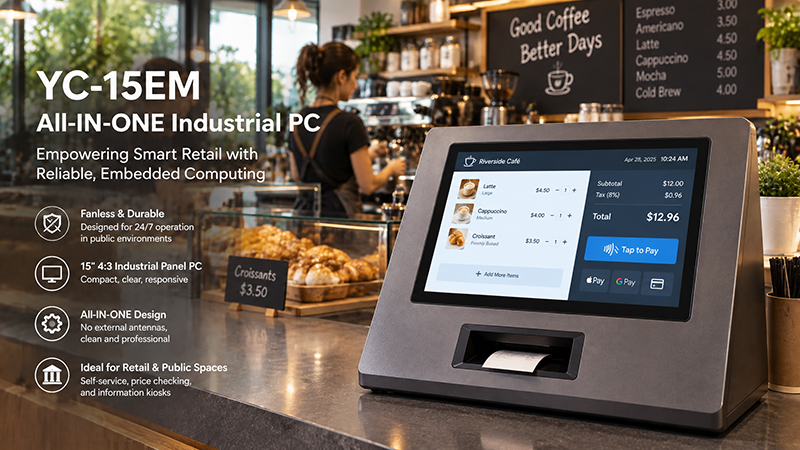
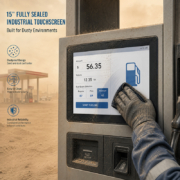
YC-15EM touch screen solution
For example, an Android industrial panel PC based on RK3566 may use a different BSP configuration from a device based on RK3576 or RK3588. Even two products using the same processor may require different device configurations if their displays, touch controllers, or peripheral layouts are different.
A reliable BSP is therefore essential for projects involving custom hardware.
5. Android Version Selection and Compatibility
Firmware customization should start with a well-defined choice of Android version.
The newest Android release is not necessarily the most suitable option for every industrial use case.
The chosen version must be supported by the processor platform, vendor BSP, device drivers, and application software.
Before finalizing the firmware baseline, consider the following:
- Which Android versions are officially supported by the selected hardware platform?
- Does the required application support the chosen Android version?
- Are the required drivers available?
- Does the application depend on specific Android APIs?
- Are third-party SDKs compatible?
- Can the selected version be supported throughout the product lifecycle?
An existing application or peripheral SDK may require a project to use a particular Android version. In such cases, compatibility and long-term maintainability should take precedence over selecting the latest release.
OEM customers benefit from defining the Android version and firmware baseline before sample development begins. A late operating system change can add driver, application, and validation work.
6. OTA Updates and Firmware Maintenance
Firmware customization continues beyond the first successful device startup.
Industrial panel PCs may be deployed across numerous machines, factories, and customer sites. Manually updating every unit can be costly and challenging to manage.
Depending on the hardware and system architecture, firmware maintenance may support several update methods:
USB or local update: Engineers install firmware from a USB drive or another local storage device.
SD card update: On supported platforms, a prepared storage card can be used to install firmware or recover the system.
Network-based OTA: Devices receive update packages through a remote update service.
Application-only updates: Customers update the APK without replacing the complete Android system image.
A comprehensive update strategy should address more than the installation process. It should also cover:
- Firmware version identification.
- Compatibility of update packages.
- Digital signature and package validation.
- Recovery from interrupted updates.
- Rollback or recovery procedures, where available.
- Update permissions and authentication.
- Preservation of device-specific configurations.
- Release documentation and change tracking.
For instance, a fleet of industrial terminals may require a new HMI application without altering existing hardware drivers or system settings.
Keeping application updates separate from full firmware updates can improve maintenance efficiency.
Android provides system partitioning and update mechanisms that manufacturers can tailor to their device architectures. The most suitable method depends on the Android version and the specific product implementation.
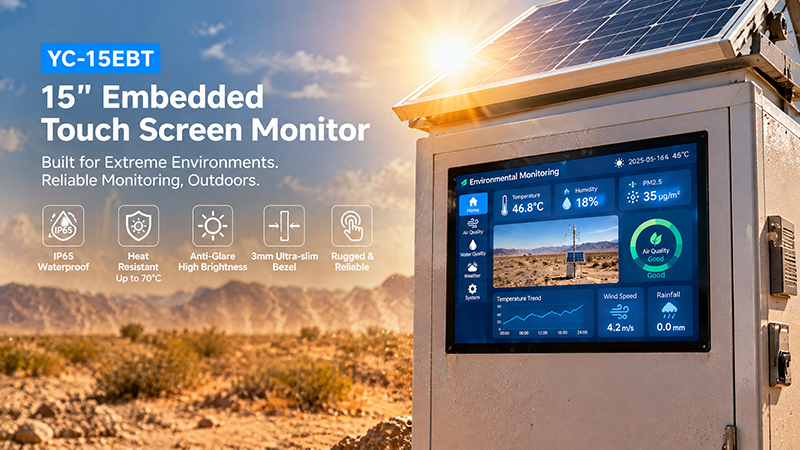
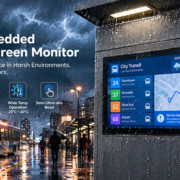
YC-15EBT High-temperature outdoor scene
7. Power Management, Watchdog, and Continuous Operation
Industrial equipment may operate for extended periods without direct operator supervision, making firmware behavior during unexpected events a critical consideration.
For instance, an industrial panel PC may encounter a temporary network outage, application failure, or power fluctuation.
Depending on the application, firmware and system software can be configured to provide:
- Automatic application restarts.
- Watchdog-based system recovery.
- Configurable screen sleep and wake behavior.
- Power-on startup behavior.
- Recovery after an unexpected shutdown.
- System error logging.
- Controlled shutdown and data synchronization.
A watchdog can identify certain system failures and initiate recovery, but it cannot replace sound application design or appropriate hardware protection.
Likewise, an abrupt power loss may affect data that has not yet been written to storage. Projects that keep production records locally should consider appropriate storage management, power design, and data recovery procedures.
The goal is not merely to make Android boot, but to ensure the entire system recovers predictably under realistic operating conditions.
8. Firmware Customization vs. Application Customization
Not every OEM project requires deep firmware development. Understanding the difference can help control development cost and project schedules.
| Customization Type | Typical Work | Development Level |
|---|---|---|
| APK customization | Application logo, interface, functions | Application layer |
| Boot branding | Boot logo, animation | System image |
| Auto-run configuration | Launch application after startup | System configuration |
| Kiosk configuration | Restrict user access and navigation | Device management or system layer |
| Driver integration | Support custom touchscreen, camera, or peripherals | Kernel and driver layer |
| Interface integration | Enable RS485, GPIO, CAN, or special hardware access | Kernel, HAL, SDK, or system service |
| BSP customization | Adapt Android to a specific motherboard | Platform and system level |
| OTA customization | Build and manage firmware update processes | System and update infrastructure |
For a basic branded HMI, customizing the application and startup experience may be sufficient.
Machines with custom I/O, specialized peripherals, or a distinctive motherboard may require BSP and driver-level development.
Before recommending a firmware customization scope, the supplier should assess the project’s actual requirements. This helps prevent unnecessary system modification costs while ensuring support for essential hardware functions.
9. Preparing for an Android Firmware Customization Project
A detailed technical specification can substantially reduce communication issues among the customer, hardware manufacturer, and software development team.
Before beginning an OEM firmware project, compile the following information.
| Requirement | Information to Provide |
|---|---|
| Processor platform | RK3566, RK3568, RK3576, RK3588, or other |
| Android version | Required or preferred Android release |
| Display | Screen size, resolution, interface, orientation |
| Touchscreen | Controller model and touch behavior |
| Connectivity | Ethernet, Wi-Fi, Bluetooth |
| Industrial I/O | RS232, RS485, USB, GPIO, CAN, etc. |
| Startup behavior | Logo, animation, launcher, auto-run APK |
| System restrictions | Kiosk mode, settings access, application permissions |
| Peripheral support | Scanner, printer, camera, sensors, external controllers |
| Update method | USB, SD card, network OTA, or application update |
| Production requirements | Sample quantity, expected volume, firmware version control |
Providing physical peripheral samples, technical datasheets, interface specifications, and application requirements is also beneficial.
These materials enable engineers to verify compatibility with the actual hardware rather than relying solely on a written feature list.
A typical development process includes reviewing requirements, adapting the BSP, integrating peripherals, testing firmware, validating samples, and preparing for production release.
Before mass production, test the final firmware on the intended hardware configuration. Validation should include startup, repeated power cycles, touchscreen operation, peripheral communication, extended runtime, and update or recovery procedures.
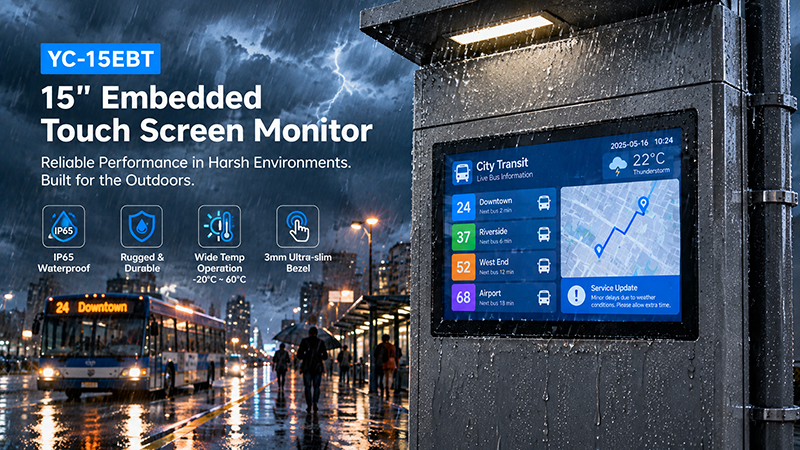
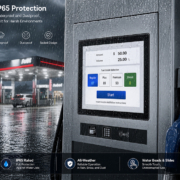
YC-15EBT touch screen solutions
10. Portworld Android Industrial Panel PC Firmware Customization
Portworld supports OEM manufacturers developing industrial HMI terminals, smart control panels, and customized touchscreen equipment with embedded hardware platforms and Android customization services.
Its embedded computing portfolio includes Rockchip-based platforms that can be assessed for a range of industrial applications.
For example:
YC-P3566: An embedded motherboard platform powered by the Rockchip RK3566, suitable for evaluating Android HMI, equipment monitoring, and embedded control applications.
YC-P3576: A Rockchip RK3576-based platform designed for applications that need higher computing performance and more advanced embedded capabilities.
YC-Core3588: A Rockchip RK3588 system-on-module featuring an octa-core CPU and a 6 TOPS NPU, designed for demanding multimedia and edge AI applications.
For complete industrial touchscreen solutions, Portworld also offers products including the YC-104EM 10.4-inch industrial panel PC and the YC-215EM 21.5-inch industrial all-in-one panel PC.
Confirm the available firmware, processor, display, and interface configurations for the specific model and project.
Portworld’s OEM/ODM customization services can support several aspects of an Android industrial panel PC project:
- Hardware and motherboard customization: Processor selection, memory configuration, PCB/PCBA design, and peripheral interfaces.
- Android system customization: Boot logo, startup animation, launcher, automatic APK launch, kiosk behavior, and system configuration.
- BSP and peripheral integration: Adaptation of the display, touchscreen, Ethernet, serial ports, GPIO, and other supported hardware.
- Software integration: SDK support, technical documentation, application integration, and hardware access requirements.
- Product customization: Enclosure design, mounting structure, logo, model identification, and packaging.
With over 18 years of experience developing touchscreen and embedded hardware, Portworld supports OEM/ODM projects at every stage, from platform assessment and sample development through customized production.
For customers planning an Android industrial panel PC, sharing their preferred processor, Android version, display specifications, peripheral list, application requirements, and update strategy early enables the engineering team to assess the firmware scope more accurately.
Android firmware customization plays a vital role in creating a reliable industrial panel PC. It defines how the device boots, communicates with hardware, runs applications, controls user access, and receives future updates.
Straightforward projects may require only branding, automatic application launch, and kiosk configuration. More complex industrial applications may call for BSP adaptation, kernel driver development, hardware interface integration, and a tailored OTA strategy.