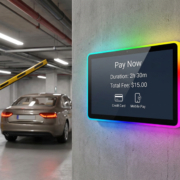
What Is an Interactive Digital Signage Display?
As enterprises pursue increasingly sophisticated methods for engaging their customer base, digital signage technology has undergone substantial transformation, transcending its traditional function as a medium for displaying advertisements, videos, or announcements. Contemporary commercial establishments frequently implement interactive digital signage systems that facilitate user engagement with information, enable product discovery, support spatial navigation, or permit direct task completion through screen-based interfaces.
Accordingly, what constitutes an interactive digital signage display, what operational principles govern its functionality, and under what circumstances should an organization evaluate the implementation of such technology?
An interactive digital signage display represents a digital screen equipped with user interaction capabilities through tactile input or alternative supported input mechanisms. In contrast to conventional digital signage, which predominantly disseminates information to a passive audience, an interactive display establishes bidirectional engagement between the user and the underlying digital infrastructure.
How Does an Interactive Digital Signage Display Function?
An interactive digital signage system generally integrates a display panel, a touch-responsive input mechanism, computational hardware, and specialized application software.
Upon user contact with the screen surface, the touch detection system identifies the input and transmits the corresponding spatial coordinates to the computational infrastructure. The application subsequently processes the interaction and modifies the presented content accordingly. For instance, activating a product category may expand a comprehensive product inventory, whereas designating a location on a navigational interface may generate directional information.
The system’s computing hardware executes the operating system and application software. Depending on the product architecture, this may consist of an embedded computing platform integrated within the display unit or a discrete connected computer system. Network connectivity further enables the system to obtain refreshed content, establish connections to data repositories, or facilitate communication with centralized management systems.
The precise capabilities are contingent upon the display hardware specifications, operating system selection, application software implementation, and network infrastructure configuration. A touchscreen interface alone does not inherently deliver capabilities such as electronic ordering, monetary transaction processing, or centralized content administration; these functionalities necessitate corresponding software solutions and system integrations.
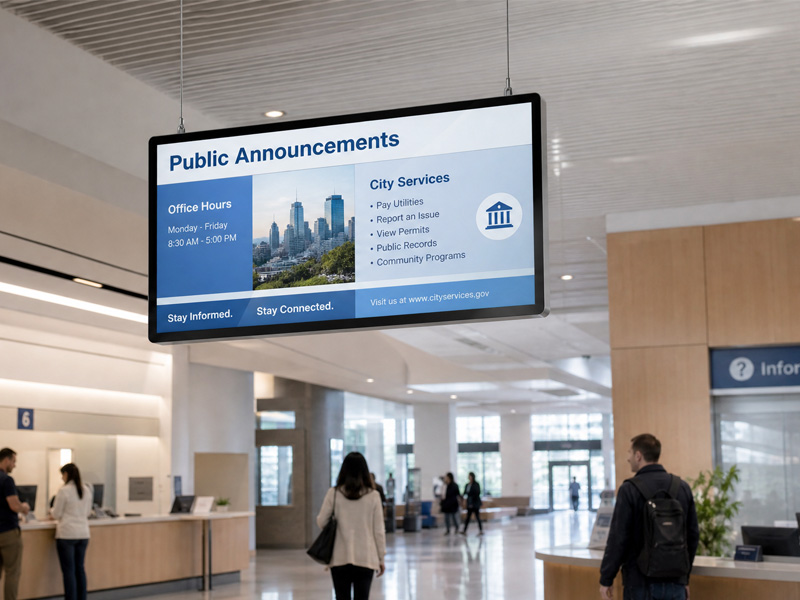
Stretch Bar Monitor
Interactive Digital Signage versus Conventional Digital Signage
The fundamental distinction pertains to user interaction methodology with the screen.
Conventional digital signage primarily disseminates information through programmed advertisements, marketing videos, organizational announcements, menu displays, and supplementary visual materials. The audience observes the screen content; however, typically exercises no authority over the displayed information.
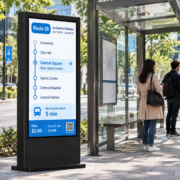
Interactive digital signage facilitates user selection of content and execution of operations. A consumer might conduct a product search, a visitor might locate a destination utilizing a building directory map, or a patron might examine a digital menu interface.
Both categories of signage can facilitate commercial communication. Conventional signage proves particularly effective when the objective is to communicate uniform messages to a broad audience, whereas interactive signage demonstrates greater value when patrons require tailored information, directional guidance, product investigation, or independent service capabilities.
Numerous commercial initiatives integrate both methodologies, employing an interactive platform for customer engagement while presenting marketing materials during periods of inactivity.
Primary Uses of Interactive Digital Signage
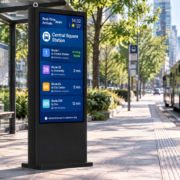
Interactive digital signage finds application in any setting where customers must retrieve information or execute functions via a digital platform.
Retail establishments and commercial shopping districts
Retailers can leverage interactive displays to enable customers to review product selections, obtain product specifications, investigate available offers, or identify store sections and locations. When integrated with appropriate inventory management or digital retail systems, the display may additionally furnish information regarding product stock levels or purchasing capabilities.
Food service establishments and expedited dining venues
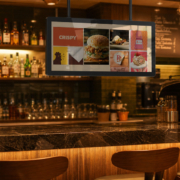
Interactive menu systems permit patrons to examine options, review item particulars, and personalize their selections. Should the application connect with order processing and payment infrastructure, it may additionally enable customer-directed ordering. These functionalities depend on the underlying software and integrated systems, rather than the display technology alone.
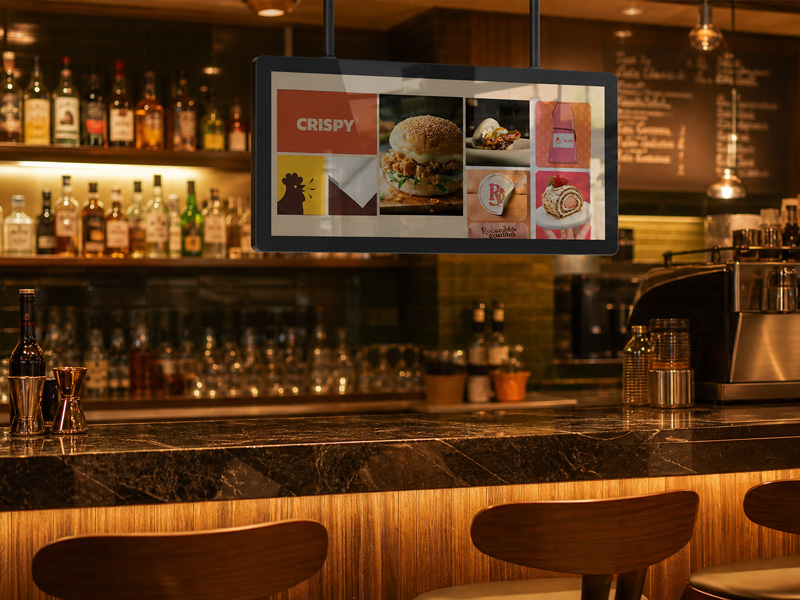
Stretch Bar Monitor
Hotels, offices, and commercial buildings
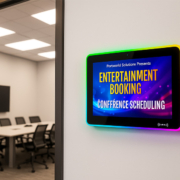
Interactive information terminals facilitate visitor navigation by enabling the location of meeting rooms, departments, facilities, and other destinations. Within office settings, touch-enabled displays serve additional functions including meeting room scheduling, visitor management, and organizational communications.
Museums, exhibitions, and visitor centers
Visitors possess the capability to examine digital collections, access supplementary content, choose preferred languages, and engage with multimedia materials independently. Interactive displays enhance information accessibility, thereby reducing the necessity for personnel to provide comprehensive explanations.
Healthcare and public service environments
Interactive terminals deliver wayfinding assistance, service particulars, registration procedures, and controlled access to designated digital services. When developing such applications, considerations regarding confidentiality, user accessibility, and technological integration are essential.
Industrial and enterprise environments
Touchscreen information terminals grant access to equipment performance metrics, operational documentation, analytical dashboards, or procedural information. The selection of appropriate hardware and software solutions depends upon the specific operational context and the integrated systems requiring connectivity.
The requisite hardware configuration is contingent upon the display dimensions, degree of user interactivity, computational demands, and the physical setting in which the system will be deployed.
The display panel constitutes the primary component, establishing critical specifications including screen dimensions, pixel resolution, luminosity levels, and visual performance characteristics. The touch interface facilitates user engagement and may incorporate advanced technologies such as projected capacitive touch sensing, contingent upon the specific model specifications.
The embedded motherboard furnishes the computational infrastructure necessary to execute the operating system and associated applications. Selection of processor capabilities, RAM capacity, storage capacity, graphics processing performance, and connectivity ports must align with the anticipated operational requirements.
Network connectivity represents a significant factor in system design. Internet connectivity via Ethernet or Wi-Fi may be essential for network operations, whereas USB connections, serial interfaces, or alternative communication protocols can facilitate integration with supplementary devices. Self-service kiosks, for instance, frequently necessitate connections to barcode scanners, printing devices, or payment card readers.
The structural framework and installation apparatus must correspond to the deployment context. Wall-affixed information displays, counter-positioned terminals, and independent kiosk installations each present distinct spatial constraints, user accessibility considerations, and requirements for cable organization and management.
For enterprise-level implementations, comprehensive evaluation of the integrated system architecture is imperative rather than making purchasing decisions based exclusively on display size parameters.
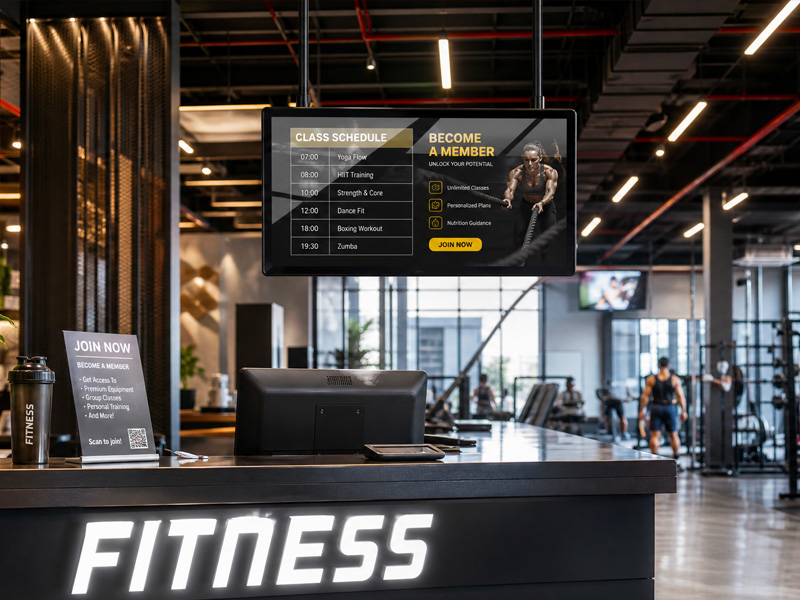
Stretch Bar Monitor
Why Embedded Hardware and Software Integration Matter
An interactive display needs to respond reliably to user input. If the computing platform, touch controller, operating system, and application are not compatible, users may experience slow responses, incomplete functionality, or connection problems.
Embedded hardware integration helps align the display with its intended application. Depending on the project, the manufacturer may assist with motherboard selection, interface configuration, peripheral integration, and hardware validation.
Software integration is equally important. The operating system and application must support the required touch functions, screen layout, network services, and connected devices. Some projects may also need application preinstallation, customized startup behavior, or integration with an existing content management platform.
For businesses developing their own products, an interactive digital signage manufacturer with OEM/ODM capabilities can help coordinate these hardware and software requirements during product development.
Yes. The extent of customization options available is contingent upon the manufacturer’s technical capabilities and the particular product platform selected.
Commercial applications frequently necessitate specific screen dimensions, resolution specifications, brightness levels, touch interface configurations, protective enclosures, installation methods, or particular communication protocols. Certain applications additionally require a customized embedded processing unit, a modified Android or Linux operating system, pre-configured software applications, or a proprietary user interface design.
Original Equipment Manufacturer (OEM) customization typically encompasses brand identity modifications, packaging adjustments, aesthetic refinements, and configuration adaptations to an established model. Original Design Manufacturer (ODM) development may encompass more comprehensive hardware engineering, enclosure fabrication, and industry-specific system integration.
Prior to soliciting a quotation, organizations should establish the intended use case, physical installation conditions, requisite connectivity options, required software capabilities, anticipated order volume, and planned implementation timeline. This information enables the manufacturer to evaluate whether an existing solution adequately addresses the requirements or whether supplementary engineering efforts are warranted.
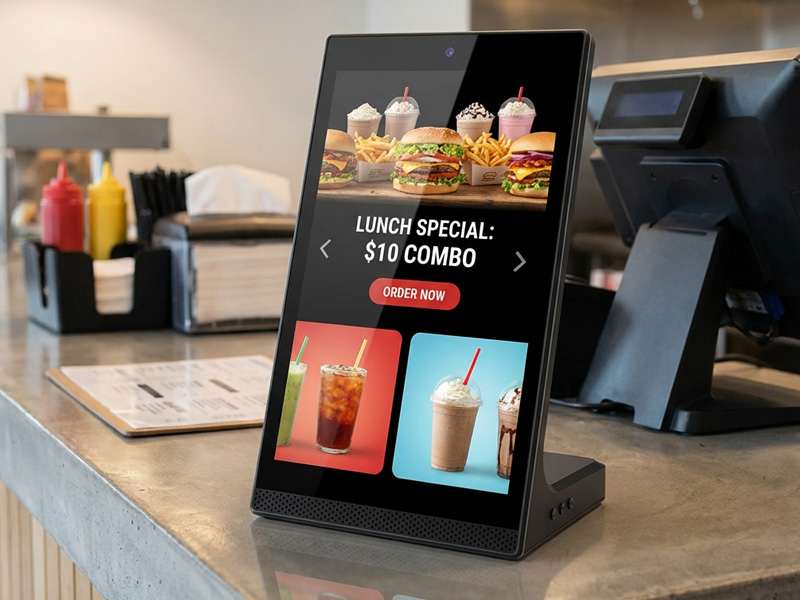
YC-L106 10.1-inch L-Shaped Digital Signage Display
Portworld Interactive Digital Signage Displays
Portworld, administered by Sunworld Technology Limited, delivers touchscreen displays, digital signage solutions, embedded motherboards, and bespoke hardware configurations designed for commercial and industrial environments.
Having accumulated more than 18 years of expertise in touchscreen and embedded hardware technologies, Portworld facilitates projects encompassing display selection, touch integration, embedded computing, interface configuration, and OEM/ODM customization services.
As an illustration, the YC-3201T 32-inch wall-mounted interactive digital signage display may be assessed for appropriate commercial information and interactive display implementations. Point-of-sale touchscreen variants, such as the YC-1561T and YC-2151T, represent additional options for initiatives requiring touch-capable display hardware.
The optimal selection depends upon the specified screen dimensions, mounting approach, processing specifications, connectivity options, and application requirements. Clients are encouraged to engage with Portworld representatives to assess their specific project parameters and identify the most appropriate product platform alongside customization requirements.
Is an Interactive Digital Signage Display Right for Your Business?
An interactive digital signage display is useful when people need to do more than view information. It can help customers explore products, visitors find destinations, diners browse menus, and employees access information through a touch-based interface.
However, not every project needs an interactive screen. If the goal is simply to broadcast announcements or promotional content to a large audience, traditional digital signage may be sufficient. Interactive displays are most valuable when user input improves the experience or helps complete a specific task.
By evaluating the application, hardware, software, connectivity, and installation requirements together, businesses can choose an interactive digital signage solution that fits their operational needs.