How Does a Touchscreen Control Panel Work in Home Automation?
Contemporary smart home technology is fundamentally reshaping how individuals engage with their residential environments. Encompassing lighting, temperature regulation, security, and entertainment systems, an increasing number of devices are becoming interconnected via Internet of Things (IoT) infrastructure.
Nevertheless, as the quantity of smart devices expands, the administration of numerous applications and control systems can prove increasingly challenging. A touchscreen control panel delivers a unified solution, enabling users to manage diverse smart devices through a single, user-friendly interface.
Accordingly, what is the operational mechanism of a touchscreen control panel within home automation systems?
A smart home touchscreen panel functions by integrating tactile input, specialized hardware components, software platforms, and communication standards to establish connections with and oversee multiple smart devices.
1. What Constitutes a Touchscreen Control Panel in Home Automation?
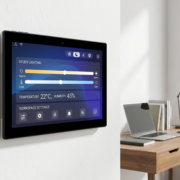
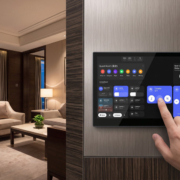
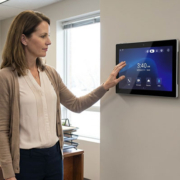
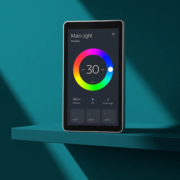
A touchscreen control panel is a wall-affixed intelligent device that serves as the primary control interface for a home automation system.
Rather than employing individual switches or smartphone applications, occupants can manage multiple systems from a singular display:
- Intelligent illumination systems
- Heating and air conditioning units
- Automated window coverings
- Electronic door locks
- Surveillance camera systems
- Power consumption management solutions
- Multimedia and entertainment systems
A standard smart home infrastructure comprises:
↓
Smart Home Gateway
↓
Smart Devices
The panel functions as the intermediary communication mechanism between occupants and networked devices.
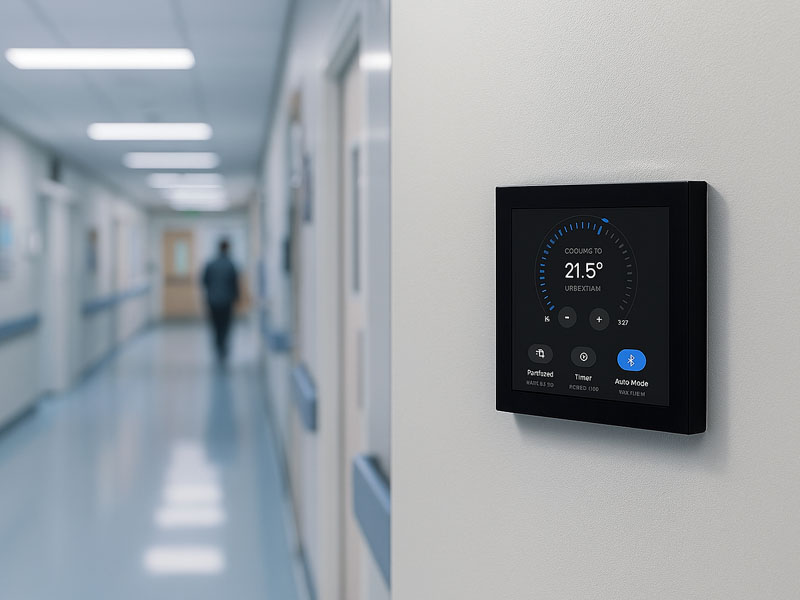
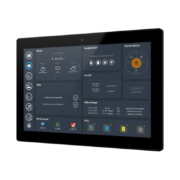
YC-SM10P
10.1 inch Smart Home Control Panel
2. What Is the Mechanism Behind Touch Control?
The majority of contemporary smart home control panels employ capacitive touchscreen technology.
When a user makes contact with the screen:
- The touch sensor identifies the alteration in electrical potential
- The touch controller determines the precise location of the touch
- The processor translates the action into a corresponding control command
- The software transmits the command to the target connected device
As an illustration:
User selects “Living Room Light”
↓
Touch Sensor
↓
Processor
↓
Lighting Controller
↓
Light Activates
Contemporary capacitive touch panels offer support for:
- Tap-based control
- Swipe-based gestures
- Multi-touch functionality
- Zoom and slide capabilities
This functionality delivers an intuitive user experience comparable to that of a smartphone.
3. The Function of the Processor in a Smart Control Panel
The processor serves as the fundamental component responsible for overseeing all system operations.
It performs the following functions:
- User interface rendering
- Touch response
- Communication protocols
- Smart automation logic
- Application execution
Various applications necessitate distinct processor configurations.
Microcontroller Unit-Based Smart Panels
For straightforward Internet of Things control applications, manufacturers frequently employ processors including:
- ESP32-S3
- ARM Cortex-M series
These are appropriate for:
- Intelligent switches
- Room management controllers
- Sensor interface systems
Key Benefits:
- Minimal power consumption
- Rapid response capabilities
- Economical design approach
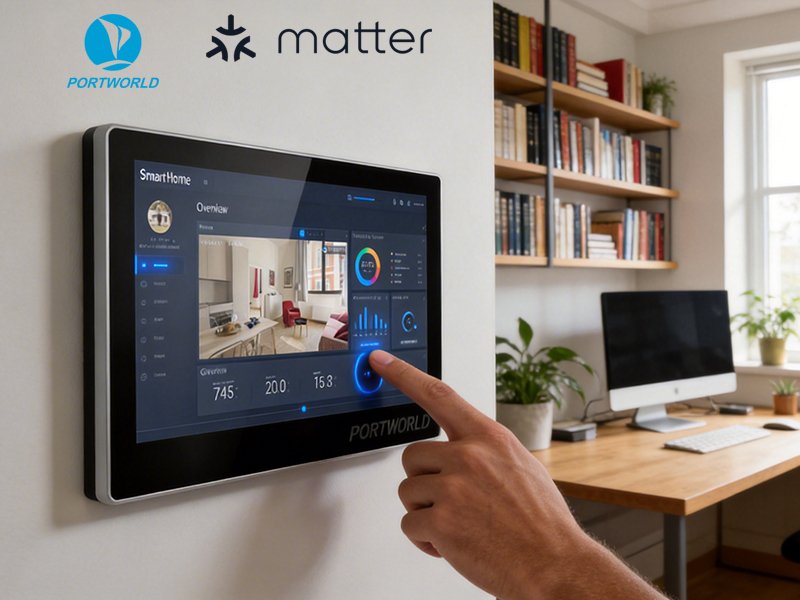
smart home control panel
Android-Powered Smart Control Panels
For sophisticated automation systems, ARM-based processors such as:
- Rockchip RK3566
- Rockchip RK3568
are widely implemented.
They facilitate:
- Android operating system compatibility
- Advanced graphical user interfaces
- Customized application development
- Multimedia processing capabilities
As an illustration, Portworld intelligent control panels utilize platforms including RK3566 to facilitate smart home, hospitality, and commercial office automation solutions.
4. How Does a Smart Panel Connect to Home Devices?
A touchscreen control panel establishes communication with smart devices utilizing various wired and wireless transmission technologies.
WiFi Connectivity
WiFi serves as the primary protocol for:
- Intelligent lighting systems
- Smart home appliances
- Security cameras
- Cloud-integrated devices
Example:
Touch Panel
↓ WiFi
Smart Light Controller
Advantages:
- Rapid data transmission
- Seamless network integration
- Broad device interoperability
- Bluetooth Connection
Bluetooth facilitates connectivity with:
- Intelligent door locks
- Wireless speakers
- Environmental sensors
- Proximity-based IoT devices
Bluetooth Low Energy (BLE) proves particularly effective for energy-efficient smart devices.
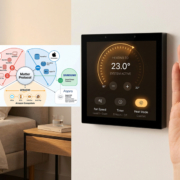
Zigbee and Matter Integration
Contemporary smart home ecosystems frequently employ energy-efficient communication standards including:
- Zigbee
- Thread
- Matter
A touchscreen panel can establish connections through an intelligent gateway infrastructure to regulate:
- Intelligent bulbs
- Environmental sensors
- Electrical switches
- Automated window coverings
Example:
Touch Panel
↓
Zigbee/Matter Gateway
↓
Smart Devices
RS485 and Modbus Communication
Within professional automation environments, wired communication protocols are extensively employed.
Typical applications include:
- HVAC systems
- Temperature controllers
- Energy meters
- Building automation equipment
The system architecture is structured as follows:
↓
RS485 / Modbus
↓
HVAC Controller
This configuration renders touchscreen panels particularly effective for smart residences, hospitality establishments, and commercial facilities.
5. Smart Home Scenes and Automation
A principal benefit of touchscreen control panels is their capacity for scene-based automation.
Rather than managing individual devices independently, users can establish personalized automation sequences.
Movie Mode
A single activation can:
- Reduce lighting intensity
- Secure curtains in closed position
- Initiate television operation
- Modify ambient temperature
Leaving Home Mode
The system is capable of:
- Deactivating all lighting
- Engaging door locks
- Modifying HVAC parameters
- Initiating security surveillance
Welcome Home Mode
The panel can execute:
- Entrance illumination activation
- Optimal temperature configuration
- Curtain extension
6. Bidirectional Communication and Device Feedback
A smart control panel functions not merely as a command transmitter.
It possesses the capability to acquire real-time data from interconnected devices.
Illustrative instances include:
- Ambient room temperature
- Moisture levels
- Entryway access status
- Power utilization metrics
- Safety system notifications
This functionality enables users to supervise and regulate their residential environment with enhanced intelligence.
Illustrative scenario:
Temperature Sensor
↓
Smart Control Panel
↓
HVAC System Modification
↓
Optimal Living Conditions
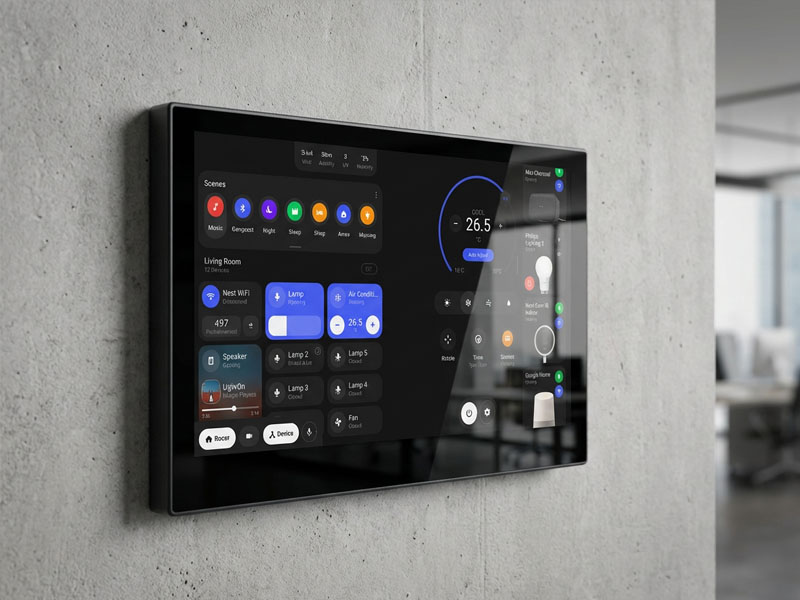
smart home control panel
7. Advantages of Touchscreen Control Panels Over Mobile Applications
While smartphone applications offer practical utility, a wall-integrated control panel delivers numerous benefits.
Unified Device Management
All connected devices may be operated from a single stationary interface.
Simplified Accessibility
Household occupants and visitors can operate the system without requiring application installation.
Enhanced Operational Interface
Extensive touchscreen displays deliver:
- Transparent equipment status visibility
- Intuitive command execution
- Personalized interface layouts
- Refined Aesthetic Quality
An integrated smart panel contributes to a refined and contemporary architectural aesthetic.
8. Portworld Smart Home Touchscreen Control Panel Solutions
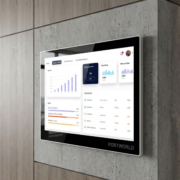
Portworld delivers tailored smart touchscreen panels designed for home automation, hospitality establishments, corporate offices, and integrated building management systems.
YC-SM43P ESP32-S3 Smart Touch Panel
Intended Applications:
- Internet of Things control
- Intelligent switching systems
- Embedded human-machine interface solutions
Technical Specifications:
- ESP32-S3 microprocessor
- 4-inch capacitive touch display
- WiFi and Bluetooth connectivity
- RS485 serial communication
- LVGL graphical interface compatibility
YC-L76 Smart Control Panel
Intended Applications:
- Residential smart home systems
- Hospitality sector installations
- Commercial office environments
Technical Specifications:
- RK3566 processor architecture
- Android and Linux operating system support
- 7.6-inch interactive touchscreen
- Ethernet connectivity with Power over Ethernet
- Bluetooth 5.2 wireless protocol
- RS485 communication interface
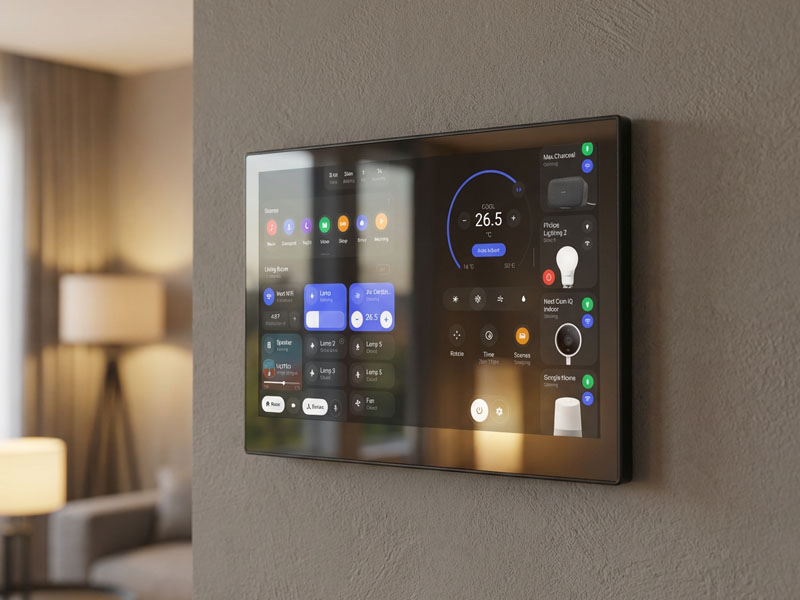
smart home control panel-2
YC-SM10P Android Smart Control Panel
Intended Applications:
- Comprehensive home automation solutions
- Luxury residential properties
- Intelligent building infrastructure
Technical Specifications:
- RK3566 processor architecture
- Android operating system
- 10-inch IPS liquid crystal display
- WiFi and Bluetooth wireless technologies
- Ethernet with integrated Power over Ethernet
- RS485 interface support
A touchscreen control panel functions within home automation systems by integrating touchscreen technology, embedded computing capabilities, and intelligent communication protocols to establish a unified control infrastructure.
The fundamental operational sequence is:
User Touch → Processor → Communication Protocol → Smart Device → Feedback
By supporting WiFi, Bluetooth, Zigbee, Matter, Ethernet, and RS485 protocols, contemporary touchscreen control panels deliver a versatile platform for regulating illumination, climate control systems, security mechanisms, window treatments, and additional Internet of Things devices.