Apple HomePod vs Android Smart Home Control Panel: Which Is Better?
Comparing Voice Assistants and Touchscreen Automation Hubs
The management of smart homes has progressed from basic remote controls to sophisticated systems that unify lighting, HVAC, security, entertainment, and IoT devices.
Two prominent methods include:
Apple HomePod — a voice-centric smart home hub tailored for the Apple ecosystem.
Android smart home control panel — a touchscreen-based automation interface intended for visual management and system integration.
Although both solutions can oversee smart devices, they cater to distinct user requirements and functionalities.
What Is Apple HomePod?
Voice-Controlled Smart Home Assistant
Apple HomePod is a smart speaker designed around Apple’s smart home ecosystem. It utilizes Siri for voice control and is compatible with HomeKit / Matter devices.
Users can manage:
- Smart lights
- Smart plugs
- Thermostats
- Security devices
- Music systems
using voice commands or the Apple Home app.
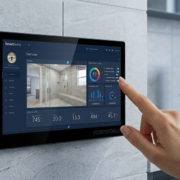
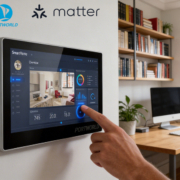
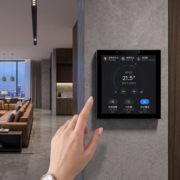
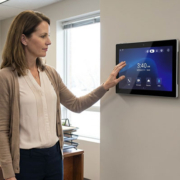
An Android smart home control panel is a touchscreen device mounted on the wall, intended for centralized automation management.
It generally features:
- Android operating system
- Capacitive touchscreen
- WiFi / Bluetooth connectivity
- Ethernet / PoE support
- RS485 / Modbus compatibility
- Custom automation applications
Users are able to manage devices via an engaging visual interface.
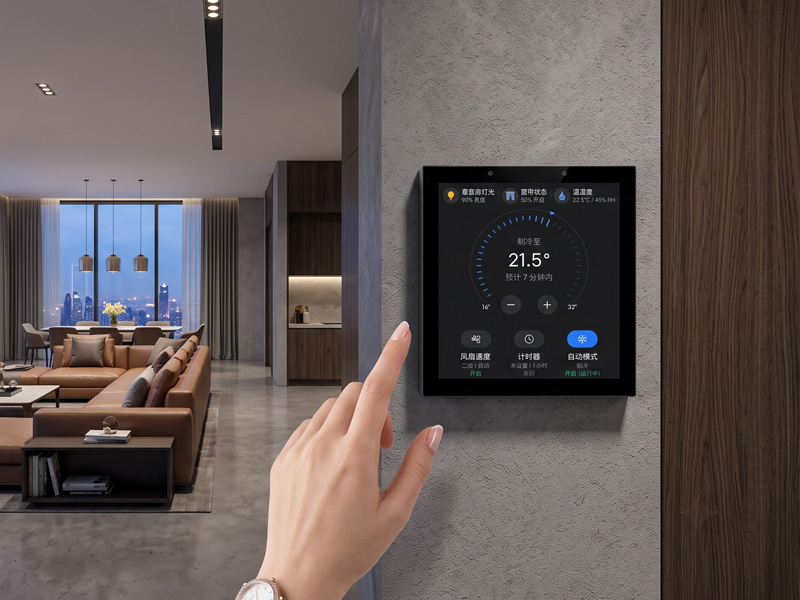
Smart Home Touch Control Panel
Apple HomePod vs Android Smart Control Panel Comparison
| Feature | Apple HomePod | Android Smart Control Panel |
|---|---|---|
| Main Control Method | Voice | Touchscreen + App |
| User Interface | Speaker + mobile app | Wall-mounted display |
| Device Visibility | Limited | Visual dashboard |
| Custom UI | Limited | Fully customizable |
| Installation | Desktop placement | Embedded wall installation |
| Professional Automation | Limited | Strong support |
| HVAC Integration | Depends on ecosystem | Supports HVAC protocols |
| RS485/Modbus | No direct support | Available |
| PoE Installation | No | Available |
| OEM Customization | Limited | Supported |
1. Touchscreen Control vs Voice Control
Apple HomePod
The primary benefit of the HomePod is its hands-free voice control feature.
Example:
“Hey Siri, turn on the living room lights.”
Advantages:
- Convenient operation
- Ideal for everyday household commands
- Compatible with Apple devices
Nonetheless, voice control may not be suitable in:
- Offices
- Hotels
- Meeting rooms
- Hospitals
- Commercial buildings
A touchscreen interface offers immediate visual management.
Users have the ability to:
- View device status
- Modify several systems simultaneously
- Establish automation scenes
- Visually monitor rooms
Example:
A single display can present:
- Lighting status
- Temperature
- Curtain position
- Security status
2. Smart Home Ecosystem Compatibility
Apple HomePod
Optimally functions with:
- Apple HomeKit devices
- Matter-compatible products
- Users within the Apple ecosystem
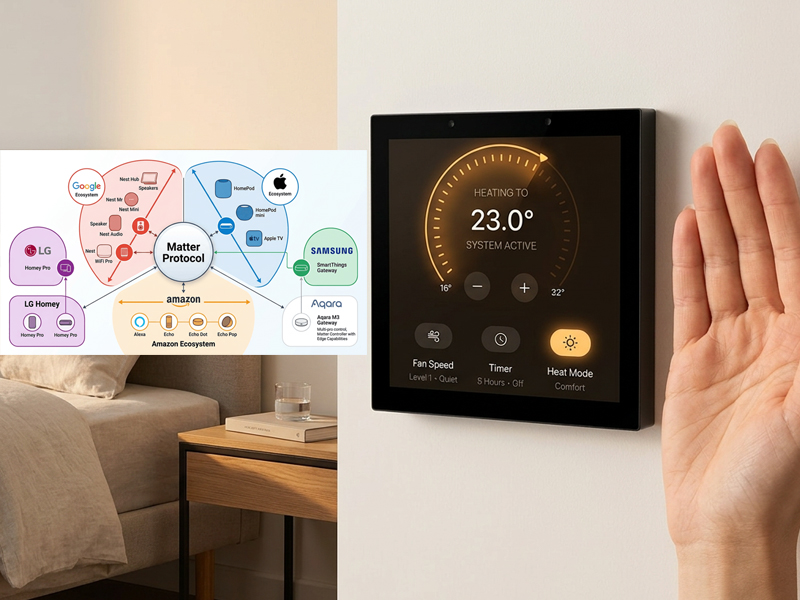
smart home control panel
It is particularly suited for individuals already utilizing:
- iPhone
- iPad
- Apple Watch
Android panels offer enhanced flexibility.
They are capable of supporting:
- Custom Android applications
- MQTT platforms
- Modbus systems
- RS485 devices
- Building automation systems
This versatility renders them ideal for professional projects.
3. Smart Building and Commercial Applications
In commercial settings, Android smart control panels present numerous benefits.
Hotels
Control includes:
- Room lighting
- Air conditioning
- Curtains
- Guest services
Offices
Control encompasses:
- Meeting rooms
- Conference equipment
- Energy systems
Hospitals
Control involves:
- Patient room devices
- Nurse call integration
- Environmental settings
The HomePod is primarily designed for residential smart home applications rather than professional automation.
4. Hardware Customization
Android smart control panels provide enhanced options for customization.
Potential customization includes:
Hardware
- Screen dimensions
- Processor type
- Ethernet connectivity
- Power over Ethernet (PoE)
- RS485 interface
- Camera integration
- Sensor options
- Software
Custom user interface (UI) - Brand logo incorporation
- Dedicated application support
- Cloud platform integration
This level of customization is crucial for OEM brands and system integrators.
5. Installation and Deployment
Apple HomePod
Intended for:
- Desktop use
- Residential settings
Requirements include:
- Power outlet
- WiFi connectivity
Android Smart Control Panel
Designed for:
- Wall-mounted installation
- Professional projects
Supports:
- 86-type wall boxes
- EU wall boxes
- US wall boxes
- PoE network installation
This facilitates a more organized installation in smart buildings.
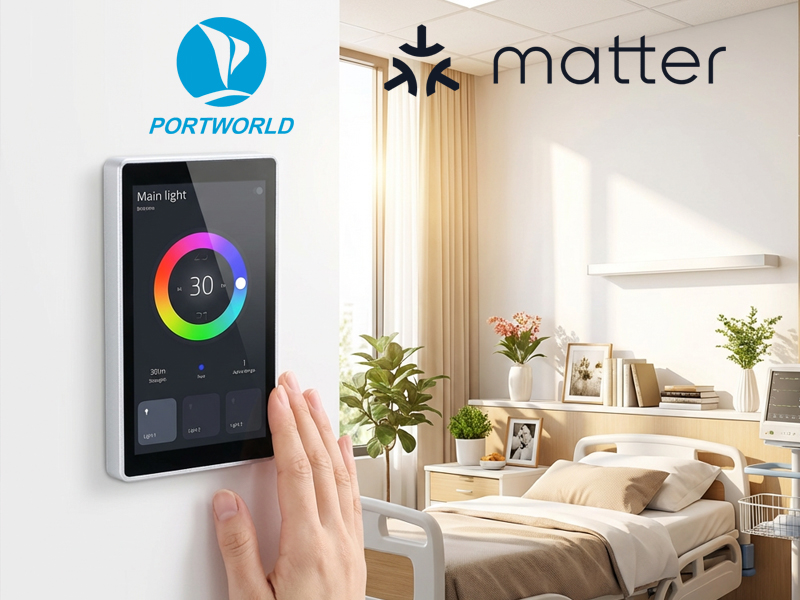
smart home control panel
Which Option Should You Select?
Select Apple HomePod If You Require:
- Effortless voice control
- Integration with the Apple ecosystem
- Features for music and entertainment
- Consumer-oriented smart home applications
Ideal for:
- Apartments
- Private residences
- Apple users
Select an Android Smart Control Panel If You Require:
Touchscreen operation
- Integration with professional automation
- Management of HVAC and lighting
- Custom application development
- Commercial use
Ideal for:
- Hotels
- Corporate offices
- Smart buildings
- Industrial IoT initiatives
Portworld Android Smart Control Panel Solutions
Portworld offers tailored Android/Linux smart control panels specifically designed for automation applications.
Examples:
YC-P5 5-Inch Smart Control Panel
- RK3566 processor
- Supports Android
- WiFi and Bluetooth connectivity
- Ethernet and RS485 interfaces
- Power over Ethernet (PoE) support
- YC-SM08P / YC-SM10P / YC-SM14P
- Compatibility with Android/Linux
- RK3566/RK3568 processors
- Touchscreen interfaces
- Connectivity for building automation
Ideal for:
- Smart homes
- Hotels
- Offices
- Healthcare facilities
- Commercial buildings
The Apple HomePod and Android smart control panels fulfill distinct roles.
The Apple HomePod functions as a user-friendly voice assistant tailored for consumer smart homes.
In contrast, Android smart control panels are professional automation terminals intended for visual control, system integration, and customization.
For extensive smart home initiatives, hotels, offices, and intelligent buildings, an Android touchscreen control panel offers enhanced flexibility and deployment capabilities.