How to Customize Yocto Linux for an Android-Free Digital Signage Display
As digital signage systems become increasingly specialized, numerous organizations are pursuing alternatives to Android. Yocto Linux delivers a robust framework for constructing bespoke, Android-independent digital signage displays featuring enhanced performance, managed software ecosystems, and sustained product support.
Spanning retail promotional screens to industrial data displays and intelligent building interfaces, Yocto Linux empowers manufacturers to engineer embedded solutions customized to distinct project specifications.
Why Select Yocto Linux for Digital Signage?
In contrast to conventional general-purpose operating systems, Yocto permits developers to construct a tailored Linux distribution incorporating exclusively the elements necessary for the application.
Primary benefits encompass:
- Reduced system footprint: Eliminate superfluous packages and processes.
- Tailored security: Govern operational services, access controls, and software deployment.
- Platform adaptability: Configure the system for particular processors and display connectivity options.
- Extended support lifecycle: Oversee software iterations and reproducible deployment procedures.
- Android-independent framework: Circumvent Android ecosystem reliance for specialized signage implementations.
1. Identify Appropriate Hardware Infrastructure
Hardware compatibility constitutes the cornerstone of a dependable Yocto digital signage infrastructure. Prevalent Rockchip architectures encompass RK3566, RK3568, RK3576, and RK3588.
The determination hinges upon display pixel density, multimedia processing demands, storage allocation, communication infrastructure, and operational sophistication.
During the preliminary phase, confirm that the designated platform incorporates adequate Linux BSP documentation, visual processing capabilities, multimedia decoding functionality, and connectivity standards including HDMI, LVDS, eDP, or MIPI DSI.
2. Construct a Personalized Yocto Linux Image
Yocto Project employs layers, recipes, and configuration files to develop customized Linux images.
A standard development workflow encompasses:
- Identify a suitable Yocto release and corresponding board support package.
- Establish settings for the target processor and hardware components.
- Incorporate the necessary graphics, networking, and multimedia libraries.
- Eliminate superfluous services and applications.
- Compile and validate the image on the intended device.
The resulting image can be refined specifically for a dedicated digital signage solution rather than a multipurpose desktop system.
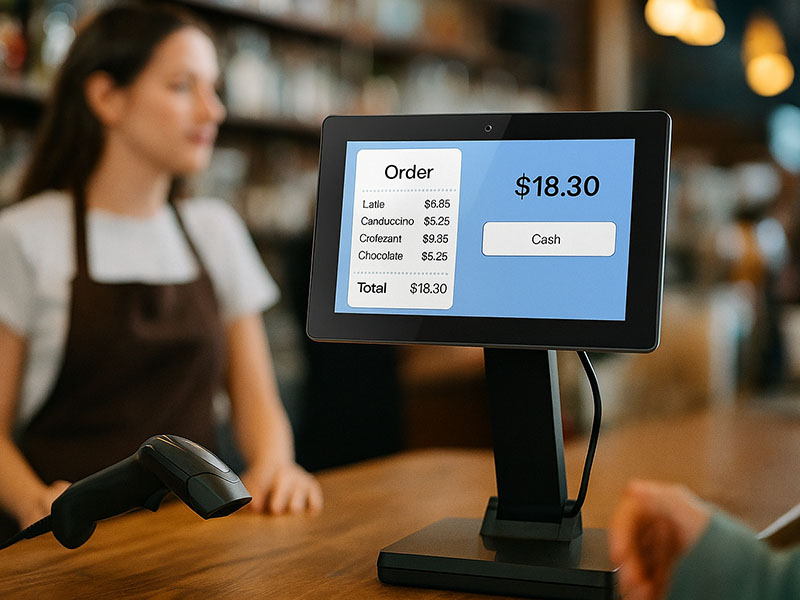
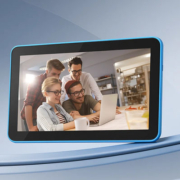
10.1″ Android/ Linux Wall Mount PoE Tablet
3. Incorporate Digital Signage Technology
An Android-free display requires a mechanism to display content and regulate playback operations.
Based on the specific use case, developers may incorporate:
- Chromium-based kiosk software solutions
- Qt or alternative embedded user interface frameworks
- GStreamer for video and audio playback capabilities
- Proprietary C/C++ applications
- Internet-connected content administration platforms
The optimal selection depends on whether the display requires video rendering, user input capabilities, internet-based content, or standalone functionality.
4. Personalize Connectivity and Remote Administration
Commercial signage displays frequently necessitate dependable remote administration capabilities.
Yocto Linux can be tailored to incorporate Ethernet, Wi-Fi, Bluetooth, and optional cellular connectivity when the hardware infrastructure supports such functionality.
Supplementary development efforts can deliver:
- Remote content provisioning
- Device performance monitoring
- Automated application initialization
- Encrypted remote access
- Over-the-air software updates
- Watchdog and system recovery protocols
These functionalities prove especially advantageous for administering displays distributed across numerous retail locations, transit hubs, or manufacturing environments.
5. Enhance System Dependability and Protection
For displays designed for uninterrupted operation, architectural considerations prove equally critical as computational capabilities.
Best practices encompass reducing superfluous processes, establishing automated application restoration, confirming video performance during extended operations, and deploying protected update and restoration procedures.
Engineers should additionally evaluate startup duration, RAM consumption, thermal characteristics, connectivity restoration, and prolonged playback functionality on the target platform.

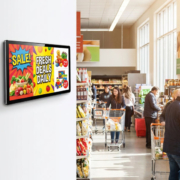
Wall-Mounted Digital Signage
Portworld: Specialized Yocto Linux Commercial Display Solutions
Portworld delivers specialized hardware and OEM/ODM engineering services for commercial signage and display technology applications.
Based on the chosen architecture and specific project parameters, modifications may encompass:
- Rockchip processor-based system development
- Linux board support package and bootloader customization
- Monitor and input device integration
- Wired and wireless network connectivity
- Proprietary interfaces and housing engineering
- Software platform and content management system integration
- Production prototyping and large-scale manufacturing
Customizing Yocto Linux for an Android-free digital signage display gives businesses greater control over software, hardware integration, security, and system performance.
The key is to select a compatible embedded platform, build a lean Linux image, integrate the right multimedia and management software, and thoroughly test the complete system.
With appropriate hardware selection and embedded Linux development, Portworld can support customized digital signage platforms for retail, smart buildings, transportation, and industrial applications.