How to Choose an Embedded Touch Screen Panel for Vending Machines
Touchscreens are becoming a key feature of modern vending machines. Rather than relying on conventional buttons and small digital displays, many systems now use interactive screens to present product catalogs, prices, promotions, payment instructions, and transaction updates.
Selecting an embedded touchscreen panel for a vending machine involves more than choosing a screen size. It must fit the machine’s enclosure, withstand frequent public use, remain legible in varying lighting conditions, and communicate effectively with the vending system.
This guide outlines the main factors to consider when choosing an embedded touchscreen for a vending machine.
1. Select the Appropriate Screen Size
The screen size should suit the vending machine’s design and the way users interact with it.
Display requirements vary across vending applications:
| Screen Size | Typical Applications |
|---|---|
| 4–7 inches | Compact vending machines and simple control interfaces |
| 10.1 inches | Product selection, payment instructions, and basic interactive menus |
| 10–15.6 inches | Smart vending machines with product images and promotional content |
| 21.5 inches and above | Large self-service vending terminals and interactive retail displays |
A compact screen may be adequate for product selection and transaction details. A larger display offers additional room for product categories, images, advertising, and interactive menus.
Before selecting a display, assess the available installation area, mounting dimensions, viewing distance, and whether the screen will be installed in portrait or landscape orientation.
Design the interface for touchscreen use as well. Buttons and payment instructions should be large enough for customers to use comfortably.
2. Choose the Appropriate Touch Technology
Vending machines are public-facing devices, and customers with varying levels of technical experience may use the touchscreen repeatedly throughout the day.
Projected capacitive (PCAP) touch is widely used in modern vending machines. It offers responsive finger input, a smooth glass surface, and multi-touch capability.
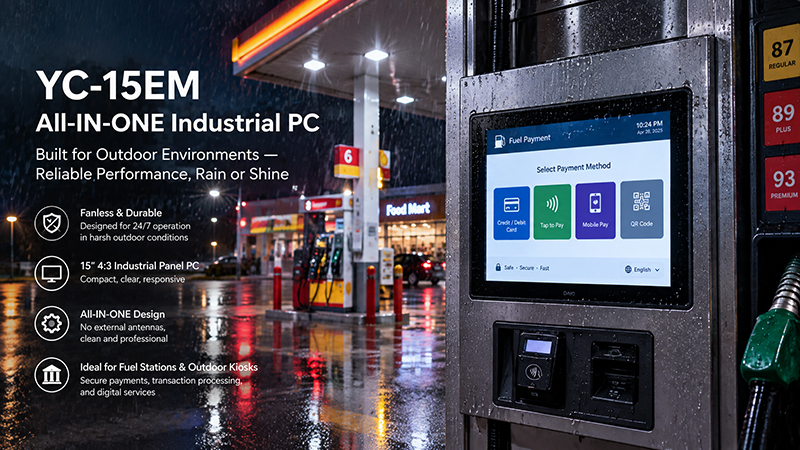
YC-15EM Embedded Touch Screen Panel
Consider these options:
- Projected Capacitive Touch
- Well suited to modern interactive menus.
- Supports finger input and multi-touch.
- Performs well beneath flat protective glass.
Can be configured to support certain gloves and wet-touch conditions, but these capabilities should be tested.
Resistive Touch
- Detects pressure rather than changes in capacitance.
- Can be operated with a stylus or many types of gloves.
- May suit simple interfaces or specialized operating environments.
For most indoor smart vending applications, PCAP is a practical starting point. For outdoor machines, test touch performance in rain, moisture, and other actual operating conditions before finalizing the design.
3. Consider Display Brightness and Outdoor Readability
Not every vending machine is installed indoors. Some are placed in parking areas, transit stations, campuses, outdoor retail settings, and other locations exposed to sunlight.
A display that appears clear inside a shopping mall may be hard to read in direct sunlight.
When choosing a touchscreen, consider the following:
- Brightness: Select a level suited to the strongest ambient light the display is likely to encounter.
- Anti-glare treatment: Reduces reflections from sunlight and overhead lighting.
- Viewing angle: Helps people read product information from a range of positions.
- Optical bonding: Minimizes internal reflections between display layers, which can improve visibility outdoors.
- Automatic brightness control: Balances visibility during the day with power consumption at night.
Maximum brightness is not always the ideal choice. It may increase power use and heat, so assess the display alongside the vending machine enclosure.
4. Check Front Protection and Durability
Since vending machines are open to public use, their touchscreens may be tapped frequently and exposed to cleaning, scratches, and accidental impacts.
Consider the following protection requirements:
Protective Cover Glass
Reinforced or laminated cover glass can shield the display from routine wear and accidental impacts. Select the glass thickness and construction to suit the intended application.
Front-Panel Protection
For machines installed outdoors or in locations exposed to water and dust, verify the protection rating of the entire front-panel assembly.
Do not assume that an IP rating applies to the whole vending machine simply because the touchscreen has a protected front surface.
Impact Resistance
For unattended public installations, assess the possibility of vandalism or accidental damage. Specify glass construction and impact protection suited to the installation location.
Temperature Range
Outdoor vending machines may face high internal temperatures in summer and low temperatures in winter. Check the display’s operating temperature range and the thermal conditions inside the machine.
For unattended payment equipment, rugged glass, waterproofing, and safeguards against accidental or deliberate damage are essential design considerations.
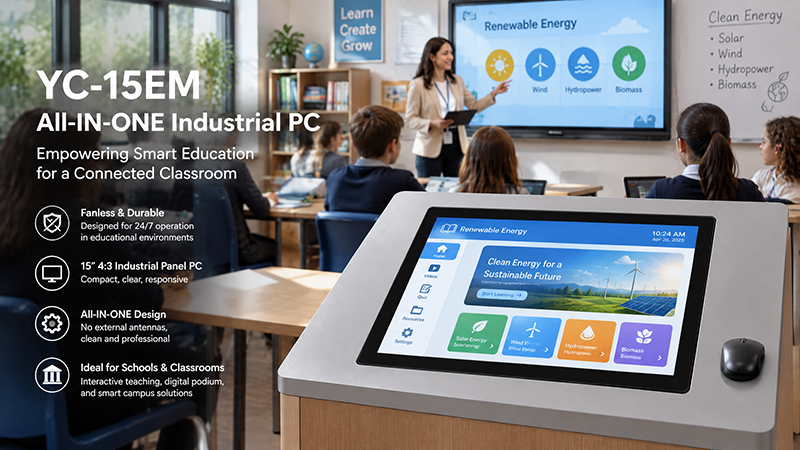
YC-15EM embedded touch screen
5. Choose Between a Touch Monitor and an Integrated Panel PC
Another key decision is whether the vending machine requires a touchscreen monitor or an all-in-one embedded Panel PC.
Touch Monitor
A touch monitor provides display and touch capabilities but depends on an external computer or controller.
It is suitable when:
- The vending machine already includes a mainboard.
- The application runs on a separate embedded computer.
- The manufacturer plans to upgrade the display independently.
- The computing hardware is installed elsewhere inside the machine.
Integrated Touch Panel PC
An embedded Panel PC integrates the display, touch interface, and computing hardware in a single unit.
It is suitable when:
- The touchscreen must run the vending application directly.
- A compact, integrated system is preferred.
- The project requires a customized operating system.
- The manufacturer wants to minimize the number of separate computing components.
- The best option depends on the vending machine’s existing architecture and software requirements.
6. Review Interfaces and System Integration
A vending machine is more than a touchscreen. It may include a main controller, payment terminal, QR code scanner, card reader, product dispenser, camera, printer, and communications module.
The display solution must integrate with this broader system.
Common interfaces to assess include:
| Interface | Possible Application |
|---|---|
| HDMI | Video connection to an external computing platform |
| USB | Touch communication, scanners, and peripherals |
| RS232 | Communication with compatible external devices |
| RS485 | Communication with supported industrial controllers |
| Ethernet | Network connection and remote management |
| Wi-Fi / Bluetooth | Wireless connectivity, depending on the system design |
Payment integration requires particular attention. Some vending systems use MDB (Multi-Drop Bus) to communicate with payment devices and vending controllers. A touchscreen does not automatically support MDB simply because it has USB or RS232. The required interface, protocol implementation, and controller architecture must be confirmed separately.
The touchscreen is also not automatically the payment-security component. Card processing and payment certification requirements should be handled by the appropriate payment hardware and software architecture.
7. Choose the Appropriate Operating System and Computing Platform
In smart vending machines, the embedded computing platform determines which applications the machine can run and how it connects with external devices.
Common operating system options include:
- Android: Well suited to interactive menus, multimedia content, and application-based interfaces.
- Linux: A practical choice for customized embedded applications and integration at the hardware level.
- Windows: May be suitable when the vending software relies on Windows-based applications.
- Choose a processor that matches the application’s workload.
For instance, a basic product-selection interface may need little processing power. By contrast, a smart vending machine that runs animations, video advertisements, remote monitoring, and several background services may require a more powerful processor and adequate memory.
Also assess long-term software support, remote updates, system recovery, and application startup behavior.
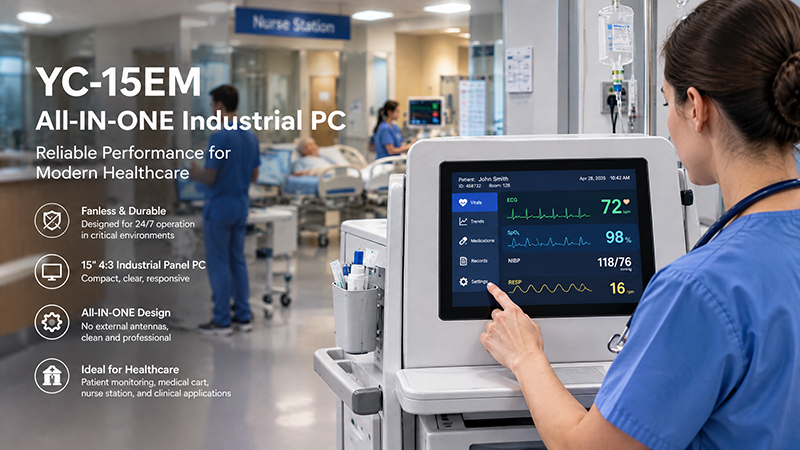
YC-15EM Embedded Touchscreen Solutions
8. Portworld Embedded Touchscreen Solutions for Vending Machines
Portworld offers industrial touch monitors and embedded touchscreen Panel PCs for consideration in smart vending machines and self-service equipment.
Suitable product options include:
YC-102EBT: A 10.1-inch touchscreen monitor featuring a 1280 × 800 resolution and 10-point capacitive touch. With HDMI and USB connectivity, it is suitable for systems that use an external computing platform.
- YC-104EM: A 10.4-inch industrial touchscreen Panel PC with integrated computing hardware, designed for applications that need an all-in-one interface.
- YC-215EM: A 21.5-inch industrial touchscreen Panel PC intended for larger interactive interfaces and self-service terminals.
For vending machine manufacturers, Portworld offers OEM/ODM customization options, including:
- Custom screen sizes and display configurations
- Motherboard and PCBA development
- Android or Linux system customization
- Interface and peripheral integration
- Customized enclosures and mounting structures
- Logo, boot animation, and software branding
The final configuration should be determined based on the machine’s mechanical design, application software, payment architecture, and operating environment.
Selecting an appropriate embedded touchscreen panel for a vending machine involves balancing user experience, durability, processing capability, and system compatibility.
A 10.1-inch touchscreen can offer sufficient space for product selection and payment instructions on compact indoor vending machines. Larger smart vending terminals may be better served by a 15.6-inch or 21.5-inch display, depending on the interface design.