Embedded Touch Screen Panels for Self-Service Kiosk Development
Self-service kiosks are common in retail stores, restaurants, hotels, hospitals, transit stations, and public service facilities. Whether ordering a meal, checking in, paying, or printing a ticket, users can complete these tasks without direct staff assistance.
An interactive touchscreen is at the core of most kiosks. It presents information, guides users through each stage, and links them to the system’s software and hardware.
Selecting an appropriate embedded touchscreen panel is therefore a key part of kiosk development. Developers must look beyond screen size: computing power, touch technology, connectivity, durability, and customization options all influence the finished system.
1. Identify Your Self-Service Kiosk’s Requirements
Kiosks vary in the types of interactions they must support.
For example:
- Retail kiosks: Product browsing, price checks, promotions, and purchases.
- Restaurant kiosks: Menu browsing, order customization, and payment guidance.
- Hotel kiosks: Guest check-in, reservation details, and identity verification.
- Hospital kiosks: Appointment registration, queue management, and access to information.
- Transportation kiosks: Ticket purchases, route details, and travel assistance.
- Public service terminals: Form submissions, information searches, and document processing.
- Before choosing a touchscreen, determine what users will do on the device and which peripherals the kiosk requires.
A basic information terminal may need only a touchscreen and a network connection. A payment kiosk may additionally require a card reader, QR code scanner, receipt printer, camera, or other peripherals.
These requirements will guide your choices of screen size, computing platform, and necessary interfaces.
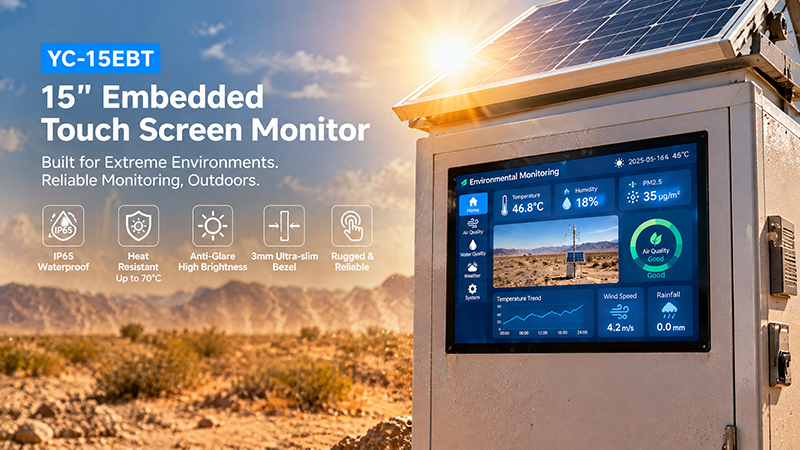
YC-15EBT High-temperature outdoor scene
2. Select the Appropriate Screen Size and Resolution
Screen size has a direct impact on how users interact with a kiosk.
A compact display may be suitable for straightforward tasks, while larger screens offer additional space for product images, menus, forms, and multiple interface elements.
| Screen Size | Typical Kiosk Applications |
|---|---|
| 7–8 inches | Compact information terminals |
| 10.1 inches | Small self-service ordering and registration |
| 10–15.6 inches | Retail, hotel, and ticketing kiosks |
| 15.6–21.5 inches | Restaurant ordering and interactive terminals |
| 24 inches and above | Large-format self-service and public information kiosks |
Choose a resolution that matches the screen size and the application’s content.
For instance, a 10.1-inch touchscreen with a resolution of 1280 × 800 can accommodate product selection, forms, and interactive menus. Larger kiosks that show detailed images or multiple content areas may require Full HD or higher.
Screen orientation is also important. Portrait displays are often well suited to browsing product lists and filling out forms, while landscape displays offer more horizontal space for dashboards and menus.
3. Choose the Right Touch Technology
Touch responsiveness is vital for self-service kiosks, where users interact directly with the screen and may do so repeatedly throughout the day.
Projected capacitive (PCAP) touch technology is widely used in modern kiosk applications.
Its benefits include:
- A smooth glass surface
- Responsive finger interaction
- Multi-touch capability
- Support for contemporary graphical interfaces
- Compatibility with flat front-glass designs
Resistive touch may also suit specialized applications in which users need to operate the screen with a stylus or certain types of gloves.
For kiosks intended for public use, PCAP is generally a practical starting option. The final selection, however, should reflect the operating environment.
For instance, outdoor kiosks may require touch controllers configured to work in wet conditions or when users are wearing gloves. These capabilities should be tested with the actual cover glass and enclosure.
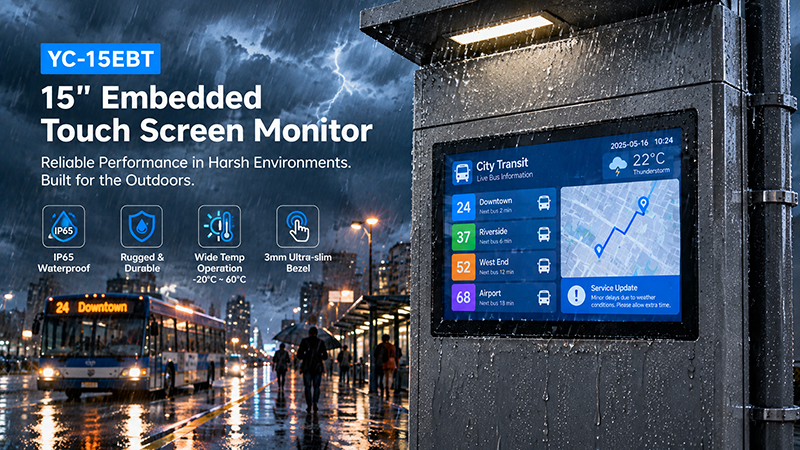
YC-15EBT touch screen solutions
4. Choose Between a Touch Monitor and an Integrated Panel PC
A key hardware decision is whether to select a standalone touch monitor or an integrated Panel PC.
Touch Monitor
A touch monitor provides a screen and touch input, while relying on a separate computer for processing.
It is a good choice when:
- The kiosk already includes a computing motherboard.
- The computer must be installed separately within the enclosure.
- The manufacturer plans to upgrade the display independently.
- The system uses a customized computing platform.
For example, Portworld’s YC-102EBT is a 10.1-inch touchscreen monitor featuring 1280 × 800 resolution and 10-point capacitive touch. It offers HDMI video input and USB touch communication for compatible external computers.
Integrated Touchscreen Panel PC
A Panel PC combines a touchscreen with built-in computing hardware.
It is a suitable option when:
- The kiosk application must run directly on the touchscreen device.
- A compact, all-in-one design is preferred.
- The project calls for a customized Android, Linux, or Windows environment.
- The manufacturer aims to simplify hardware integration.
Portworld’s YC-104EM and YC-215EM are examples of industrial touchscreen Panel PCs designed for integrated computing and touch interaction.
The best option depends on the kiosk’s software architecture, installation space, and maintenance requirements.
5. Verify Interfaces for Peripheral Integration
A self-service kiosk typically connects several devices to its main computing platform.
Common peripherals include:
- QR code and barcode scanners
- NFC or RFID readers
- Card payment terminals
- Receipt printers
- Cameras
- Speakers
- Microphones
- Status indicators
- Network modules
The embedded touchscreen solution must offer interfaces compatible with these components.
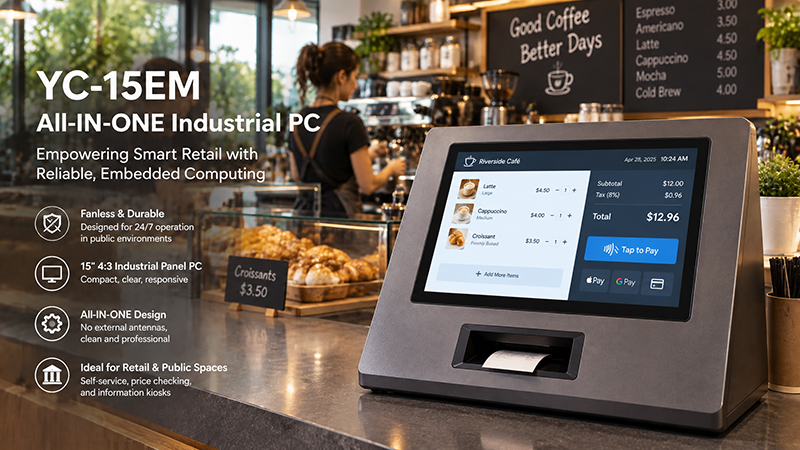
YC-15EM touch screen solution
| Interface | Common Integration Purpose |
|---|---|
| USB | Touch input, scanners, printers, and peripherals |
| HDMI | External display connection |
| Ethernet | Wired network and remote management |
| RS232 | Communication with compatible controllers and devices |
| RS485 | Communication with supported industrial equipment |
| GPIO | Hardware signals and customized control functions |
| Wi-Fi / Bluetooth | Wireless connectivity where required |
Not every touchscreen supports all these interfaces. Check the actual motherboard or monitor specification before finalizing the hardware design.
Payment integration also requires separate consideration. A USB connection does not automatically mean that a display supports a particular payment protocol or payment certification. Payment terminals and transaction software should be integrated according to the payment provider’s requirements.
6. Consider Computing Performance and the Operating System
The computing platform plays a key role in determining how reliably and smoothly a kiosk application operates.
A basic information kiosk may require only static content, web pages, and simple forms. More advanced systems may need to handle animations, product catalogs, video advertisements, database applications, and several background services.
Common operating system options include:
Android
Well suited to application-based interfaces, interactive menus, multimedia content, and customized kiosk applications.
Linux
A strong choice for embedded systems that need software flexibility, custom drivers, or integration with external hardware.
Windows
A practical option when the kiosk relies on Windows-based applications or existing enterprise systems.
Choose a processor suited to the kiosk’s actual workload. Also account for memory, storage, graphics performance, network connectivity, and long-term software support.
For projects that require customized hardware, Portworld provides embedded motherboard solutions based on Rockchip platforms, including RK3566, RK3568, RK3576, and RK3588.
7. Design for Continuous Operation and Public Use
Unlike personal touchscreen devices, self-service kiosks may run for long periods and experience frequent user interaction.
The display and enclosure should be designed to suit the conditions in which they will operate.
Key considerations include:
- Operating temperature: Verify the specified temperature range and the temperature inside the enclosure.
- Brightness: Choose a brightness level appropriate for indoor or outdoor use.
- Front protection: Assess the need for protective glass and suitable front-panel sealing.
- Touch durability: Confirm that the touchscreen can withstand frequent daily use.
- Cooling: Ensure the processor and other components can dissipate heat effectively.
- Remote maintenance: Plan for remote monitoring, software updates, and system recovery.
For outdoor kiosks, further validation is needed for sunlight readability, water resistance, dust protection, and touch performance in rain or other moisture.
Do not confuse the display’s front-panel IP rating with the protection rating of the entire kiosk.
8. Customization Options for Kiosk Manufacturers
Standard touchscreen products may not fully satisfy a kiosk’s mechanical or software requirements.
OEM/ODM customization enables manufacturers to create a solution better suited to their needs.
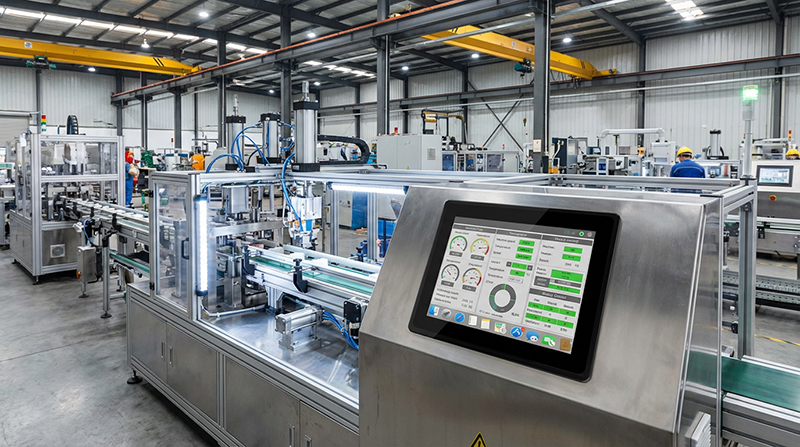
Industrial Embedded Touch Monitor
Common customization requirements include:
Display and Touch Customization
- Screen size and resolution
- Touch panel configuration
- Cover glass dimensions
- Brightness and surface finish
- Portrait or landscape orientation
Hardware Customization
- Motherboard and processor selection
- RAM and storage configuration
- USB, Ethernet, RS232, and RS485 interfaces
- Wi-Fi, Bluetooth, and optional wireless modules
- Custom PCB and enclosure design
Software Customization
- Android or Linux system configuration
- Boot logo and startup animation
- Automatic application launch
- Customized user interface and branding
- SDK and technical documentation
These options are particularly useful for kiosk manufacturers developing multiple product models or deploying the same hardware platform across different markets.
Portworld Embedded Touchscreen Solutions for Self-Service Kiosks
Portworld supplies industrial touch monitors, embedded touchscreen Panel PCs, and motherboard customization services for manufacturers of self-service equipment.
Available product options include:
- YC-102EBT: A 10.1-inch HDMI/USB touchscreen monitor featuring 1280 × 800 resolution and 10-point capacitive touch. It is suited to kiosk systems that use an external computing platform.
- YC-104EM: A 10.4-inch industrial touchscreen Panel PC with integrated computing hardware, designed for compact self-service interfaces.
- YC-215EM: A 21.5-inch industrial touchscreen Panel PC suited to larger interactive terminals and customer-facing applications.
Portworld provides OEM/ODM development services spanning motherboard design, PCBA customization, operating system configuration, interface integration, and enclosure development.
Drawing on more than 18 years of experience in touchscreen and embedded hardware solutions, Portworld helps manufacturers create customized display systems for a range of self-service applications.