Zigbee Smart Home Control Panels for Multi-Room Automation
As smart homes grow more sophisticated, managing lighting, curtains, air conditioning, and environmental sensors across multiple rooms can become increasingly complex.
A living room may require control of its lighting and curtains, while bedrooms may need temperature adjustments, lighting scenes, and motion detection. In larger homes, operating these functions through separate switches and apps can make the experience inconvenient.
Zigbee smart home control panels offer a practical solution.
Pairing touchscreen interfaces with a centralized Zigbee network enables systems to connect devices across rooms and deliver a more unified automation experience.
For smart home brands, system integrators, and OEM buyers, understanding how Zigbee integrates with touchscreen control panels is vital to developing multi-room automation solutions.
1. Why Choose Zigbee for Multi-Room Smart Home Automation?
Zigbee is a low-power wireless communication protocol commonly used in residential and commercial automation systems.
Unlike conventional point-to-point wireless connections, Zigbee enables mesh networking. Compatible devices can relay communications through other devices in the network, reducing reliance on a direct connection to a central gateway.
This approach offers several benefits for multi-room installations.
Flexible device placement: Zigbee-compatible sensors, switches, lighting controllers, and other devices can be installed in separate rooms without running dedicated network cables to each one.
Low-power communication: Zigbee is well suited to battery-powered devices, including door sensors, motion detectors, and temperature sensors.
Extended mesh coverage: Mains-powered Zigbee routers can relay messages between devices, helping expand network coverage across a property.
Centralized automation: A compatible gateway or controller can manage multiple Zigbee devices and make their functions available through a smart home control interface.
The Connectivity Standards Alliance highlights low-power mesh networking and interoperability as key characteristics of Zigbee technology.
2. How Does a Zigbee Smart Home Control System Work?
A standard multi-room Zigbee system includes three primary components:
- Smart home control panels.
- A Zigbee coordinator or gateway.
- Zigbee-compatible devices installed throughout the property.
The Zigbee coordinator establishes and manages the wireless network. Other devices join it and communicate through the coordinator or through supported routing devices.
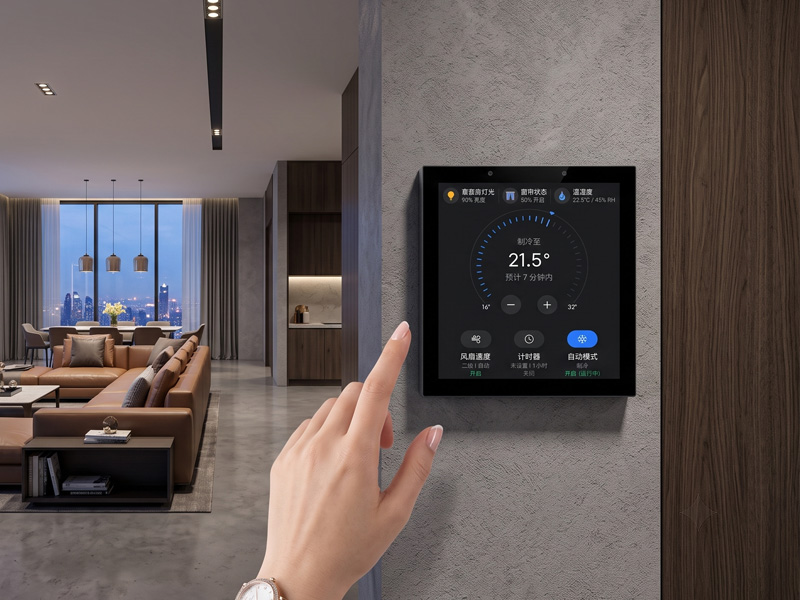
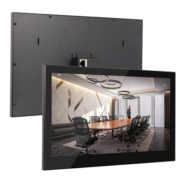
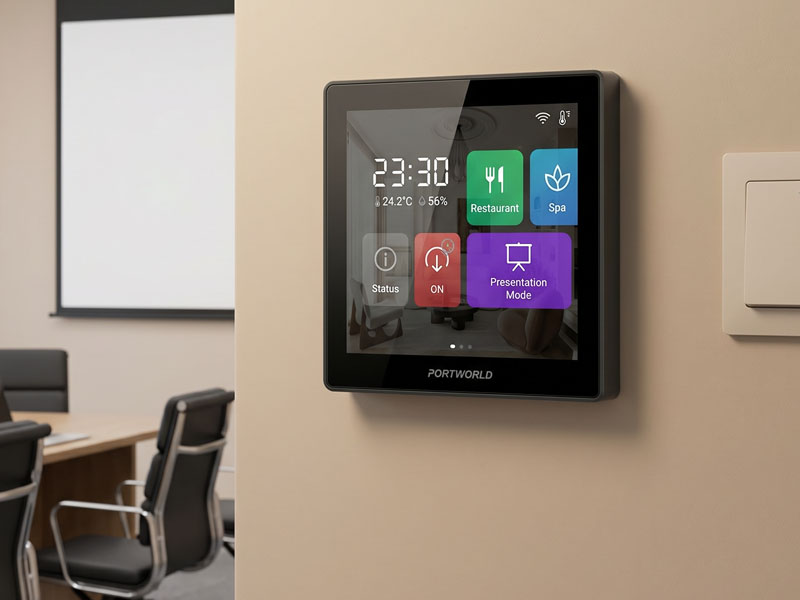
Smart Home Touch Control Panel
A typical system architecture is as follows:
Smart Home Control Panel → Zigbee Gateway/Coordinator → Zigbee Mesh Network → Connected Devices
For instance, a homeowner can use a touchscreen panel to switch on the living room lights, change the bedroom temperature, or enable away mode.
The control panel communicates with the automation platform, which then sends commands to the relevant Zigbee devices.
This architecture can be implemented in several ways:
- A dedicated Zigbee gateway connected to the smart home network.
- A controller with a built-in Zigbee coordinator.
- A smart home server running Zigbee software and connected to a compatible radio adapter.
An important distinction is that a touchscreen control panel is not automatically a Zigbee gateway. To manage the network directly, it must have compatible radio hardware and a Zigbee software stack.
3. Multi-Room Automation Applications
Zigbee is especially useful when each room requires distinct automation features that can all be managed through a single system.
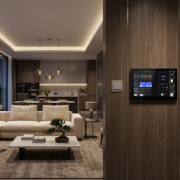
Living Room: Lighting and Scene Management
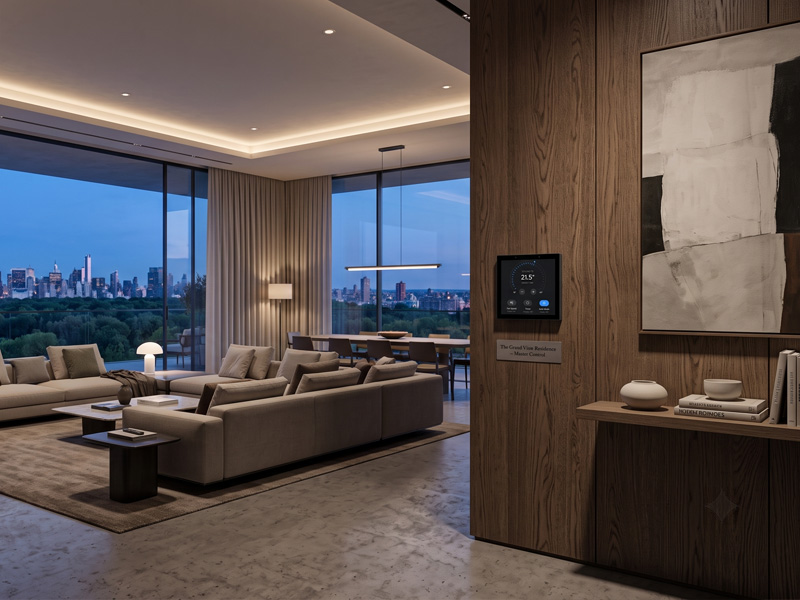
modern smart home living room ambient lighting smart wall touchscreen control panel
Living rooms often include several lighting circuits, curtains, and environmental sensors.
A Zigbee-based system can connect compatible lighting controllers, smart switches, curtain motors, and motion sensors.
Using a touchscreen interface, users can:
- Switch individual lights on or off.
- Adjust light brightness.
- Operate compatible curtain motors.
- Activate preset lighting scenes.
- Run automations triggered by motion or occupancy.
For instance, a Movie Mode scene could dim selected lights and close the curtains as part of a coordinated automation routine.
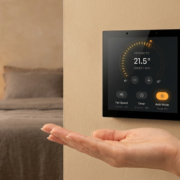
Bedroom: Lighting and Temperature Control
Modern bedroom with a wall-mounted smart home touchscreen thermostat and control panel
Bedrooms often benefit from convenient access to lighting and climate settings.
Zigbee-compatible devices can support room-level automation, including:
- Bedside lighting control.
- Temperature monitoring.
- Smart curtain operation.
- Motion-activated lighting.
- Night mode automation.
A wall-mounted touchscreen offers a convenient way to manage these functions without requiring users to open multiple applications.
Kitchen: Sensor-Based Automation
In the kitchen, Zigbee sensors and switches can enable useful automation features.
For example:
- Motion sensors can switch on lighting.
- Door sensors can track access to cabinets or pantries.
- Temperature sensors can report environmental conditions.
- Smart switches can operate compatible lighting circuits.
- These features can be incorporated into wider home automation routines.
YC-SM41P
4″ Smart Control Panel
Bathroom: Environmental Monitoring
modern smart bathroom humidity sensor ventilation smart home automation
Bathrooms can benefit from humidity tracking and automated ventilation.
A compatible Zigbee humidity sensor can transmit readings to the smart home system. If humidity rises above a configured threshold, the automation platform can switch on a compatible ventilation controller.
This can reduce the need for manual operation.
4. Understanding Zigbee Mesh Networking in Large Homes
One of the most important considerations for multi-room automation is wireless coverage.
Zigbee networks commonly use three device roles:
| Device Type | Main Function | Typical Example |
|---|---|---|
| Coordinator | Creates and manages the network | Zigbee gateway |
| Router | Forwards messages between devices | Smart plugs and powered lighting devices |
| End Device | Sends and receives data without routing | Battery-powered sensors |
A Zigbee network has one coordinator, while multiple routers and end devices can participate in the same network.
How Mesh Networking Extends Coverage
Consider a two-story home with a Zigbee coordinator positioned near the living room.
Some sensors in the bedrooms may be too distant to communicate reliably with the coordinator directly.
Placing compatible, mains-powered Zigbee routers in appropriate locations allows messages to pass through intermediate devices and reach more remote areas.
However, simply adding devices does not necessarily improve coverage.
To support reliable performance, system designers should account for:
- Coordinator location.
- Router placement across rooms.
- Wall materials and the building’s structure.
- Wireless interference, particularly in the 2.4 GHz band.
- Device compatibility and routing behavior.
- Network capacity and communication traffic.
Battery-powered Zigbee end devices generally do not function as routers, so they should not be relied upon to expand mesh coverage.
5. Can Multiple Smart Home Control Panels Manage One Zigbee Network?
Yes. Multiple touchscreen panels can provide distinct user interfaces for a shared, multi-room automation system.
For example, a smart villa may have:
- One control panel in the living room.
- One panel in the master bedroom.
- One panel near the entrance.
- One centralized smart home gateway.
With this setup, all panels connect to the same automation platform, which manages the Zigbee network.
Users can switch off the living room lights from the bedroom panel or activate a whole-house scene from the entrance.
One technical point is important: if the project requires centralized control of the same devices, multiple panels should not independently create separate Zigbee networks.
A common solution is to use a single Zigbee coordinator and have multiple panels access the same automation platform over the local network.
For example, Home Assistant supports Zigbee integration through a compatible coordinator and its Zigbee Home Automation integration. Zigbee2MQTT offers another approach, making supported devices available through MQTT.
YC-SM10P
10.1 inch Smart Home Control Panel
6. What Should OEM Buyers Consider When Choosing a Zigbee Smart Home Control Panel?
For OEM buyers and smart home system developers, selecting a touchscreen panel involves more than verifying wireless connectivity.
Several technical factors warrant careful evaluation.
Processor and Operating System
Select a platform that matches the complexity of the intended application. Android or Linux panels can run more sophisticated applications, whereas ESP32-based panels suit dedicated embedded control interfaces.
Zigbee Hardware
Verify whether the panel has a built-in Zigbee radio, supports an external Zigbee module, or communicates through a separate gateway.
Wi-Fi and Bluetooth connectivity alone do not enable Zigbee functionality.
Gateway Compatibility
Confirm that the panel can communicate with the intended Zigbee coordinator or smart home platform.
Touchscreen Interface
Evaluate the screen size, resolution, brightness, touch responsiveness, and the number of functions that can be displayed.
Software Customization
Determine whether the manufacturer can develop the required device controls, automation scenes, status displays, and gateway communications.
Long-Term Compatibility
Test the actual Zigbee devices and gateway before beginning mass production. Devices may expose different functions even when they use the same protocol.
7. Portworld Smart Home Control Panels for Multi-Room Automation
Portworld designs embedded touchscreen control panels for smart homes, apartments, hotels, and building automation systems.
Its portfolio includes ESP32-based panels and RK3566 Android/Linux touchscreen solutions, adaptable to a range of automation architectures.
YC-SM41P-KNX: Smart Home Control with KNX and Zigbee Gateway Integration
The YC-SM41P-KNX is a compact, 4-inch smart home control panel powered by the RK3566 platform.
Its configuration supports smart home projects that require KNX and Zigbee gateway integration.
It is suited to customers developing centralized room-control interfaces that bring together wired building automation and wireless smart home devices.
YC-SM41P: Compact Android/Linux Smart Home Panel
The YC-SM41P features an RK3566 processor and a 4-inch touchscreen with a 480 × 480 resolution.
Available with Android/Linux platform options, RS485, and PoE configurations, it can be tailored to custom smart home applications.
For Zigbee projects, the panel can communicate with a compatible external gateway through the appropriate software and network architecture. Its standard RS485 or Ethernet interfaces are not native Zigbee radios.
4″ KNX Smart Touch Control Panel
YC-SM43P: ESP32-S3 Embedded Smart Home Panel
Built on the ESP32-S3 platform, the YC-SM43P offers:
- A 4-inch capacitive touchscreen.
- 480 × 480 resolution.
- 8 MB of PSRAM and 16 MB of Flash.
- An LVGL graphical interface.
- Wi-Fi and Bluetooth connectivity.
Optional Ethernet, PoE, and RS485, depending on the configuration.
The panel is suitable for customized embedded smart home interfaces and for communicating with external automation systems.
The ESP32-S3 does not include a native IEEE 802.15.4 radio. Consequently, direct Zigbee communication requires additional compatible radio hardware and software, or an external Zigbee gateway.
8. OEM/ODM Customization for Zigbee Multi-Room Projects
Customers have varying requirements for room layouts, automation features, device compatibility, and touchscreen interfaces.
Portworld offers OEM/ODM development services to help customers tailor smart home control panels to their specific applications.
Customization options include:
- Processor and hardware platform selection.
- PCB/PCBA and motherboard development.
- Display size and touchscreen customization.
- Android, Linux, and ESP32 firmware development.
- Zigbee gateway and KNX integration based on project requirements.
- MQTT, Modbus, RS485, and Ethernet integration.
- Custom room-control interfaces and automation scenes.
- Logo design, packaging, SDK, and technical documentation.
With more than 18 years of experience in embedded touchscreen solutions, Portworld assists customers throughout the process, from product design and prototyping to mass production.
In multi-room automation projects, it is especially important to establish the Zigbee network architecture, define gateway responsibilities, and determine how panels will communicate before finalizing the hardware configuration.
Zigbee smart home control panels provide a practical way to manage lighting, sensors, curtains, and other connected devices across multiple rooms.
Its low-power communication and mesh networking capabilities make Zigbee suitable for residential automation systems that require flexible device placement and centralized management.
For larger homes and smart buildings, combining one well-planned Zigbee network with multiple touchscreen control interfaces can create a more convenient and consistent user experience.