How to Choose an Industrial Touchscreen Monitor for Port Automation
Ports are becoming increasingly automated with technologies such as smart cranes, automated guided vehicles (AGVs), container tracking systems, and intelligent control platforms. In these environments, operators need reliable human-machine interfaces (HMIs) that can withstand harsh outdoor conditions while providing accurate and real-time control.
Choosing the right industrial touchscreen monitor for port automation requires careful consideration of durability, connectivity, visibility, and long-term reliability.
Why Port Automation Requires Industrial Touchscreen Monitors
Unlike standard commercial displays, port equipment operates in challenging environments:
- Salt air and high humidity
- Dust and container debris
- Strong sunlight exposure
- Temperature fluctuations
- Mechanical vibration from heavy equipment
- 24/7 continuous operation requirements
An industrial touchscreen monitor is designed to provide stable performance in these demanding conditions, making it suitable for container terminals, control rooms, cranes, and outdoor equipment.
Critical Considerations for Selecting a Touchscreen Monitor in Port Automation Environments
1. Prioritize Robust Construction with Comprehensive IP Protection
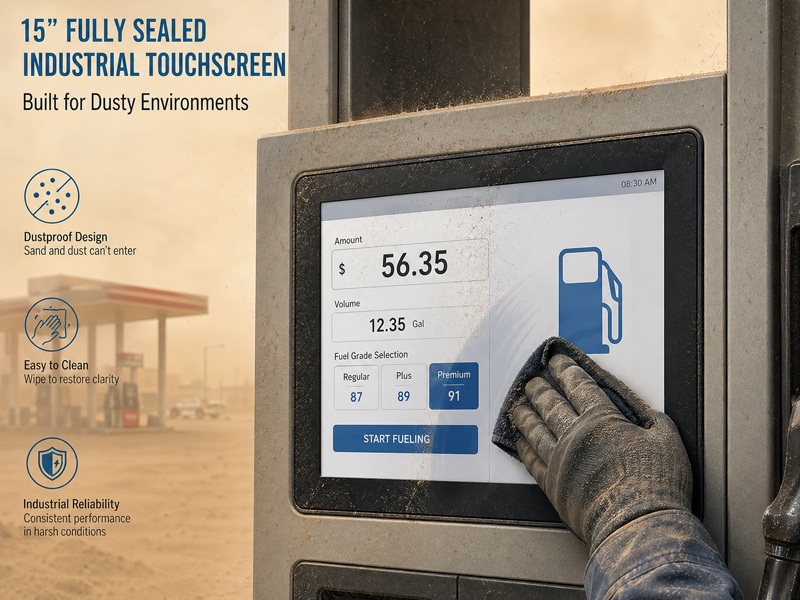
Port facilities encounter persistent exposure to moisture, dust, and variable atmospheric conditions. An appropriate industrial-grade touchscreen must deliver comprehensive environmental safeguards.
Essential specifications encompass:
- IP65-rated waterproof and dustproof front panel
- Completely sealed enclosure architecture
- Corrosion-resistant material composition
- Resistance to mechanical shock and vibration
These specifications guarantee dependable performance when the display is deployed on external equipment cabinets, overhead cranes, or mechanized systems.
2. Evaluate Outdoor Visibility Performance
Numerous port automation operations function in outdoor settings, where intense solar radiation can compromise screen legibility.
A high-performance outdoor industrial display should incorporate:
- High-luminance LCD technology
- Extended viewing angle capability
- Anti-reflective surface treatments
- Optimal visual clarity under direct sunlight conditions
This functionality enables personnel to effectively assess operational status and manage control systems without encountering visibility constraints.
Industrial Embedded Touch Monitor
3. Selecting Appropriate Touch Technology Solutions
Port operations may necessitate the use of protective gloves, exposure to vibration, and continuous device interaction.
Primary industrial touchscreen technologies encompass:
Capacitive Touchscreen Technology
Key Benefits:
- Rapid response capability
- Multi-touch functionality support
- Refined tactile experience
- Superior precision levels
Optimal Applications:
- Operational control terminals
- Interactive digital kiosks
- System monitoring dashboards
- Resistive Touchscreen Technology
Key Benefits:
- Compatibility with protective gloves
- Robust resilience against environmental disturbances
Optimal Applications:
- Intensive industrial operational settings
- Remote equipment management systems
The appropriate selection depends upon specific operator needs and prevailing environmental circumstances.
4. Establish Dependable Industrial Connectivity Infrastructure
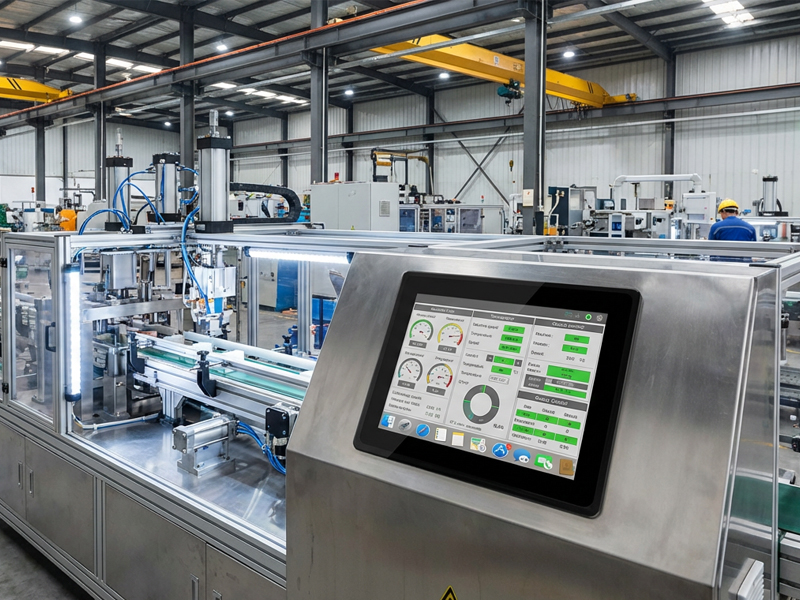
Port automation systems typically require integration with numerous devices, such as programmable logic controllers (PLCs), industrial computers, sensors, and networking infrastructure.
Standard connectivity interfaces encompass:
- HDMI
- USB
- RS232
- RS485
- LAN
- GPIO
For sophisticated automation implementations, modular and customizable input/output expansion capabilities can streamline system integration processes.
Industrial Embedded Touch Monitor
5. Implement Fanless and Robust Thermal Management Solutions
Port facilities frequently demand equipment capable of sustained operation with minimal maintenance requirements.
Fanless industrial touchscreen displays deliver the following advantages:
- Diminished energy consumption
- Quiet operational performance
- Minimized particulate accumulation
- Extended operational lifespan
Aluminum alloy construction further enhances passive thermal dissipation mechanisms, thereby ensuring consistent performance stability throughout extended operational periods.
6. Evaluate Display Dimensions and Mounting Configuration Options
Various port applications necessitate distinct display dimensions.
Prevalent alternatives include:
- 10.1-inch to 12-inch displays for space-constrained control terminals
- 15-inch to 17-inch displays for industrial workstation applications
- 18.5-inch to 21.5-inch displays for surveillance stations and command centers
Mounting alternatives may encompass:
- Recessed installation
- Panel-mounted configuration
- Wall-mounted installation
- Specialized mounting brackets
Optimal display dimensions are determined by viewing distance requirements and available installation space constraints.
Applications of Industrial Touchscreen Monitors in Port Automation
Automated Crane Control Systems
Touchscreen human-machine interfaces are utilized for:
- Monitoring crane operations
- Displaying equipment status
- Adjusting control parameters
- Container Terminal Management
Industrial display systems facilitate:
- Container tracking functionality
- Scheduling applications
- Operation surveillance
- Automated Guided Vehicles (AGVs)
Touchscreen technology enables interfaces for:
- Monitoring vehicle performance
- Managing vehicle routes
- Performing system diagnostics
- Port Security and Surveillance
Industrial monitors are capable of displaying:
- Camera feed systems
- Access control data
- Immediate alert notifications
- Outdoor Control Cabinets
Industrial Embedded Touch Monitor
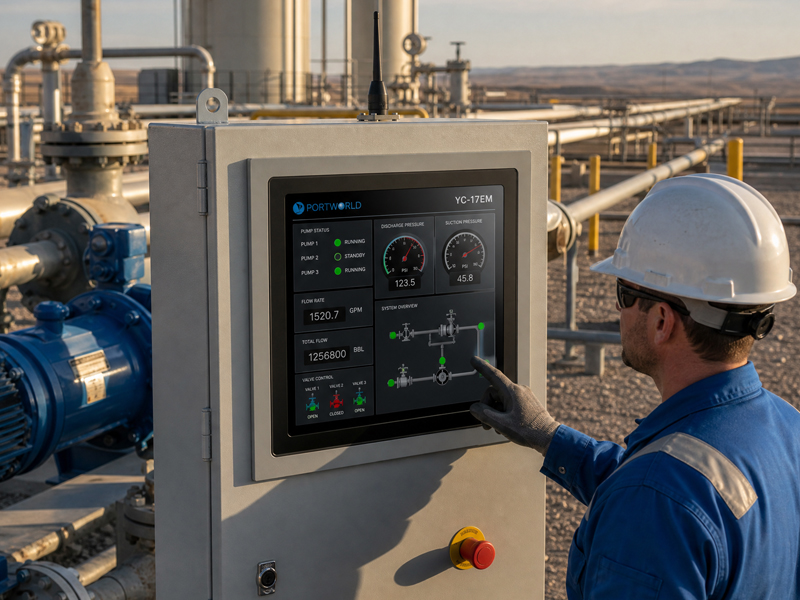
IP65-rated industrial touchscreens are frequently deployed within:
- Electrical equipment cabinets
- Telecommunication cabinets
- Power management systems
- Industrial Touchscreen Monitor Solutions for Port Automation
Portworld manufactures durable industrial touchscreen displays and integrated panel computing systems engineered for demanding industrial conditions.
The YC-EBT Embedded Touch Screen Monitor Series encompasses:
- 10.1-inch through 21.5-inch screen dimensions
- Industrial-specification capacitive touch technology
- HDMI and USB interface options
- Fanless thermal management design
- Sealed and waterproof display bezels
- Customizable original equipment manufacturer and original design manufacturer configurations
These systems can be incorporated into port automation infrastructure, external control enclosures, industrial machinery, and advanced infrastructure initiatives.
The selection of an industrial touchscreen monitor for port automation necessitates consideration beyond mere display dimensions. Critical factors include environmental protection, sunlight visibility, touch reliability, connectivity options, and long-term durability.