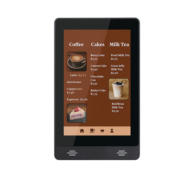
Tabletop Digital Signage Displays: A Guide for Restaurants
Restaurants are perpetually seeking effective methods to promote new dishes, emphasize special offers, and enhance the customer experience without overcrowding their dining areas. While large digital menu boards serve well above counters, tabletop digital signage provides a distinct advantage: it places promotional content directly in front of customers as they are seated, awaiting their meals, or preparing to settle their bills.
A compact digital display on a restaurant table can highlight signature dishes, suggest add-ons, advertise seasonal beverages, share loyalty promotions, or offer a QR code for accessing a digital menu. For establishments with limited counter and wall space, tabletop screens present an additional opportunity to engage with customers at the moment of decision.
Nevertheless, selecting the appropriate tabletop digital signage display entails more than merely choosing a screen that fits on a table. Factors such as screen size, viewing angle, hardware performance, content management, connectivity, and integration requirements all influence the effectiveness of the system in the daily operations of a restaurant.
Tabletop digital signage pertains to small electronic displays positioned on dining tables, counters, reception areas, or other surfaces visible to customers. In contrast to conventional printed table tents and menu cards, these displays are capable of showcasing dynamic content, including images, videos, animated promotions, and digital information.
Depending on the specific hardware and software setup, a tabletop display can serve as a straightforward promotional screen or facilitate more interactive experiences.
For instance, a casual dining establishment might showcase a dessert promotion during the concluding phase of a meal. A coffee shop could highlight seasonal beverages and limited-time offerings. A hotel restaurant may utilize tabletop screens to present breakfast selections, restaurant services, or upcoming events.
Some installations merely play pre-scheduled content, while others allow for touchscreen navigation, QR-code access, or integration with ordering systems. It is important to note that these functionalities are not interchangeable: a touchscreen display does not inherently offer online ordering, payment processing, or POS integration. The availability of these features relies on the software and associated systems.
The adoption of tabletop digital displays in restaurants offers significant benefits, primarily due to their strategic placement. Customers are likely to miss promotions displayed on walls or above counters; however, a well-placed digital display can effectively convey relevant offers at moments when patrons are ready to engage with them.
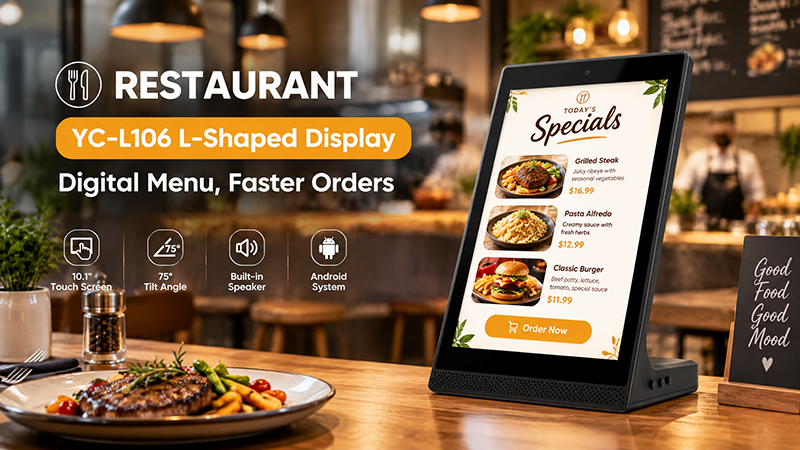
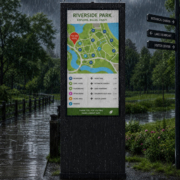
YC-L106 Restaurant Banner
Highlighting High-Margin Items and Special Promotions
Tabletop screens provide an excellent platform for restaurants to showcase desserts, beverages, side dishes, meal enhancements, and seasonal promotions. Utilizing short videos and high-quality images of food can enhance product visibility without the need for additional printed materials.
Moreover, content can be tailored to reflect the time of day. For instance, a café may choose to highlight coffee and pastries in the morning, lunch specials around noon, and refreshing beverages in the afternoon. With the aid of compatible scheduling software, these updates can occur automatically.
Minimizing Reliance on Printed Materials
Traditional printed menus, table cards, and promotional signage require redesign and replacement whenever there are changes in prices, products, or marketing campaigns. Digital displays facilitate electronic content updates, significantly decreasing the necessity for printing new materials for each promotion.
For restaurant chains, centrally managed signage can ensure consistent branding across various locations. The specific workflow will depend on the chosen content management system and network setup.
Enhance Customer Engagement
Touchscreen tabletop displays enable customers to browse categories, delve into dish specifics, view available selections, or utilize other digital services.
For instance, a restaurant might develop a straightforward interface that showcases its menu and guides customers to an online ordering platform. More sophisticated ordering processes may necessitate further software development and integration with the restaurant’s POS, payment, or order management systems.
For establishments that primarily aim to advertise promotions, a non-touch display could suffice. Interactive devices are particularly beneficial when customers have a distinct incentive to engage with the screen.
Bolster Brand Messaging
A tabletop screen can showcase the restaurant’s logo, visual branding, signature dishes, customer loyalty initiatives, and forthcoming events. Since content can be updated throughout the day, restaurants can maintain relevant messaging without the need to alter the physical display.
The most effective strategy is to assign each screen a specific purpose rather than overcrowding it with numerous competing messages.

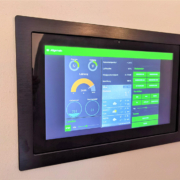
YC-L106 Retail Store Banner
How to Select the Appropriate Tabletop Digital Signage Display
The optimal display is contingent upon the restaurant’s configuration, the distance from customers to the screen, and the nature of the content being showcased.
1. Select a Screen Size That Accommodates the Table
Tabletop displays must strike a balance between readability and the available dining area. A screen that is excessively small may render text and prices challenging to read, whereas an overly large unit could disrupt table arrangements and customer engagement.
Compact displays are typically suitable for promotional messages, QR codes, and highlighted products. In contrast, larger tabletop or countertop screens may be better suited for browsing menus or presenting multiple categories of information.
Prior to determining a size, evaluate how much space the device will occupy alongside plates, beverages, cutlery, and other items. Additionally, it is advisable to ascertain whether the display will rest directly on the table, be attached to a stand, or be mounted near the point of sale.
The essential consideration is to select a screen based on its intended function, rather than merely opting for the largest display that can be accommodated.
2. Choose Between Touchscreen and Non-Touch Displays
The inclusion of touch functionality significantly alters both the customer experience and the technical demands of the project.
A non-touch display is ideal for consistently showcasing promotional videos, images of food, brand messages, and limited-time offers. It typically necessitates less intricate user-interface development.
Conversely, a touchscreen allows for direct interaction. Customers can browse menu categories, select options, or access web-based services, assuming the software is designed to accommodate these features.
For restaurants contemplating interactive tabletop signage, it is essential to assess the touchscreen’s responsiveness, durability, and ease of cleaning. The interface must be intuitive enough for customers to navigate without requiring assistance from staff.
Touch functionality is not inherently superior. If the main goal is to promote a new dish or prompt customers to scan a QR code, a non-touch screen may achieve the desired outcome with reduced complexity.
Selecting the Appropriate Operating System and Hardware
The internal hardware plays a crucial role in determining the applications that the display can operate and the ease of its integration into a restaurant’s current system.
Displays based on Android may be ideal for projects that depend on compatible signage applications, web content, or tailored Android software. Conversely, other operating systems might be more suitable if a restaurant’s existing application or IT infrastructure necessitates a different platform.
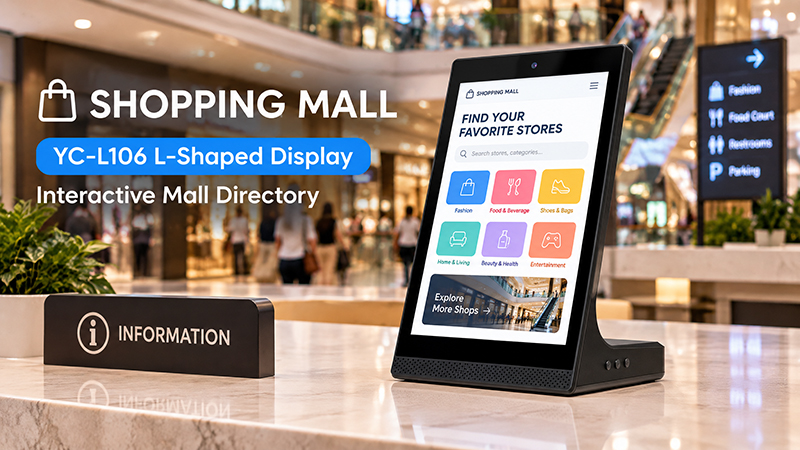
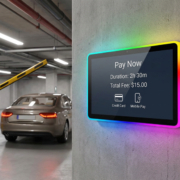
YC-L106 Shopping Mall Banner
When assessing the hardware, consider the following:
- Processor performance: Is the device capable of playing the required images and videos without lag?
- Memory and storage: Does it have sufficient capacity for the operating system, signage application, and local media files?
- Operating system support: Is the chosen application compatible with the device’s OS version?
- Automatic startup: Will the signage application automatically launch once the display is powered on?
- Long-term maintenance: Are software updates and hardware configurations manageable throughout the anticipated product lifecycle?
- For a display that merely showcases a simple image loop, the requirements may be minimal. However, an interactive menu featuring animations, multiple applications, and external integrations may necessitate a more robust platform.
- Selecting hardware based on the specific application helps prevent overspending on unnecessary performance or encountering compatibility issues post-deployment.
Content Management and Remote Updates Planning
A tabletop display becomes more user-friendly when restaurant personnel can modify its content without the need to physically access each device.
A content management system (CMS) enables authorized personnel to upload images, schedule promotions, organize playlists, and oversee screens across multiple locations. The features available can differ by platform, so it is essential for restaurants to verify which functionalities are included and if there are any ongoing software fees.
Prior to acquiring hardware, it is important to clarify the method by which the displays will receive content. Options may include a compatible CMS, a locally installed application, a web-based interface, or a bespoke software solution.
For restaurants with multiple locations, remote management can significantly decrease the time needed to update promotions and ensure consistent messaging. Conversely, a single restaurant with a straightforward content loop may only require a simpler setup.
Additionally, it is beneficial to determine whether the display can continue to play locally stored content in the event of a temporary network disconnection.
Tabletop Digital Signage vs. Traditional Table Cards
Both formats can support restaurant promotions, but they suit different operational needs.
| Consideration | Printed table cards | Tabletop digital signage |
|---|---|---|
| Content updates | Requires reprinting or replacement | Can be updated electronically |
| Visual content | Static images and text | Images, video, animation, and supported interactive content |
| Multiple promotions | Usually limited by printed space | Can rotate content through scheduled playlists |
| Initial investment | Generally lower | Higher hardware and setup cost |
| Ongoing expenses | Printing and replacement | Hardware maintenance and possible software fees |
| Interactive functions | Usually requires a separate QR code or device | May support touch and connected services |
| Multi-location management | Requires print distribution | Can support centralized management with a compatible CMS |
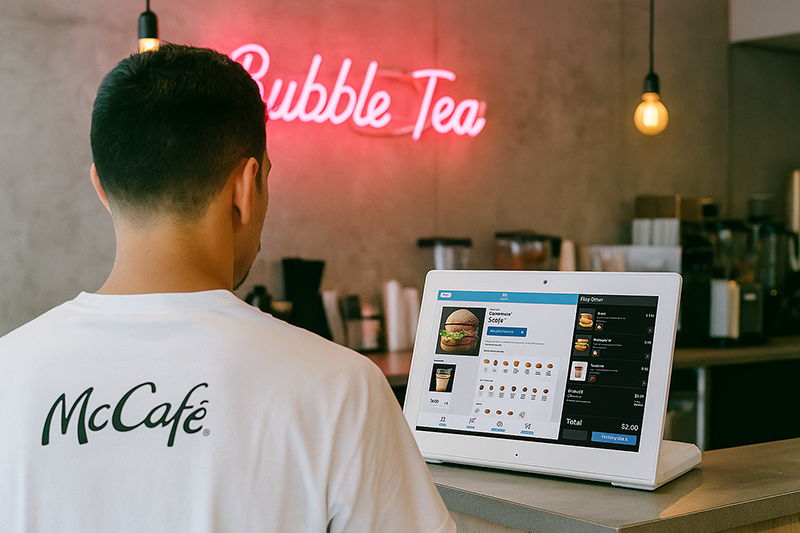
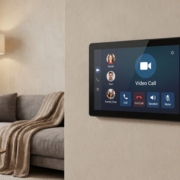
Customer Feedback Android Tablet
Practical Uses of Tabletop Digital Signage in Restaurants
Various restaurant formats can utilize tabletop displays in distinct manners.
Cafés and coffee shops: Showcase seasonal drinks, pastry pairings, loyalty initiatives, and new menu offerings. Brief promotional loops can maintain content freshness without taking up extra counter space.
Casual dining establishments: Emphasize appetizers, signature meals, desserts, and beverage pairings. Touchscreen functionalities can provide further menu details when supported by the appropriate software.
Quick-service restaurants: Position compact displays near checkout areas to advertise add-ons, meal enhancements, or limited-time promotions. When the goal is solely advertising, a non-touch screen may suffice.
Hotel restaurants: Display dining promotions, breakfast details, event notifications, and other guest services. The content can be tailored to align with the hotel’s branding and operational schedule.
Restaurant chains and franchises: Employ compatible remote management software to disseminate approved campaigns across various locations while permitting local teams to manage specific content where permissions allow.
In every instance, ensure the content remains focused. A tabletop display should assist customers in making decisions or uncovering valuable information, rather than competing with the dining experience itself.
Restaurants should evaluate the need for custom tabletop digital signage when standard displays align with their size, operating system, interfaces, and physical design. Customization becomes essential when a restaurant group has unique requirements that standard devices cannot fulfill.
For instance, a brand might require a specific enclosure color, a tailored startup screen, a preinstalled promotional application, a distinct touchscreen setup, or a hardware platform compatible with its proprietary software.
Additionally, restaurants implementing displays across various locations may seek uniform branding, regulated hardware configurations, assurance of long-term product availability, and a well-defined maintenance protocol.
Portworld offers digital signage hardware along with OEM/ODM customization services tailored for business initiatives. Depending on the project’s needs, customization can encompass display configuration, selection of embedded motherboards, adaptation of Android or Linux software, interface specifications, branding, application preinstallation, and packaging.
For tabletop restaurant signage, the precise solution should be tailored to the desired screen size, mounting technique, software workflow, and operating conditions. Restaurants should verify the available hardware configuration and supported functionalities with the supplier prior to finalizing the design.