How to Set Up Dynamic HVAC and Underfloor Heating Control on a KNX Panel
Modern smart buildings are evolving beyond mere on/off control. Currently, users anticipate dynamic, zone-specific, and intelligent climate management that automatically adjusts to occupancy, time schedules, and environmental factors.
In KNX-based automation systems, this is accomplished through a central KNX touch panel that consolidates HVAC systems and underfloor heating into a single, cohesive interface.
This article outlines the process of establishing dynamic HVAC and underfloor heating control on a KNX panel, covering system architecture, configuration logic, and effective deployment strategies.
What Is Dynamic HVAC Control in KNX Systems?
Dynamic HVAC control signifies the capability of a smart system to:
- Automatically adjust temperature based on varying conditions
- Transition between heating, cooling, and standby modes
- Independently manage multiple zones
- React to occupancy or predetermined schedules
- Optimize energy consumption in real time
When integrated with underfloor heating, KNX transforms into a robust climate automation platform suitable for both residential and commercial properties.
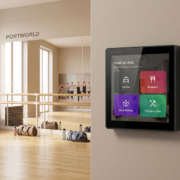
smart home control panel
System Architecture Overview
A standard KNX HVAC and underfloor heating configuration comprises:
- KNX touch control panel (user interface)
- KNX thermostat modules
- HVAC controller (fan coil, VRV/VRF, chiller interface)
- Underfloor heating actuators
- Temperature and humidity sensors
- KNX bus communication system
The KNX panel serves as the central processing unit and visualization interface.
Step 1: Define Heating and Cooling Zones
Prior to configuration, it is essential to segment the building into logical zones:
- Living room
- Bedrooms
- Bathrooms
- Office areas
- Meeting rooms
- Public spaces
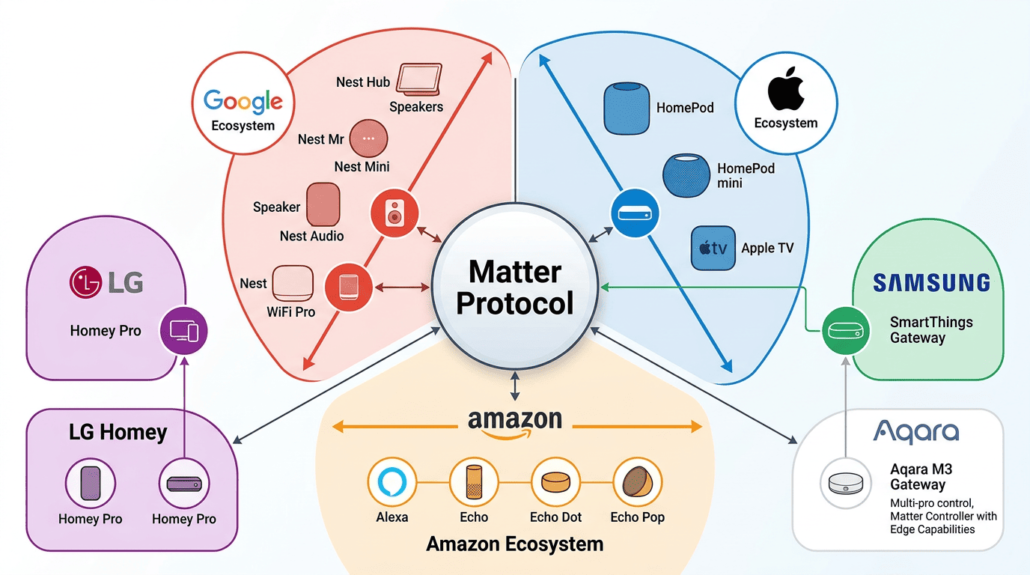
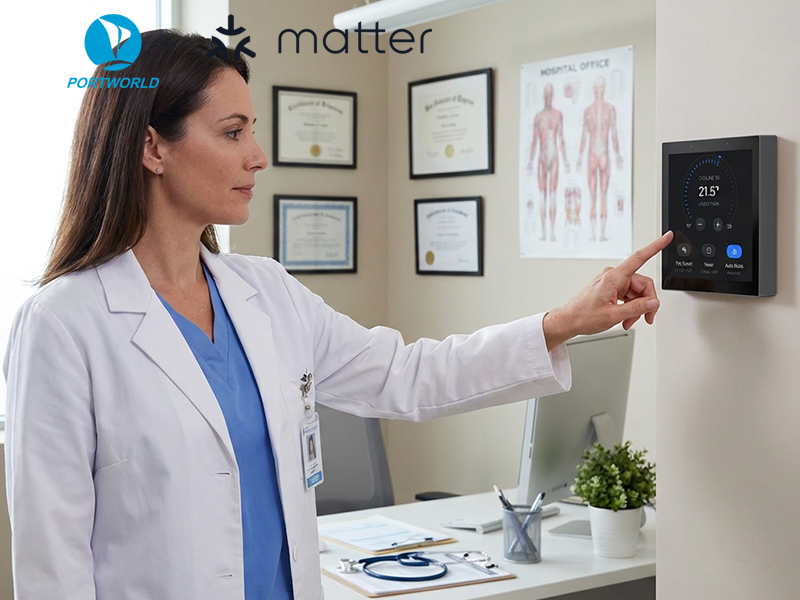
Matter协议生态系统地图
Each zone must include:
- An independent temperature sensor
- Individual actuator control
- Dedicated HVAC logic
This facilitates genuine zone-based climate management.
Step 2: Connect Temperature Sensors to KNX Bus
Temperature data forms the basis of dynamic HVAC regulation.
In KNX systems, sensors may include:
- Wall-mounted KNX temperature sensors
- Integrated sensors within control panels
- Multi-sensor modules (temperature + humidity + CO₂)
These sensors consistently transmit data to the KNX bus, enabling real-time system adjustments.
Step 3: Configure HVAC Control Logic
In KNX ETS or control software, establish the logic for each zone:
Fundamental control parameters:
- Setpoint temperature
- Current temperature
- Heating mode / cooling mode
- Comfort / eco / standby mode
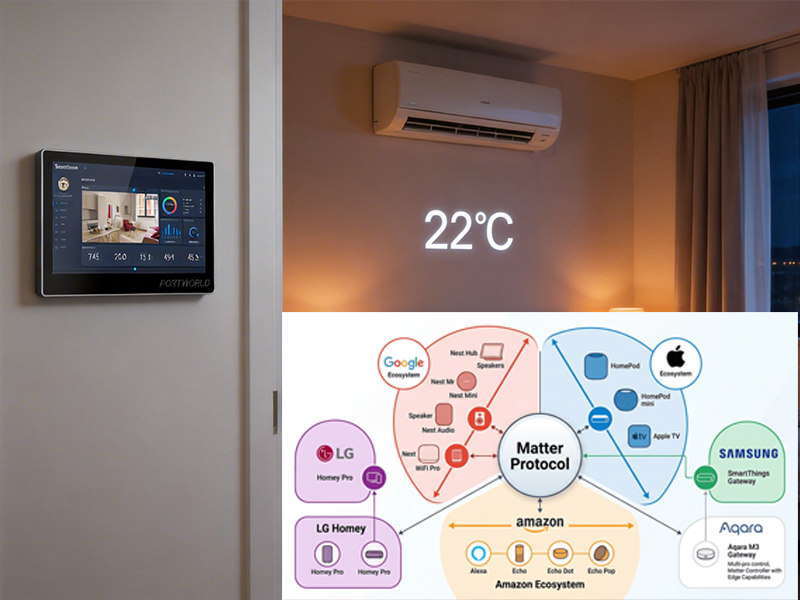
smart control panel
Example logic:
- If temperature < 20°C → activate heating
- If temperature > 26°C → activate cooling
- If occupancy = false → switch to eco mode
This is where the dynamic automation behavior is established.
Step 4: Integrate Underfloor Heating System
Underfloor heating necessitates slower yet stable temperature control.
Common integration methods:
- KNX heating actuator connected to water valves
- Thermoelectric valve controllers
- Floor temperature sensors for safety limits
- Key configuration guidelines:
- Avoid rapid switching (consideration of thermal inertia)
- Utilize gradual temperature adjustment curves
- Set maximum floor temperature limits (e.g., 29–32°C)
This guarantees comfort and prolongs system longevity.
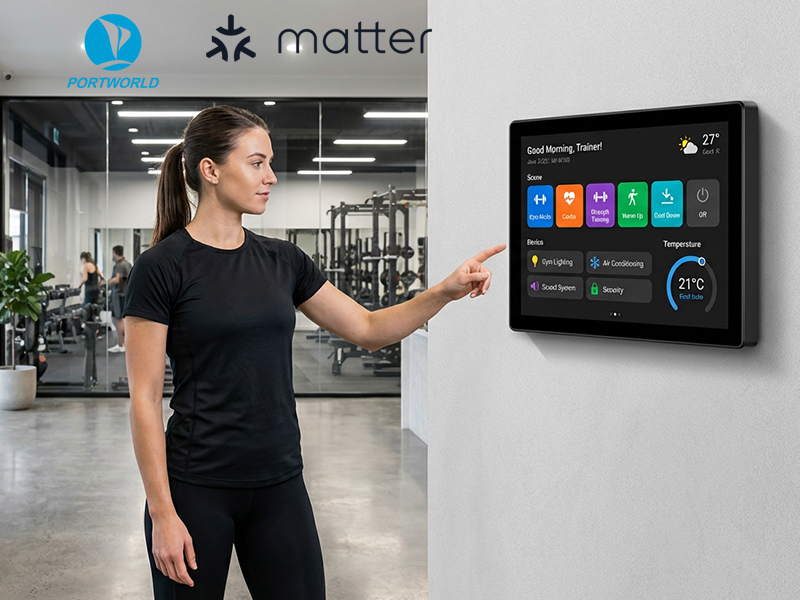
smart home control panel
Step 5: Link HVAC and Underfloor Heating Logic
A crucial step is the coordination between HVAC and underfloor heating systems.
Example of combined logic:
- Underfloor heating manages the base temperature
- HVAC system manages rapid adjustments
- Both systems are designed to avoid conflicting operations
- Smart coordination example:
- Floor heating maintains a baseline of 21°C
- HVAC adjusts temperature by ±2°C as necessary
- The system prioritizes energy efficiency.
Step 6: Configure KNX Panel Interface
The KNX touch panel is where users interact with the system.
A modern KNX panel typically displays:
- Real-time temperature per zone
- Heating/cooling status
- Underfloor heating activity
- Mode selection (Comfort / Eco / Away)
- Scene control (Morning, Night, Vacation)
Example user functions:
- Tap to adjust temperature
- Swipe to switch zones
- One-click scene activation
- Real-time HVAC monitoring
Step 7: Add Dynamic Automation Features
To make the system truly “smart”, add dynamic logic such as:
1. Occupancy-based control
- Motion sensors detect presence
- HVAC activates only when room is occupied
2. Time-based scheduling
- Morning warm-up
- Night energy-saving mode
- Weekend comfort profiles
3. Weather-based adjustment
- Outdoor temperature affects indoor setpoints
- Prevent overheating or overcooling
4. Energy optimization mode
- Reduce HVAC load during peak hours
- Prioritize underfloor heating efficiency
Step 8: Test and Fine-Tune System Performance
After setup, testing is critical:
- Check sensor accuracy
- Verify response time
- Adjust hysteresis values
- Balance heating vs cooling conflicts
- Optimize zone behavior
A properly tuned KNX HVAC system should feel smooth, stable, and invisible to the user.
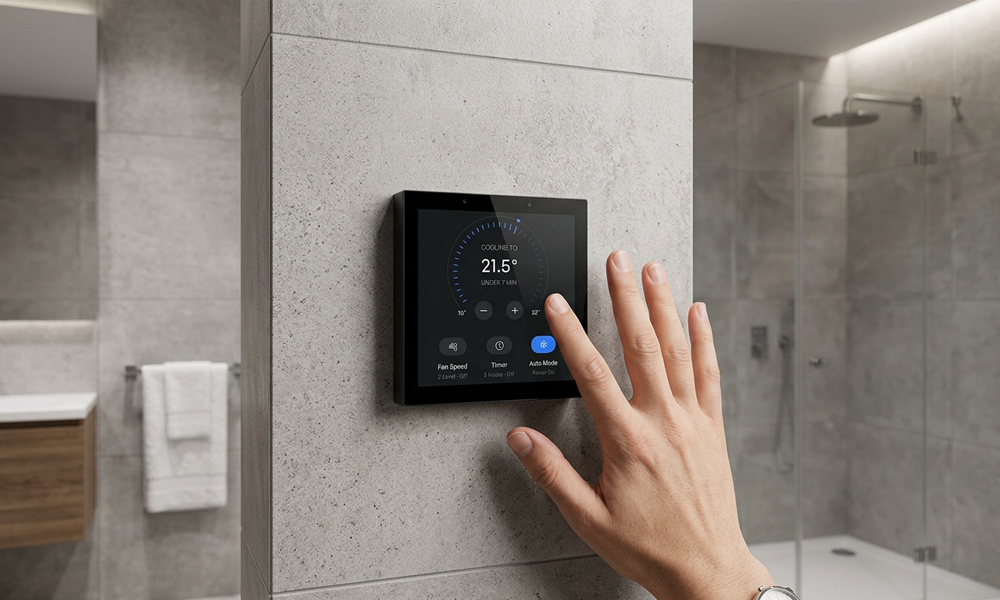
smart home control panel
Common Mistakes to Avoid
1. Overlapping HVAC and floor heating control
This leads to energy waste and unstable temperatures.
2. Ignoring thermal inertia
Underfloor heating reacts slowly—avoid rapid switching logic.
3. Poor zone design
Incorrect zoning leads to uneven temperature distribution.
4. Lack of fallback mode
Always ensure manual override is available on KNX panel.
Example: Integrated KNX Smart Control Panel Solution
In real deployments, advanced KNX panels such as those used in smart home and building automation systems (e.g., Portworld KNX smart control panels) often integrate:
- Android/Linux OS for UI flexibility
- KNX protocol support
- RS485 HVAC integration
- PoE power supply
- Multi-zone touchscreen interface
This allows HVAC and underfloor heating to be controlled from a single centralized interface.
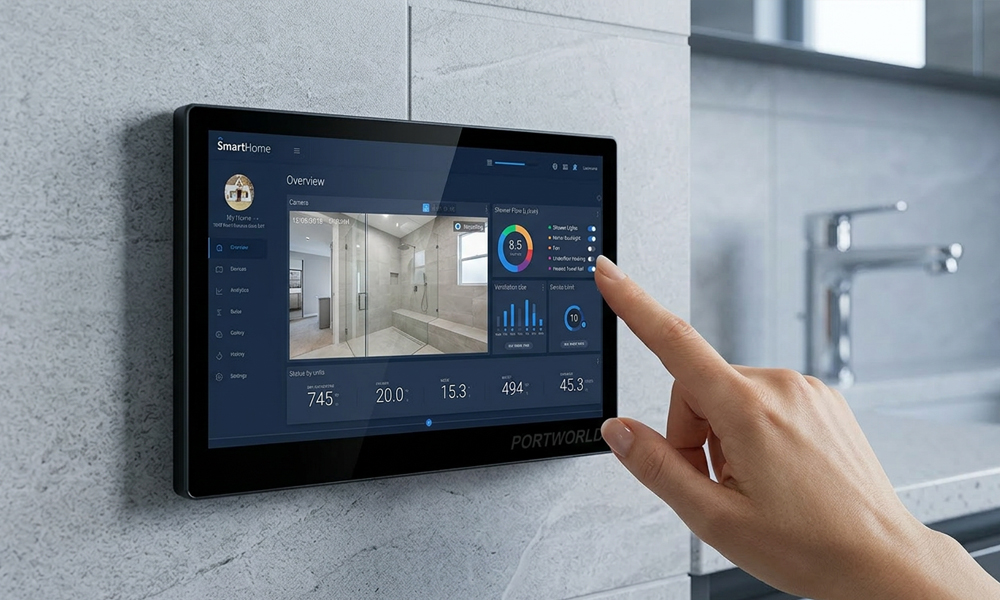
10 inch smart home control panel
Setting up dynamic HVAC and underfloor heating control on a KNX panel requires more than basic wiring—it requires thoughtful system design, zone planning, and intelligent automation logic.
When properly configured, KNX systems can deliver:
- Stable indoor climate
- Energy-efficient operation
- Seamless user experience
- Fully automated comfort control
By combining HVAC systems with underfloor heating and KNX touch panels, modern buildings achieve a higher level of comfort, efficiency, and intelligence.