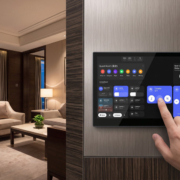
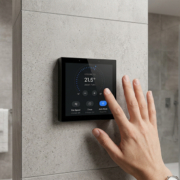
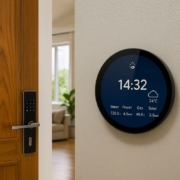
how to connect RS485 devices to a smart control panel
Understanding RS485 Communication in Smart Automation
In the realm of smart home and building automation systems, numerous professional devices continue to utilize RS485 communication due to its exceptional reliability, extensive transmission range, and robust anti-interference features.
In contrast to WiFi or Bluetooth devices, equipment based on RS485 employs wired communication and is typically found in:
- HVAC controllers
- Smart lighting systems
- Energy meters
- Access control systems
- Industrial equipment
- Building management systems (BMS)
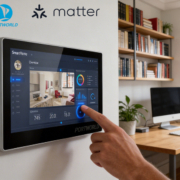
A smart control panel equipped with an RS485 interface can seamlessly interact with these devices, offering a user-friendly touchscreen control experience.
The standard architecture is as follows:
Smart Control Panel → RS485 Bus → Automation Devices
What Is RS485?
A Reliable Industrial Communication Standard
RS485 is a serial communication technology that employs differential signaling for data transmission.
It is specifically designed for environments where:
- Long-distance communication is essential
- Multiple devices must share a single network
- Stable operation is critical
In comparison to conventional communication methods, RS485 provides:
- Extended transmission distance (up to approximately 1200 meters under optimal conditions)
- Capability to support multiple connected devices
- High resistance to electrical interference
- Dependable operation in industrial settings
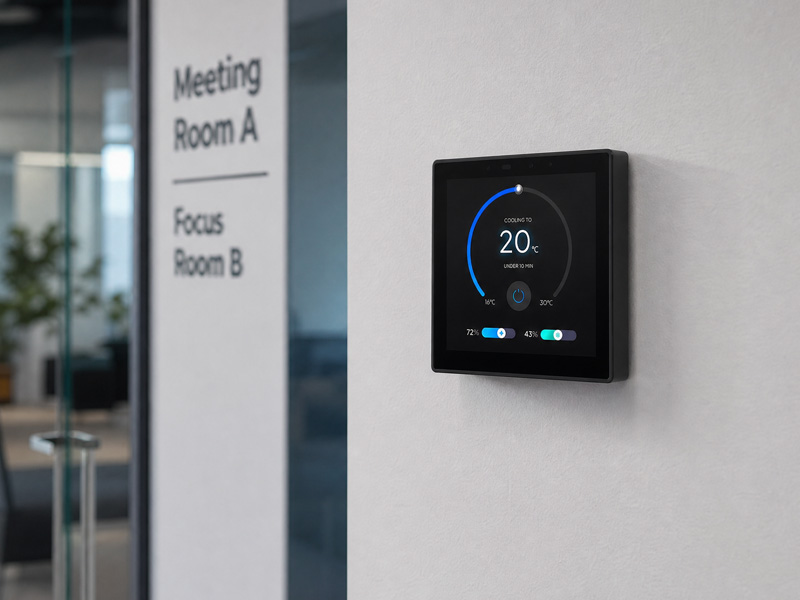
smart home control panel
How Does an RS485 Smart Control System Operate?
A standard RS485 automation system comprises:
1. Smart Control Panel
The touchscreen panel serves as the user interface.
Users are able to:
- Modify temperature
- Manage lighting
- Oversee equipment status
- Establish automation scenes
2. RS485 Devices
Examples include:
- HVAC controllers
- Lighting modules
- Sensors
- Motor controllers
- Smart meters
Each device interacts via the RS485 bus.
3. Communication Protocol
RS485 functions solely as the physical communication layer. Devices typically communicate using protocols such as:
- Modbus RTU
- BACnet MS/TP
- Custom serial protocols
In the context of building automation, Modbus RTU over RS485 is among the most prevalent solutions.
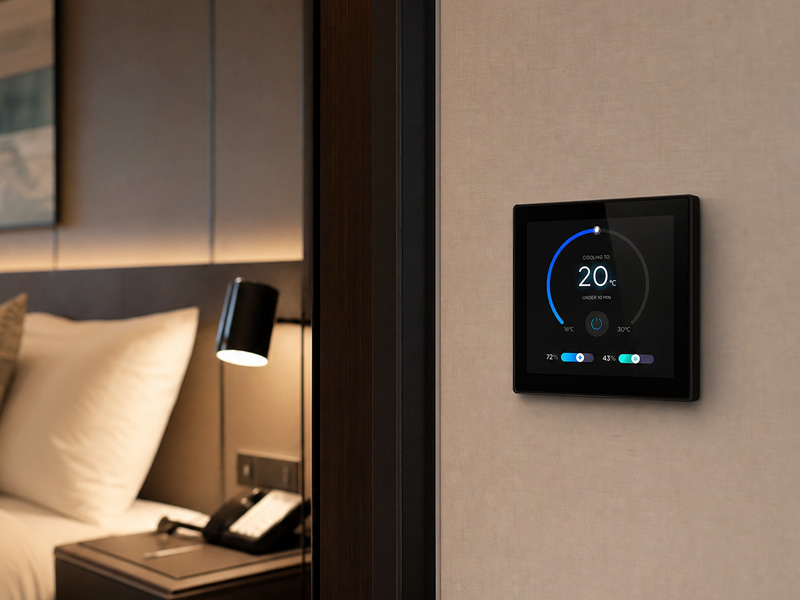
smart home control panel
Step 1: Verify RS485 Compatibility
Initially, ensure that both devices are compatible with RS485.
Typically, a smart control panel will offer:
- RS485 A+
- RS485 B-
or:
- RS485+
- RS485-
Step 2: Establish RS485 Wiring
RS485 typically employs a pair of signal wires:
| Device | Smart Panel |
|---|---|
| RS485 A | A+ |
| RS485 B | B- |
The wiring must ensure proper polarity.
An incorrect connection may result in:
- Communication failure
- Unstable data transmission
Step 3: Set Up Communication Parameters
It is essential for both devices to utilize identical communication settings.
Common parameters consist of:
Baud Rate
Examples include:
- 9600
- 19200
- 38400
- Data Format
This encompasses:
- Data bits
- Stop bits
- Parity
Example:
- Baud Rate: 9600
- Data Bits: 8
- Parity: None
- Stop Bits: 1
Step 4: Configure Device Addresses
RS485 supports the connection of multiple devices on a single communication line.
It is essential for each device to have a distinct address.
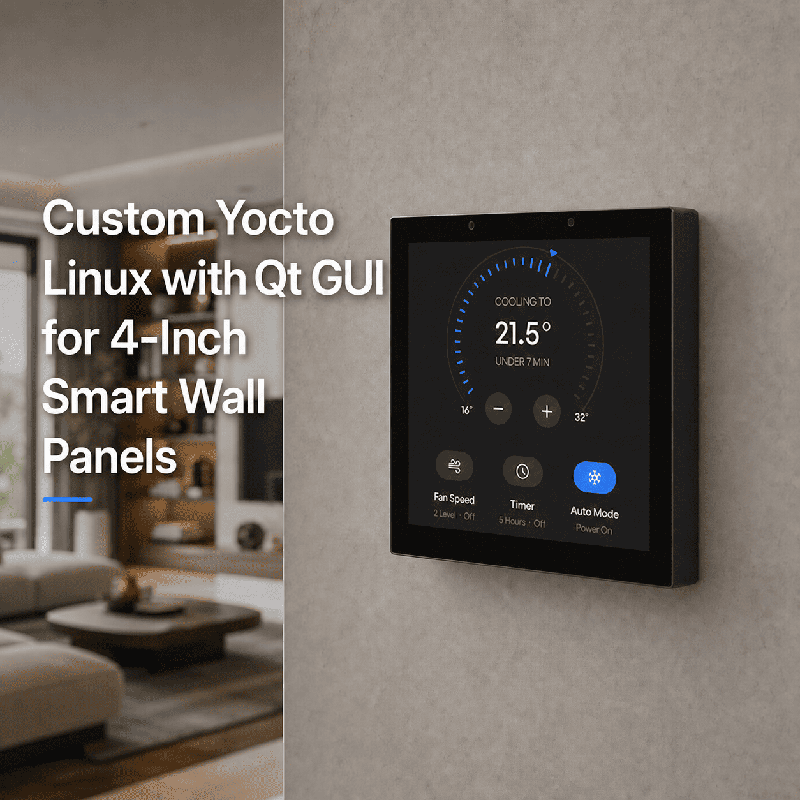
smart home control panel
For instance:
Smart Control Panel
|
|
RS485 Bus
|
———————–
| | |
HVAC #1 Light #2 Meter #3
Address Address Address
001 002 003
The control panel sends commands to specific device addresses.
Example: Managing HVAC via RS485
A user modifies the temperature using the touchscreen.
The procedure:
- User chooses 24°C on the smart panel.
- The panel transmits a Modbus command through RS485.
- The HVAC controller obtains the command.
- The air conditioning unit alters the temperature.
- Status feedback is sent back to the panel.
The user observes all updates directly on the touchscreen.
RS485 Applications Utilizing Intelligent Control Panels
1. HVAC Management
RS485 is extensively employed for:
- Air conditioning systems
- Fan coil units
- Thermostats
- Temperature controllers
Smart panels are capable of displaying:
- Current temperature
- Target temperature
- Operating mode
2. Intelligent Lighting Management
Connect:
- Lighting controllers
- Dimming modules
- Relay modules
Functions include:
- ON/OFF control
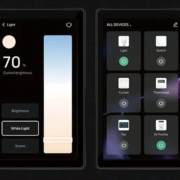
- Brightness adjustment
- Scene management
3. Energy Monitoring
RS485 smart meters offer:
- Voltage data
- Current consumption
- Energy usage
This is beneficial for:
- Smart buildings
- Industrial facilities
- Energy management systems
4. Access Control Systems
The RS485 protocol is capable of connecting:
- Door controllers
- Security devices
- Sensors
to facilitate centralized management.
RS485 vs Wireless Communication
| Feature | RS485 | WiFi/Zigbee |
|---|---|---|
| Connection | Wired | Wireless |
| Reliability | Very High | Depends on environment |
| Distance | Long | Short/Medium |
| Interference Resistance | Excellent | Lower |
| Best Use | Buildings & industry | Homes & consumer devices |
RS485 continues to be favored in professional automation due to the fact that reliability is frequently prioritized over ease of installation.
Intelligent Control Panel Featuring RS485 Integration
Contemporary smart control panels integrate RS485 alongside various other interfaces:
- WiFi
- Bluetooth
- Ethernet
- PoE
- Zigbee
- Matter
This capability enables a single touchscreen device to oversee both conventional automation systems and advanced IoT devices.
Smart Touch Panel
|
————————-
| |
RS485 Gateway
| |
HVAC System Zigbee Devices
Lighting Sensors
Energy Meter Smart Locks
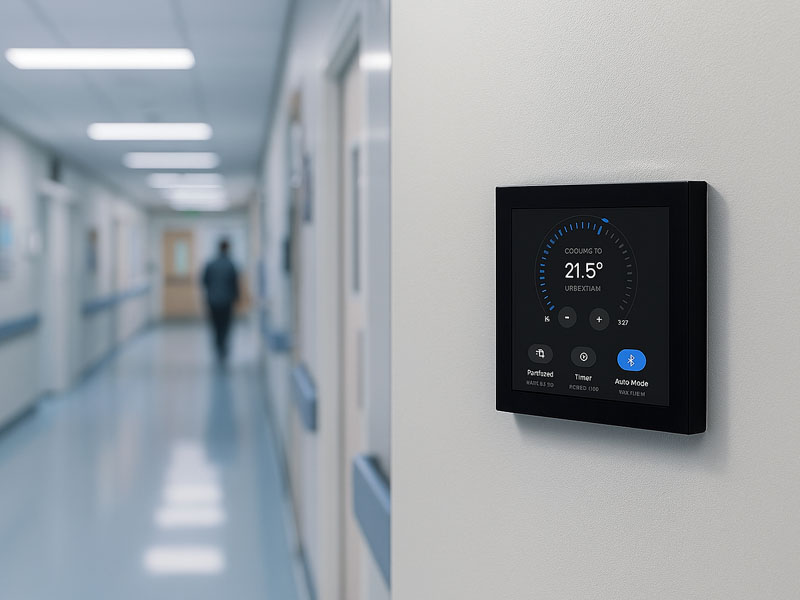
YC-SM10P
10.1 inch Smart Home Control Panel
Portworld Smart Control Panel Solutions
Portworld’s intelligent touch panels facilitate seamless integration with professional automation systems, featuring:
YC-SM43P ESP32-S3 Smart HMI Panel
Specifications:
- ESP32-S3 processor
- RS485 communication
- Ethernet connectivity
- Power over Ethernet (PoE) support
- WiFi and Bluetooth capabilities
- Customizable interface using LVGL
Ideal for:
- IoT control terminals
- Smart switches
- Industrial Human-Machine Interfaces (HMI)
- Building automation systems
- Android/Linux Smart Control Panels
Specifications:
- RK3566/RK3568 processors
- Support for Android/Linux operating systems
- Touchscreen interface
- RS485/Modbus integration
- Ethernet and PoE connectivity
Use Cases:
- Smart homes
- Hotels
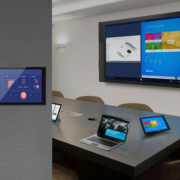
- Office environments
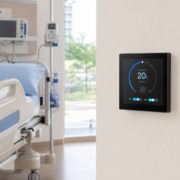
- Hospitals
- Commercial buildings
To connect RS485 devices to a smart control panel, the following is required:
- RS485-compatible hardware
- Proper A/B wiring
- Corresponding communication parameters
- Configuration of device addresses
- Compatible communication protocols
Integrating RS485 with a touchscreen smart control panel allows for the modernization of traditional automation equipment, transforming it into an advanced intelligent control system suitable for residential, hospitality, office, and industrial uses.