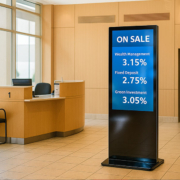
How to Choose a Digital Signage Display for an Office Building
Contemporary office facilities are increasingly incorporating intelligent systems that leverage digital technology to enhance organizational communication, optimize visitor engagement, and elevate operational productivity. Digital signage solutions for office environments represent a strategic approach to disseminating organizational announcements, facilitating visitor navigation, administering conference space utilization, and fostering a more integrated workplace ecosystem.
Selecting an appropriate digital signage system for office environments necessitates careful evaluation of multiple parameters, including display dimensions, placement considerations, software platform, network connectivity, and system interoperability capabilities.
The Necessity of Digital Signage Solutions in Office Environments
Conventional bulletin boards and physical printed materials present significant challenges regarding timely updates and administrative maintenance. Digital signage technology enables organizations and facility administrators to disseminate current information instantaneously throughout multiple locations.
Primary applications encompass:
- Organizational communications and announcements
- Visitor orientation and wayfinding
- Conference room availability and scheduling
- Facility navigation systems
- Critical alerts and emergency communications
- Marketing initiatives and promotional content
- Internal organizational messaging
Essential Considerations for Selecting Office Digital Signage Solutions
1. Determine Appropriate Display Dimensions and Mounting Configuration
The optimal screen dimensions should be selected based on the specific location and the distance from which viewers will observe the display.
Reception Areas
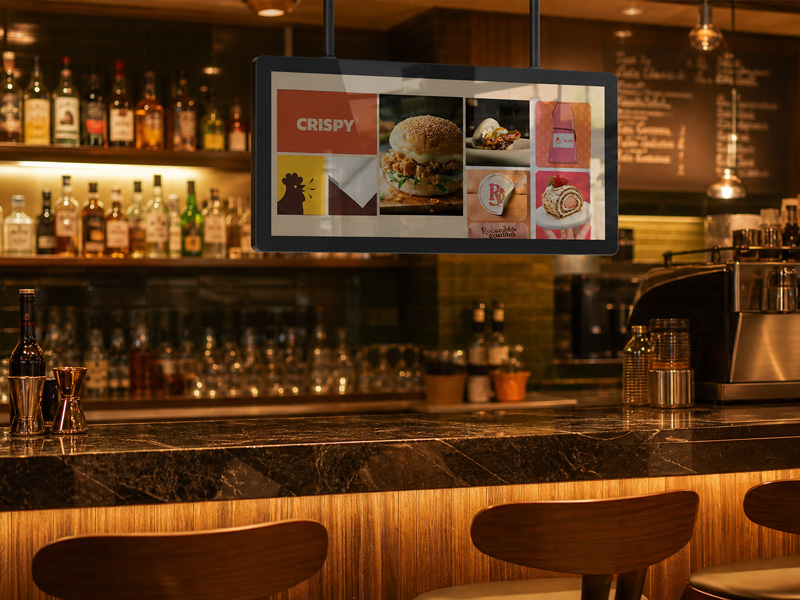
Stretch Bar Monitor
Recommended Specifications:
- 32″–65″ displays
- Wall-mounted or floor-standing installations
- Intended Uses:
- Welcoming communications
- Organizational overview presentations
- Guest orientation materials
- Conference Rooms
Recommended Specifications:
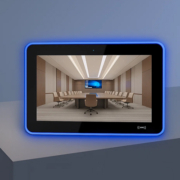
8″–15.6″ interactive touchscreen interfaces
Intended Uses:
- Space reservation systems
- Scheduled meeting information
- Room availability indicators
- Stairwells, Hallways, and Lift Areas
Recommended Specifications:
- Compact vertical-orientation displays
- Extended horizontal bar-format displays
Intended Uses:
- Facility-wide notifications
- Promotional content
- Operational announcements and updates
2. Evaluate Touchscreen Interaction Capabilities
Interactive display systems enhance the experience for both visitors and staff members.
Touchscreen applications encompass:
- Visitor self-check-in systems
- Digital facility maps
- Meeting room booking functionality
- Information retrieval capabilities
Prevailing touchscreen technologies include:
- 10-point capacitive touch technology
- Infrared touch sensing
3. Select an Appropriate Operating System
Digital signage solutions in office settings typically demand adaptable software compatibility.
Key benefits:
- Simplified application distribution
- Extensive software interoperability
- Affordable implementation
- Compatibility with cloud-based content management systems
Linux / Debian Digital Signage
Key benefits:
- Enhanced customization capabilities
- Optimal for specialized embedded systems
- Ideal for enterprise-level system deployment
Numerous commercial displays accommodate multiple operating systems, enabling organizations to make selections aligned with specific project parameters.
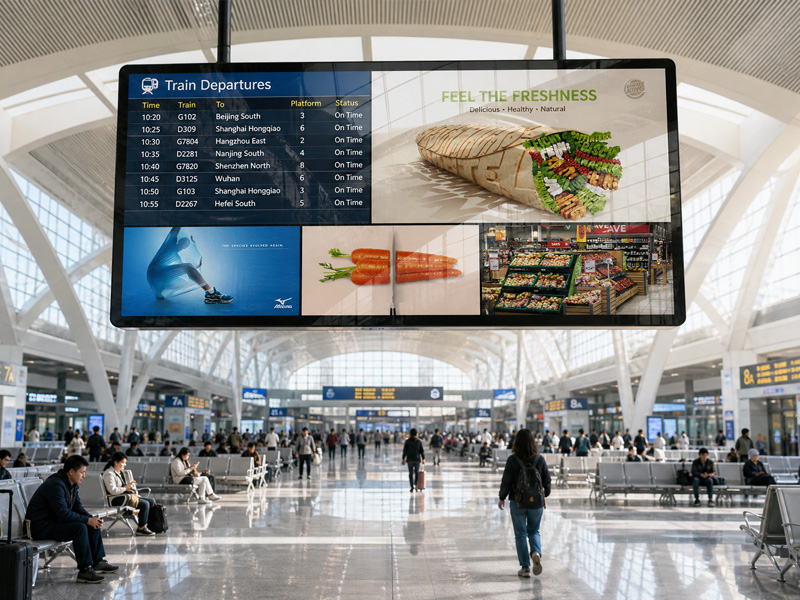
Advertising Digital Signage
4. Assess Connectivity Requirements
Stable network connectivity is critical for office environments.
Essential connection interfaces include:
- Ethernet connectivity
- Wireless networking
- Bluetooth capability
- Universal Serial Bus
- High-Definition Multimedia Interface
In intelligent building infrastructures, supplementary connectivity options may encompass:
- Power over Ethernet
- Near-field communication and radio-frequency identification
- Serial communication protocol
- Internet of Things protocol compatibility
Power over Ethernet streamlines deployment by delivering both electrical power and network connectivity through a unified cable connection.
5. Guarantee Continuous 24/7 Performance
Office display systems frequently function continuously throughout extended operational periods.
Essential performance characteristics include:
- Industrial-specification components
- Optimized thermal management
- Robust embedded processing systems
- Extended operational lifespan
A dependable display system minimizes operational expenses and system downtime.
Office Digital Signage Solutions
Intelligent Reception Displays
Present:
- Organizational details
- Visitor navigation assistance
- Marketing video content
- Institutional communications
Meeting Room Reservation Panels
Deliver:
- Space availability status
- Booking particulars
- Interactive touch functionality
- Scheduling system connectivity
Facility Navigation Infrastructure
Facilitate visitor location of:
- Office locations
- Departmental divisions
- Amenities and resources
- Support service locations
- Staff Information Displays
Communicate:
- Organizational updates
- Professional development materials
- Corporate updates
- Compliance and security protocols
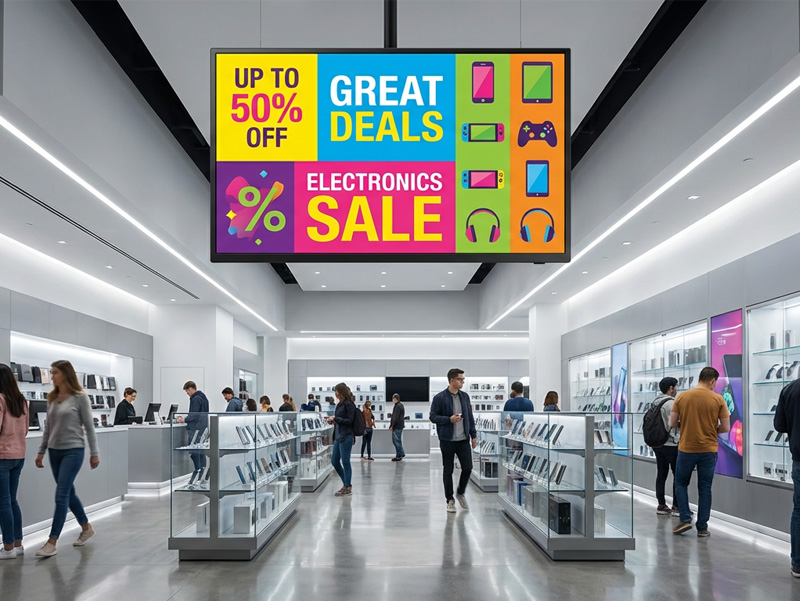
ultra thin hanging advertising screen
Portworld Office Digital Signage Solutions
Portworld delivers adaptable digital signage and interactive touchscreen systems engineered for contemporary office environments.
Key Capabilities:
- Display dimensions ranging from 8″ to 65″
- Compatibility with Android, Linux, and Debian operating systems
- Processor selections including RK3566, RK3568, RK3576, and RK3588
- Customizable touchscreen interfaces
- Power over Ethernet (PoE) functionality
- Integrated NFC/RFID and camera capabilities
- Dual connectivity via WiFi and Ethernet
- Continuous 24/7 commercial-grade operation
Primary Use Cases:
- Conference room reservation systems
- Intelligent reception desk solutions
- Office navigation and directional displays
- Facility information management platforms
- OEM/ODM Customization for Office Implementations
Portworld offers comprehensive customization services, encompassing:
- Adjustable screen dimensions
- Custom enclosure architecture
- Firmware modification and optimization
- Brand-specific user interface design
- Third-party software connectivity
- Intelligent building ecosystem protocol compatibility
- CKD/SKD manufacturing alternatives
Compatible Integration Protocols:
- KNX
- Zigbee
- Modbus
- MQTT
- BACnet
- Matter
Choosing the right digital signage display for an office building depends on the application scenario, installation location, interaction requirements, and system integration needs.
From reception areas and meeting rooms to smart building management systems, professional digital signage solutions help improve communication, visitor experiences, and workplace efficiency.