Android 13 vs Linux Debian for Commercial Digital Signage Displays: Which Platform Is Better?
Selecting the appropriate operating system is a critical choice when embarking on a commercial digital signage project. While the display hardware influences factors such as brightness, resolution, and durability, the operating system plays a crucial role in application compatibility, system management, security, and long-term maintenance.
Currently, Android 13 and Linux Debian are two widely utilized platforms in commercial digital signage displays. Each offers significant benefits, yet they cater to distinct application needs.
For businesses, system integrators, and providers of digital signage solutions, comprehending the distinctions between Android 13 and Linux Debian is essential to ensure the optimal platform is chosen for every deployment scenario.
The Increasing Demand for Versatile Digital Signage Platforms
Contemporary digital signage extends beyond merely displaying videos and images. Commercial displays are evolving into intelligent terminals that interface with cloud platforms, sensors, cameras, payment systems, and business software.
A modern digital signage system may require support for:
- Remote CMS management
- Interactive touchscreen applications
- AI recognition
- Customer engagement systems
- Smart retail integration
- IoT communication protocols
- Real-time data updates
Due to these demands, the operating system has emerged as a pivotal element in determining the scalability of a digital signage solution.
Android 13 for Commercial Digital Signage Displays
Android has emerged as one of the most widely utilized platforms for commercial display applications, thanks to its user-friendly ecosystem and robust application support.
The most recent versions of Android, including Android 13, offer enhanced security, improved performance optimization, and increased support for enterprise applications.
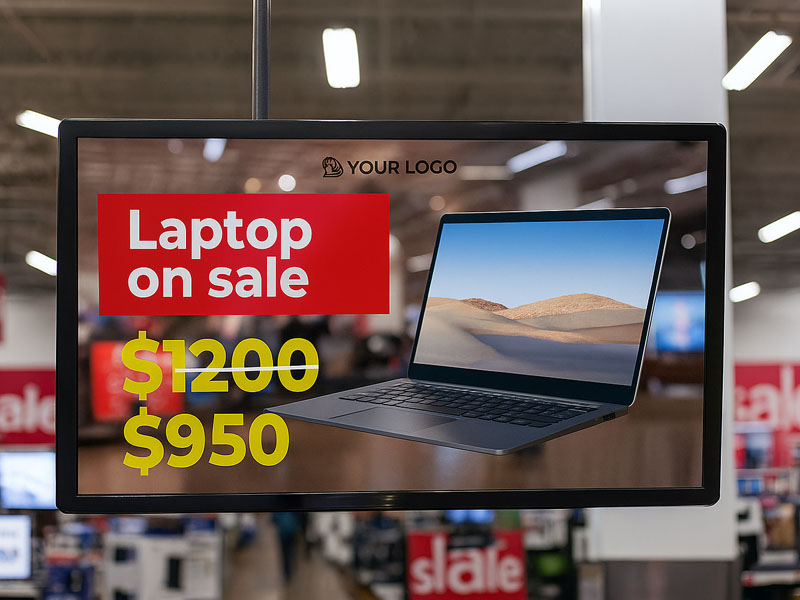
Wall-Mounted Digital Signage display
Advantages of Android 13 Digital Signage
Large Application Ecosystem
A significant advantage of Android is its well-established software environment.
Businesses can effortlessly deploy applications for:
- Digital advertising
- Interactive kiosks
- Retail promotions
- Self-service terminals
- Visitor management
- Meeting room systems
Developers who are well-versed in Android can swiftly create or adapt applications for commercial displays.
Easier Touchscreen Integration
Originally designed for touch-based devices, Android is inherently suitable for interactive digital signage.
Android displays can accommodate:
- Multi-touch gestures
- Custom user interfaces
- Interactive menus
- Mobile-style applications
This positions Android 13 as an excellent option for customer-facing applications.
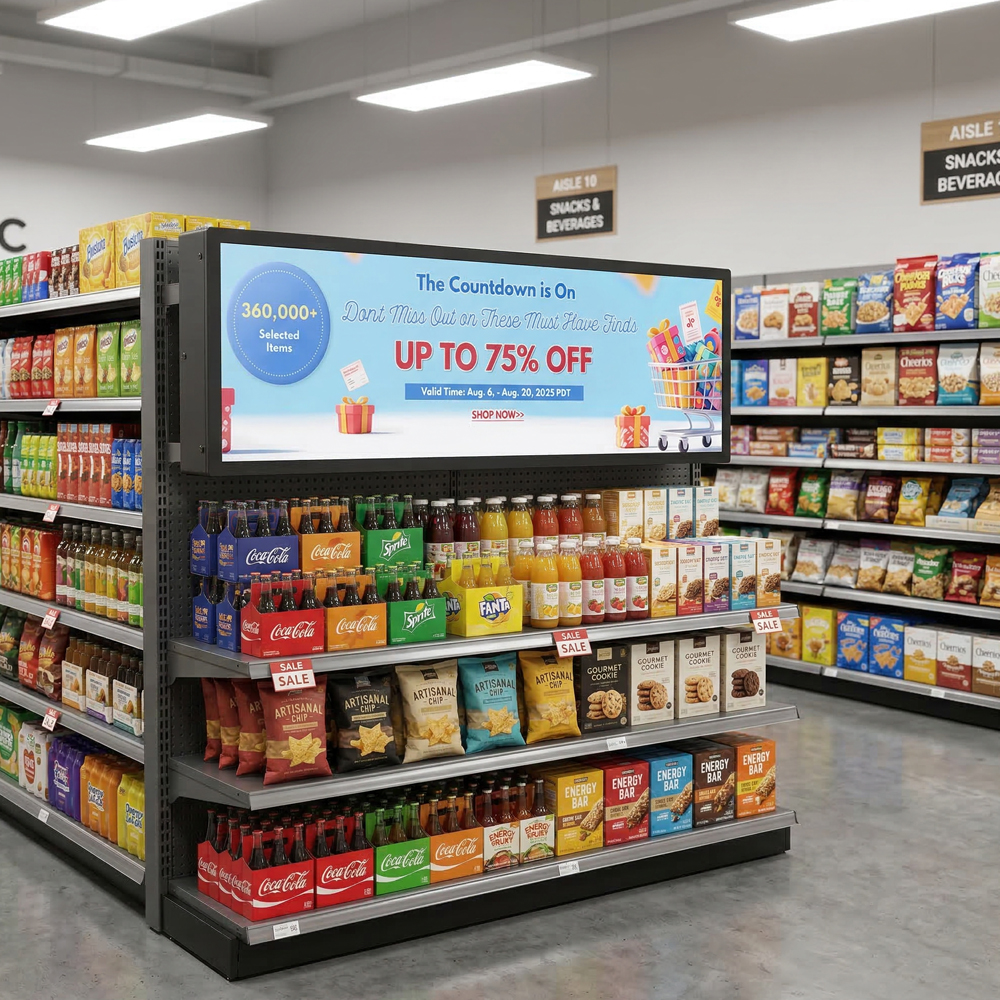
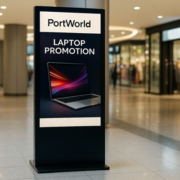
Portworld Stretched Display Series
Accelerated Implementation for Commercial Projects
In numerous digital signage initiatives, clients require a comprehensive solution in a timely manner.
Android platforms enable manufacturers to offer:
- Pre-installed applications
- Tailored launchers
- Remote management tools
- Cloud CMS integration
This approach minimizes development time and streamlines deployment.
Appropriate Applications for Android 13
Digital signage displays based on Android 13 are frequently utilized in:
- Retail advertising screens
- Interactive kiosks
- Restaurant menu boards
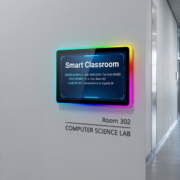
- Meeting room reservation panels
- Smart home control interfaces
- Self-service terminals
For projects emphasizing user engagement and multimedia content, Android is typically the preferred option.
Linux Debian for Commercial Digital Signage Displays
Linux Debian adopts a distinct methodology. Rather than concentrating mainly on consumer-oriented applications, Debian offers a stable and highly adaptable environment for embedded and industrial systems.
Numerous industrial digital signage projects opt for Linux due to their need for long-term stability, system control, and extensive hardware customization.
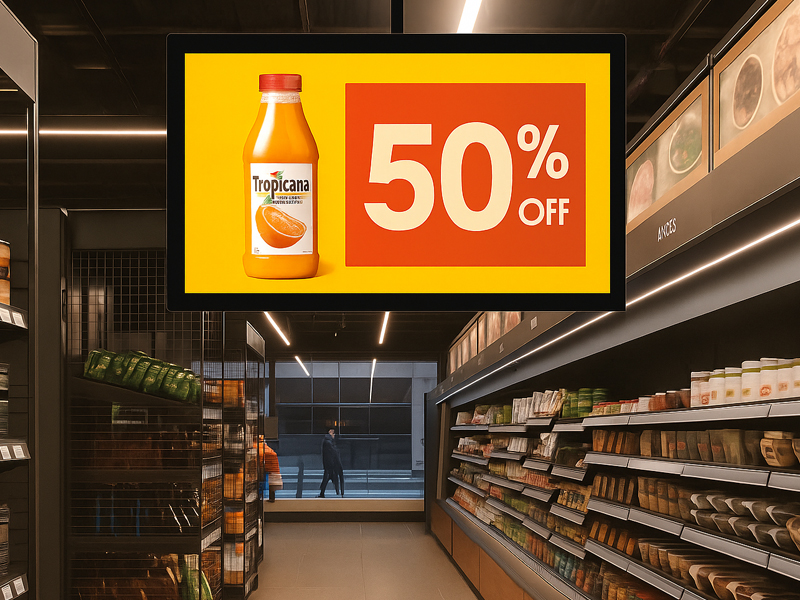
digital signage display
Benefits of Linux Debian Digital Signage
High System Stability
Debian is recognized for its reliability and prolonged operational capacity.
For applications necessitating continuous functionality, Linux presents benefits such as:
- Consistent system performance
- Reduced background resource consumption
- Long-term maintenance support
- Minimization of unnecessary services
This renders it suitable for industrial settings where uptime is paramount.
Enhanced Hardware and Software Control
Linux empowers developers to tailor the system at a more profound level.
Potential customizations encompass:
- Kernel alterations
- Driver creation
- Boot process refinement
- Hardware-level integration
- Custom communication protocols
For specialized digital signage initiatives, this degree of control can be exceptionally advantageous.
Enhanced for Industrial IoT Integration
Numerous commercial initiatives necessitate connectivity with industrial systems.
Linux Debian facilitates integration with:
- RS232
- RS485
- Modbus
- MQTT
- Industrial sensors
- Automation systems
This capability renders Debian appropriate for industrial control displays and smart infrastructure initiatives.
Appropriate Applications for Linux Debian
Linux-based digital signage solutions are frequently employed in:
- Industrial information displays
- Factory dashboards
- Transportation systems
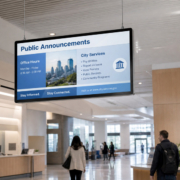
- Smart city terminals
- Embedded control systems
- Specialized commercial applications
Android 13 and Linux Debian: Major Distinctions
| Category | Android 13 | Linux Debian |
|---|---|---|
| Application Ecosystem | Excellent | Requires custom development |
| Touch Interaction | Excellent | Requires UI development |
| User Interface Development | Faster | More flexible but complex |
| Hardware Control | Moderate | High |
| Industrial Integration | Good | Excellent |
| Long-Term Stability | Good | Excellent |
| Multimedia Applications | Excellent | Good |
| Custom Firmware Development | Good | Excellent |
| Developer Requirements | Android developers | Linux/embedded developers |
How to Decide Between Android 13 and Linux Debian?
The appropriate selection is contingent upon the objectives of the digital signage initiative.
Opt for Android 13 When:
You require:
- Rapid application deployment
- An interactive touchscreen experience
- Multimedia advertising capabilities
- Seamless CMS integration
- User interfaces resembling consumer products
Illustrations:
An interactive kiosk in a shopping mall, a restaurant menu display, or a meeting room booking panel would generally benefit from the use of Android.
Opt for Linux Debian When:
You require:
- The highest level of system customization
- Industrial-grade reliability
- Control at the hardware level
- Integration with automation systems
Illustrations:
A factory production dashboard, a transportation information system, or an industrial control display may be more appropriately served by Debian.
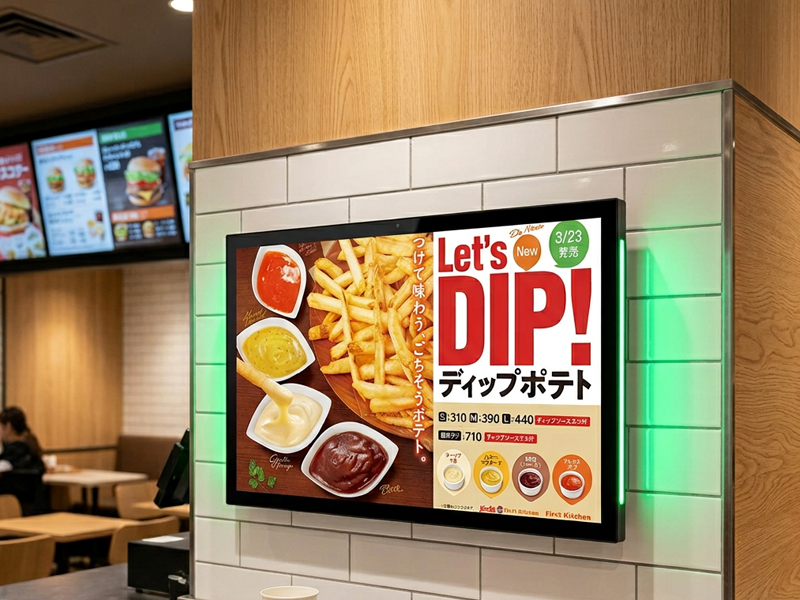
digital signage display
Portworld’s Android and Linux Digital Signage Solutions
As an OEM/ODM provider of touchscreen solutions, Portworld offers support for both Android and Linux platforms tailored for commercial digital signage applications.
Based on project specifications, Portworld delivers customized solutions that include:
- Android 13 and other versions of Android
- inux Debian systems
- Embedded hardware platforms
- Industrial processors such as Rockchip RK3566, RK3568, RK3576, and RK3588
Portworld’s digital signage platforms can be tailored with:
- Various screen sizes
- Touch or non-touch configurations
- CMS integration
- Remote management systems
- Camera and sensor modules
- NFC/RFID capabilities
- PoE connectivity
- OEM/ODM customization options.