What Operating System Is Best for a Digital Signage Display?
Selecting the appropriate operating system is a crucial choice when either developing or acquiring a digital signage display. The operating system influences application compatibility, system stability, hardware performance, remote management capabilities, and long-term maintenance expenses.
There is no universally applicable “best” operating system for all digital signage projects. The optimal selection is contingent upon the application context, hardware specifications, deployment scale, and customization requirements.
The most prevalent operating systems utilized in commercial digital signage displays encompass Android, Linux, Windows, and specialized embedded Linux systems like Yocto.
Android Digital Signage Displays
Currently, Android stands out as one of the most favored operating systems for commercial digital signage due to its adaptability and extensive application ecosystem.
Benefits of Android:
Facilitated Application Development
Android accommodates a diverse array of applications, which include:
- Digital signage CMS software
- Advertising applications
- Interactive touch applications
- Browser-based content
- Customer service systems
Organizations can swiftly implement existing Android applications without the necessity of creating an entirely new software platform.
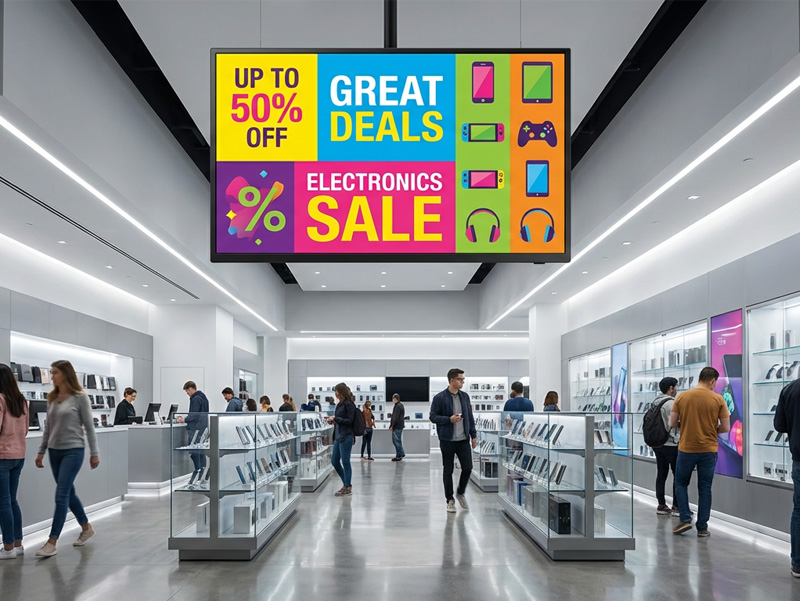
ultra thin hanging advertising screen
Affordable Hardware
Android-powered signage displays are readily accessible featuring ARM processors like:
- Rockchip RK3566
- RK3568
- RK3576
- RK3588
This ensures a favorable balance between performance and expense.
Touchscreen Compatibility
Android is particularly well-suited for interactive displays such as:
- Self-service kiosks
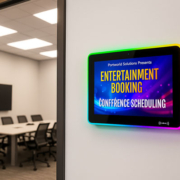
- Meeting room reservation panels
- Retail touch interfaces
- Access control devices
For instance, Portworld’s Android touchscreen displays accommodate applications such as retail advertising, intelligent office systems, and interactive information terminals.
Linux Digital Signage Displays
Linux is a widely recognized option for both commercial and industrial digital signage solutions.
In contrast to Android, Linux offers enhanced system control and greater customization options.
Benefits of Linux:
High Customization Potential
Manufacturers have the ability to tailor:
- Kernel
- Drivers
- Boot process
- System services
- User interface
This level of customization makes Linux particularly suitable for specialized products that demand long-term stability.
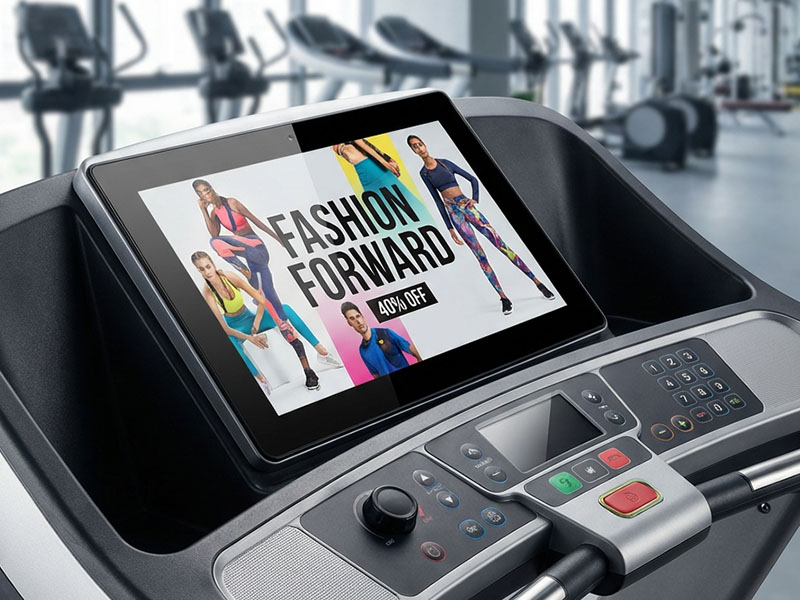
Touch Screen for Smart Fitness Equipment
Enhanced Resource Optimization
A tailored Linux system can eliminate superfluous components, leading to:
- Quicker boot times
- Reduced memory consumption
- Increased system efficiency
- Robust Industrial Reliability
Linux is extensively utilized in:
- Industrial displays
- Smart factories
- Transportation systems
- Embedded control terminals
Yocto Linux for Tailored Digital Signage Solutions
For organizations creating their own commercial display solutions, Yocto Linux offers enhanced customization options.
In contrast to a conventional Linux distribution, Yocto enables developers to construct a fully personalized embedded Linux system.
The advantages include:
- Tailored firmware
- Enhanced hardware compatibility
- Secure boot functionality
- Sustained maintenance
- Minimized system footprint
Yocto is frequently utilized for:
- Industrial digital signage
- Intelligent transportation terminals
- Medical display systems
- AI edge computing devices
Nevertheless, Yocto necessitates a higher level of development expertise compared to Android or Debian Linux.
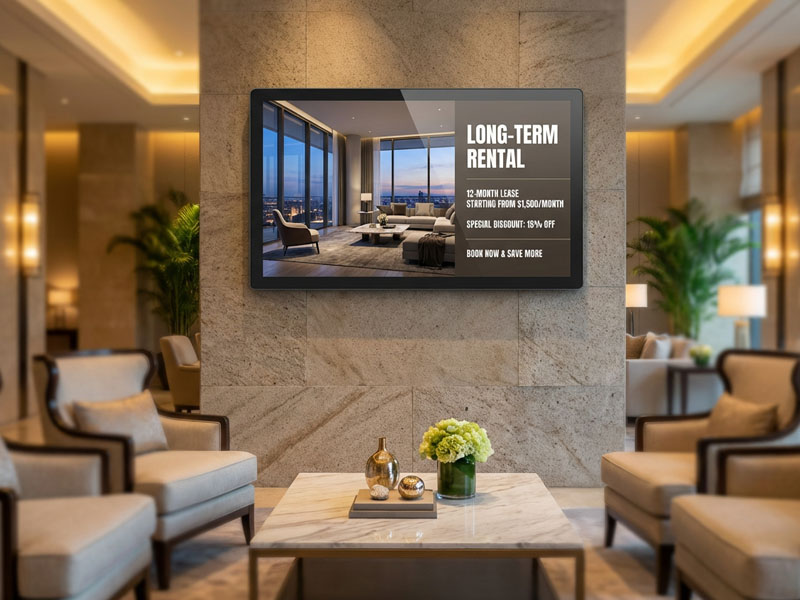
Wall-Mounted Digital Signage display
Windows Digital Signage Displays
Digital signage solutions that operate on Windows are frequently utilized by businesses that need to ensure compatibility with their current PC software.
Advantages:
- Compatibility with standard Windows applications
- Seamless integration with enterprise systems
- Familiarity in the development environment
- Robust software compatibility
Common applications encompass:
- Corporate information displays
- Financial terminals
- Industrial PCs
- Large-scale enterprise deployments
However, the drawbacks typically include:
- Increased hardware costs
- Elevated power consumption
- More intricate maintenance requirements
Android vs Linux vs Windows Comparison
| Feature | Android | Linux / Yocto | Windows |
|---|---|---|---|
| Application Support | Excellent | Requires customization | Excellent |
| Hardware Control | Medium | Excellent | Good |
| Development Difficulty | Easy | Advanced | Medium |
| Cost | Low | Medium | Higher |
| Touch Applications | Excellent | Good | Excellent |
| Industrial Stability | Good | Excellent | Good |
| Best For | Commercial signage | Customized products | Enterprise applications |
Which Operating System Should You Select for Digital Signage?
Choose Android If You Require:
- Rapid deployment
- Touchscreen functionalities
- Reduced hardware expenses
- Mobile-oriented application ecosystem
- Solutions for retail and hospitality
Illustrations:
- Digital menu displays
- Interactive kiosks
- Meeting room interfaces
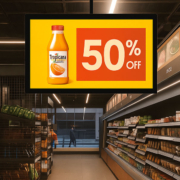
- Retail advertising screens
Choose Linux / Yocto If You Require:
- Comprehensive system customization
- Extended product lifespan
- Industrial-grade reliability
- Enhanced embedded performance
Illustrations:
- Industrial control screens
- Smart transportation solutions
- Tailored commercial terminals
Choose Windows If You Require:
- Compatibility with existing Windows software
- Support for enterprise applications
- PC-centric solutions
Illustrations:
- Industrial PCs
- Corporate systems
- Complex software platforms
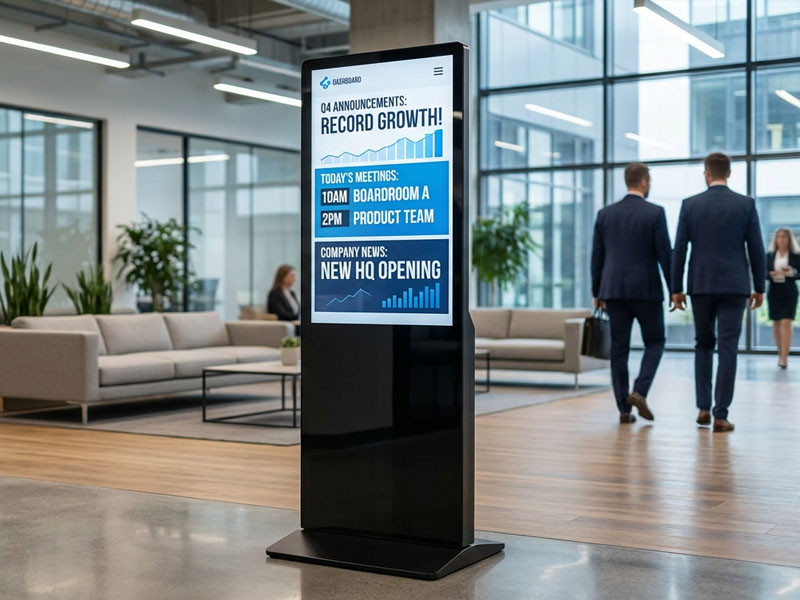
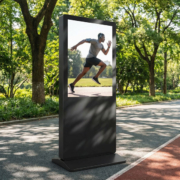
YC-5520FL
55″ Floor Standing Digital Signage
Portworld Digital Signage Operating System Solutions
Portworld offers tailored digital signage hardware that supports a variety of operating systems, including:
- Android
- Linux Debian
- Yocto Linux
- Windows solutions
These systems are based on ARM platforms such as:
- RK3566
- RK3568
- RK3576
- RK3588
Portworld’s offerings include:
- Digital signage displays
- Touchscreen terminals
- Industrial monitors
- Smart kiosks
- Embedded computing solutions
Customization services provided encompass:
- Firmware customization
- BSP development
- Driver adaptation
- UI customization
- Hardware integration
- OEM/ODM manufacturing
The optimal operating system for a digital signage display is contingent upon the specific requirements of your project.
For most commercial signage applications, Android is the preferred option due to its flexibility, cost-effectiveness, and ease of deployment.
Linux/Yocto is best suited for customized industrial products that necessitate maximum control and long-term stability.
Windows is appropriate for enterprise applications that rely on compatibility with PC software.