Embedded Touch Screen Panels for EV Charging Stations
As electric vehicle adoption expands, charging stations are becoming increasingly advanced. Modern EV chargers need more than hardware to deliver power; they also require intuitive interfaces that enable drivers to begin charging sessions, monitor charging status, make payments, and follow operating instructions.
Embedded touch screen panels are central to this experience. Integrated directly into the charger enclosure, they offer a compact interface that supports a streamlined design and makes the equipment easier to use.
Choosing an embedded touch screen panel for an EV charging station, however, involves more than selecting a screen size. Brightness, touch responsiveness, environmental protection, computing architecture, communication interfaces, and mechanical integration must all suit the intended application.
This guide outlines the key factors to consider when selecting an embedded touch screen panel for EV charging equipment.
1. Decide Whether You Need a Touch Monitor or an Integrated Panel PC
The first step is to identify which type of embedded display solution is required.
Touchscreen monitors and Panel PCs may appear similar, but they differ in their internal components and intended applications.
A touchscreen monitor provides display and touch-input capabilities but depends on an external computer or charging controller to run applications.
This option is appropriate when the EV charger already includes a dedicated computing platform and needs only an additional user interface.
Embedded Touchscreen Panel PC
An integrated Panel PC combines a display, touch panel, processor, memory, storage, and operating system in a single device. It can run the user interface locally and communicate with the charging system through supported interfaces.
This option is useful for manufacturers seeking a self-contained interface with a customized operating system and application environment.
Before choosing a solution, determine whether the display must run the charging interface independently or only receive video output from another controller.
The charging controller remains responsible for its assigned charging and safety functions. Integrate the touchscreen according to the system architecture; do not assume that it replaces the dedicated controller.
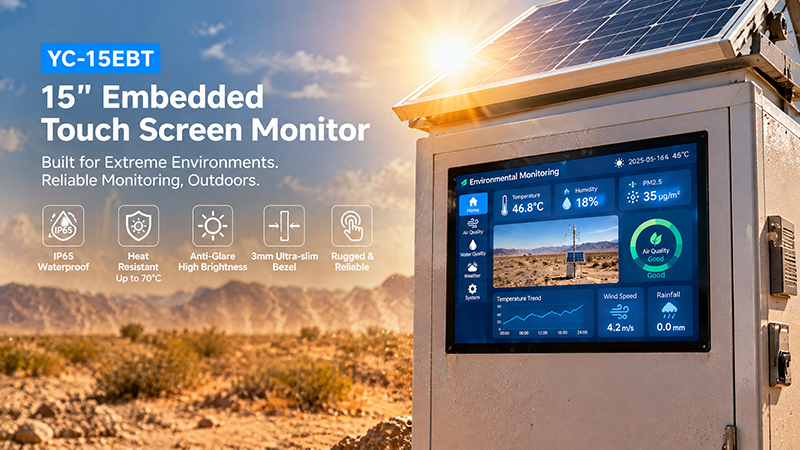
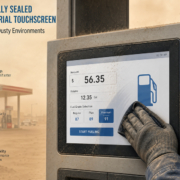
YC-15EBT High-temperature outdoor scene
2. Select the Appropriate Display Size for the Charging Station
Display dimensions influence both the user experience and the design of the charger enclosure.
A compact AC wallbox may need only a small interface to show charging status, provide basic instructions, and enable QR-code access. By contrast, a public DC fast charger may require a larger screen to present payment details, charging progress, multilingual guidance, and service notifications.
Common display sizes include:
- 4–7 inches: Suitable for compact chargers that need basic status information and straightforward touch controls.
- 7–10.1 inches: A practical option for displaying QR codes, user instructions, and more detailed charging information.
- 10.1–15.6 inches: Suitable for public charging stations with more involved interactions and payment processes.
- 15.6–21.5 inches: Useful for larger charging kiosks and displays that combine charging functions with advertising or information.
- The ideal size depends on the interface layout, viewing distance, installation location, and available enclosure space.
A larger display is not necessarily preferable. It can increase power use and heat output while adding mechanical design requirements. For compact chargers, a smaller touchscreen paired with a well-designed interface may be the better overall choice.
3. Assess Touch Technology for Public Use
EV charging stations are used by many people throughout the day, so the touchscreen must be responsive, easy to understand, and durable enough for frequent public interaction.
Projected capacitive (PCAP) technology is commonly used in modern charging interfaces.
Its benefits include:
- Responsive touch performance.
- Multi-touch support.
- A smooth glass surface.
- Excellent optical clarity.
- A familiar, smartphone-like experience.
- However, outdoor charging settings present additional challenges.
Drivers may use the screen with gloves on or while its surface is wet. Standard capacitive touch technology does not, by itself, ensure dependable operation in these situations.

Embedded Touch Screen Monitor
When assessing a touchscreen, determine:
- Whether the touch controller supports the types of gloves users are likely to wear.
- Whether water rejection is available and appropriate for the installation.
- Whether the cover glass can endure frequent public use.
- Whether touch performance remains consistent after repeated use.
- Whether the screen is comfortable to operate at its planned mounting angle.
Validate these capabilities with the actual display configuration under representative environmental conditions.
4. Select Brightness for Outdoor Readability
Many EV charging stations are installed outside, including in parking lots, along roadsides, in commercial areas, and within residential communities.
Direct sunlight can make standard displays hard to read, so choose brightness levels based on the installation environment.
Standard industrial brightness may be adequate for indoor or sheltered chargers. Outdoor installations may need brighter displays and anti-glare treatment.
Other display features also influence readability:
- Anti-glare surface: Reduces reflections from sunlight and nearby lighting.
- Viewing angle: Enables drivers to read charging information without standing directly in front of the display.
- Contrast: Keeps text, icons, and status indicators clear as lighting conditions change.
- Optical bonding: When properly designed, minimizes internal reflections and improves visibility outdoors.
Automatic brightness adjustment: A light sensor can vary screen brightness according to ambient conditions, helping balance readability with power consumption.
Test brightness at the actual installation angle and in representative daylight conditions. A high brightness rating alone does not ensure that an outdoor display will be readable.
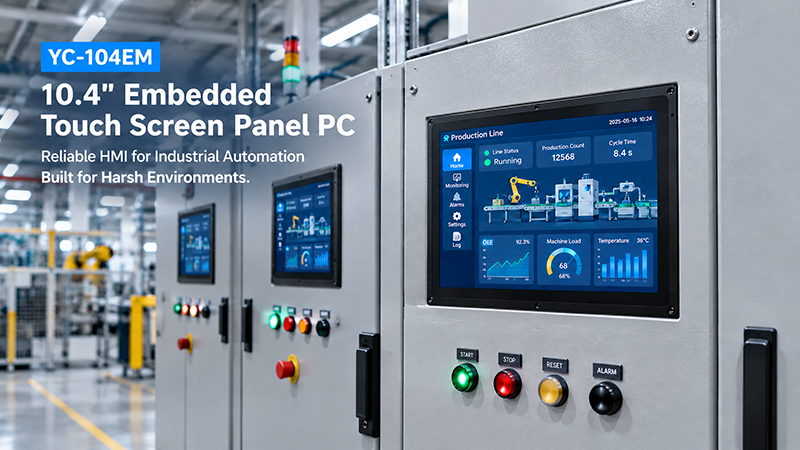
YC-104EM touch screen solutions
5. Consider Water, Dust, Temperature, and Mechanical Protection
Outdoor EV charging equipment must endure environmental exposure over extended periods.
An embedded touch-screen panel may face rain, dust, humidity, temperature fluctuations, vibration, and frequent cleaning.
Protection requirements vary according to the display’s installation location.
A screen positioned behind a sealed front cover requires different protection than one exposed directly to the outdoors.
When selecting a panel, consider:
- Front-panel IP protection requirements.
- Cover-glass durability and surface treatment.
- Operating temperature range.
- Enclosure material and resistance to corrosion.
- Heat dissipation and cooling design.
- Resistance to vibration and repeated touch input.
- Protection for connectors and cable entry points.
Fanless designs can benefit compact EV chargers by reducing moving parts and preventing dust from being drawn into the enclosure. However, the thermal design must still enable continuous operation at the anticipated ambient temperature and workload.
It is also important to distinguish the touchscreen’s front-panel protection rating from the rating of the complete charging station. The entire final assembly—including mounting, seals, connectors, and cable entries—must be assessed as a whole.
6. Choose a Suitable Processor and Operating System
If the embedded touch panel runs its own application, processor performance and operating system compatibility are key considerations.
The computing power required depends on the interface and the software features it must support.
A basic charging interface may display charging status, operating instructions, and QR codes. More advanced systems may run payment applications, web dashboards, multimedia content, remote management services, and several communication processes.
Common computing options include:
ARM-based platforms
ARM processors suit many embedded Android and Linux applications, offering an efficient option for compact EV charging interfaces.
Rockchip platforms, including the RK3566, RK3568, RK3576, and RK3588, can meet different embedded computing needs depending on application complexity.
Intel-based platforms
Intel processors may be a better fit when charging applications rely on Windows software, x86 compatibility, or existing industrial applications.
Choose the operating system to match the development environment and software architecture.
Android: Well suited to touch-focused interfaces and customized embedded applications.
Linux or Ubuntu: Useful for embedded software, communication services, and tailored system integration.
Windows: Appropriate when existing software requires a Windows environment.
The most powerful processor is not automatically the best choice. A balanced configuration should deliver adequate performance while accounting for power consumption, thermal management, cost, and long-term availability.
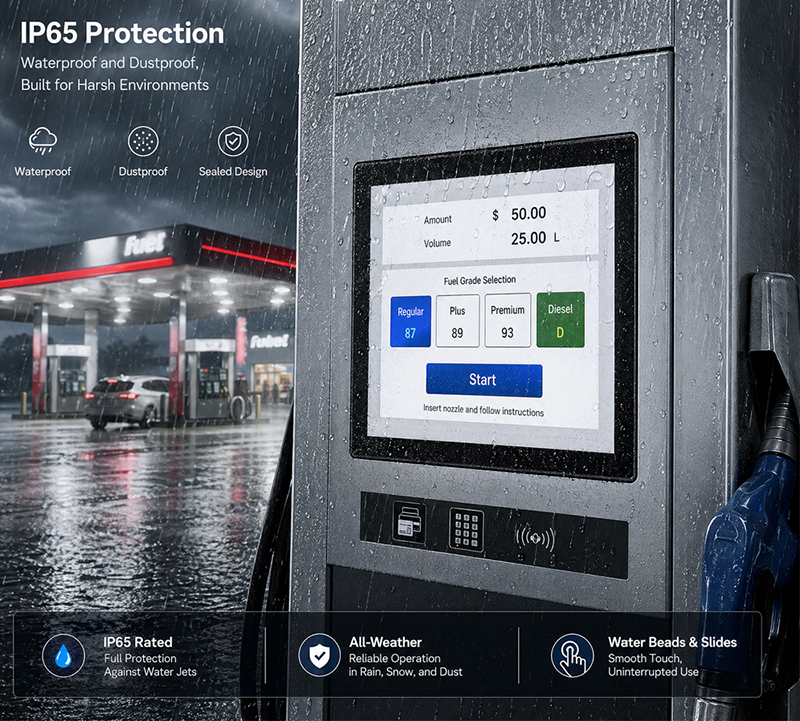
Embedded Touch Screen Panel
7. Check Communication Interfaces and System Integration
An EV charging touchscreen usually works as part of a larger system. It may need to communicate with the charging controller, payment terminal, RFID reader, network equipment, and other peripherals.
The required interfaces should be defined before selecting the hardware.
| Interface | Typical application |
|---|---|
| Ethernet | Communication with charging controllers and network systems |
| RS232 | Connection to compatible serial peripherals |
| RS485 | Communication with compatible industrial controllers |
| USB | Payment accessories, scanners, and service devices |
| Wi-Fi | Wireless network connectivity |
| Bluetooth | Supported wireless peripherals |
| GPIO | Customized external signals and hardware integration |
The required communication protocols must also be considered.
For example, OCPP is used for communication between charging stations and charging management systems. Its implementation may run on the charging controller, gateway, or application platform, depending on the system architecture.
A touchscreen panel does not automatically support OCPP simply because it has an Ethernet port. The required protocol software, application integration, and backend compatibility must be confirmed separately.
For DC charging systems, communication between the EV and charging equipment also follows dedicated charging communication requirements. The user-interface terminal should be integrated without interfering with the designated charging control architecture.
Choosing Between Standard Products and OEM/ODM Customization
Standard embedded touch panels can shorten development timelines when their dimensions, interfaces, and performance align with the charger design.
EV charging manufacturers, however, often have specific requirements for screen size, processor platform, enclosure design, operating system, and communication interfaces.
A customized solution can provide closer integration between the display and the charging equipment.
Portworld offers industrial touchscreen displays, embedded Panel PCs, smart control panels, and OEM/ODM development services.
Relevant product options include:
YC-102EBT: A 10.1-inch IPS touchscreen monitor featuring 1280 × 800 resolution and 10-point capacitive touch. It supports HDMI and USB connections and can operate with a compatible external computing platform.
YC-104EM: A 10.4-inch industrial touchscreen Panel PC with Intel processor options, 10-point capacitive touch, an aluminum enclosure, and IP65 protection on the front panel.
YC-215EM: A 21.5-inch industrial touchscreen all-in-one PC designed for applications that require a larger operator interface.
YC-15EBT / YC-185EBT / YC-215EBT: Industrial embedded touchscreen monitor options available in various sizes for projects that use an external computing platform.