What SDK and API Support Do Digital Signage Integrators Need?
Digital signage projects now involve more than displaying images and videos. Modern systems often need to integrate with content management systems (CMS), point-of-sale (POS) platforms, enterprise software, IoT devices, and remote management solutions.
For digital signage integrators, SDK and API support determines how easily these systems can communicate with display hardware and software.
A display may offer a powerful processor and a suitable operating system, but without appropriate development tools and technical documentation, integration can be time-consuming and costly.
Understanding the necessary SDK and API capabilities helps integrators select hardware that is easier to develop for, deploy, and maintain.
1. Understand the Difference Between SDK and API
An API (Application Programming Interface) enables different software systems to communicate and exchange data. An SDK (Software Development Kit) provides development tools, libraries, code examples, and documentation that help developers create applications for a specific platform.
In digital signage projects, they serve different purposes:
| Technology | Main function |
|---|---|
| Hardware SDK | Access device functions and hardware interfaces |
| Android/Linux APIs | Interact with operating system services |
| CMS REST API | Manage content, playlists, and devices |
| JavaScript SDK | Develop HTML5-based signage applications |
| Remote management API | Monitor and control deployed displays |
Integrators should identify which development tools are required before selecting a hardware platform. A CMS API does not automatically provide access to hardware functions, and a hardware SDK does not necessarily include cloud-based device management.
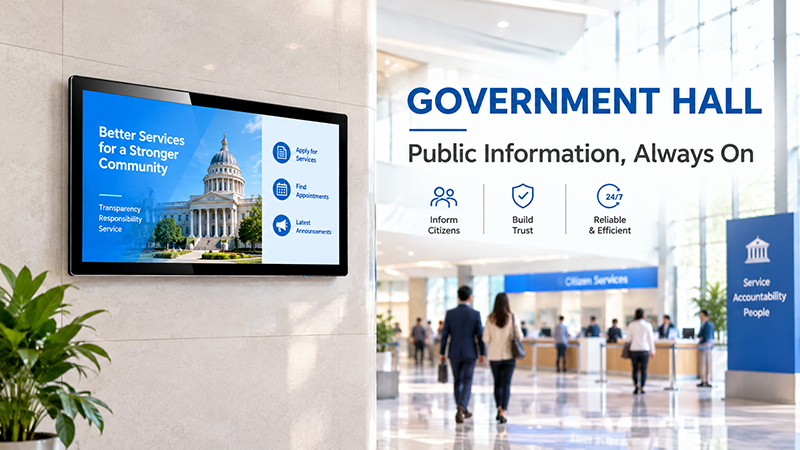
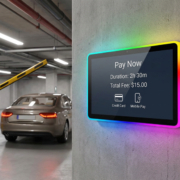
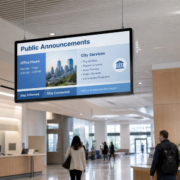
YC-55MT Digital signage display Government Hall
2. Hardware SDK Support
Hardware SDK support is essential when developers need to tailor applications or use device capabilities beyond basic media playback.
Depending on the platform, relevant capabilities may include:
- Screen brightness and power management
- Display orientation configuration
- Audio volume control
- Network settings
- Storage and file access
- USB peripheral connectivity
- RS232 and RS485 communication
- Touchscreen integration
- Device details and system status
For instance, a retail integrator might need to adjust screen brightness automatically, while an industrial project may require an RS485 connection between a display and external equipment.
Developers should verify that the SDK supports the specific hardware model, processor platform, and operating system version. Standard Android documentation alone may not provide access to manufacturer-specific features.
3. CMS REST API for Content and Device Management
A CMS REST API enables external software to interact with a digital signage management platform.
Integrators overseeing multiple displays commonly use API functions to:
- Upload and publish media content
- Create and update playlists
- Schedule advertisements
- Register new devices
- Organize screens into groups
- Retrieve device status
- Modify selected device settings
For instance, a retail chain can connect its internal marketing system to a CMS API and automatically distribute promotional content across its stores.
Before selecting a CMS, integrators should verify which API endpoints are available, whether the system supports bulk operations, and how authentication and permissions are handled.
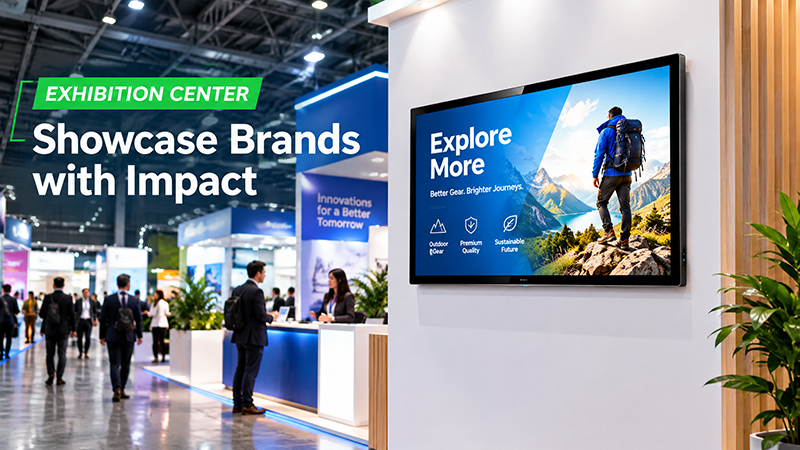
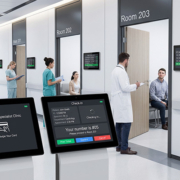
YC-55MT digital signage display Exhibition Center
4. JavaScript and HTML5 SDKs for Custom Applications
HTML5 and JavaScript are widely used to develop tailored digital signage interfaces.
With appropriate platform support, developers can create:
- Interactive product catalogs
- Restaurant menu boards
- Retail promotions
- Corporate dashboards
- Transportation information screens
- Touchscreen directories
When assessing an HTML5-compatible platform, verify its browser engine or WebView version, JavaScript compatibility, video playback, touch capabilities, local caching, and offline functionality.
For instance, a restaurant could use a custom HTML5 application to display menu items and fetch updated prices from an external system. The available functionality depends on both the media player’s capabilities and the connected backend.
5. Integration with POS, ERP, and IoT Systems
Digital signage frequently relies on data from other business platforms.
POS integration: Supply retail displays or restaurant screens with product prices, promotions, and menu details.
ERP integration: Present inventory levels, operational metrics, and other business information.
CRM integration: Align marketing campaigns with customer-specific content.
IoT integration: Show sensor data, including temperature, humidity, occupancy, or equipment status.
Depending on the use case, systems may exchange data through REST APIs, MQTT, WebSockets, or serial communication.
Before development begins, integrators should establish the data source, refresh frequency, communication method, and offline behavior. They should also assess existing CMS connectors before creating custom integrations.
6. Remote Device Management and Security
When an installation includes numerous displays, remote management can reduce the need for on-site maintenance.
Valuable capabilities include:
- Online and offline device monitoring
- Remote restarts
- Firmware and application updates
- Brightness and volume controls
- Storage and temperature monitoring
- System logs and diagnostics
Security is just as essential. Integrators should verify that APIs support HTTPS, token-based authentication, access controls, and credential management.
Administrator credentials should never be placed directly in public-facing signage applications. Sensitive API operations should instead be managed through a properly secured backend.
The remote functions available depend on the chosen CMS, device management platform, and hardware configuration.
7. SDK Documentation and Technical Support
A development package is valuable only if engineers can understand and use it effectively.
Before purchasing hardware, integrators should request:
- SDK installation instructions
- API reference documentation
- Code examples and sample applications
- Hardware interface specifications
- Supported operating system and firmware versions
- Error codes and troubleshooting guidance
- SDK update and compatibility information
Long-term maintenance is also important. Firmware updates may affect existing applications, so developers should understand version compatibility and the manufacturer’s technical support policy.
Testing the hardware with a small proof of concept before large-scale deployment is recommended.
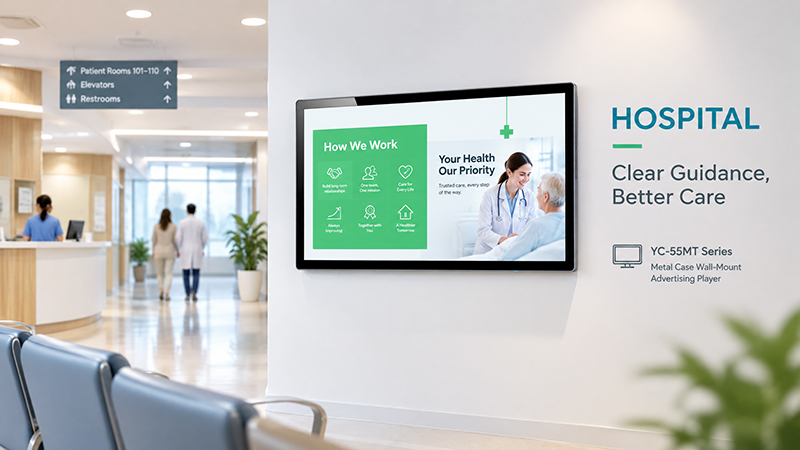
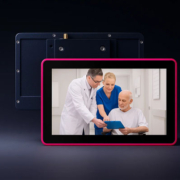
YC-55MT Digital signage display Hospital Banner
SDK and API Support for Portworld Digital Signage Hardware
Portworld offers embedded hardware platforms, digital signage displays, motherboards, and OEM/ODM development services for digital signage brands and system integrators.
Its hardware portfolio includes Rockchip-based platforms such as RK3566, RK3568, RK3576, and RK3588, designed to meet a range of application and processing requirements.
For integration projects, Portworld can provide support for:
- Android and Linux system customization
- Hardware platform and processor selection
- SDKs and technical documentation for supported configurations
- Customization of Ethernet, USB, RS232, RS485, and other interfaces
- Application preinstallation and automatic startup
- PCB/PCBA and motherboard development
- OEM/ODM customization from prototyping through mass production
For instance, YC-P3566 and YC-P3576 can be assessed for embedded display and application development projects. YC-Core3588 offers a higher-performance platform for applications that require greater computing power and AI processing capabilities.
Available SDK functions and APIs vary according to the selected hardware, operating system, and software platform. Hardware SDK support is separate from CMS cloud APIs, which depend on the signage management software in use.
For projects with specific integration needs, customers should provide their target operating system, required interfaces, communication protocols, and application functions during the initial technical evaluation.
SDK and API support plays an important role in building flexible digital signage solutions. Hardware SDKs provide access to device functions, CMS APIs manage content and devices, and application SDKs support customized user experiences.
For digital signage integrators, the best hardware platform is not necessarily the one with the highest specifications. It is the one that provides the required interfaces, clear documentation, software compatibility, and reliable technical support.