How to Build a Smart Home Control Panel with ESPHome and LVGL
A smart home control panel is more than a touchscreen attached to a wall. It must show device information in real time, respond to user actions, communicate with smart home systems, and provide an intuitive way to manage lighting, curtains, air conditioning, and other connected devices.
For developers and smart home manufacturers, ESPHome and LVGL provide a practical foundation for creating custom touchscreen control panels with ESP32 hardware.
ESPHome manages device configuration, communications, sensors, and automation, while LVGL powers the graphical interface. Integrated with Home Assistant, the panel can display device statuses and control smart home entities through a tailored touchscreen experience.
This combination is especially useful for projects that require a compact embedded platform, a customized interface, and flexible smart home integration.
Understanding ESPHome and LVGL
Before building a smart control panel, it is helpful to understand the distinct roles of ESPHome and LVGL.
What Is ESPHome?
ESPHome is an open-source platform for configuring and programming ESP32 and other supported microcontrollers using YAML configuration files.
Rather than creating every device function from the ground up, developers can use ESPHome components to set up network connections, sensors, switches, displays, and communication interfaces.
In smart home applications, ESPHome can connect an embedded device to Home Assistant using its native API. This enables the control panel to exchange data with Home Assistant and interact with connected devices.
Common functions include:
- Reading temperature and humidity sensors
- Controlling lights and switches
- Displaying device status
- Connecting to Wi-Fi networks
- Communicating with Home Assistant
- Supporting firmware updates and device management
What Is LVGL?
LVGL (Light and Versatile Graphics Library) is an open-source graphics library created for embedded displays.
It offers graphical components—including buttons, labels, sliders, switches, charts, and navigation pages—that developers can use to build touchscreen interfaces without creating every element from scratch.
ESPHome provides an LVGL component, enabling developers to define graphical interfaces using YAML configuration.
For instance, an LVGL-powered smart home panel might feature:
- A home dashboard
- Lighting control buttons
- Brightness adjustment sliders
- Temperature and humidity displays
- Curtain control interfaces
- Device status indicators
- Multiple navigation pages
By combining ESPHome and LVGL, developers can integrate device communication with the design of embedded graphical interfaces.
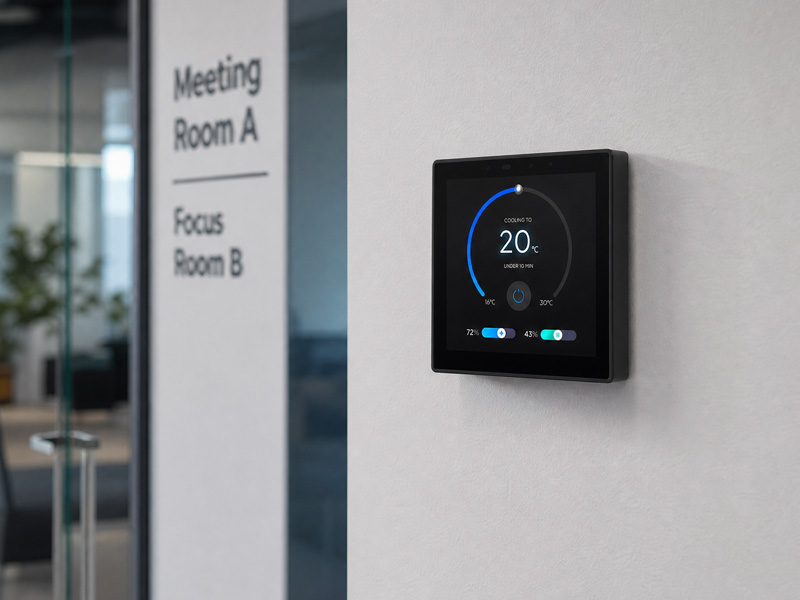
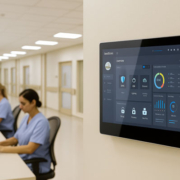
smart home control panel
Selecting the Appropriate ESP32 Hardware
Hardware choices have a direct impact on display performance, touchscreen responsiveness, and software development complexity.
When designing a smart home control panel, consider several hardware factors.
Processor Performance
The ESP32 platform must have sufficient processing capacity to manage the display, network communications, user input, and application logic.
The ESP32-S3 suits many touchscreen projects, offering dual-core processing, Wi-Fi, Bluetooth LE, and support for configurations with external PSRAM.
Display Size and Resolution
A touchscreen control panel needs adequate screen space for displaying device information and enabling user interaction.
Common options include:
- 3.5-inch displays for compact control interfaces
- 4-inch displays for room-level smart home control
- 5-inch displays for more detailed dashboards
- Larger displays for centralized home automation interfaces
The appropriate resolution depends on the display size, interface layout, and hardware capabilities.
Memory Configuration
LVGL requires memory for graphical objects, display buffers, fonts, images, and other interface resources.
PSRAM is especially beneficial for color touchscreen projects with larger displays or more sophisticated graphical interfaces. Memory needs vary according to display resolution, color depth, buffer settings, and the number of UI elements.
Touchscreen Compatibility
The selected hardware and software configuration must support both the display driver and the touchscreen controller.
Before developing the interface, confirm the display’s communication interface, touchscreen controller, GPIO assignments, and driver availability.
For a new project, test the display and touch input separately before creating the full smart home interface.
Preparing the ESPHome Development Environment
After selecting the hardware, prepare the software development environment.
A typical project using ESPHome and LVGL includes:
- ESPHome: Configures the device and generates its firmware.
- Home Assistant: Manages the smart home and integrates connected devices.
- LVGL: Provides the graphical interface and touchscreen widgets.
- ESP-IDF: The development framework that ESPHome uses with supported ESP32 hardware.
A standard development workflow consists of:
- Install and configure ESPHome.
- Set up the ESP32 hardware and display drivers.
- Create the device’s YAML configuration.
- Configure Wi-Fi and communication with Home Assistant.
- Test the display and touchscreen.
- Add LVGL widgets and interface pages.
- Link widgets to smart home entities.
- Compile, flash, and test the firmware.
For an initial project, begin with a basic display setup and a single touchscreen interaction. Once you have verified that the hardware functions properly, add further features.
Designing a Smart Home Interface with LVGL
The user interface is a critical component of a smart home control panel.
An effective design should help users quickly check device status and carry out common tasks without moving through multiple screens.
Create a Home Dashboard
The home dashboard can present commonly needed information, including:
- Current time and date
- Indoor temperature and humidity
- Lighting status
- Room occupancy
- Active smart home scenes
- Network connection status
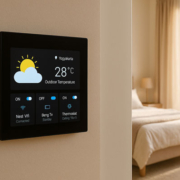
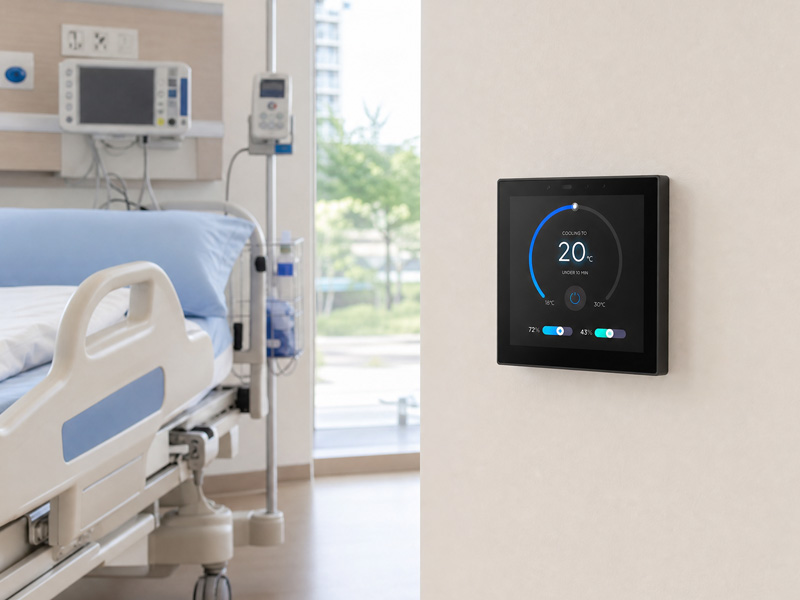
For instance, a living room control panel could display the room temperature at the top, lighting controls in the middle, and scene shortcuts along the bottom.
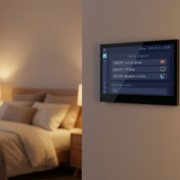
smart home control panel-1
Add Lighting Controls
LVGL offers interactive widgets, including buttons and sliders.
A lighting page might provide:
- On/off buttons
- Brightness adjustment
- Color temperature controls
- Lighting group selection
- Scene shortcuts
The interface should make it clear whether each light is on or off. Its displayed status should reflect the connected smart home entity, rather than depending solely on the most recent touchscreen action.
Add HVAC and Environmental Controls
A smart home panel can display temperature and humidity readings while providing controls for heating, ventilation, and air conditioning.
A typical HVAC page may show:
- Current room temperature
- Desired temperature
- Operating mode
- Fan speed
- Heating and cooling status
- Available controls depend on the HVAC integration and the entities Home Assistant exposes.
- Organize Multiple Interface Pages
For a larger control panel, dividing the interface into separate pages can make it easier to navigate.
A practical layout might include:
- Home: Main dashboard and room details
- Lighting: Individual lights and lighting scenes
- Climate: Temperature readings and HVAC controls
- Curtains: Open, close, and position controls
- Settings: Brightness, network, and display preferences
LVGL supports screens and page navigation, enabling developers to arrange these functions in a consistent interface.
5. Connecting ESPHome and LVGL to Home Assistant
A touchscreen interface is far more useful when it can control and monitor real smart home devices.
ESPHome communicates with Home Assistant through its native API. After the device is configured and connected, it can exchange data with Home Assistant entities and automations.
A typical architecture is:
Smart home devices → Home Assistant → ESPHome communication → ESP32 control panel → LVGL touchscreen interface
For instance, when a user taps a lighting button on the panel, the device can send the corresponding command to Home Assistant. Home Assistant then controls the connected light and reports its updated state.
The interface can display this state, allowing users to confirm whether the command was applied successfully.
Connecting Home Assistant Entities
Developers can make Home Assistant entities available to an ESPHome device using supported ESPHome components and configuration methods.
Common examples include:
- Light entities
- Switch entities
- Temperature sensors
- Humidity sensors
- Climate entities
- Cover entities
The specific implementation varies depending on the entity type and the ESPHome component in use.
Synchronizing Device Status
A reliable control panel should show the device’s actual current state, rather than merely changing a button’s appearance when pressed.
For instance, when a light is turned on through a mobile application, the lighting indicator on the control panel should update as well.
Achieving this requires bidirectional data exchange between Home Assistant and the panel.
Network disruptions must also be taken into account. When communication is unavailable, the interface should differentiate current device information from outdated data.
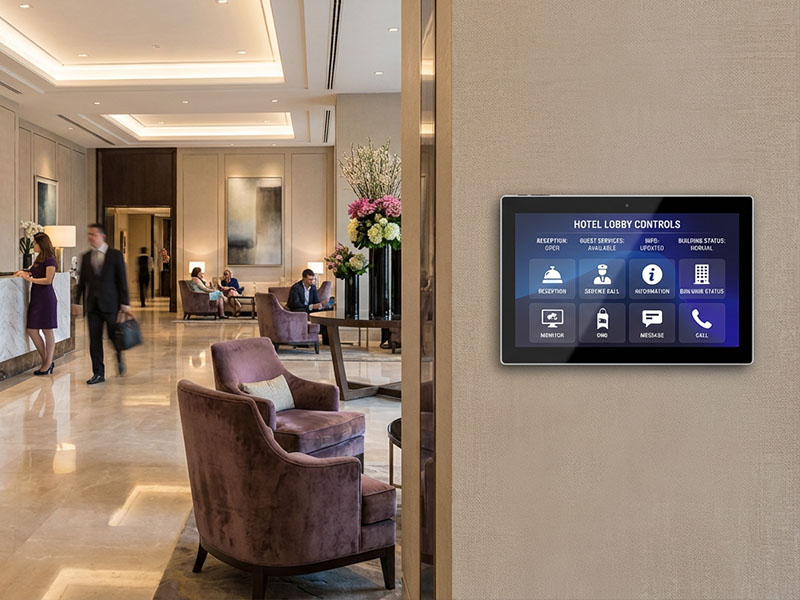
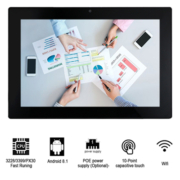
YC-SM10P
10.1 inch Smart Home Control Panel
Example: Building a Basic LVGL Smart Home Dashboard
A basic dashboard can help verify the display, touchscreen, and LVGL configuration before more advanced features are added.
For an ESPHome-based project, developers should first verify the panel’s display controller, touchscreen driver, GPIO assignments, and access to firmware development. ESPHome compatibility depends on the specific hardware configuration and the availability of appropriate drivers. LVGL support by itself does not ensure that a panel will work with an existing ESPHome configuration without modifications.
To meet project requirements, Portworld can provide:
- Customized touchscreen hardware configurations
- LVGL interface development
- Embedded firmware and software customization
- Wi-Fi and Ethernet connectivity integration
- RS485 and external-device communication
- Product appearance and logo customization
- OEM/ODM development and production
For manufacturers creating smart home panels, these services can tailor the hardware and software to the intended application, rather than requiring reliance on a generic development board.
ESPHome and LVGL vs. Custom Embedded Development
ESPHome and LVGL can streamline development and support integration with Home Assistant.
However, they are not the only available development options.
ESPHome is especially useful for products built around Home Assistant and its supported components. It can reduce the need to develop low-level firmware for common functions.
Custom ESP-IDF development may be a better fit when a product requires specialized communication protocols, advanced hardware control, a custom device architecture, or features beyond ESPHome’s available components.
LVGL can provide the graphical interface in either development approach.
For commercial products, manufacturers should also consider firmware maintenance, security updates, software licensing, production flashing, and the long-term availability of development resources.
Creating a smart home control panel with ESPHome and LVGL brings together embedded-device communication and a customizable touchscreen interface.
ESPHome manages hardware configuration, network connectivity, and Home Assistant integration. LVGL supplies the graphical elements for dashboards, lighting controls, climate screens, and other smart home features.
The ESP32-S3 is a practical platform for many compact touchscreen projects, especially those requiring expanded memory and a tailored graphical interface.
For manufacturers developing commercial smart home control panels, choosing a processor is only one part of the process. Display compatibility, touchscreen drivers, firmware architecture, network connectivity, interface design, and production requirements must also be addressed.
With ESP32-based hardware, LVGL interface support, and OEM/ODM customization services, Portworld can assist in developing smart home control panels for a range of residential and building automation applications.