How to Customize Android Digital Signage Hardware?
Android-based digital signage displays have emerged as a preferred solution across retail, hospitality, intelligent building systems, healthcare, transportation, and industrial sectors, owing to their adaptability, extensive application library, and seamless software integration capabilities.
Nevertheless, numerous commercial implementations demand capabilities beyond those offered by conventional Android displays. Organizations frequently require tailored hardware configurations, specialized interface specifications, distinctive aesthetic designs, and performance optimization.
Customizing Android digital signage hardware empowers organizations to develop solutions that align precisely with their operational requirements.
Rationale for Customizing Android Digital Signage Hardware
Standard digital signage solutions may prove insufficient for certain project specifications.
Custom hardware development permits organizations to establish:
- Display dimensions and aesthetic configuration
- Processor computational capacity
- Random access memory and data storage capacity
- Communication interface alternatives
- Interactive touch capabilities
- Supplementary hardware components
- Physical housing and structural design
- Operating system compatibility
This consideration holds particular significance for expansive implementation initiatives and specialized industrial sectors.
1. Select the Appropriate Android Hardware Platform
The initial phase involves identifying and selecting a suitable embedded computing platform.
Prevalent processor alternatives encompass:
- Rockchip Platforms
- RK3566 / RK3568
Applicable for:
- Retail display systems
- Intelligent control interfaces
- Interactive information kiosks
- Data presentation terminals
RK3576 / RK3588
Applicable for:
- Artificial intelligence-driven digital signage
- 8K multimedia applications
- Computer vision systems
- Advanced interactive display solutions
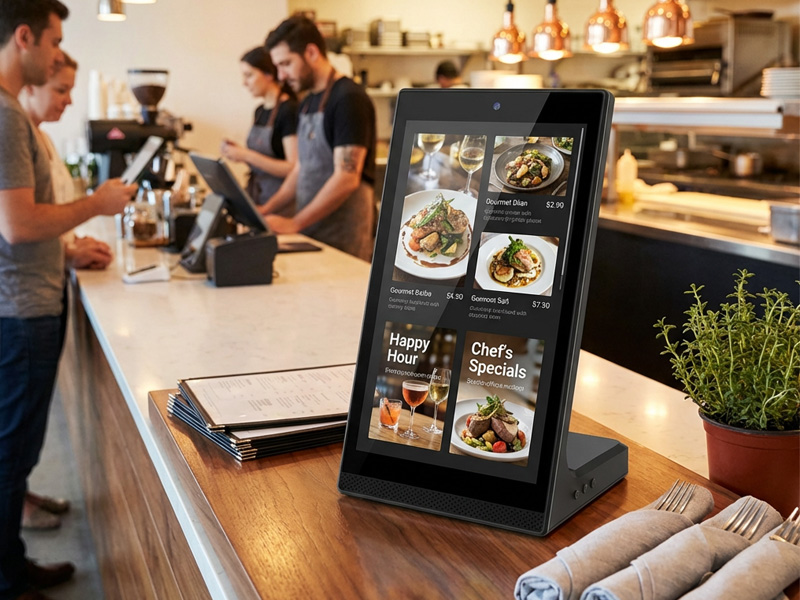
YC-L106 10.1-inch L-Shaped Digital Signage Display
The determination of appropriate hardware is contingent upon:
- Video resolution specifications
- Application scope and complexity
- Artificial intelligence computational requirements
- Quantity of display units
2. Personalize Display and Touch Interface Configuration
Android digital signage equipment offers extensive customization capabilities for display specifications.
Available selections encompass:
Display Dimensions
Ranging from portable screens to enterprise-grade installations:
- 5″
- 8″
- 10.1″
- 15.6″
- 21.5″
- 32″
- 43″
- 55″
- 65″
Touch Technology Solutions
Supported interaction methods:
- Capacitive touch
- Infrared touch
- Resistive touch
Touch interface customization facilitates:
- Multi-touch gesture recognition
- Interactive information kiosks
- Intelligent retail environments
- Automated self-service systems
3. Customize Interfaces and Connectivity
Various applications necessitate distinct connection methodologies.
Standard interfaces encompass:
- Network
- Ethernet
- WiFi
- Bluetooth
- 4G/5G
- Industrial Interfaces
- RS485
- UART
- GPIO
- CAN
- Expansion Modules
Supplementary integration options:
- NFC/RFID
- Camera
- Barcode scanner
- Microphone
- Speaker
- Sensors
These capabilities enable Android signage displays to establish connections with IoT and intelligent systems.
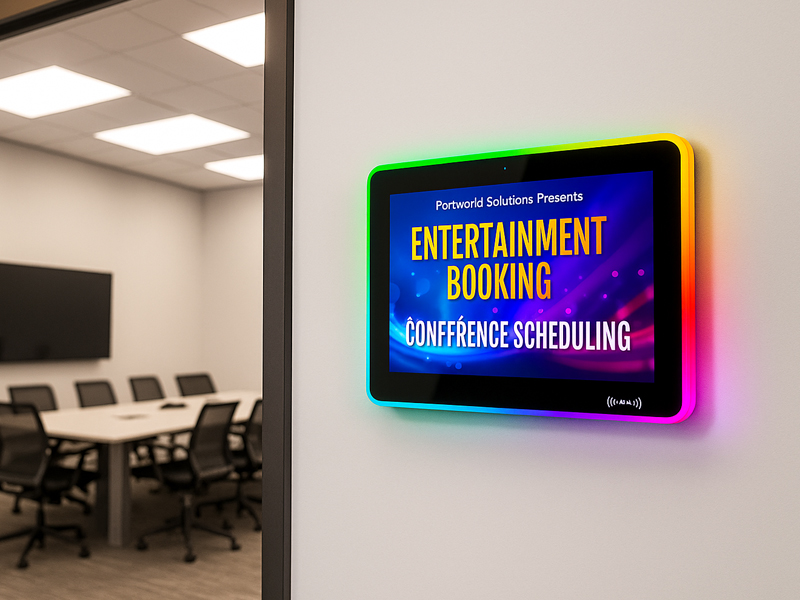
YC-LE156
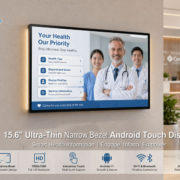
15.6″ Meeting Room Display Panels
4. Design Custom Enclosures
Physical design considerations hold substantial significance for commercial deployments.
Available customization alternatives include:
- Metal housing
- Plastic enclosure
- Wall-mounted configuration
- Desktop installation
- Kiosk framework
- Outdoor waterproof enclosure
For outdoor implementations, supplementary specifications may encompass:
- IP65 waterproof protection
- High brightness screens
- IK10 anti-vandal glass
- Thermal management
5. Customize Android Firmware and Software
Hardware customization represents merely one component of a comprehensive solution. The optimization of the Android operating system is equally critical to overall performance.
Standard software customization encompasses:
- Android Firmware
- Customized boot logo
- Operating system optimization
- Pre-loaded applications
- Access permission management
- Kiosk mode functionality
- User Interface Customization
- Proprietary interface design
- Customized application launcher
- Application management dashboard
- System Integration
Compatibility with:
- Content Management System platforms
- Cloud-based management infrastructure
- Internet of Things platforms
- Intelligent building management software
6. Implement Remote Management Functionality
Commercial digital signage systems frequently necessitate centralized administration.
Android hardware can establish connections with CMS platforms to facilitate:
- Remote content distribution
- Device surveillance
- Over-the-air firmware deployment
- Multi-device administration
- Operational metrics analysis
This capability proves indispensable for:
- Retail enterprises
- Public transit infrastructure
- Intelligent facility management
- Community notification platforms
7. Maintain Industrial-Grade Dependability
To sustain continuous operation throughout the year, customized Android signage hardware must incorporate:
- Industrial-specification materials
- Optimized thermal management
- Robust electrical regulation
- Extended software maintenance
- Comprehensive dependability validation
Established equipment manufacturers routinely execute:
- Accelerated lifecycle assessments
- Environmental stress evaluations
- Electromagnetic compatibility verification
- Standards compliance assessments
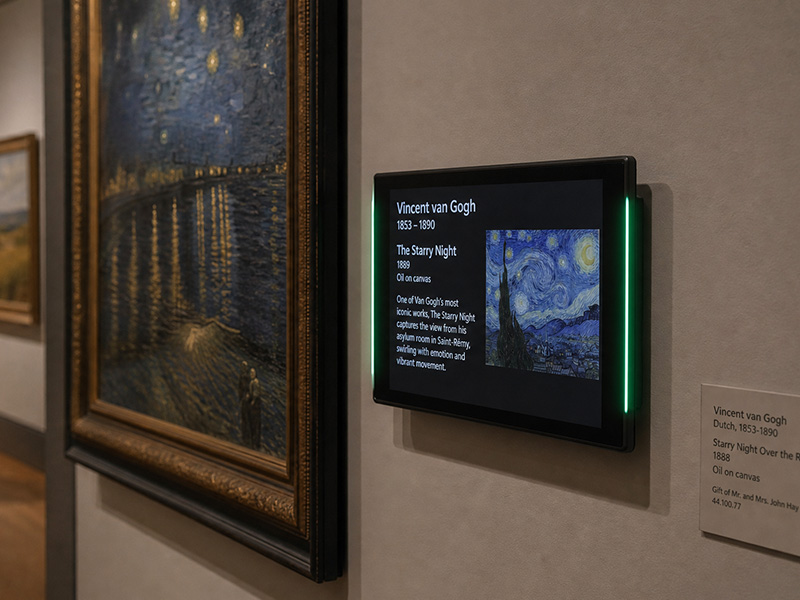
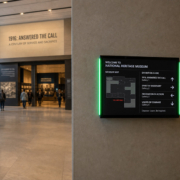
Museum Exhibit Interactive Touch Digital Signage Screen
Portworld Android Digital Signage Hardware Customization
Portworld delivers comprehensive Android digital signage OEM/ODM solutions tailored for international clientele.
Customization capabilities encompass:
- Android hardware architecture and design
- RK3566/RK3568/RK3576/RK3588 processor platforms
- Proprietary PCB and motherboard engineering
- Display and touchscreen adaptation
- Android firmware modification and optimization
- User interface and application deployment
- Ethernet/WiFi/4G communication protocols
- NFC/RFID/camera module integration
- Industrial-grade and outdoor-rated configurations
Applications:
- Retail point-of-sale advertising displays
- Intelligent residential control interfaces
- Hospitality service transaction terminals
- Medical facility interactive kiosks
- Manufacturing human-machine interface systems
- Public transit information distribution networks
Original Equipment Manufacturer/Original Design Manufacturer Development Methodology
A standard customization workflow encompasses the following phases:
1. Requirements Assessment
Establish:
- Intended use case and operational context
- Physical and technical hardware parameters
- Computational and functional software specifications
2. Prototype Engineering
Comprises:
- Physical system architecture and design
- Embedded software adaptation and configuration
- Performance validation and quality assurance
3. Regulatory Approval and Validation
Comprises:
- Conformité Européenne compliance
- Federal Communications Commission authorization
- Restriction of Hazardous Substances adherence
- Durability and performance assessment
4. Commercial-Scale Manufacturing
Facilitates:
- Manufacturer identity and brand application
- Customized product presentation and delivery materials
- Completely Knocked Down/Semi-Knocked Down assembly operations
- Worldwide distribution and logistics
Customizing Android digital signage hardware allows businesses to create displays that are optimized for their specific applications, from interactive retail kiosks to smart building terminals and industrial systems.
By selecting the right processor, display, connectivity options, enclosure design, and Android customization, companies can build reliable and scalable digital signage solutions.