What Can Be Customized in an OEM Floor Standing Digital Signage Display?
Floor-standing digital signage displays are commonly used in shopping malls, retail stores, hotels, airports, exhibition venues, restaurants, and public areas. They offer an effective platform for displaying advertisements, promotional videos, product details, interactive content, and timely announcements.
Every business, however, has distinct needs. A shopping mall might require a large advertising screen with a premium look, while a hotel may prefer a slim signage kiosk that complements its interior. An airport may need a high-brightness display, remote content management, and dependable 24/7 performance.
OEM customization addresses these varied requirements.
An OEM floor-standing digital signage display can be tailored in several areas, such as screen specifications, enclosure design, computing hardware, operating system, software, connectivity, and branding.
What, specifically, can be customized? Let’s explore.
1. Screen Size, Resolution, and Display Performance
The display is the most prominent component of a floor-standing digital signage system. Selecting suitable screen specifications influences viewing distance, content clarity, installation requirements, and the overall user experience.
Typical customization options include:
Screen size
Depending on the intended application and enclosure design, manufacturers may provide a range of display sizes, including:
- 32-inch screens for compact retail settings
- 43-inch screens for shops and indoor advertising
- 49-inch and 50-inch screens for commercial venues
- 55-inch screens for shopping malls and public spaces
- Larger-format screens for specialized projects
Resolution
Standard resolution options include Full HD (1920 × 1080) and 4K UHD (3840 × 2160). The best option depends on screen size, viewing distance, content requirements, and computing capacity.
Brightness
Indoor signage typically needs different brightness levels than displays positioned near windows or in brightly lit public spaces.
In areas with high ambient light, a higher-brightness panel may be necessary. Brightness should be chosen based on the installation environment and confirmed under actual operating conditions.
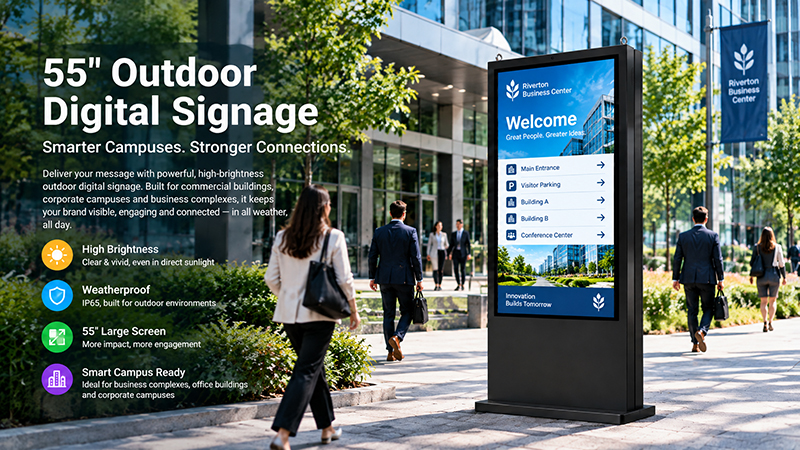
55 inch digital signage display9
Touchscreen options
A floor-standing digital signage display can be configured as either a non-touch advertising player or an interactive touchscreen kiosk.
Projected capacitive touch technology is commonly used for interactive applications. The appropriate number of touch points, glass thickness, touch controller, and response performance should be determined based on the intended use.
2. Enclosure Design and Mechanical Structure
The enclosure is another key area for OEM customization.
Unlike wall-mounted displays, floor-standing digital signage products must support their own weight and remain stable in public spaces. Their design should also complement the surrounding commercial environment.
Available customization options include:
- Cabinet dimensions and appearance
- Overall height, width, and depth
- Portrait or landscape screen orientation
- Bezel width and front-panel design
- Cabinet colors and surface finishes
- Metal housing and structural materials
- Custom logos and decorative details
For instance, a luxury retail brand may choose a slim black metal cabinet, while a shopping mall may need a larger display with a distinctive branded design.
Base and Mounting Structure
The base can be engineered to suit the product’s weight, center of gravity, installation conditions, and anticipated use.
Available options include a wider support base, a reinforced metal frame, floor-anchoring points, or a customized mounting solution.
Protection and Maintenance
For commercial installations, the enclosure can also incorporate:
- Lockable service panels
- Accessible cable routing
- Components designed for servicing
- Ventilation openings
- Protective front glass
Mechanical design should prioritize stability, accessibility, and maintenance needs—not appearance alone.
3. Motherboard, Processor, and Computing Hardware
A floor-standing digital signage display is more than an LCD screen. It also requires a computing platform to decode media, run applications, control the display, and connect to external systems.
The hardware platform can be tailored to the software requirements and complexity of the application.
ARM-Based Platforms
ARM motherboards powered by Rockchip processors are commonly used in Android and Linux digital signage systems.
They can support:
- Digital advertising playback
- Image and video display
- Scheduled content playback
- Web-based applications
- Touchscreen interaction
- Remote device management, where supported by the software
For standard embedded digital signage applications, platforms such as the Rockchip RK3566 and RK3568 may be suitable. More demanding projects may need a higher-performance platform, depending on video resolution, application workload, and peripheral requirements.
Intel-Based Platforms
For applications that require Windows software, x86-based computing platforms may be a better fit.
These platforms may be suitable for:
- Windows-based digital signage software
- Complex interactive applications
- Integration with existing enterprise software
- Specialized peripherals and device drivers
- Memory and Storage
RAM and storage can be configured based on the operating system, application size, media library, and anticipated usage.
The goal is to choose a hardware configuration that supports the actual workload without unnecessarily raising system costs.
4. Operating System and Software Customization
Digital signage projects may rely on different software ecosystems, so operating system and software customization should be addressed early in the OEM development process.
Common options include:
- Android
- Linux
- Ubuntu or Debian
- Windows
The right operating system depends on the chosen motherboard, driver availability, application requirements, and software compatibility.
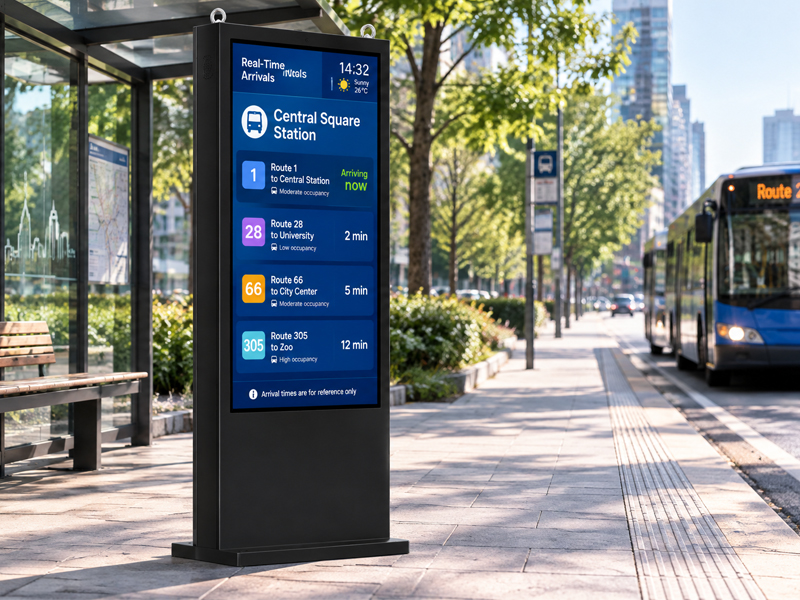
digital Signage display
OEM software customization may include:
Boot logo and startup configuration
The display can feature a customer-provided logo and customized startup animation, with boot behavior configured in advance.
Application pre-installation
Required advertising players, content management apps, or interactive software can be installed before shipment, subject to compatibility and licensing requirements.
Auto-run applications
The system can be set to launch a specified application automatically after startup.
System-level customization
Depending on the platform, customization options may include BSP adaptation, device drivers, system settings, and software integration.
For projects with specific application requirements, SDKs and technical documentation can support development teams in integrating their own software.
5. Connectivity and Peripheral Integration
Connectivity determines how the digital signage display communicates with external devices, networks, and management systems.
Depending on the motherboard and enclosure design, OEM projects may customize:
| nterface | Typical Application |
|---|---|
| Ethernet | Wired network connectivity |
| Wi-Fi | Wireless network access |
| Bluetooth | Supported wireless peripherals |
| USB | Storage devices, cameras, and accessories |
| HDMI | External video input or output, depending on configuration |
| RS232 | Communication with compatible external equipment |
| RS485 | Industrial or building-system communication |
| Audio | Speakers, microphones, or external audio equipment |
Additional peripherals may include:
- Cameras
- Speakers
- Microphones
- Card readers
- QR code scanners
- NFC modules
- 4G/5G connectivity modules
Not all motherboards support every interface or peripheral. During project design, verify hardware resources, operating system drivers, power requirements, and available enclosure space.
6. Cooling System and Thermal Design
Floor-standing digital signage displays may run for long periods, either continuously during business hours or around the clock.
For this reason, thermal design is a key consideration in OEM customization.
Potential design approaches include:
Passive cooling
Fanless systems use the enclosure and heat-dissipating structures to control temperature. They can minimize mechanical noise and eliminate moving fan components.
Active cooling
Systems with higher power requirements may need fans or other active cooling solutions.
Internal airflow design
The placement of the motherboard, power supply, display panel, and ventilation openings influences internal temperatures.
Thermal validation should account for actual processor loads, screen brightness, ambient temperature, operating duration, and enclosure design.
For applications requiring 24/7 operation, extended-duration testing is especially important.
7. Power Supply and Cable Management
Power requirements depend on factors such as display size, brightness, computing components, and connected peripherals.
OEM customization options may include:
- Power supply specifications
- Internal power distribution
- Power connector positioning
- Power switch placement
- Cable routing and protection
- Power management settings
A thoughtfully designed internal layout simplifies installation and maintenance while minimizing unnecessary cable exposure.
For use in public settings, electrical safety and relevant regional compliance requirements should be verified before beginning mass production.
8. Branding, Packaging, and Product Appearance
For distributors, digital signage brands, and equipment manufacturers, OEM customization also involves establishing a consistent product identity.
Available branding services may include:
- Customer logos on the cabinet
- Customized boot logos and startup screens
- Brand-specific cabinet colors
- Customized user interfaces
- Product labels and model numbers
- Customized packaging and manuals
These features help turn a standard hardware platform into a product aligned with the customer’s brand and market positioning.
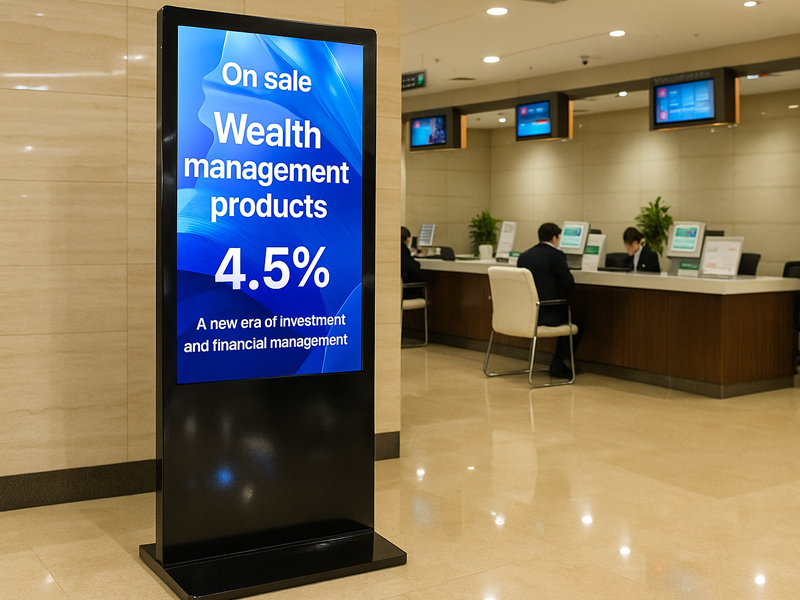
Floor Standing Digital Signage
9. What Should You Prepare Before Starting an OEM Project?
To streamline the customization process, customers should prepare a basic list of technical requirements before contacting a manufacturer.
| Requirement | Information to Confirm |
|---|---|
| Application | Retail, hotel, mall, airport, exhibition, or other |
| Display | Screen size, resolution, brightness |
| Orientation | Portrait or landscape |
| Touch | Touch or non-touch |
| Enclosure | Dimensions, materials, color, mounting |
| Hardware | ARM or Intel platform, RAM, storage |
| Operating system | Android, Linux, Ubuntu, Debian, or Windows |
| Connectivity | Ethernet, Wi-Fi, USB, RS232, RS485, etc. |
| Software | Advertising player, CMS, custom application |
| Production | Prototype quantity and estimated order volume |
Providing reference images, mechanical drawings, interface requirements, and intended installation conditions is also helpful.
Clearer requirements make it easier to assess feasibility, development costs, and production timelines.
10. How Portworld Supports OEM Floor-Standing Digital Signage Projects
Portworld offers digital signage hardware and OEM/ODM customization services for commercial and industrial use.
For floor-standing digital signage projects, Portworld can assist customers with:
- Selecting display sizes and configurations
- Designing embedded motherboards and computing platforms
- Customizing Android and Linux systems
- Integrating touchscreens and peripherals
- Developing cabinets and mechanical structures
- Customizing logos, user interfaces, and boot animations
- Pre-installing software and configuring automatic launch
- Developing PCBs, PCBAs, and hardware
- Supporting prototyping, testing, and mass production
Portworld’s digital signage solutions can be tailored for retail stores, shopping malls, hotels, restaurants, exhibitions, and public information settings.
Drawing on its experience in embedded display and motherboard development, Portworld supports projects from hardware selection and engineering assessment through to customized production.
Final specifications, enclosure design, available interfaces, and production timelines depend on the chosen platform and project requirements.
An OEM floor-standing digital signage display can be tailored in far more ways than screen size and appearance alone.
Its display performance, cabinet design, motherboard, operating system, connectivity, thermal management, and branding can all be adapted to suit the needs of a specific commercial application.
Businesses preparing to launch their own digital signage products should first define the intended use and technical requirements. They can then choose an appropriate hardware platform and identify which components require customization.