MQTT Protocol Supported Android Smart Control Panel
In contemporary smart home and building automation systems, MQTT (Message Queuing Telemetry Transport) has emerged as one of the most prevalent communication protocols for IoT devices. Its lightweight design, capability for real-time messaging, and robust scalability render it particularly suitable for distributed automation systems.
When integrated with an Android smart control panel, MQTT facilitates a powerful and adaptable interface for managing lighting, HVAC, security systems, sensors, and various other IoT devices from a single centralized touchscreen.
This article delves into the functionality of MQTT in conjunction with Android smart control panels, its significance, and its applications in actual smart automation projects.
What Is an MQTT Supported Android Smart Control Panel?
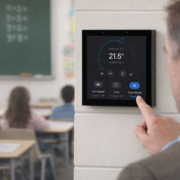
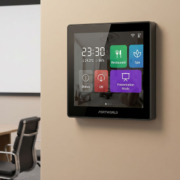
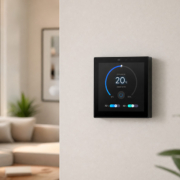
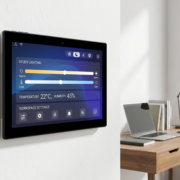
An MQTT supported Android smart control panel is a touchscreen device, either wall-mounted or embedded, that operates on the Android OS and can publish and subscribe to MQTT topics via a broker.
Rather than controlling devices individually, the panel interacts through an MQTT server, serving as a central visualization and command interface for IoT systems.
In straightforward terms, it operates as follows:
Smart Panel ⇄ MQTT Broker ⇄ IoT Devices
This architecture enables real-time communication among multiple systems in a flexible and scalable manner.
The Significance of MQTT in Smart Control Systems
MQTT is specifically engineered for communication that requires low bandwidth and high efficiency, making it ideally suited for smart buildings and IoT settings.
A major benefit of MQTT is its publish/subscribe architecture, which facilitates communication between devices and control systems without necessitating direct connections.
For instance, when a temperature sensor transmits a new reading, the Android smart panel receives the update immediately if it is subscribed to that particular topic.
This fosters a real-time, event-driven control environment.
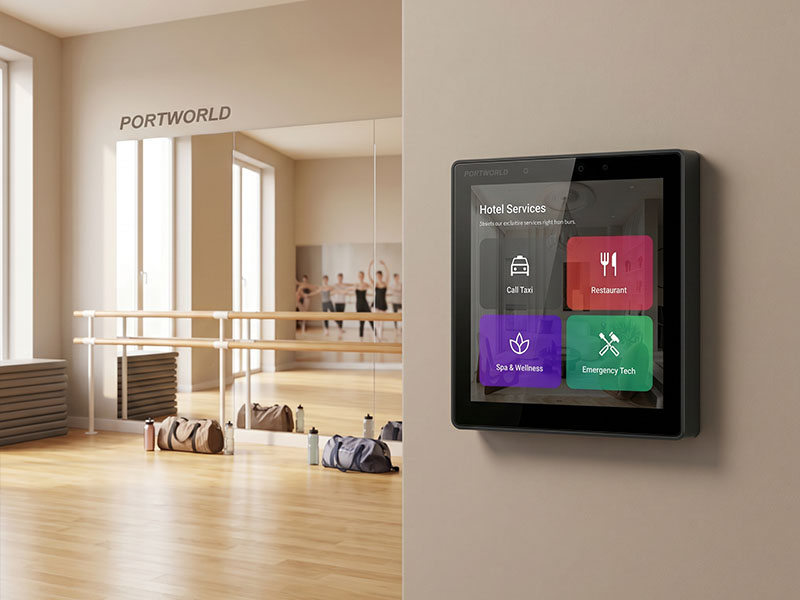
4″ KNX Smart Touch Control Panel
Utilization of MQTT by Android Smart Panels
Android smart control panels generally incorporate MQTT through specialized applications or custom-designed control software.
The panel can undertake several essential functions:
It can subscribe to various topics, including lighting status, HVAC temperature information, or security notifications. Concurrently, it can publish commands such as activating lights, modifying temperature settings, or initiating automation scenes.
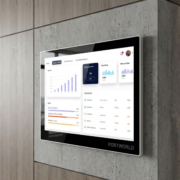
Given that Android allows for versatile UI development, manufacturers have the capability to create user-friendly dashboards that visually display MQTT data in real time.
This transforms the panel into not merely a controller, but a comprehensive visual IoT command center.
One of the primary benefits of MQTT-based control systems is their scalability. Whether managing ten devices or ten thousand, MQTT efficiently facilitates communication through a centralized broker.
Another significant advantage is its reliability. MQTT offers persistent sessions and various message quality levels, ensuring that critical commands are preserved even in unstable network conditions.
Additionally, it greatly minimizes network traffic, as devices communicate only when necessary rather than engaging in continuous polling.
For Android smart panels, this translates to enhanced performance and quicker response times during user interactions.
Typical Architecture in Real Projects
In practical smart home or building automation systems, the architecture typically consists of multiple layers.
At the foundational layer are IoT devices, including sensors, switches, HVAC controllers, and lighting modules. These devices communicate via MQTT topics through an MQTT broker.
The middle layer comprises the MQTT broker itself, which is often hosted on a local server or a cloud platform.
At the top layer is the Android smart control panel, serving as the user interface for monitoring and managing the entire system.
This layered architecture facilitates a clear distinction between device logic, communication, and user interaction.
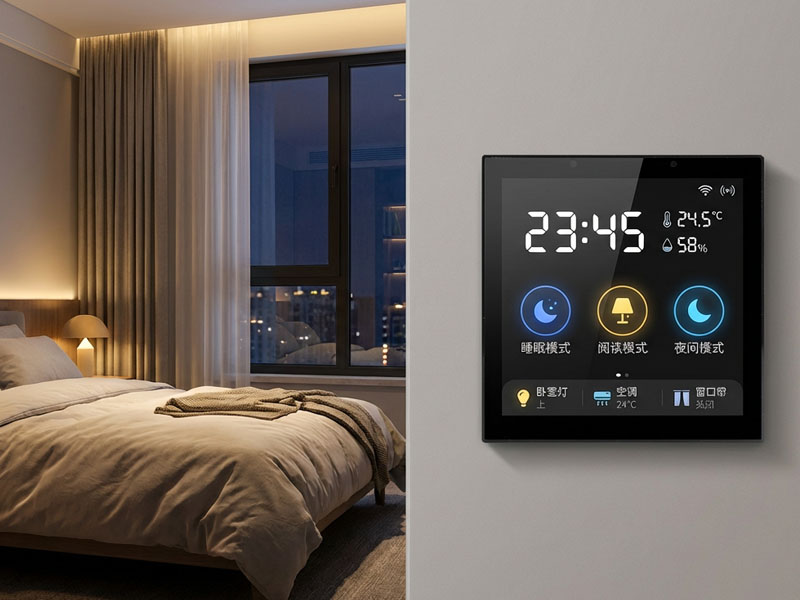
4″ KNX Smart Touch Control Panel
Application Scenarios of MQTT Android Smart Panels
MQTT-enabled Android smart panels find extensive application in smart homes, providing users with the ability to control lighting scenes, temperature, and security systems in real-time.
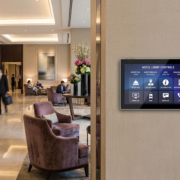
In smart hotels, these panels facilitate the management of guest room environments, energy-saving modes, and service requests via a centralized dashboard.
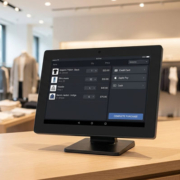
In smart office settings, MQTT panels are utilized for booking meeting rooms, controlling HVAC systems, and automating workspaces.
In industrial or commercial buildings, they function as monitoring dashboards for energy consumption, equipment status, and environmental control systems.
Integration with Smart Home Ecosystems
MQTT Android smart panels can seamlessly integrate with various automation technologies, including KNX, RS485, Modbus, Zigbee, and cloud-based IoT platforms.
This capability enables system integrators to create hybrid automation systems where MQTT serves as the communication backbone, while other protocols manage device-level control.
For instance, HVAC systems might utilize Modbus, lighting could be controlled via KNX, and all data is synchronized through MQTT to the Android control panel.
This results in a cohesive and highly adaptable automation ecosystem.
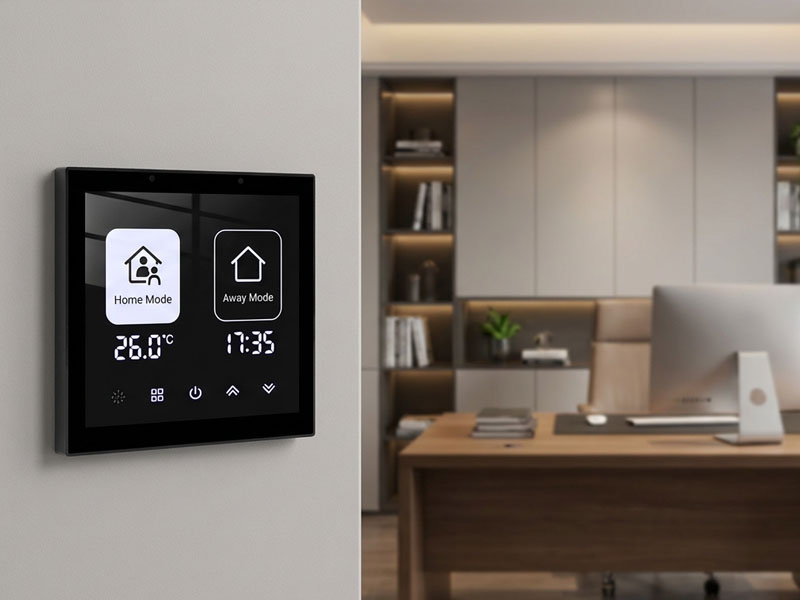
4″ KNX Smart Touch Control Panel
Hardware Specifications for MQTT Smart Panels
To ensure the smooth operation of MQTT-based automation, a smart control panel generally necessitates reliable hardware performance.
Most Android smart panels are equipped with embedded processors like the Rockchip RK3566 or RK3588, along with adequate RAM and storage to manage UI rendering and background MQTT communication.
Network connectivity is crucial, featuring support for Ethernet, WiFi, and occasionally PoE to facilitate stable installation in wall-mounted settings.
A capacitive multi-touch display is vital for seamless interaction, particularly in commercial or residential control applications.
Portworld MQTT Compatible Android Smart Panels
In real-world applications, manufacturers such as Portworld offer Android-based smart control panels tailored for IoT and MQTT integration.
These panels generally support:
- Android OS for versatile UI development
- MQTT protocol for IoT communication
- PoE power supply for straightforward installation
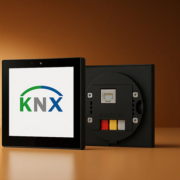
- RS485 and KNX integration for building automation
- Custom OEM/ODM hardware and software design
4″ KNX Smart Touch Control Panel
They find extensive use in smart homes, hotel automation, office buildings, and commercial control systems where real-time IoT communication is essential.
An MQTT-compatible Android smart control panel is pivotal in contemporary IoT and smart building systems. By merging the lightweight communication protocol of MQTT with the adaptability of Android, it serves as a robust interface for managing and monitoring intricate automation environments.
Whether in smart homes, hotels, or commercial structures, MQTT-based Android panels deliver real-time responsiveness, scalable architecture, and seamless integration with various IoT protocols.
As smart automation continues to advance, MQTT will persist as a fundamental communication standard, and Android smart panels will remain the central user interface linking individuals with intelligent environments.