What Size Touchscreen Is Suitable for Building Management?
Modern building management systems (BMS) necessitate user-friendly interfaces for the oversight and regulation of various systems, which include:
- HVAC
- Lighting
- Energy management
- Security systems
- Access control
- Elevator systems
- IoT devices
A touchscreen control panel offers a visual interface that enables facility managers and users to effortlessly monitor building conditions and modify settings.
However, a significant question arises:
What is the appropriate touchscreen size for building management?
The response is contingent upon the application, installation site, and the intricacy of the control interface.
4-Inch to 5-Inch Touchscreen: Optimal for Room-Level Control
Compact touch panels are ideal when users need to manage specific areas.
Applications:
- Hotel guest rooms
- Office spaces
- Meeting rooms
- Smart apartments
Functions:
- HVAC adjustments
- Lighting management
- Curtain operation
- Room scene settings
Advantages:
- Compact installation
- Reduced cost
- Simple wall mounting
- Appropriate for distributed control
Example:
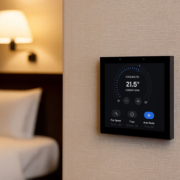
A hotel room might utilize a 5-inch smart panel positioned beside the bed to manage:
→ Lights
→ Air conditioning
→ Curtains
→ Do-not-disturb mode
Nevertheless, smaller screens are not suitable for showcasing extensive building dashboards.
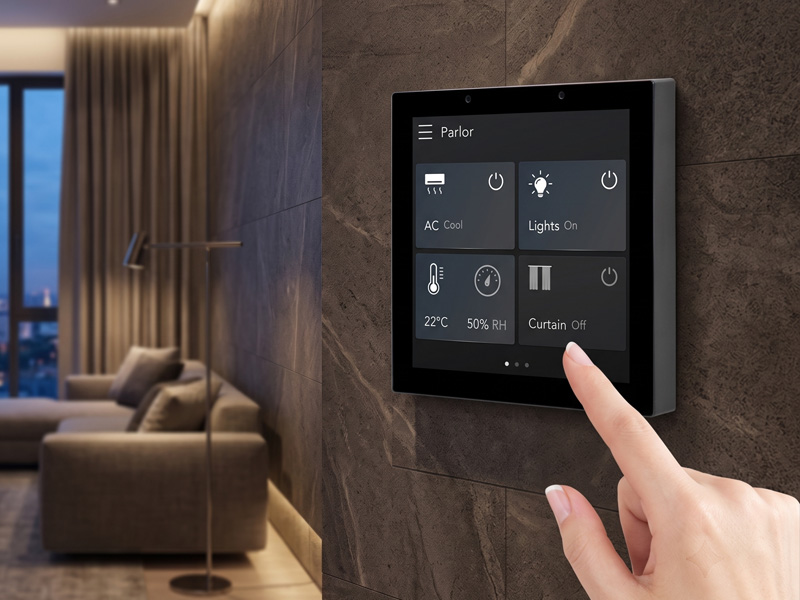
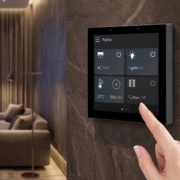
Smart Home Touch Control Panel
7-Inch Touchscreen: An Equitable Solution for Local Building Management
A 7-inch smart control panel strikes an effective balance between dimensions and functionality.
Ideal for:
- Small offices
- Meeting rooms
- Apartments
- Hotel corridors
- Floor-level control points
A 7-inch panel is capable of displaying:
- Temperature data
- Lighting status
- Room controls
- Basic energy metrics
Benefits:
- User-friendly touchscreen interface
- Compatible with standard wall installations
- Offers more information compared to 5-inch panels
- Favorable cost-performance ratio
10-Inch Touchscreen: Perfect for Building Automation Interfaces
In the realm of commercial building applications, a 10-inch smart control panel stands out as a highly favored option.
The 10-inch display offers ample space for:
- Building dashboards
- Floor plans
- HVAC monitoring
- Energy statistics
- Automation scenes
Common applications include:
Smart Office Buildings
Control:
- Meeting rooms
- Lighting zones
- HVAC systems
- Occupancy settings
- Hotels
Manage:
- Guest room automation
- Energy-saving modes
- Room status
- Commercial Buildings
Monitor:
- Temperature
- Equipment status
- Power consumption
Benefits include:
- Larger visualization area
- Enhanced user experience
- Supports tailored interfaces
- Ideal for professional automation systems
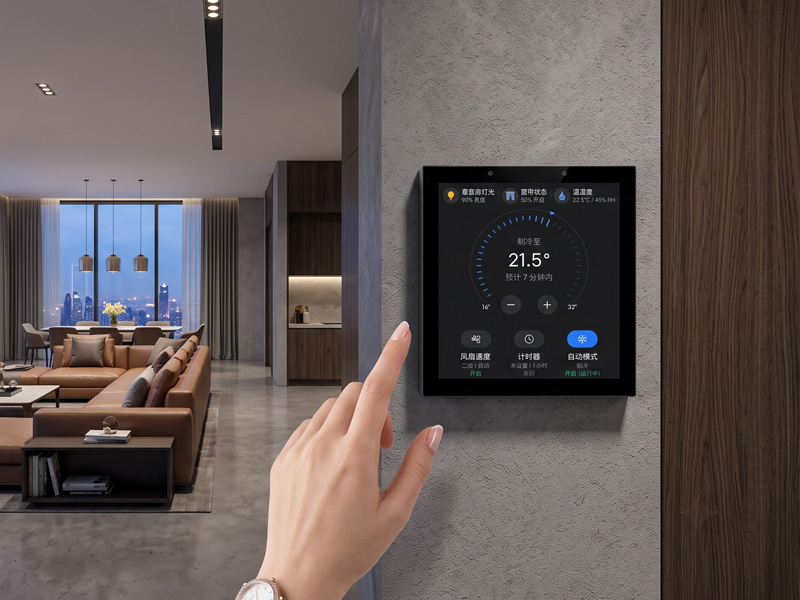
Smart Home Touch Control Panel
Touchscreens of 15 inches and larger: Ideal for Central BMS Control
Large touchscreens are typically utilized in:
- Security control rooms
- Building operation centers
- Facility management rooms
Applications include:
- Comprehensive building overview
- Monitoring of multiple floors
- Energy management dashboards
- Monitoring of equipment status
A display measuring 15.6 inches or more can present:
Building maps
- Various HVAC zones
- Alarm notifications
- Real-time data charts
Advantages include:
- A professional control experience
- Enhanced capability for complex systems
- Increased information visibility at once
Touchscreen Size Comparison for Building Management
| Screen Size | Best Application | Recommended Use |
|---|---|---|
| 4-5 inch | Room control | Lighting, HVAC, curtains |
| 7 inch | Local automation | Meeting rooms, apartments |
| 10 inch | Building control interface | Offices, hotels, commercial buildings |
| 15.6 inch+ | Central management | BMS control rooms |
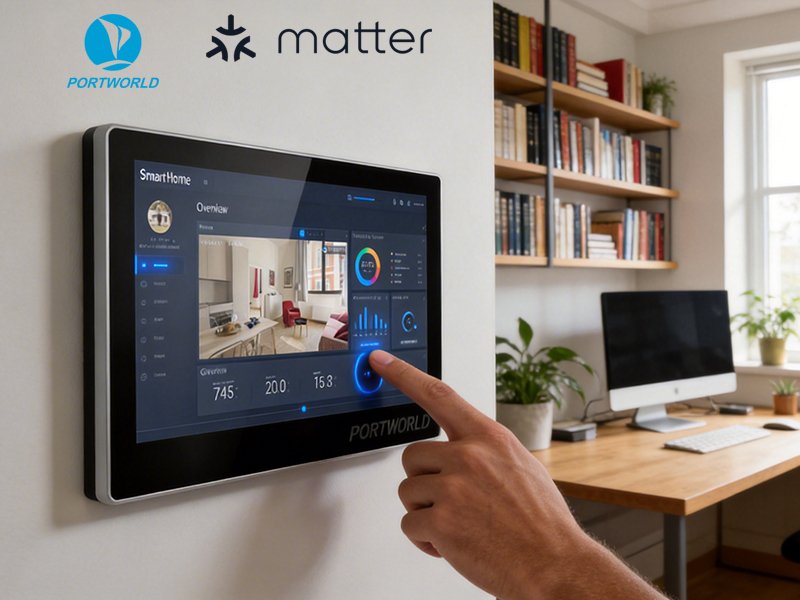
smart home control panel
Other Significant Features Beyond Screen Size
While screen size is a crucial factor, a professional building management touchscreen must also take into account:
1. Communication Interfaces
An appropriate BMS touchscreen should be compatible with:
- Ethernet
- PoE
- RS485
- Modbus RTU
- WiFi
- Bluetooth
These interfaces facilitate connections with:
- HVAC controllers
- Sensors
- Energy meters
- Lighting systems
2. Operating System
Android
Ideal for:
- Custom applications
- Touch dashboards
- Multimedia interfaces
- Smart building terminals
Linux
Ideal for:
- Industrial automation
- Long-term operation
- Custom embedded systems
3. Installation Method
In commercial buildings, typical options include:
- Wall-mounted installation
- Embedded installation
- Panel mounting
Support for PoE is also advantageous as it simplifies installation by delivering both power and network connectivity through a single cable.
Portworld Smart Control Panel Solutions for Building Management
Portworld offers customizable touchscreen solutions tailored for smart buildings, offices, hotels, and various automation projects.
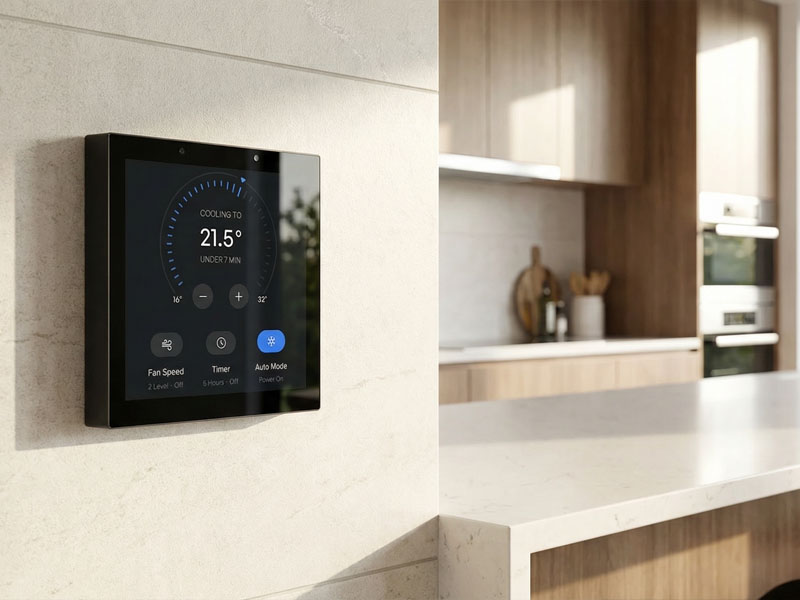
smart touch control panel-2
YC-SM10P – 10-Inch Smart Control Panel
This model is an ideal option for building-level automation interfaces.
Features:
- 10-inch IPS touchscreen
- RK3566 processor
- Supports Android/Linux
- Ethernet + PoE
- RS485 communication
- WiFi and Bluetooth
- Custom BMS applications
Ideal for:
- HVAC control
- Lighting management
- Meeting room automation
- Smart office systems
YC-SM14P – 14-Inch Smart Control Panel
This panel is designed for larger commercial applications.
Features:
- 14-inch touchscreen
- RK3568 processor
- Supports Android/Linux
- RS485 integration
- Ethernet connectivity
- Large dashboard interface
Ideal for:
- Building automation
- Conference centers
- Commercial facilities
YC-L76 – 7.6-Inch Smart Control Panel
A compact solution for distributed control.
Features:
- 7.6-inch touchscreen
- Options for Android/Linux
- Ethernet/PoE
- RS485 communication
- Bluetooth 5.2
Ideal for:
- Smart rooms
- Office areas
- Local automation control
Recommended Building Management Architecture
Central BMS Dashboard
15.6″
|
Building Network
|
——————————–
| | |
10″ Panel 7″ Panel 5″ Panel
Floor Control Room Control Local Control
|
HVAC / Lighting / IoT
The optimal touchscreen size for building management is contingent upon the level of control required:
- 4-5 inch: Ideal for individual rooms and basic control
- 7 inch: Appropriate for localized automation areas
- 10 inch: The most effective option for smart buildings, offices, and hotels
- 15.6 inch+: Optimal for central BMS monitoring and facility management
In the majority of commercial building automation initiatives, a 10-inch smart control panel strikes the best balance between screen visibility, installation versatility, and system integration capabilities. For extensive BMS applications, the integration of 10-inch room controllers with larger central monitoring displays offers a scalable and efficient solution for building management.