What Is Z-Wave Technology in Smart Home Automation?
Smart home automation uses wireless communication technologies to link lighting systems, door locks, motion sensors, thermostats, security equipment, and other connected devices.
Among these technologies, Z-Wave has become a well-established option for residential automation. Designed specifically for low-power communication among smart home devices, it suits applications that need dependable control, modest data transfer, and long battery life.
Whereas Wi-Fi is generally used for high-bandwidth network access, Z-Wave is focused on communication between smart home devices. Its mesh network enables compatible devices to relay messages, helping extend wireless coverage across a home.
How does Z-Wave work? How does it differ from Zigbee, Wi-Fi, and Matter? And when should smart home manufacturers consider adopting it?
Let’s examine the technology and its practical uses.
1. What Is Z-Wave Technology?
Z-Wave is a wireless, low-power communications technology designed for smart homes and residential automation.
It allows compatible devices to exchange information over a wireless network, enabling users to control and monitor connected equipment through a central controller or smart home hub.
Typical Z-Wave devices include:
- Smart door locks
- Motion and occupancy sensors
- Door and window sensors
- Smart switches and dimmers
- Thermostats
- Lighting controllers
- Security and alarm devices
A key feature of Z-Wave is that it uses regional Sub-GHz frequency bands instead of the widely used 2.4 GHz band.
Depending on the region, Z-Wave may operate at frequencies such as 868 MHz in many European markets and 908 MHz in North America. Other regions use their own supported frequency allocations.
This approach helps Z-Wave avoid much of the radio-frequency congestion commonly associated with 2.4 GHz Wi-Fi and Bluetooth devices.
Z-Wave also provides a standardized ecosystem with certification requirements intended to promote interoperability among compatible products.
For manufacturers developing residential automation devices intended to work within an established Z-Wave ecosystem, this technology is worth considering.
2. How Does Z-Wave Work?
Z-Wave devices communicate over a wireless network overseen by a central controller.
A typical system has three main components:
Z-Wave controller
The controller manages the Z-Wave network, adds compatible devices, and coordinates communications. It may be integrated into a smart home hub or gateway.
Z-Wave devices
These include switches, sensors, locks, thermostats, and other automation products. Each device has a defined role and communicates using the Z-Wave protocol.
Smart home application
A mobile app, touchscreen control panel, or automation platform provides the interface for monitoring devices and sending commands.
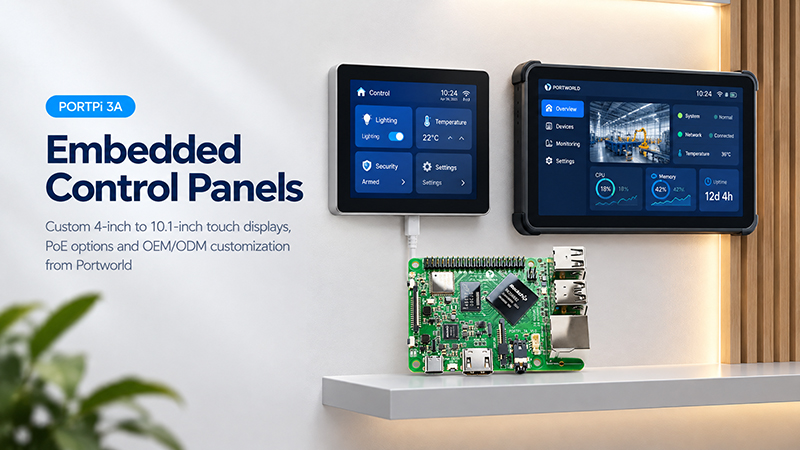
PortPi 3A single board computer
For example, in a smart lighting system:
- A user taps a lighting control on a smart home touchscreen.
- The control application sends a command to the central automation system.
- The system relays the command to the Z-Wave controller.
- The controller transmits the appropriate wireless command across the Z-Wave network.
- The compatible lighting switch receives the command and changes its state.
- The device reports its status back to the automation system.
The touchscreen does not need a Z-Wave radio if it communicates with a separate Z-Wave gateway through Ethernet or Wi-Fi.
This architecture is especially useful in smart home systems that combine multiple communication technologies.
3. Understanding the Z-Wave Mesh Network
A key feature of Z-Wave is its ability to operate as a mesh network.
Within a mesh network, compatible devices can communicate with one another directly or forward messages through other devices to reach their intended destinations.
This capability is especially useful in homes, where walls, floors, furniture, and building materials can reduce wireless signal strength.
A typical Z-Wave network includes the following device roles:
Controller
The controller oversees the network and coordinates device inclusion, configuration, and communication.
The primary controller establishes and manages the network. Depending on the system architecture, other controllers may also participate.
Routing Devices
Many Z-Wave devices that remain connected to power can relay messages between nodes.
Examples include:
- Smart wall switches
- Smart plugs
- Lighting controllers
- Powered automation modules
These devices expand network coverage beyond the central controller’s direct communication range.
End Devices
Battery-operated devices, including door sensors, motion detectors, and certain smart locks, are typically designed to use as little power as possible.
Instead of continuously forwarding traffic for other devices, they may communicate through a nearby routing device.
This enables them to remain in low-power modes longer and conserve battery life.
Why Is Mesh Networking Important?
Consider a residential installation with several rooms.
The central Z-Wave controller might be in the living room, while smart locks and sensors are placed in bedrooms, hallways, and other locations.
When a device cannot reach the controller directly, compatible routing devices can relay messages through the network.
Mesh networking does not, however, ensure coverage everywhere. Network design should consider building materials, device locations, radio interference, and the routing capabilities supported by each product.
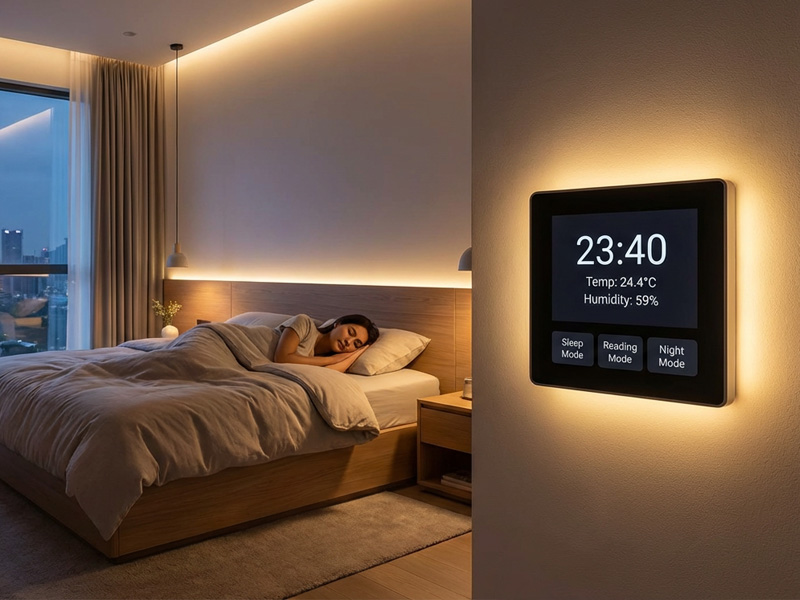
smart control panel factory-1
4. What Frequency Does Z-Wave Use?
Z-Wave operates in Sub-GHz frequency bands, with regional variations.
Examples include:
| Market | Common Z-Wave Frequency |
|---|---|
| Europe | 868 MHz band |
| North America | 908 MHz band |
| Other regions | Region-specific frequency allocations |
This is a key distinction between Z-Wave and technologies such as Zigbee and Thread, which typically operate in the 2.4 GHz band.
Advantages of Sub-GHz Communication
Reduced interference from widely used 2.4 GHz devices
Many household devices—including Wi-Fi and Bluetooth equipment, as well as some IoT products—communicate over 2.4 GHz. Z-Wave operates outside that frequency band.
Potentially improved signal propagation through building materials
In some indoor environments, lower-frequency radio signals may propagate more favorably. Actual performance depends on factors such as antenna design, transmission power, building materials, and installation conditions.
Communication tailored to smart home applications
Z-Wave is designed for residential automation applications that require relatively low data rates, rather than general-purpose, high-bandwidth networking.
Why Regional Frequency Matters
Manufacturers developing Z-Wave products for international markets must choose the appropriate regional radio configuration.
A product designed for one Z-Wave frequency region should not be assumed to operate in another.
Before production, manufacturers must account for hardware design, radio modules, firmware, certification, and regional regulatory requirements.
5. What Are the Benefits of Z-Wave?
Z-Wave provides several benefits for residential automation projects.
1. Low-Power Operation
Z-Wave supports battery-operated devices, making it well suited to door sensors, motion detectors, and other products that must operate for extended periods between battery changes.
Battery life varies according to capacity, communication frequency, firmware, device design, and environmental conditions.
2. Mesh Networking
With its mesh architecture, compatible powered devices can relay messages, helping extend communication coverage throughout a home.
3. Less 2.4 GHz Interference
Z-Wave operates on Sub-GHz frequencies, so it does not directly compete with many widely used 2.4 GHz devices.
This can be beneficial in homes with numerous Wi-Fi access points and wireless IoT products.
4. Interoperability
Z-Wave certification and standardized device behavior help products from different manufacturers work together within supported Z-Wave ecosystems.
Developers should nevertheless confirm supported device functions, command classes, security features, and controller compatibility.
5. Designed for Residential Automation
Z-Wave addresses common home automation needs, including lighting, access control, security, and environmental monitoring.
Its comparatively low data throughput is usually adequate for these control-focused applications.
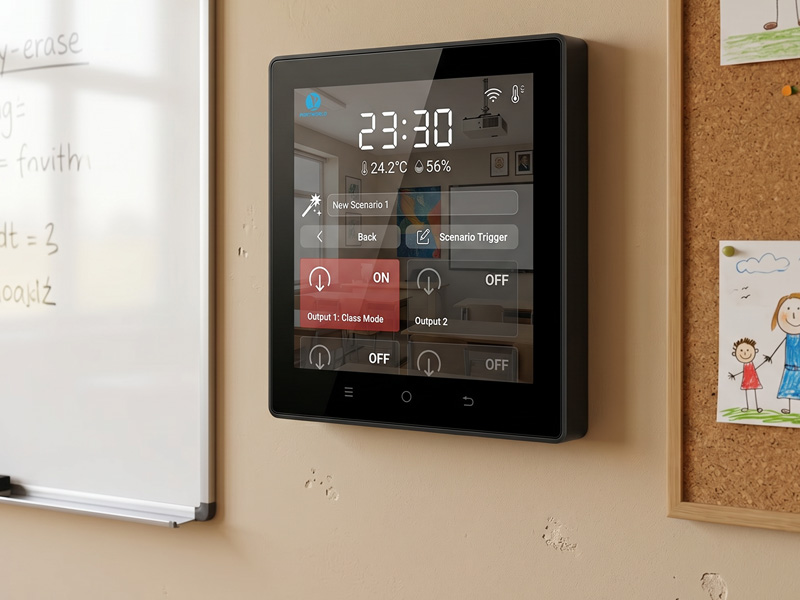
smart home control panel-1
6. What Are the Limitations of Z-Wave?
Z-Wave supports a wide range of smart home applications, but it is not suitable for every product.
Lower Data Throughput
Z-Wave is intended for control commands and sensor information rather than high-bandwidth uses.
It cannot effectively transmit high-resolution video or large volumes of multimedia data.
Smart cameras and high-resolution displays typically need Wi-Fi or Ethernet.
Regional Hardware Requirements
Z-Wave operates on different frequency allocations in different markets.
Manufacturers planning to sell products internationally must account for regional hardware and certification requirements.
Requires a Compatible Controller
Z-Wave devices require a compatible controller or hub to manage the network.
A standard Wi-Fi router cannot control Z-Wave devices on its own, since Wi-Fi and Z-Wave rely on different radio technologies and communication protocols.
Limited Direct IP Connectivity
Unlike Thread, Z-Wave is not an IP-based mesh networking technology.
Connecting Z-Wave devices to IP-based smart home systems generally requires a Z-Wave controller, gateway, or compatible automation platform.
These factors should be considered early in product development.
7. Z-Wave vs. Zigbee vs. Wi-Fi vs. Matter
Z-Wave is only one part of the smart home connectivity landscape. Developers often need to understand how it compares with other technologies.
| Feature | Z-Wave | Zigbee | Wi-Fi | Matter |
|---|---|---|---|---|
| Technology type | Wireless communication protocol | Wireless communication protocol | Wireless networking technology | Smart home application standard |
| Frequency | Regional Sub-GHz | Commonly 2.4 GHz | Commonly 2.4/5 GHz | Depends on transport |
| Mesh networking | Yes | Yes | Not typically a device mesh in the Zigbee/Thread sense | Depends on underlying transport |
| Power consumption | Low | Low | Generally higher | Depends on transport and device |
| IP-based | No, not natively | No, not natively | Yes | Yes |
| Typical applications | Locks, sensors, switches | Lighting, sensors, switches | Cameras, displays, appliances | Interoperable smart home devices |
| Gateway/controller | Z-Wave controller | Zigbee coordinator | Wi-Fi router/access point | Matter controller; additional infrastructure may be required |
It is important to understand that Matter is not directly equivalent to Z-Wave, Zigbee, or Wi-Fi.
Matter defines how compatible smart home devices communicate at the application level. Z-Wave and Zigbee provide their own wireless networking and application protocols, while Wi-Fi provides general-purpose IP network connectivity.
Z-Wave devices can be integrated into a Matter ecosystem through compatible bridging solutions, but this is not automatic.
For developers building a new product, the choice should depend on the device’s function, power requirements, target market, and required smart home ecosystem.
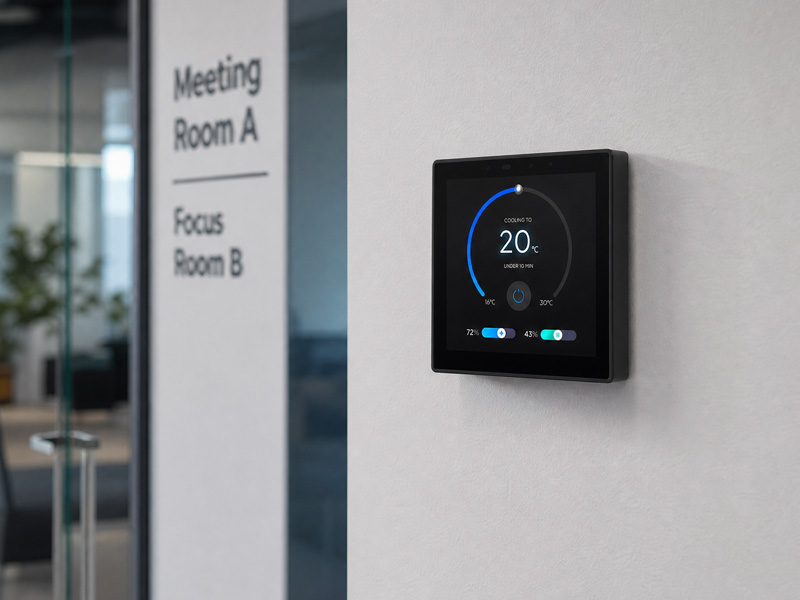
smart home control panel
How Can Z-Wave Work with Smart Home Control Panels?
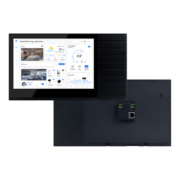
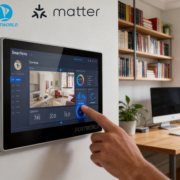
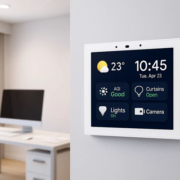
A smart home control panel provides an interface for users to manage devices and automation features.
However, a touchscreen panel does not support Z-Wave automatically just because it includes Wi-Fi, Ethernet, or RS485 connectivity.
Controlling Z-Wave devices requires a suitable Z-Wave radio and controller architecture.
There are two common ways to achieve this.
Approach 1: Connect an External Z-Wave Gateway
With this setup, a dedicated gateway manages the Z-Wave network.
The smart home control panel connects to the gateway using an IP-based interface, such as Ethernet or Wi-Fi.
The gateway communicates with Z-Wave devices, while the touchscreen displays their status and relays user commands through the automation platform.
This option is useful when the panel does not require a built-in Z-Wave radio.
Approach 2: Build a Panel with Integrated Z-Wave Hardware
Manufacturers creating a customized smart home controller can integrate Z-Wave hardware into the product.
This requires a suitable Z-Wave radio module, antenna design, driver and protocol integration, firmware development, and planning for regional compliance.
The chosen processor and operating system must also support the necessary software architecture.
This approach allows greater control over the product design, but involves additional hardware and development work.