What Components Are Used in a Smart Home Control Panel PCBA?
A smart home control panel PCBA (Printed Circuit Board Assembly) represents the electronic assembly responsible for integrating and managing the panel’s processor, touchscreen, power supply, communication interfaces, and peripheral devices. This assembly serves as the foundational hardware infrastructure enabling critical functions including lighting management, automated curtain systems, HVAC regulation, security surveillance, and intelligent building connectivity.
The specific component configuration varies based on factors such as the panel’s display dimensions, operating system architecture, communication standards, electrical power specifications, and intended use case. For instance, an Android-based touchscreen panel typically necessitates a more robust application processor and expanded memory capacity, whereas a streamlined ESP32-S3 control panel may employ a more economical hardware configuration.
For organizations engaged in developing proprietary smart home control panels, comprehensive knowledge of primary PCBA components is crucial for informed hardware procurement decisions, PCB layout optimization, expense reduction, and original equipment manufacturer (OEM) or original design manufacturer (ODM) initiatives.
1. Primary Elements of a Smart Home Control Panel PCBA
1. Central Processing Unit (SoC or MCU)
The central processing unit serves as the foundation of the PCBA. It executes the operating system, interprets user commands, and manages applications alongside connected devices.
– Application processors including Rockchip RK3566 or RK3568 for Android and compatible Linux environments.
– ESP32-S3 microcontrollers designed for streamlined embedded control and LVGL-based user interfaces.
The processor selection influences computational performance, graphical rendering capabilities, software interoperability, and available peripheral interfaces.
2. Memory and Data Storage
Random-access memory preserves transient information utilized by the operating system and software applications, whereas persistent storage maintains the system firmware, installed applications, and system settings.
Typical implementations incorporate LPDDR4 or LPDDR4X memory modules and eMMC storage solutions on application-processor configurations. More basic microcontroller implementations may employ built-in memory resources and supplementary flash storage.
Memory allocation should correspond with the operating system requirements, application processing demands, and anticipated firmware revisions.
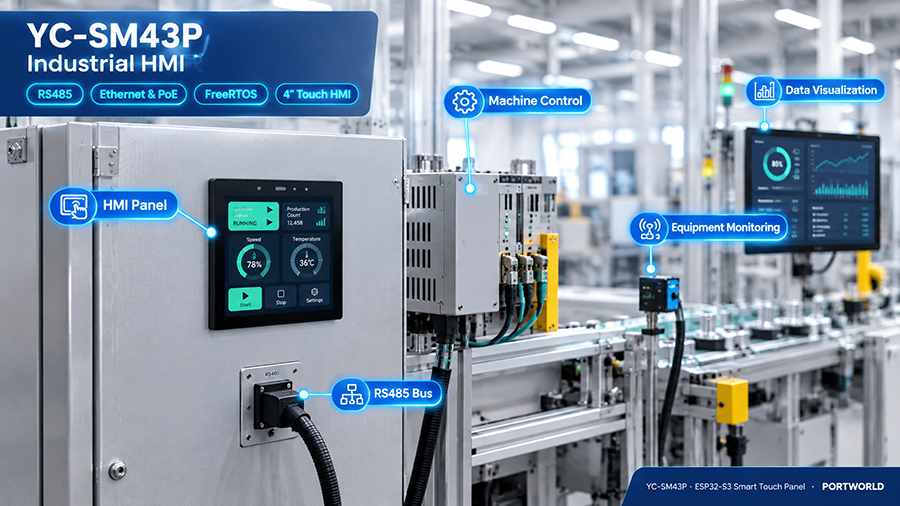
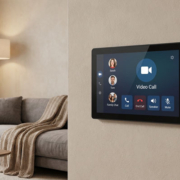
YC-SM43P ESP32 4″ Smart Touch Panel
3. Visual Display and Touch Input Interface
The PCBA establishes connectivity between the LCD display and touch sensing controller to the central processor.
Based on display specifications, the circuit architecture may incorporate MIPI DSI, LVDS, eDP, or RGB display protocols, a display connection interface, illumination control circuitry, and resistive or capacitive touch detection components.
The implemented interface protocol must demonstrate compatibility with both the central processor and the display assembly.
1. Primary Elements of a Smart Home Control Panel PCBA
1. Central Processing Unit (SoC or MCU)
The central processing unit serves as the foundation of the PCBA. It executes the operating system, interprets user commands, and manages applications alongside connected devices.
– Application processors including Rockchip RK3566 or RK3568 for Android and compatible Linux environments.
– ESP32-S3 microcontrollers designed for streamlined embedded control and LVGL-based user interfaces.
The processor selection influences computational performance, graphical rendering capabilities, software interoperability, and available peripheral interfaces.
2. Memory and Data Storage
Random-access memory preserves transient information utilized by the operating system and software applications, whereas persistent storage maintains the system firmware, installed applications, and system settings.
Typical implementations incorporate LPDDR4 or LPDDR4X memory modules and eMMC storage solutions on application-processor configurations. More basic microcontroller implementations may employ built-in memory resources and supplementary flash storage.
Memory allocation should correspond with the operating system requirements, application processing demands, and anticipated firmware revisions.
3. Visual Display and Touch Input Interface
The PCBA establishes connectivity between the LCD display and touch sensing controller to the central processor.
Based on display specifications, the circuit architecture may incorporate MIPI DSI, LVDS, eDP, or RGB display protocols, a display connection interface, illumination control circuitry, and resistive or capacitive touch detection components.
The implemented interface protocol must demonstrate compatibility with both the central processor and the display assembly.
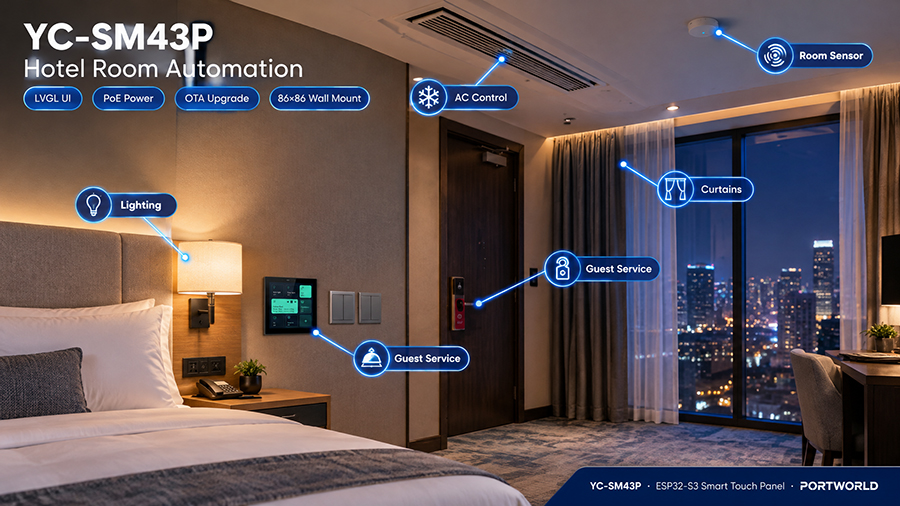
YC-SM43P ESP32 4″ Smart Touch Panel
4. Power Management Components
Power circuitry transforms the incoming electrical supply into the specific voltage rails necessary for operation of the processor, memory, display, and peripheral devices.
Standard components encompass DC-DC converters, LDO regulators, power-management integrated circuits, inductors, capacitors, protective devices, and power connectors.
For panels utilizing Power over Ethernet (PoE), the design may additionally necessitate a compatible PoE powered-device interface and either isolated or non-isolated conversion circuitry, contingent upon the system architecture.
5. Network and Communication Components
These components facilitate communication between smart home devices, gateways, and building automation systems.
Based on specific requirements, the PCBA may incorporate:
- Ethernet PHY and RJ45 circuitry.
- Wi-Fi and Bluetooth modules or chipsets.
- RS485 or RS232 transceivers.
- KNX interface circuitry or an equivalent external interface.
- Zigbee or other compatible wireless modules.
Not all panels require every interface type. The necessary communication hardware must be determined by the intended automation system architecture.
6. Connectors and Expansion Interfaces
- Connectors establish the physical and electrical links between the PCBA and the display, touchscreen, speakers, microphones, sensors, and external devices.
- Prevalent examples include FPC/FFC connectors, board-to-board connectors, USB, UART, I²C, SPI, GPIO, and audio connectors.
- The interface configuration should account for enclosure dimensions, assembly accessibility, cable management pathways, and provisions for future maintenance and repairs.
7. Audio Components
- Panels facilitating voice interaction, video intercom functionality, or audio notifications may integrate microphones, audio codecs, amplifiers, speaker connectors, and noise-suppression circuitry.
- The design must address audio fidelity, acoustic feedback management, enclosure dimensions, and energy consumption.
8. Sensors
- Optional sensor components can enhance the panel’s operational capabilities. Typical implementations include temperature and humidity sensors, ambient light sensors, and proximity sensors.
- These elements may facilitate environmental monitoring, automated screen brightness regulation, or proximity-triggered screen activation.
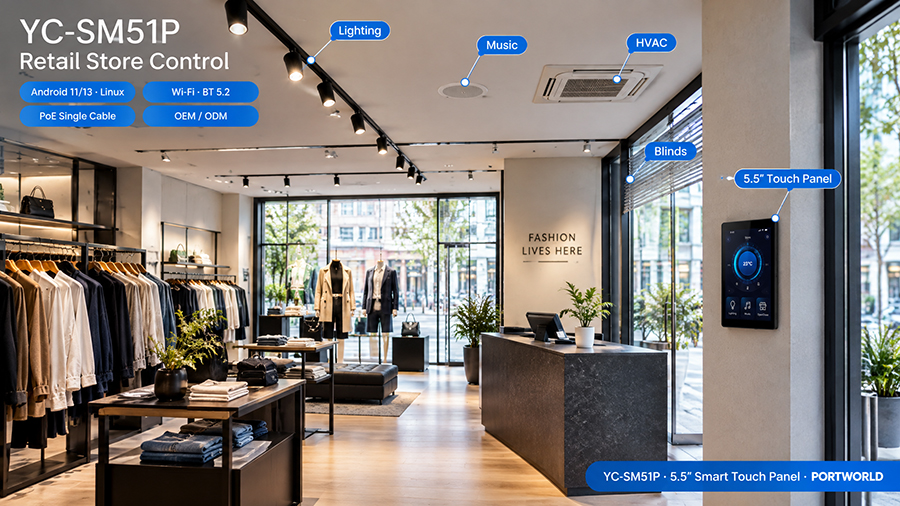
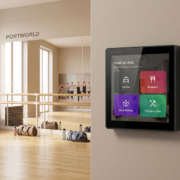
YC-SM51P 5.5 inch Smart Touch Panel
9. Clock, Reset, and System Control Components
- Based on the processor architecture, the PCBA may necessitate crystal oscillators, clock-generation circuits, reset supervisors, watchdog circuitry, and boot-configuration components.
- These elements ensure reliable initialization, processor timing stability, and system recovery from specific fault scenarios.
10. Protection and Reliability Components
- Electrostatic discharge protection devices, transient voltage suppression diodes, fuses, current-limiting components, and suitable filtering circuits provide safeguarding against electrical disturbances.
- Protection specifications are determined by interface types, power supply characteristics, operational environment, and pertinent industry standards.
3. Which Components Are Required for Different Smart Home Control Panels?
- The required PCBA configuration changes according to the processor platform and application.
- This represents a general comparison. The specific circuit configuration is contingent upon the processor’s reference design, available interfaces, peripheral specifications, and chosen software framework.
4. What Does a Custom Smart Home Control Panel PCBA Design Involve?
For an OEM/ODM project, component selection represents merely the initial phase. The comprehensive PCBA must be engineered to accommodate the display, software, enclosure, power supply, and communication specifications.
A standard development workflow encompasses:
1. Establish the product specifications. Verify the display dimensions, operating system, applications, network connectivity options, smart home protocols, and budgeted cost.
2. Identify the processor and essential components. Select the CPU or MCU, memory capacity, storage solutions, display connectivity, and communication infrastructure.
3. Develop the schematic and PCB architecture. Establish power distribution pathways, signal integrity for high-speed transmission, grounding strategies, wireless antenna positioning, interface connectors, and safeguard mechanisms.
4. Construct the PCBA prototype. Fabricate test boards and validate power sequencing, processor initialization, display functionality, touch interface responsiveness, and communication channel performance.
5. Incorporate the software framework. Execute BSP initialization and operating system deployment where required, incorporate peripheral drivers, and validate the user interface and smart home communication protocols.
6. Execute production validation. Perform functional assessment, thermal analysis, dependability evaluation, and pertinent EMC/ESD compliance testing prior to full-scale manufacturing.
For PoE-enabled control panels, developers must confirm alignment with the designated PoE specification and evaluate the aggregate power consumption. For KNX or Zigbee implementations, the requisite hardware interface, software development, and comprehensive integration validation must be incorporated within the project parameters.
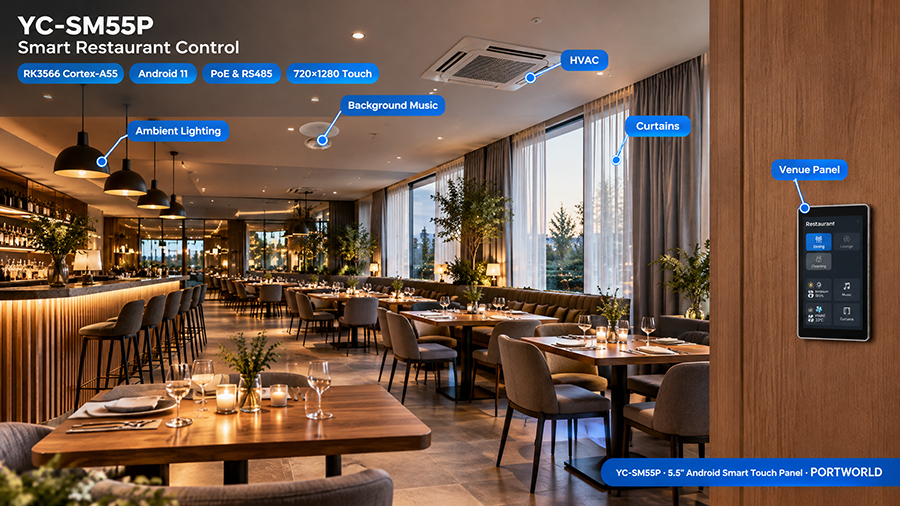
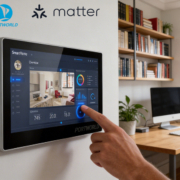
YC-SM55P smart home control panel
5. How Portworld Facilitates Custom Smart Home Control Panel PCBA Development
Portworld delivers smart home touch control panels and embedded hardware solutions tailored to projects requiring various screen dimensions, operating systems, and connectivity specifications.
OEM/ODM development initiatives may encompass processor and memory configuration, motherboard or PCBA modification, display incorporation, power architecture, Ethernet and PoE capabilities, communication protocols, operating system customization, and user interface adaptation, contingent upon project requirements.
For instance, the YC-SM41P, YC-P5, and YC-SM55P represent established panel platforms available for assessment relative to specific project criteria. Should a standard configuration prove inadequate for the intended specifications, the subsequent phase involves evaluating which hardware modifications are both technically viable and commercially practical.
Prior to commencing a custom PCBA initiative, it is advisable to formulate a comprehensive specification encompassing:
- Screen dimensions, resolution, and touch interface technology.
- Processing unit, RAM capacity, storage capacity, and operating system selection.
- Essential connectivity options, including Ethernet, PoE, RS485, KNX, or Zigbee protocols.
- Power supply specifications and aggregate power demand.
- Supplementary audio functionality and sensor integration.
- Physical enclosure proportions and installation specifications.
- Anticipated manufacturing volume and software support obligations.
A well-articulated specification enables the engineering team to ascertain whether an existing platform satisfies requirements or whether a distinct PCBA design warrants development.