Smart Home Control Panel vs. Smart Switch: What’s the Difference?
As smart home technology gains popularity, homeowners are presented with an increasing array of options for managing their lighting, curtains, air conditioning, and other connected devices. Two prevalent options are smart switches and smart home control panels. While both offer convenient methods for overseeing a smart home, they fulfill distinct roles.
A smart switch is typically intended to manage a specific electrical circuit or device, such as a ceiling light or a collection of lights. Conversely, a smart home control panel serves as a centralized interface for overseeing numerous smart home functions, devices, and automation scenes.
So, which option is superior for a smart home project? The answer is contingent upon the scale of the installation, the quantity of connected devices, the preferred user experience, and the degree of system integration required.
For smart home developers, integrators, and property developers, recognizing the distinction is crucial when choosing hardware. Companies like Portworld offer smart home control panels in various sizes and hardware configurations, along with OEM/ODM customization for projects that necessitate a more cohesive control solution.
What is a Smart Switch?
A smart switch is an electronic device that enables users to manage lighting or other compatible electrical loads via a physical button, mobile application, voice assistant, or automation system.
In contrast to a conventional wall switch, a smart switch can connect to a smart home network utilizing technologies such as Wi-Fi, Zigbee, or Bluetooth, depending on the specific model. Certain products also offer features like scheduling, remote operation, energy monitoring, and scene control.
For instance, a smart lighting switch can operate a bedroom light by turning it on or off using a wall button or smartphone. A compatible system may also facilitate the inclusion of the light in an automation routine, such as automatically turning off when all occupants leave the home.
Smart switches are frequently installed as replacements for standard wall switches or utilized as wireless control devices. They are especially beneficial when a project requires straightforward management of individual lighting circuits without the need for a larger touchscreen interface.
Nevertheless, a smart switch is not confined to basic on/off functionality. Some advanced models offer dimming capabilities, multiple buttons, scene activation, and integration with other smart home platforms. The features available depend on the product’s design and the supported ecosystem.
smart control panel factory-1
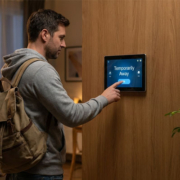
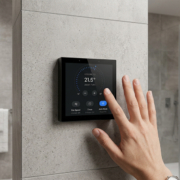
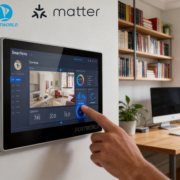
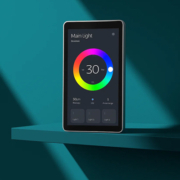
A smart home control panel is an integrated touchscreen or interactive device that serves as a hub for managing various smart home systems through a unified interface.
Rather than relying on individual wall switches for each function, users can control multiple devices and automation scenes from one screen. Depending on the specific hardware, software, and connected ecosystem, a control panel can oversee:
- Lighting and dimming
- Motorized curtains and blinds
- Air conditioning and HVAC systems
- Monitoring of temperature and humidity
- Smart plugs and electrical devices
- Security systems and sensors
- Audio and multimedia equipment
- Preconfigured smart home scenes
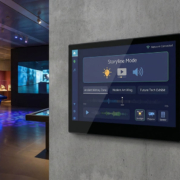
For instance, a homeowner can simply press a button labeled “Good Night” to initiate a scene that turns off designated lights, closes the curtains, and adjusts the air conditioning. The control panel acts as the interface, while the linked smart home devices and automation platform carry out the commands.
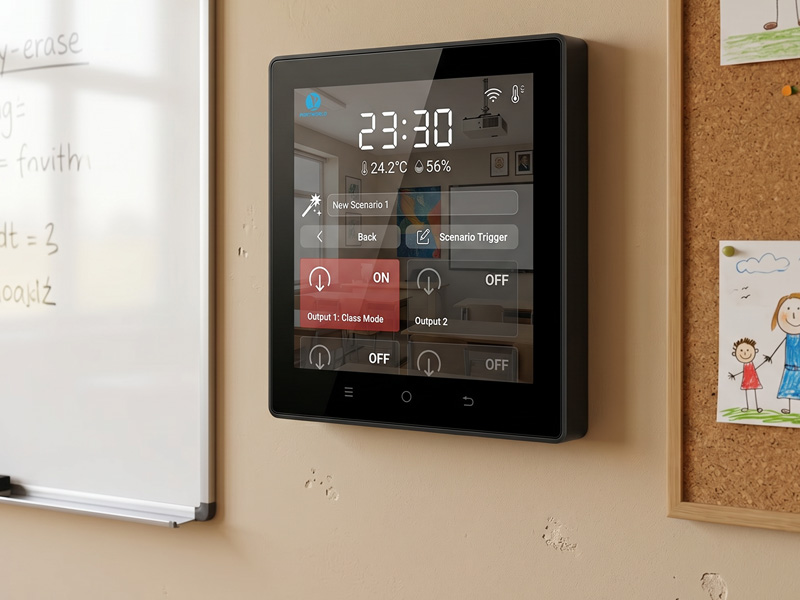
Portworld specializes in the development of smart home control panels tailored for residential, commercial, and building automation applications. Their product lineup features compact 4-inch panels, round touchscreen models, and larger wall-mounted displays.
The models YC-SM41P, YC-P5, YC-SM55P, and YC-SM10P offer various screen sizes and hardware configurations to accommodate diverse installation and user-interface needs.
smart home control panel-1
Smart Home Control Panel vs. Smart Switch: Key Differences
While both devices are capable of managing smart home equipment, they are distinct in their primary functions, interfaces, and system architectures.
| Comparison | Smart Switch | Smart Home Control Panel |
|---|---|---|
| Main purpose | Controls specific circuits or devices | Centralizes control of multiple smart home systems |
| User interface | Physical buttons or a small touch interface | Larger touchscreen interface |
| Control scope | Usually one device, circuit, or selected scene | Multiple devices, rooms, and automation scenes |
| Device management | Often limited to supported functions | Can provide dashboards and grouped device controls |
| Automation | Scheduling and basic scene activation, depending on model | Can provide access to more complex automation through an integrated platform |
| Installation | Usually replaces or supplements a wall switch | Usually installed as a dedicated wall-mounted control device |
| System integration | Depends on the switch’s supported protocols | Depends on the panel’s hardware, software, gateways, and integrations |
| Best suited for | Direct lighting and circuit control | Centralized smart home management |
The primary distinction lies not merely in the size of the screen but in the function each device fulfills within the overall smart home framework.
A smart switch acts mainly as a control endpoint, whereas a smart home control panel is intended to function as a more extensive user interface that integrates various operations within a smart home ecosystem.
1. Control Scope: Individual Devices Versus Multiple Smart Home Systems
The most apparent difference pertains to the range of functions accessible to users.
Typically, a smart switch is utilized to manage a specific lighting circuit. Depending on its configuration, it may also offer dimming capabilities, control multiple lighting groups, or activate scenes. This feature makes it practical for routine tasks that users frequently undertake.
Conversely, a smart home control panel can deliver a more holistic overview of the home environment. Users can seamlessly navigate between lighting, curtains, HVAC, and sensor interfaces without the need to launch various applications or move to different wall switches.
For instance, in a living room setting, a smart switch might regulate the primary ceiling light, while a touchscreen control panel can grant access to lighting, curtains, temperature, and entertainment configurations.
This centralized method proves increasingly beneficial as the number of connected devices expands.
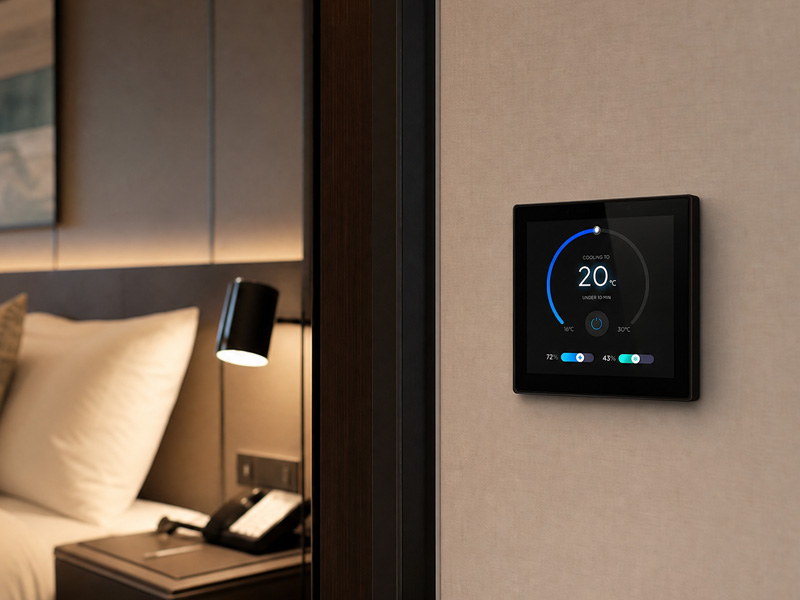
For Portworld projects, various panel sizes can be chosen based on the control needs. A compact 4-inch panel like the YC-SM41P can function as a room-level controller, while a larger 10-inch YC-SM10P can offer additional screen real estate for dashboards and multiple control functionalities.
smart home control panel
2. User Experience: Physical Buttons vs. Touchscreen Interaction
Smart switches are straightforward to use due to their intuitive operation. Users can simply press a button without the need to navigate through menus or glance at a display. This feature makes them ideal for quick tasks such as switching lights on and off.
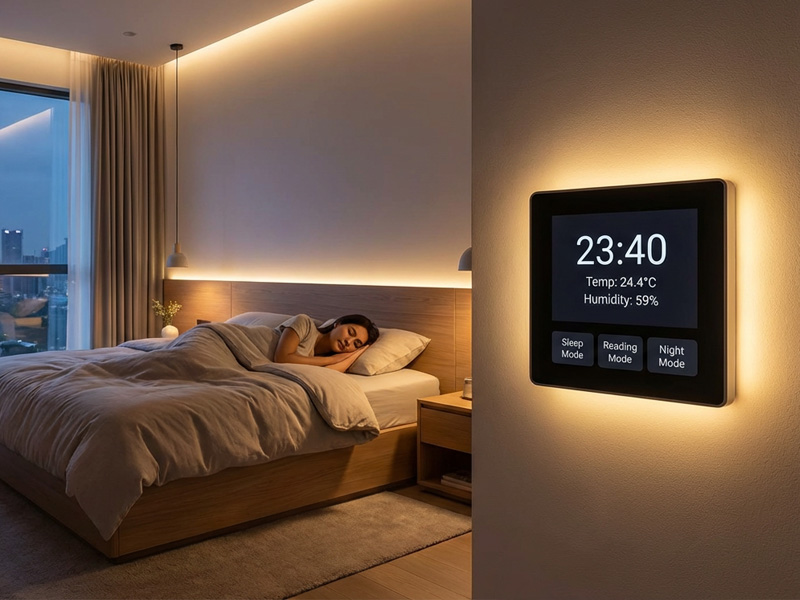
In contrast, a touchscreen control panel offers a distinct experience. It can showcase device names, icons, room layouts, status updates, temperature readings, and scene controls. Users benefit from having access to more information and multiple functions from a single interface.
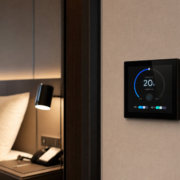
For instance, a control panel in a bedroom might display:
- Current room temperature
- Lighting brightness
- Curtain position
- Air conditioning mode
- Sleep and wake-up scenes
Additionally, the interface can be tailored to align with the interior design or specific requirements of a building project.
Portworld’s smart home control panels facilitate touchscreen interaction, offering various screen sizes and hardware platforms. Through UI/UX customization, OEM clients can create branded interfaces, modify screen layouts, and organize functions to suit their unique smart home applications.
This capability is especially beneficial for property developers and smart home solution providers aiming for a uniform user experience across different rooms or residential projects.
3. Connectivity and Protocol Compatibility
Connectivity represents another significant distinction; however, it is also an aspect where purchasers must delve deeper than mere product labels.
Smart switches may utilize various communication technologies such as Wi-Fi, Zigbee, Bluetooth, or others. Their compatibility is contingent upon the specific model and the smart home ecosystem in which they operate.
Smart home control panels can support diverse communication methods, depending on their hardware and software configurations. Some panels connect directly to devices, while others interact through gateways, controllers, or a centralized smart home platform.
4.Common technologies employed in smart home projects include:
- Wi-Fi: Frequently utilized for linking devices to a local network and facilitating communication with applications or cloud services.
- Bluetooth: Typically used for local communication, device setup, or commissioning, depending on the specific product.
- Zigbee: A low-power wireless mesh protocol that is commonly employed for sensors, lighting, and various other smart home devices.
- KNX: A standard for building automation that enables integrated control of lighting, blinds, HVAC, and other building functions.
- Matter: A smart home application-layer standard aimed at enhancing interoperability among compatible devices across supported network technologies.
- MQTT: A lightweight messaging protocol that is often utilized for communication between IoT devices, gateways, and automation platforms.
It is crucial to recognize that the support of one communication technology does not imply that a device is compatible with all others. For instance, a touchscreen panel equipped with Wi-Fi and Bluetooth may not inherently include a Zigbee radio or KNX interface. The implementation of a gateway, supplementary hardware, or software integration might be necessary.
Portworld provides configurations and customization options for smart home control panels tailored to projects that utilize technologies such as KNX, Zigbee, Modbus, MQTT, BACnet, and Matter. The actual support for protocols is contingent upon the chosen hardware, firmware, external gateway, and integration architecture.
For initiatives that necessitate a KNX-based control interface, the YC-SM41P-KNX is a model that merits consideration. It operates on the RK3566 platform and accommodates a KNX and Zigbee gateway configuration. This type of product is designed for projects that require more than a standard standalone lighting switch.
5. Which Option Is Superior for Various Smart Home Initiatives?
Neither a smart switch nor a smart home control panel can be deemed universally superior. The appropriate selection hinges on how users engage with their environment.
Apartments and Individual Rooms
Smart switches are ideal when the primary need is straightforward lighting management. Conversely, a touchscreen panel becomes more appealing when the homeowner desires to control lighting, curtains, temperature, and scenes from a single interface.
Luxury Residential Projects
A smart home control panel can offer a more cohesive experience. It can integrate multiple room functionalities into a tailored interface, ensuring a uniform control experience throughout the residence. Smart switches may still be utilized for easy physical operation.
Hotels and Serviced Apartments
A centralized panel can facilitate access to lighting scenes, curtains, air conditioning, and other room functionalities. Property managers might also explore customized interfaces and specific room-level control needs.
Smart Office Buildings
Control panels can assist in managing lighting, room temperature, and other building operations, depending on the connected automation system. Smart switches continue to be beneficial for immediate local control.
Building Automation and KNX Projects
A compatible control panel can act as a touchscreen interface for a more extensive KNX installation. The project must confirm protocol compatibility, gateway requirements, and the functionalities supported by each device.
For numerous projects, the optimal solution does not involve selecting one device over the other. Instead, it is about integrating smart switches for convenient physical operation with centralized touchscreen panels for comprehensive system management.
6. How Portworld Smart Home Control Panels Integrate into These Projects
For manufacturers of smart home technology, system integrators, and property developers, the process of selecting a control panel extends beyond merely deciding on screen dimensions. Factors such as the hardware platform, operating system, communication interfaces, enclosure design, and software interface all play a crucial role in determining the final product.
Portworld offers a variety of smart home control panel options that can be assessed for various applications.
YC-SM41P – Compact 4-Inch Smart Home Control Panel
The YC-SM41P is a compact touchscreen panel tailored for room-level smart home management. Its 4-inch display is ideal for installations where wall space is constrained, yet users require a visual interface for controlling lighting, curtains, and other connected functionalities. Depending on the configuration, it is available with an RK3566 platform and either Android or Debian-based software.
YC-SM41P-KNX – Smart Home Panel with KNX Integration
For building automation initiatives, the YC-SM41P-KNX merges a compact touchscreen interface with KNX and Zigbee gateway functionalities. It operates on an RK3566 platform and supports configurations with Android 13/Linux. This panel is suitable for projects that necessitate a centralized touchscreen interface linked to compatible building automation devices.
YC-SM43P – ESP32-S3 Touchscreen Control Panel
The YC-SM43P employs an ESP32-S3 platform featuring a 4-inch, 480 × 480 touchscreen and an LVGL-based interface for development. It supports Wi-Fi and Bluetooth connectivity, with options for Ethernet, PoE, and RS485 depending on the configuration. This panel is ideal for embedded control interfaces and tailored IoT applications where a lightweight hardware and software platform is advantageous.
YC-SM10P – 10-Inch Smart Home Control Panel
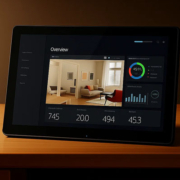
For projects requiring a larger display, the YC-SM10P offers a 10-inch touchscreen built on the RK3566 platform. Its expansive screen provides ample space for room dashboards, device groupings, and personalized smart home interfaces.
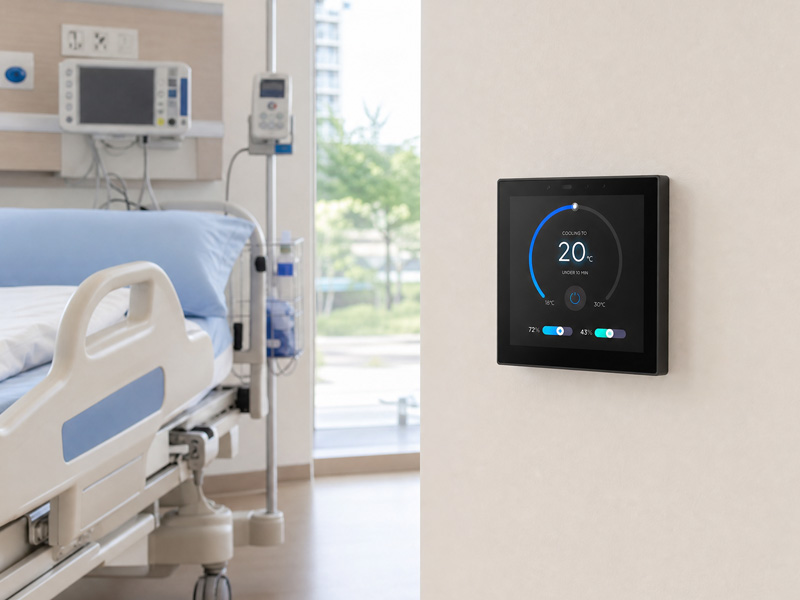
These products exemplify how a touchscreen control panel can be customized to meet diverse needs in smart home projects.
smart home control panel-1
Beyond Standard Offerings: Portworld OEM/ODM Customization
For brands and providers of smart home solutions, standard hardware may not always fulfill the specific needs of a given project. Adjustments may be necessary for screen dimensions, mounting structures, communication interfaces, software functionalities, and visual aesthetics.
Portworld offers OEM/ODM services to facilitate the development of customized smart home control panels. Customization can encompass the following aspects based on project specifications:
- Hardware customization: Adjustments to screen size, processor platform, memory, interface configuration, and enclosure design.
- Protocol integration: Incorporation of KNX, Zigbee, Modbus, MQTT, BACnet, Matter, and other compatible communication protocols.
- Software customization: Adaptation for Android/Linux, application integration, system configuration, and automatic application startup.
- UI/UX customization: Development of branded interfaces, custom icons, dashboards, room layouts, and interaction logic.
- Product branding: Customization of logos, model numbers, packaging, and overall appearance.
- Engineering support: Assistance with PCB/PCBA development, SDK documentation, sample evaluation, and preparation for production.
These services are particularly beneficial for a smart home brand aiming to create its own touchscreen control panel rather than depending solely on a generic off-the-shelf solution.
It is essential to confirm the necessary hardware and protocol architecture during the project design phase. For instance, a panel designed to interact with Zigbee devices may require a compatible Zigbee radio or an external gateway, while a Matter-based project must clarify whether the panel will function as a controller, bridge, or fulfill another supported device role.