RK3506 vs. ESP32-S3 for Low-Cost Touchscreen Applications
Touchscreen interfaces are increasingly common in smart home controllers, industrial equipment, connected appliances, educational products, and compact HMI terminals. Yet many touchscreen projects do not require an expensive application processor or a complete Linux system.
For developers working with limited hardware budgets, two platforms to consider are the Rockchip RK3506 and the Espressif ESP32-S3.
Both can support touchscreen products, but they take different hardware and software approaches. The RK3506 is an application processor intended for embedded Linux applications and industrial control, whereas the ESP32-S3 is a microcontroller with built-in wireless connectivity and LCD interfaces.
Which platform is the better choice for a low-cost touchscreen project?
It depends on factors such as display size, interface complexity, operating system needs, power consumption, and the product’s overall design.
1. Understanding the Two Platforms
Rockchip RK3506: An Entry-Level Linux Platform
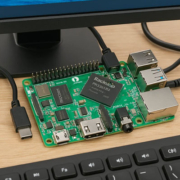
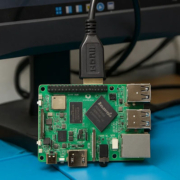
The RK3506 is an affordable Rockchip processor intended for embedded applications, including industrial HMI systems, control terminals, IP phones, and smart devices.
Its architecture features three ARM Cortex-A7 CPU cores and a Cortex-M0 real-time processor. It also incorporates a 2D graphics engine and display interfaces for embedded screens.
Depending on the chip version and board design, the RK3506 supports display interfaces such as RGB, MCU LCD, and MIPI DSI. Under supported configurations, the RK3506B datasheet specifies display output of up to 1280 × 800 at 60 fps.
Its primary advantage is support for an embedded Linux environment. Developers can create graphical applications, communication services, device-management functions, and more sophisticated HMI software.
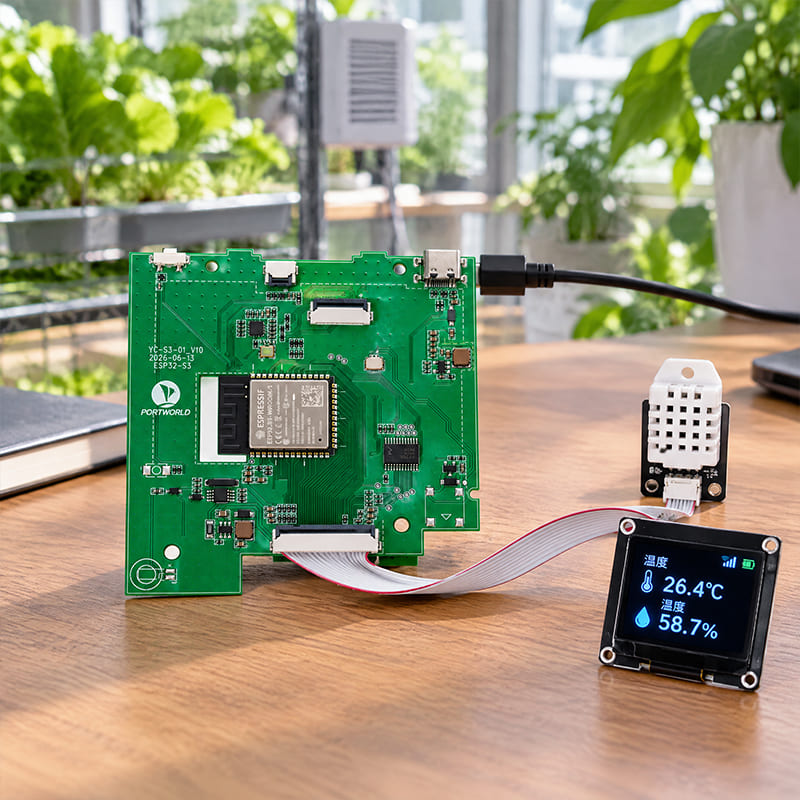
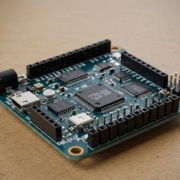
ESP32-S3 Motherboard
Common applications include:
- Industrial touchscreen control panels
- Smart appliance interfaces
- Compact machine HMIs
- Building automation terminals
- Equipment monitoring displays
The RK3506 is a suitable choice when a project requires more than a basic graphical interface and calls for a Linux-based software architecture.
ESP32-S3: A Compact Microcontroller for Connected Touchscreens
The ESP32-S3 is a dual-core microcontroller based on Espressif’s Xtensa LX7 architecture. It includes Wi-Fi and Bluetooth LE connectivity, as well as a broad selection of peripheral interfaces.
Unlike the RK3506, the ESP32-S3 is not intended to run a conventional embedded Linux system. It generally runs firmware built with ESP-IDF and FreeRTOS, while lightweight graphics libraries such as LVGL can be used to create touchscreen interfaces.
Its LCD controller supports 8-bit to 16-bit parallel RGB, Intel 8080, and Motorola 6800 interfaces. SPI displays are also compatible when paired with appropriate display drivers.
The ESP32-S3 is therefore a practical choice for compact touchscreen products featuring simple menus, status indicators, sensor readings, and wireless control.
Common applications include:
- Smart home control panels
- Smart thermostats
- Touchscreen appliance controllers
- Small IoT displays
- Educational devices
- Simple equipment control interfaces
For projects that prioritize a responsive interface and wireless connectivity over a full operating system, the ESP32-S3 can provide a simpler hardware and software solution.
2. RK3506 vs. ESP32-S3: Key Technical Differences
The most important difference is not simply the number of CPU cores. It is the type of computing platform each chip provides.
| Feature | Rockchip RK3506 | ESP32-S3 |
|---|---|---|
| Platform type | Embedded application processor | Microcontroller |
| CPU | 3× Cortex-A7 + Cortex-M0 | Dual-core Xtensa LX7 |
| Maximum CPU frequency | Up to 1.5 GHz, depending on variant | Up to 240 MHz |
| Graphics | 2D graphics acceleration | Software-based UI rendering and LCD controller |
| NPU | No integrated NPU | No integrated NPU |
| Display interfaces | RGB, MCU LCD, MIPI DSI, depending on variant | Parallel RGB, I8080, MOTO6800, SPI via suitable drivers |
| Operating environment | Embedded Linux | ESP-IDF / FreeRTOS |
| Wireless connectivity | Depends on board design and external modules | Integrated Wi-Fi and Bluetooth LE |
| Memory | External or in-package memory, depending on variant | On-chip SRAM plus external flash and optional PSRAM |
| Typical UI framework | Qt, LVGL, or other Linux-compatible frameworks | LVGL |
| Best suited for | More complex Linux-based HMI | Compact, low-power interactive devices |
The table outlines platform capabilities rather than features guaranteed on every development board. Available memory, display connections, wireless modules, and exposed interfaces vary with the chosen hardware design.
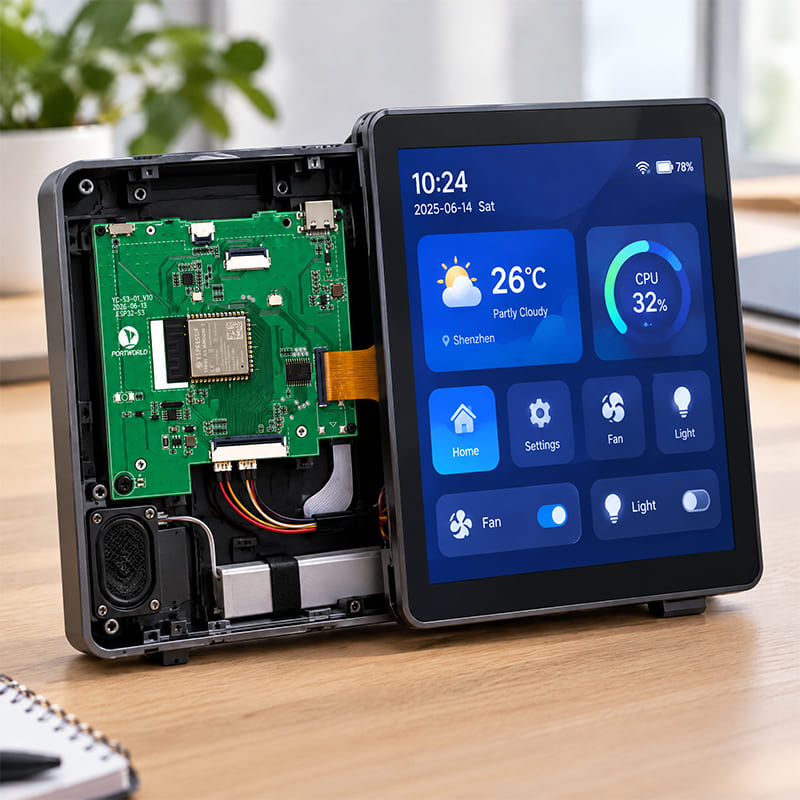
ESP32-S3 Motherboard
3. Display Performance: Which Platform Is Better for Touchscreen UI?
Display requirements are frequently a key consideration when choosing a processor.
Some touchscreen projects need only a handful of buttons and status icons. Others call for multiple pages, animated graphics, data visualizations, or a more advanced user interface.
These workloads place different demands on the processor and display subsystem.
RK3506 for More Complex HMI Interfaces
The RK3506 features a dedicated 2D graphics engine and display output options suitable for embedded HMI applications.
It can be a better starting point for interfaces that require:
- Multiple screens and navigation menus
- More complex graphical layouts
- Real-time visualization of equipment data
- Linux-based application development
- Integration with background services and communication protocols
Depending on the available BSP and hardware support, developers can work with Linux-compatible frameworks and tools.
For instance, an industrial touchscreen might present machine status, temperature readings, operating parameters, alarm notifications, and configuration menus. A Linux-based platform can simplify integration between the graphical interface and other application services.
However, the RK3506 does not include a high-performance 3D GPU. Design projects for its actual 2D graphics capabilities instead of assuming desktop-class graphics performance.
ESP32-S3 for Lightweight Touchscreen Interfaces
The ESP32-S3 is a strong choice for straightforward graphical interfaces that emphasize responsive operation and low power use.
Using LVGL, developers can build:
- Touch-enabled buttons and navigation menus
- Temperature and humidity dashboards
- Controls for lighting and curtains
- Basic charts and status indicators
- Device setup screens
For instance, a smart home panel can show room temperature and lighting status alongside several controls, without needing a full Linux system.
The ESP32-S3 also supports parallel LCD interfaces, making it suitable for projects that use small or medium-sized displays with appropriate resolution and refresh rates.
However, designers should carefully account for available RAM and display bandwidth. Full-screen buffers, higher color depths, animations, and large graphical assets can use substantial memory.
Practical takeaway: RK3506 is better suited to complex, Linux-based HMI applications, whereas ESP32-S3 is a compelling option for compact interfaces with well-managed graphical requirements.
4. Operating System and Software Development
Software architecture can significantly affect development costs, debugging effort, and long-term maintenance.
Linux Development with RK3506
RK3506 supports embedded Linux development using vendor BSPs and associated development tools.
A typical development environment may include:
- U-Boot bootloader
- Linux kernel
- Device Tree configuration
- Buildroot-based root filesystem
- LCD and touchscreen drivers
- Application-level UI software
- Communication services and system management
This approach offers flexibility for projects requiring network services, file management, background processes, and multiple software components.
However, it also increases development complexity. Developers must manage boot configuration, kernel drivers, memory allocation, system startup, and software updates.
The availability of particular Linux features depends on the chip variant, board design, and BSP release.
LVGL and FreeRTOS Development on the ESP32-S3
The ESP32-S3 typically supports a leaner development approach.
With ESP-IDF, FreeRTOS, and LVGL, developers can create firmware that integrates the user interface with sensor data collection, communications, and control functions.
For instance, a smart appliance with a touchscreen could:
- Display its operating status and settings.
- Read temperature or humidity sensors.
- Accept commands over Wi-Fi or Bluetooth.
- Operate external relays or drivers.
- Refresh the interface as the device’s status changes.
This architecture eliminates the overhead of a Linux operating system and can make deployment simpler for smaller embedded products.
However, projects involving complex file systems, multiple applications, large databases, or advanced multimedia features may exceed the capabilities of an MCU-based platform.

P3506 EV Dashboard
5. Hardware Cost and Power Consumption
For affordable touchscreen products, processor cost represents only one portion of the overall hardware budget.
Developers should also account for memory, display interfaces, touch controllers, power circuitry, wireless modules, PCB complexity, and software development effort.
When ESP32-S3 Can Lower System Costs
ESP32-S3 includes Wi-Fi and Bluetooth LE, which can eliminate the need for dedicated wireless communication chips in many designs.
It can also support a relatively straightforward hardware setup that includes:
- ESP32-S3 module or chip
- Flash and optional PSRAM
- LCD and touch controller
- Power management circuit
- Sensor and communication interfaces
For simpler products, this approach can reduce the number of components and PCB complexity.
ESP32-S3 is also a suitable option for battery-powered and power-sensitive devices. However, actual power consumption varies with display brightness, wireless activity, CPU workload, and peripheral usage.
When RK3506 Offers Better Overall Value
RK3506 may be the more economical choice for products that need Linux functionality.
Rather than adding an external Linux-capable computing module or pushing an MCU architecture beyond its practical limits, developers can use RK3506 as the primary application processor.
It is worth considering when a product requires:
- More advanced HMI software
- Linux-based communication services
- More flexible storage management
- Multiple application processes
- Integration with industrial software environments
Depending on the selected variant, a complete RK3506 design may also need external DDR memory, storage, additional power circuitry, and wireless modules.
As a result, the least expensive chip is not necessarily the least expensive finished product. A meaningful comparison should account for the complete bill of materials and development effort.
6. Which Platform Is Best for Different Touchscreen Applications?
The right choice depends on the specific functions the touchscreen must perform.
| Application | Recommended Platform | Reason |
|---|---|---|
| Simple smart thermostat | ESP32-S3 | Lightweight UI and sensor control |
| Smart lighting controller | ESP32-S3 | Wi-Fi, Bluetooth LE, and simple touch interaction |
| Small appliance touchscreen | ESP32-S3 | Compact firmware and basic menus |
| Industrial machine HMI | RK3506 | Linux environment and more complex application logic |
| Equipment monitoring terminal | RK3506 | Background services and data management |
| Smart home panel with simple controls | ESP32-S3 | Low-cost connected interface |
| Linux-based automation terminal | RK3506 | Embedded Linux software architecture |
There is no single best choice for every situation. A small touchscreen that provides only a few control functions may not justify Linux’s added complexity. By contrast, a machine interface that runs several services and requires advanced applications may be challenging to maintain on a microcontroller.
7. How Do Touchscreen Size and Resolution Affect the Choice?
Screen size alone is not enough to determine which processor is suitable. Resolution, refresh rate, color depth, touch responsiveness, and interface type are also important.
For instance, an ESP32-S3 may handle a 4-inch display with a basic 480 × 480 interface effectively, provided the firmware, memory, and display interface are designed appropriately.
An interface with higher resolution, multiple pages, complex graphics, and background data processing may be better suited to the RK3506.
When choosing a display, developers should verify:
- LCD interface compatibility
- Supported resolution and refresh rate
- Available frame-buffer memory
- Touch controller interface, such as I2C or USB
- Availability of LCD drivers
- PCB pin allocation
- Display power and backlight requirements
Keep in mind that the LCD and touch interfaces are separate hardware functions. Compatibility with an RGB or MIPI display does not automatically ensure support for a specific touch controller.
8. Portworld ESP32-S3 Solutions for Custom Touchscreen Products
For projects that need a compact touchscreen controller with wireless connectivity, Portworld offers embedded hardware solutions based on the ESP32-S3.
The ESP32-YCS3 is built for embedded control and display applications. It combines ESP32-S3 processing, LVGL support, external PSRAM and Flash, and interfaces for peripheral connections.
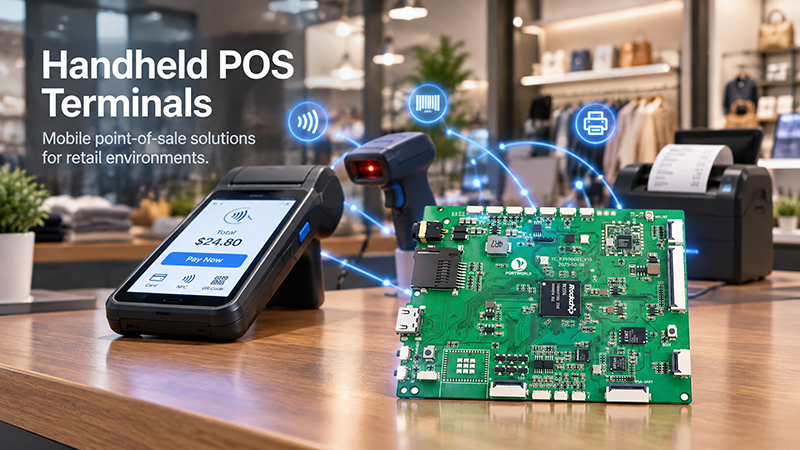
P3506 Handheld POS Terminals
Key hardware features include:
- ESP32-S3 dual-core processor running at up to 240 MHz
- 8 MB PSRAM and 16 MB Flash
- Support for LVGL graphical interfaces
- 40-pin FPC for RGB parallel displays up to 800 × 480
- SPI, I2C, and touch-signal support
- RS485 and GPIO interfaces
- Ethernet and PoE expansion options
- USB Type-C
Headers for a temperature and humidity sensor and RTC
These capabilities make the platform suitable for smart home interfaces, appliance control panels, compact HMI devices, and other connected touchscreen products.
Portworld also provides customization support for hardware interfaces, display integration, firmware, and product configurations.
For instance, a manufacturer developing a smart thermostat may require a touchscreen, temperature sensor, Wi-Fi connectivity, and RS485 communication. An ESP32-S3-based design can combine these functions in a compact embedded platform.
For applications that need a Linux operating system or more sophisticated graphical software, an application-processor platform such as the RK3506 may be a better starting point.
RK3506 or ESP32-S3?
Selecting between the RK3506 and ESP32-S3 ultimately comes down to your system architecture.
Choose the ESP32-S3 for projects that need a cost-effective, low-power touchscreen, a lightweight interface, wireless connectivity, sensor integration, and real-time control.
Choose the RK3506 when your product calls for embedded Linux, more sophisticated HMI applications, background services, and a flexible software environment.
Before choosing a platform, assess the display resolution, memory needs, touch controller, operating system, communication interfaces, and overall system cost.
The best processor is the one that satisfies your product requirements without introducing unnecessary hardware or software complexity.