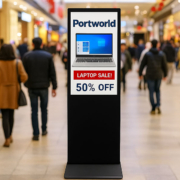
How to Customize Ubuntu for a Digital Signage Display
Digital signage has emerged as a vital communication medium in various settings, including retail stores, transportation hubs, healthcare facilities, factories, and intelligent commercial environments. In contrast to traditional advertising boards, contemporary digital signage systems offer dynamic content updates, remote management capabilities, interactive features, and enhanced user experiences.
Nevertheless, selecting the appropriate operating system is a crucial factor that influences the reliability and performance of a digital signage solution.
While numerous commercial displays utilize proprietary systems, Ubuntu-based digital signage solutions are gaining traction among developers and system integrators due to their flexibility, stability, and customization options.
Why Opt for Ubuntu in Digital Signage Displays?
Ubuntu is extensively utilized in embedded systems, industrial PCs, and smart display applications because it offers:
Exceptional Stability for Continuous Operation
Commercial digital signage displays frequently require uninterrupted operation for extended periods. Ubuntu LTS versions deliver long-term software support and dependable system performance, rendering them ideal for unattended environments such as:
- Retail advertising screens
- Self-service kiosks
- EV charging stations
- Industrial information terminals
- Hospital information displays
Robust Hardware Compatibility
In contrast to proprietary operating systems, Ubuntu accommodates a diverse array of hardware platforms, such as:
- x86 industrial computers
- ARM-based embedded boards
- Touchscreen panels
- Multi-display systems
- GPU acceleration modules
This versatility positions Ubuntu as an ideal option for tailored digital signage initiatives.
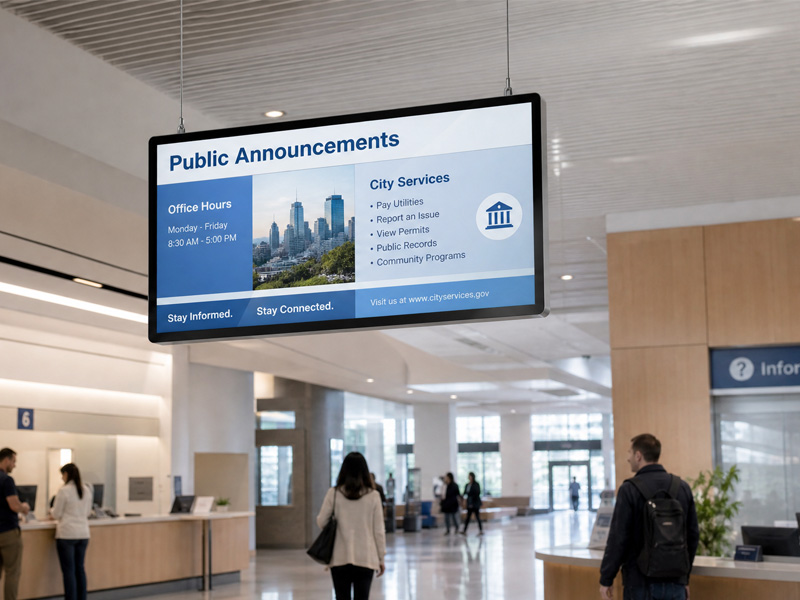
Stretch Bar Monitor
How to Tailor Ubuntu for a Digital Signage System
Developing a professional digital signage solution typically necessitates several essential optimizations.
Establishing a Dedicated Kiosk Environment
A standard Ubuntu digital signage system does not need a complete desktop environment. Instead, developers often configure a kiosk mode system that automatically initiates the signage application upon startup.
The fundamental workflow is:
Power On → Ubuntu Boot → Auto Login → Launch Signage Application → Display Content
This approach restricts users from accessing superfluous system functions and fosters a smooth display experience.
Enhancing the Display Interface
The majority of Ubuntu digital signage systems utilize Chromium-based kiosk mode or custom applications developed with frameworks like Electron.
By configuring kiosk mode, the system can:
- Automatically launch a webpage or CMS platform
- Conceal browser controls
- Operate in full-screen mode
- Facilitate interactive touchscreen functionalities
This methodology is frequently employed in:
- Digital advertising displays
- Smart kiosks
- Interactive information terminals
Enhancing Reliability for Commercial Use
A standard consumer PC setup is typically insufficient for professional digital signage applications. Commercial systems necessitate further optimization, which includes:
Automatic Startup
The signage software must initiate automatically once the device is powered on, minimizing the need for manual intervention.

55″ Outside Floor Standing Digital Signage
Remote Management
For extensive deployments, administrators require the ability to remotely:
- Update content
- Oversee device status
- Reboot devices
- Conduct software maintenance
Power and Display Management
Digital signage systems must avoid:
- Screen sleep
- Unanticipated shutdowns
- Display interruptions
These enhancements are crucial for ensuring stable performance in public settings.
Ubuntu Digital Signage Applications Across Various Sectors
Through the customization capabilities of Ubuntu, digital signage displays can be tailored to meet the needs of diverse industries.
Retail and Commercial Advertising
Retailers utilize interactive displays to present:
- Promotions
- Product details
- Brand messaging
Smart Healthcare
Hospitals and clinics implement touchscreen displays for:
- Patient information
- Queue management
- Medical assistance
Industrial Manufacturing
Factories employ industrial displays for:
- Production oversight
- Equipment status updates
- Digital dashboards
Smart Transportation and EV Charging
Outdoor touchscreen terminals offer:
- Charging details
- Payment systems
- User assistance
Ubuntu and Industrial Touch Displays: A Versatile Solution for Intelligent Applications
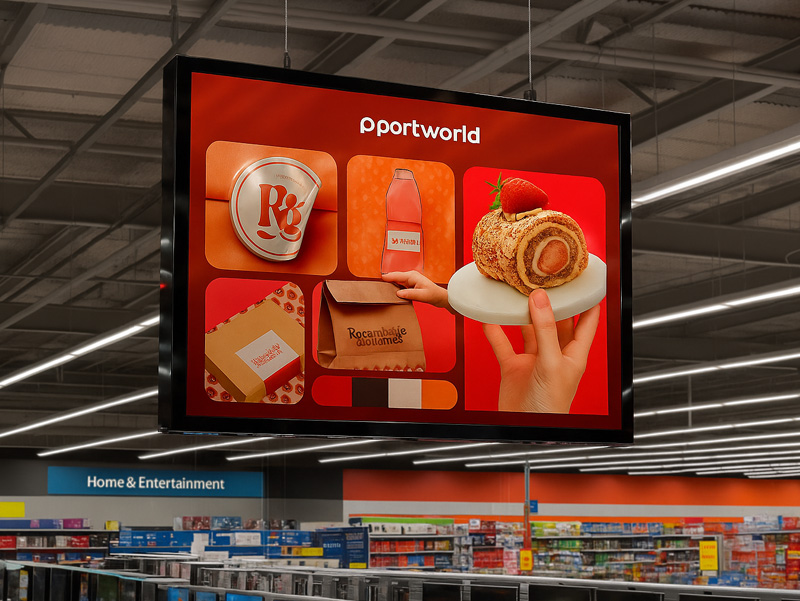
ultra thin hanging advertising screen
For organizations creating tailored digital signage solutions, the integration of Ubuntu with industrial-grade touchscreen technology offers enhanced adaptability.
Displays engineered for Ubuntu environments generally necessitate:
- High brightness panels
- Extended operational lifespan
- Support for a broad temperature range
- Various interface options
- Touchscreen functionality
Options such as industrial panel PCs, touchscreen displays, and embedded computing systems enable manufacturers and system integrators to develop bespoke digital signage terminals suitable for diverse sectors.
Tailoring Ubuntu for digital signage extends beyond merely installing a display application. A comprehensive solution entails system optimization, kiosk mode setup, hardware compatibility, remote management, and dependable performance.
Thanks to its open-source framework and robust customization features, Ubuntu has emerged as a preferred platform for advanced digital signage systems utilized in retail, healthcare, industrial automation, and smart infrastructure.
For enterprises aiming to create personalized digital signage solutions, selecting the appropriate combination of Ubuntu software and industrial touchscreen hardware can yield a scalable and dependable solution.