How to Connect Zigbee Devices to a Smart Home Gateway?
Zigbee is among the most prevalent wireless communication protocols utilized in smart home automation. It features low power consumption, dependable mesh networking, and the capability to support numerous IoT devices. Consequently, Zigbee is frequently employed for applications such as smart lighting, sensors, switches, curtains, locks, and HVAC controllers.
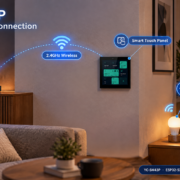
A smart home gateway serves as the primary link between Zigbee devices and user control interfaces, including smart touch panels, mobile applications, and cloud systems.
The standard connection framework is:
Zigbee Devices → Zigbee Gateway → Smart Control Panel → Mobile App / Cloud Platform
1. What Is Required for a Zigbee Connection?
To establish a connection with Zigbee devices, the following components are typically necessary:
1. Zigbee-Compatible Devices
Examples include:
- Smart bulbs
- Smart switches
- Motion sensors
- Door/window sensors
- Temperature sensors
- Smart curtain motors
- Smart locks
Each device is equipped with a Zigbee communication module.
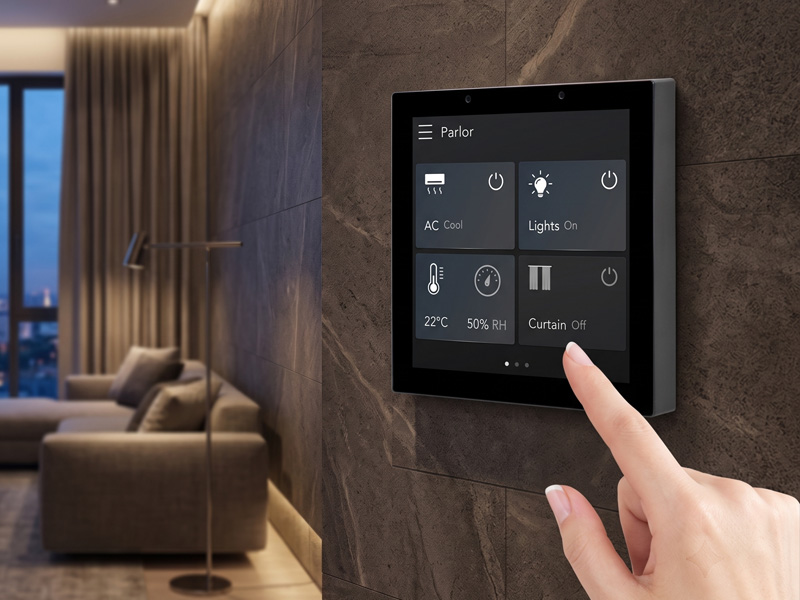
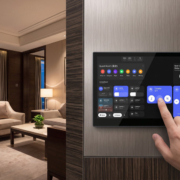
Smart Home Touch Control Panel
2. Zigbee Smart Home Gateway
The gateway functions as the central communication hub.
Its responsibilities include:
- Establishing the Zigbee network
- Incorporating and overseeing devices
- Converting Zigbee data into IP-based commands
- Linking devices with applications and control panels
A gateway may be compatible with:
- Zigbee 3.0
- WiFi
- Ethernet
- Bluetooth
- Matter
- Thread
3. Smart Control Panel or Automation Platform
A smart touch control panel serves as the user interface.
Users have the ability to:
- Switch lights on or off
- Modify brightness levels
- Monitor sensor data
- Create automated scenes
- Manage multiple devices from a single screen
Step 1: Set Up the Zigbee Gateway
Begin by linking the gateway to your network.
Typical connection options include:
– Ethernet cable
– WiFi
– PoE
For instance:
Zigbee Gateway → Ethernet → Smart Home Network
In professional settings like hotels or large buildings, utilizing Ethernet and PoE ensures a more reliable installation.
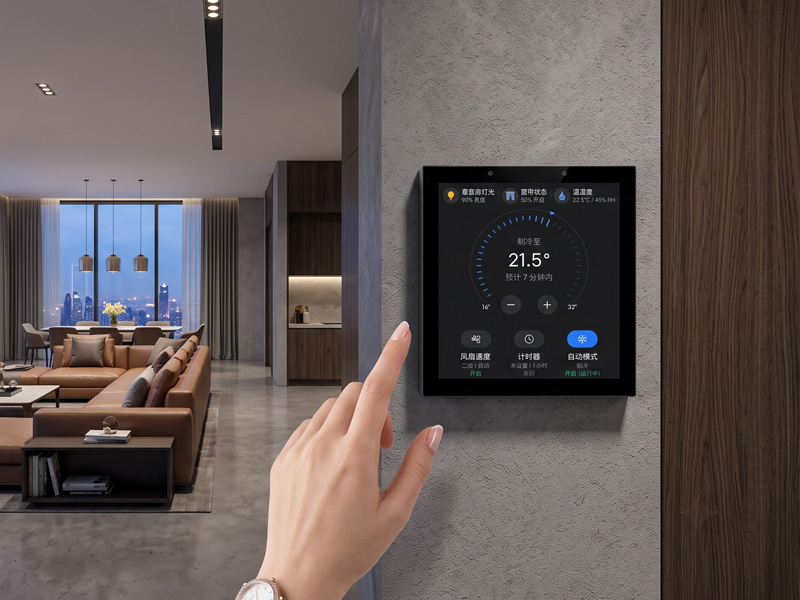
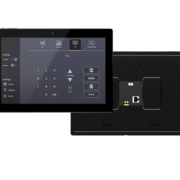
Smart Home Touch Control Panel
Step 2: Activate Zigbee Pairing Mode
Access the management interface of the gateway or use the mobile application.
Choose:
Add Device → Zigbee Device Pairing
The gateway will commence the search for nearby Zigbee devices.
Step 3: Activate Pairing Mode for the Zigbee Device
Most Zigbee devices are equipped with a pairing button.
Examples include:
- Pressing and holding the button on a smart switch
- Resetting a sensor
- Power cycling a smart bulb
Once activated, the device begins to broadcast its Zigbee signal.
Step 4: Gateway Identifies the Device
The gateway recognizes the Zigbee device and exchanges the following information:
- Device ID
- Network details
- Security keys
- Device type information
Upon successful pairing, the device integrates into the Zigbee network.
Step 5: Configure Device Settings
After establishing a connection, users have the ability to configure:
- Lighting options
- ON/OFF controls
- Brightness levels
- Color temperature settings
- Sensor functionalities
- Temperature monitoring
- Motion detection capabilities
- Door status
- Automation scenes
For instance:
Leaving Home Mode
A single command can execute the following actions:
- Turn off lights
- Close curtains
- Lower HVAC temperature
- Activate the security system
3. The Communication Process of Zigbee with a Smart Control Panel
Typically, a smart control panel does not manage each Zigbee device directly.
The architecture is:
Smart Touch Panel
|
|
Smart Home Gateway
|
|
Zigbee Network
|
———————
| | |
Lights Sensors Curtains
The gateway translates Zigbee communication into commands that the control panel can comprehend.
Example:
User inputs:
“Activate bedroom light”
Process:
- Touch panel transmits command
- Gateway obtains command
- Gateway transforms command into Zigbee signal
- Zigbee switch accepts instruction
- Light illuminates
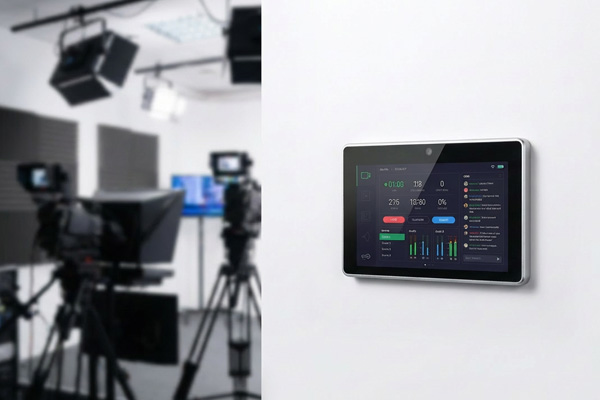
smart home control panel
4. Advantages of Zigbee Mesh Networking
A significant advantage of Zigbee lies in its mesh networking capability.
Rather than having each device connect directly to the gateway:
Zigbee devices can relay signals between each other.
Benefits:
- Extended coverage
- Better reliability
- Suitable for large homes and buildings
5. Comparison of Zigbee and WiFi Connections
| Feature | Zigbee | WiFi |
|---|---|---|
| Power Consumption | Very Low | Higher |
| Network Type | Mesh | Router-based |
| Battery Devices | Excellent | Limited |
| Range Expansion | Strong | Depends on router |
| Best Applications | Sensors, switches | Cameras, high-data devices |
Zigbee is usually preferred for automation devices that need long battery life and reliable communication.
6. Zigbee Applications in Smart Buildings
Smart Home
Control:
- Lighting
- Curtains
- Security sensors
- Climate systems
- Smart Hotels
Guest room automation:
- Lighting scenes
- Temperature control
- Door sensors
- Energy saving
- Smart Offices
Applications:
- Meeting room control
- Occupancy sensors
- Energy management
7. Intelligent Control Panels with Zigbee Integration
Contemporary intelligent control panels are capable of integrating Zigbee with various other communication technologies:
- Zigbee
- WiFi
- Bluetooth
- Matter
- Thread
- Ethernet
- RS485/Modbus
This results in a versatile automation ecosystem.
For instance:
Android Smart Touch Panel
↓
Smart Home Gateway
↓
Zigbee Devices + HVAC + Lighting + Security Systems
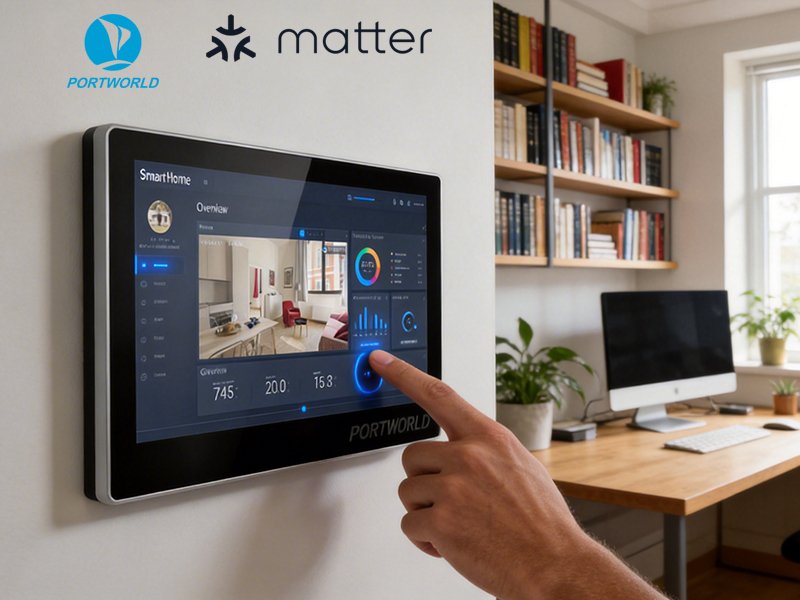
smart home control panel
Portworld Smart Control Panel Solutions
Portworld offers tailored smart touch control panels specifically designed for IoT and automation initiatives.
YC-SM43P ESP32-S3 Smart HMI Panel
Specifications:
- ESP32-S3 processor
- WiFi & Bluetooth connectivity
- Ethernet support
- Power over Ethernet (PoE)
- RS485 communication capability
- LVGL customizable user interface
Applications:
- IoT control terminals
- Intelligent switches
- Building automation systems
Android/Linux Smart Control Panels
Specifications:
- RK3566/RK3568 processors
- Operating systems: Android/Linux
- Touchscreen interfaces
- Ethernet with PoE
- RS485 integration
- OEM/ODM customization options
Applications:
- Smart home solutions
- Hospitality environments
- Office settings
- Commercial automation systems
Establishing a connection between Zigbee devices and a smart home gateway requires the pairing of the devices with the gateway, the management of these devices via an automation platform, and their control through a smart touch panel or mobile application.
Due to its low power usage, mesh networking capabilities, and extensive device compatibility, Zigbee continues to be one of the most favorable options for smart home automation systems.