How to Choose Between a Linux vs Android OS KNX Smart Home Hub
When constructing a KNX-based smart home system, the control hub serves as more than just a wall-mounted screen—it functions as the central intelligence of the entire automation framework. The stability and intuitiveness of this hub are crucial for managing lighting scenes, HVAC systems, curtains, security measures, and energy management.
A prevalent dilemma faced by system integrators is:
Should one opt for a Linux-based KNX smart home hub or an Android-based alternative?
Rather than viewing this as a mere technical evaluation, it is beneficial to consider practical usage scenarios, user expectations, and the scale of the project.
Consider First: Who Will Utilize the System?
Prior to selecting an operating system, the initial inquiry should not be “Linux or Android,” but rather:
Is this system intended for engineers and facility managers?
Or is it designed for homeowners and guests who will interact with it daily?
The response to this question significantly influences the decision.
Linux typically operates quietly in the background, performing its functions reliably.
Conversely, Android is crafted to be visible, tactile, and engaging.
When constructing a KNX-based smart home system, the control hub serves as more than just a wall-mounted screen—it functions as the central intelligence of the entire automation framework. The stability and intuitiveness of this hub are crucial for managing lighting scenes, HVAC systems, curtains, security measures, and energy management.
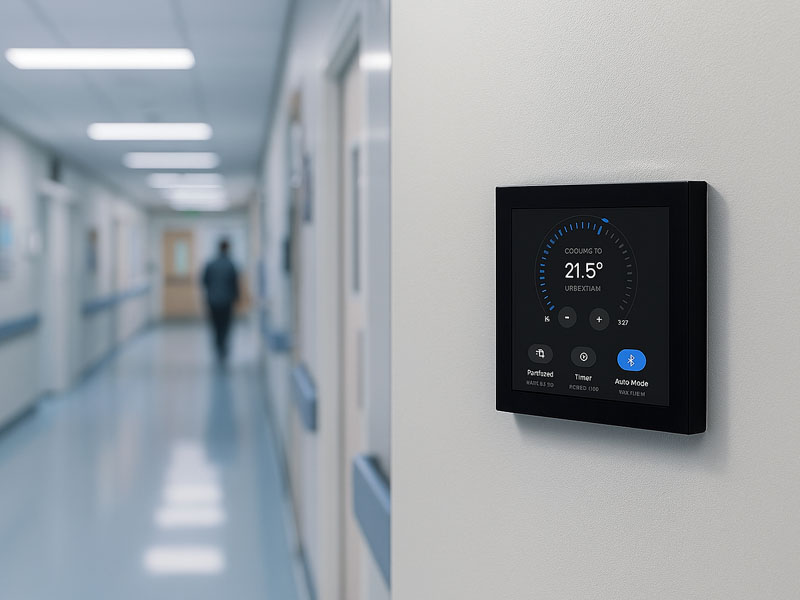
YC-SM10P
10.1 inch Smart Home Control Panel
Android KNX Hub: Tailored for Human Engagement
Android adopts a distinctly different methodology. It transcends being merely a control system; it serves as a platform for user experience.
In the realm of smart homes, users anticipate simplicity:
- Tap to illuminate lights
- Swipe to modify scenes
- View live camera feeds
- Manage HVAC systems akin to a smartphone application
This is where Android’s strength lies.
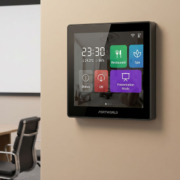
With its established UI framework, Android transforms KNX panels into:
- A smart tablet mounted on the wall
- A centralized home dashboard
- A visual control hub
Rather than focusing on engineering-centric interfaces, Android facilitates user-friendly interactions.
This is the reason Android KNX panels are prevalent in:
- Villas and smart residences
- Luxury condominiums
- Smart hotels (guest room interfaces)
- Contemporary office meeting spaces
- The True Distinction Is Not the Operating System — It’s the Experience
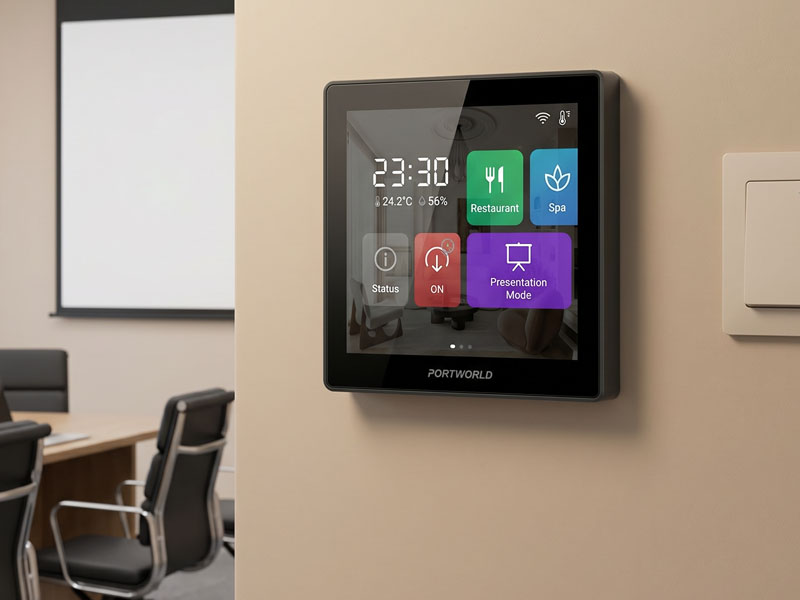
4″ KNX Smart Touch Control Panel
When we eliminate technical complexities, the distinction becomes quite straightforward:
Linux = “Does the system function reliably?”
Android = “Is the system user-friendly and enjoyable?”
Linux emphasizes:
- Stability
- Efficiency
- Backend management
- Long-term dependability
Android emphasizes:
- Touch-based interaction
- UI adaptability
- Application integration
- Visual appeal
Neither option is universally superior; they address different challenges.
A Clear Method for Decision-Making
Rather than contrasting specifications, apply this decision-making framework:
Select Linux KNX hub if:
- You are developing infrastructure-level automation
- The system needs to operate continuously with minimal user interface engagement
- You value engineering stability more than interface aesthetics
- The hub primarily functions as a controller, not as a user device
Select Android KNX hub if:
- End users will engage with the panel on a daily basis
- You require a contemporary touchscreen interface
- You desire rich visualizations (scenes, cameras, dashboards)
- The panel is integral to the user experience design
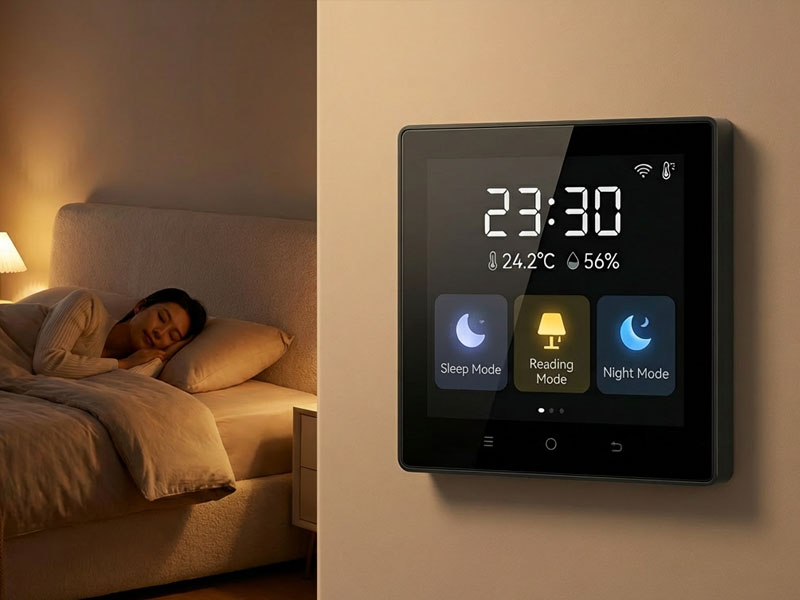
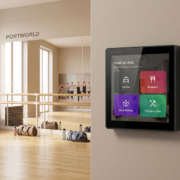
YC-SM41P-KNX
4″ KNX Smart Touch Control Panel
Android KNX Hub: Tailored for Human Engagement
Android adopts a distinctly different methodology. It transcends being merely a control system; it serves as a platform for user experience.
In the realm of smart homes, users anticipate simplicity:
- Tap to illuminate lights
- Swipe to modify scenes
- View live camera feeds
- Manage HVAC systems akin to a smartphone application
- This is where Android’s strength lies.
With its established UI framework, Android transforms KNX panels into:
- A smart tablet mounted on the wall
- A centralized home dashboard
- A visual control hub
Rather than focusing on engineering-centric interfaces, Android facilitates user-friendly interactions.
This is the reason Android KNX panels are prevalent in:
- Villas and smart residences
- Luxury condominiums
- Smart hotels (guest room interfaces)
- Contemporary office meeting spaces
- The True Distinction Is Not the Operating System — It’s the Experience
When we eliminate technical complexities, the distinction becomes quite straightforward:
Linux = “Does the system function reliably?”
Android = “Is the system user-friendly and enjoyable?”
Linux emphasizes:
- Stability
- Efficiency
- Backend management
- Long-term dependability
Android emphasizes:
- Touch-based interaction
- UI adaptability
- Application integration
- Visual appeal
Neither option is universally superior; they address different challenges.
A Clear Method for Decision-Making
Rather than contrasting specifications, apply this decision-making framework:
Select Linux KNX hub if:
- You are developing infrastructure-level automation
- The system needs to operate continuously with minimal user interface engagement
- You value engineering stability more than interface aesthetics
- The hub primarily functions as a controller, not as a user device
Select Android KNX hub if:
- End users will engage with the panel on a daily basis
- You require a contemporary touchscreen interface
- You desire rich visualizations (scenes, cameras, dashboards)
- The panel is integral to the user experience design