
How to bridge RS485 Modbus HVAC systems to a KNX central control screen?
Modern smart buildings seldom depend on a single protocol. In most practical applications, KNX systems manage lighting, scenes, and user interfaces, whereas HVAC systems typically utilize RS485 Modbus communication for thermostats, chillers, and controllers.
This presents a common integration challenge:
How can RS485 Modbus HVAC equipment be connected to a KNX central control screen?
The solution involves appropriate protocol bridging, careful gateway selection, and the integration architecture of smart control panels.
Understanding the Two Systems
Before establishing a bridge between them, it is crucial to comprehend the functionality of each system.
KNX System (Building Automation Layer)
KNX is extensively employed for:
- Lighting control
- Scene automation
- Curtain control
- Central touch panels
- Smart home dashboards
It operates on an event-driven basis and is specifically designed for distributed building automation.
RS485 Modbus HVAC System (Industrial Control Layer)
Modbus over RS485 is frequently utilized in HVAC equipment, including:
- Air conditioning systems
- Fan coil units (FCU)
- Heat pumps
- Chillers
- Ventilation controllers
This protocol operates on a master-slave basis, emphasizing dependable communication between devices.
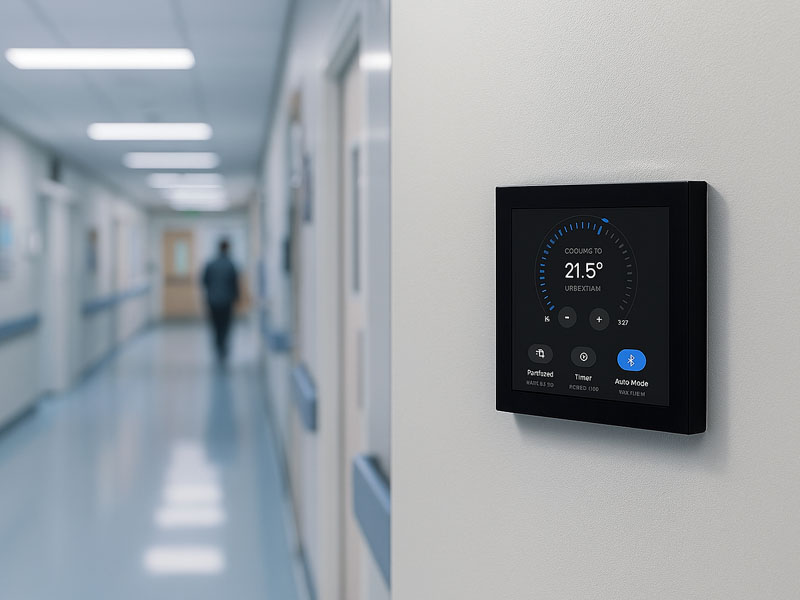
YC-SM10P
10.1 inch Smart Home Control Panel
The Importance of a Bridge
KNX and Modbus lack native compatibility. In the absence of a bridge:
- KNX panels are unable to access HVAC data
- HVAC systems cannot react to commands from KNX
- Each system functions autonomously
Implementing a bridge enables:
- Temperature regulation via the KNX panel
- Real-time monitoring of HVAC systems
- Centralized automation of building functions
- Scene-based climate management
System Architecture Overview
A standard integration is represented as follows:
KNX Touch Panel → KNX IP Backbone → Gateway → RS485 Modbus HVAC Devices
Or, in simpler terms:
KNX Control Screen ⇄ Protocol Gateway ⇄ Modbus HVAC System
The essential element in this setup is the KNX–Modbus gateway or an embedded controller.
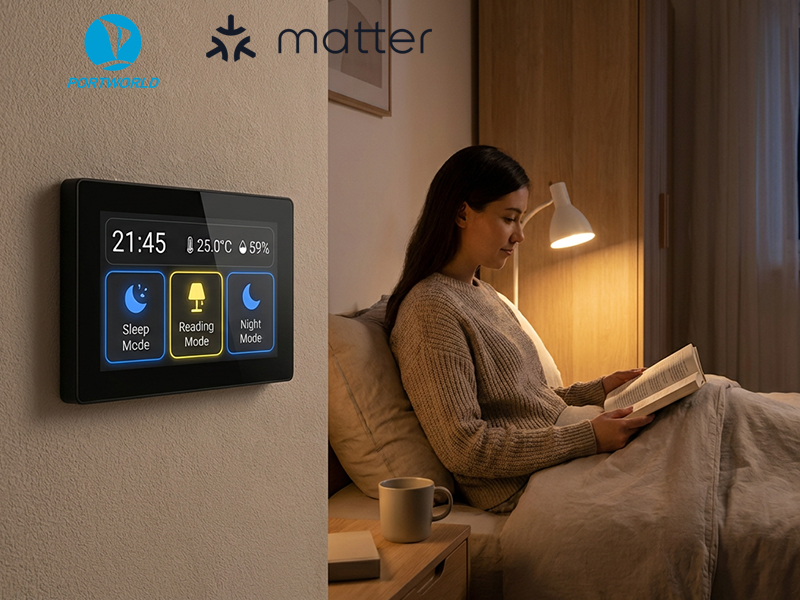
smart home control panel
Method 1: Implementing a KNX to Modbus Gateway
The most prevalent solution involves utilizing a dedicated KNX–Modbus gateway.
How It Operates
- KNX transmits control commands (temperature, mode, fan speed)
- The gateway translates KNX telegrams into Modbus RTU commands
- HVAC devices reply through RS485
Advantages
- Reliable and extensively adopted
- Certified industrial solution
- Facilitates easy integration with ETS configuration
- Appropriate for large buildings
Limitations
- Restricted UI flexibility
- Demands configuration expertise
- Incurred additional hardware costs
Method 2: Employing an Embedded Smart Control Panel with RS485 + KNX Support
A more contemporary method involves the use of a smart control panel that inherently supports both KNX and RS485.
In this configuration, the panel serves dual functions:
- KNX client (UI + scene control)
- Modbus master (direct communication with HVAC)
Advantages
- No need for an external gateway
- Quicker response times
- Consolidated control interface
- Simplified system architecture
Ideal for:
- Smart homes
- Hotels
- Offices with integrated HVAC control
Method 3: Implementing IP-Based Middleware (Advanced Projects)
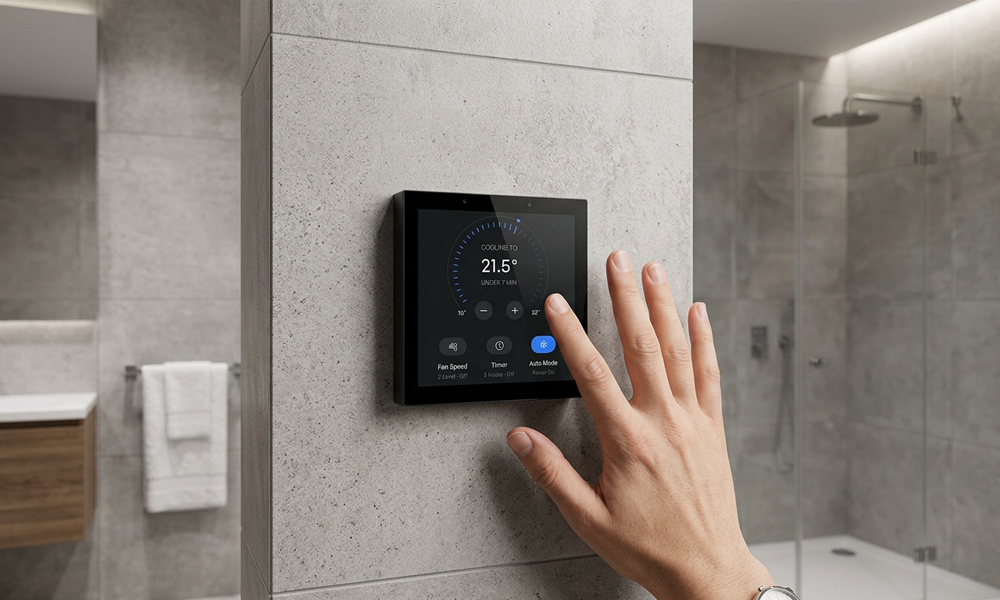
smart home control panel
In extensive systems, a middleware layer is utilized:
- The KNX IP router transmits data to the server.
- The server interacts with Modbus devices through an RS485 gateway.
- Centralized software manages logic and visualization.
Advantages:
- Highly scalable.
- Cloud integration is feasible
- Appropriate for smart building platforms.
Disadvantages:
- Increased complexity
- Necessitates software development.
- Dependent on network stability.
Key Design Considerations:
When integrating KNX and Modbus HVAC systems, consider the following:
1. Data Mapping
It is essential to establish how signals are converted:
– KNX temperature → Modbus register
– KNX mode → HVAC operation state
– Fan speed → Modbus command value
2. Polling Frequency
Modbus systems depend on polling; therefore:
– Refrain from excessively frequent requests.
– Strike a balance between real-time response and system load.
3. Latency Control
Since KNX operates on an event-driven basis while Modbus is polling-based:
– Effective design guarantees:
– Smooth user interface response.
– No delays in HVAC adjustments.
4. Fail-Safe Mechanism
Ensure the system remains operational in the event of:
- Gateway failure
- Network disconnection
- A protocol going offline
- Role of the KNX Central Control Screen
The KNX touch panel serves as the user interface that:
- Displays temperature zones
- Manages HVAC modes
- Implements automation scenes
- Integrates lighting and climate control
Contemporary panels are frequently:
- Based on Android for user interface flexibility
- Based on Linux for system reliability
- Powered by PoE for straightforward installation
- Example: Integrated Smart Panel Solution
In practical applications, manufacturers such as Portworld create integrated control panels that encompass:
- Support for KNX communication
- RS485 Modbus interface
- Dual OS options of Android/Linux
- PoE power supply
- Wall-mounted touchscreen interface
For instance, smart control panels include:
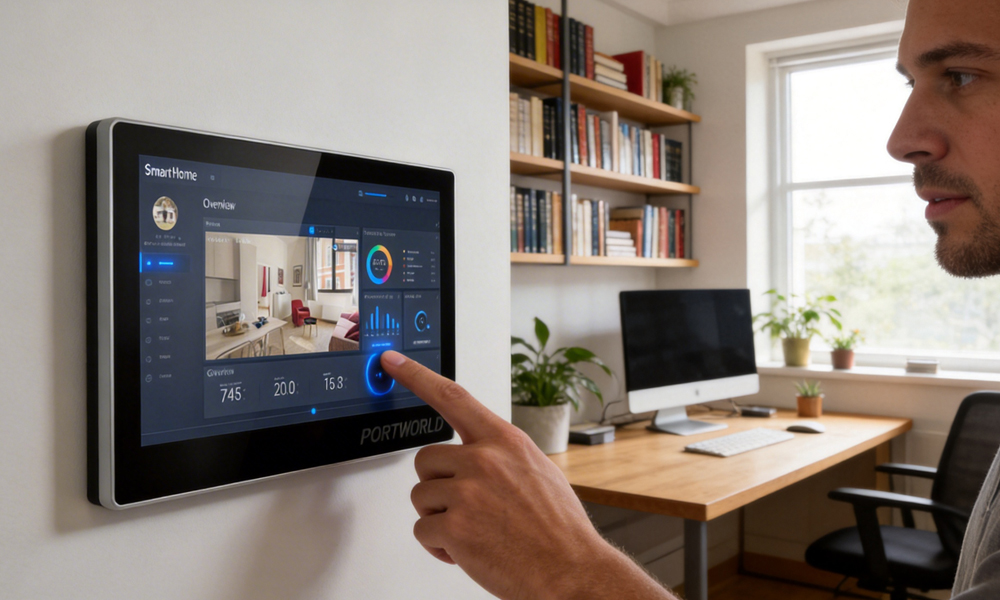
smart home control panel
4-inch compact KNX panels for room-level HVAC
- 10.1-inch central dashboards for comprehensive building control
- Custom OEM/ODM panels tailored for hotel and office applications
This approach minimizes the necessity for multiple gateways and streamlines system design.
Best Use Cases
Smart Homes
- Room temperature regulation
- Management of floor heating
- Scene-based HVAC automation
Smart Hotels
- Climate control in guest rooms
- Automation for energy savings
- Centralized management system
Commercial Buildings
- Control of multi-zone HVAC
- Integration with BMS
- Energy optimization systems
Connecting RS485 Modbus HVAC systems to a KNX central control screen is crucial for contemporary smart building automation.
This can be accomplished through:
- Dedicated KNX–Modbus gateways
- Integrated smart control panels featuring RS485 support
- Advanced IP-based middleware systems
The optimal choice is contingent upon the project’s scale, complexity, and integration needs.
In the majority of modern installations, integrated KNX and RS485 smart control panels offer the most effective and scalable solution, minimizing hardware complexity while enhancing user experience.

