Horizontal vs Vertical Smart Home Panel Display
In the evolving world of smart homes and intelligent office environments, the smart control panel serves as the central hub for managing lights, climate, security, and entertainment. One often overlooked yet critical design consideration is the orientation of the display: horizontal (landscape) or vertical (portrait). Choosing the right layout affects not only aesthetics but also usability, content presentation, and user satisfaction.
In this article, we explore the differences between horizontal and vertical smart panels, their ideal applications, and how Portworld’s range of smart panels offers versatile options for every scenario.
Horizontal Smart Panels
Advantages
- Optimal for dashboards and multi-widget layouts
Horizontal screens excel when displaying multiple elements simultaneously. Whether you need to show surveillance feeds, energy consumption graphs, or meeting room schedules, a landscape layout provides ample space for clear visualization. - Wider viewing angles
The landscape orientation aligns naturally with human sight lines, making it ideal for living rooms, conference rooms, and open office spaces. - Enhanced multimedia experience
Videos, slideshows, and camera streams are more immersive on a wide-format display. Horizontal panels are perfect for smart home entertainment centers or office dashboards that require real-time data visualization.
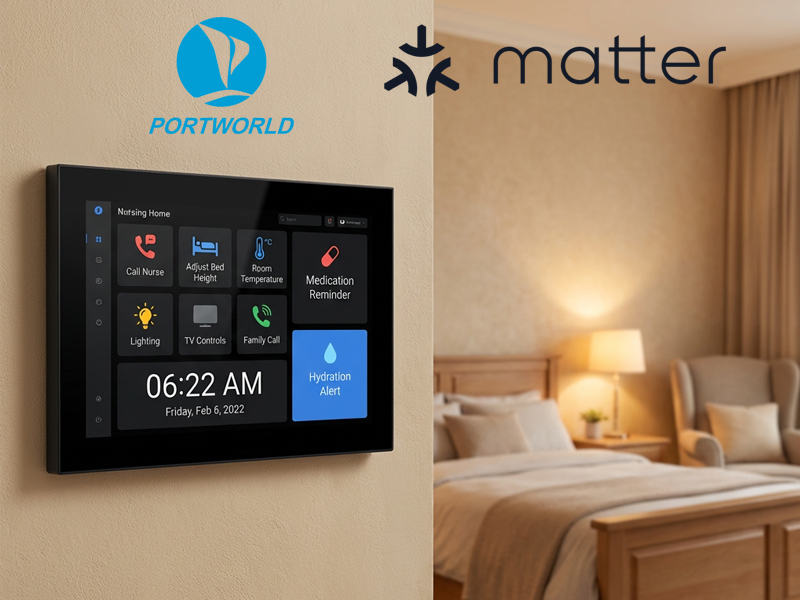
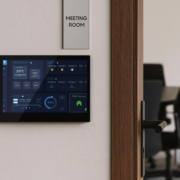
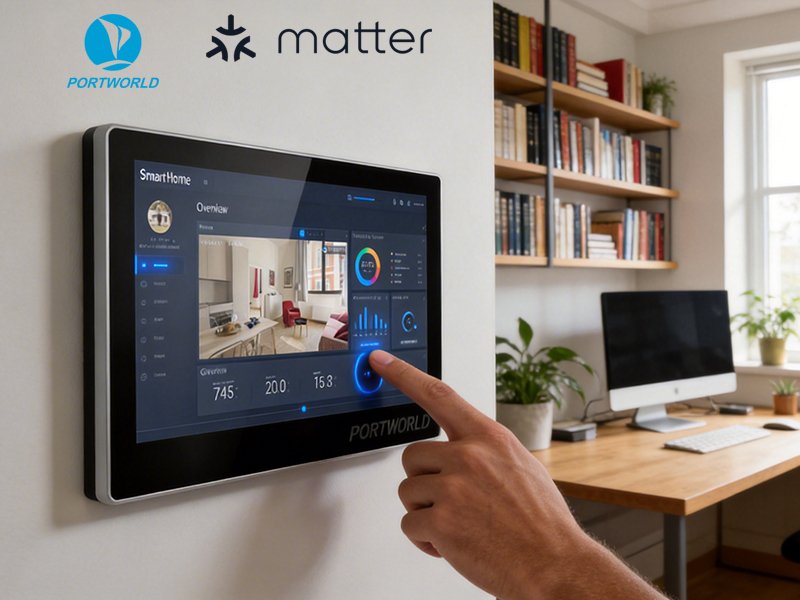
smart control panel-1
Typical Use Cases
- Office meeting rooms: Display room booking, video conferencing, and environmental controls.
- Living room control panels: Central hub for lighting, HVAC, and multimedia.
- Security dashboards: Multi-camera surveillance feeds displayed simultaneously.
Portworld Products:
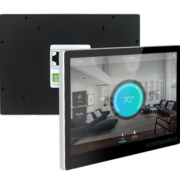
- YC-SM10P (10-inch) – High-resolution capacitive touchscreen, ideal for meeting rooms and living areas.
- YC-SM116P (10.1-inch) – Offers robust connectivity including PoE, Wi-Fi, RS485, and supports both Android and Linux, perfect for centralized monitoring and automation.
Vertical Smart Panels
Advantages
- Space-saving design
Vertical panels fit narrow wall spaces, making them suitable for corridors, entrances, or beside door frames. - Intuitive navigation for lists and menus
Vertical panels are ideal for touch interactions with scrolling menus, schedules, or smart home apps that rely on linear navigation. - Focused control for specific tasks
For single-purpose interactions like controlling lighting, curtains, or security systems, portrait displays organize buttons and widgets efficiently.
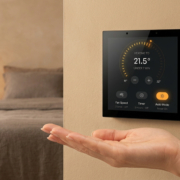
smart home control panel
Typical Use Cases
- Apartment entrances: Quick access to intercoms, door locks, and lighting.
- Hotel rooms: Room automation control for lighting, HVAC, curtains, and access.
- Hallways or lobbies: Display guest information, room status, or building announcements.
Portworld Products:
- YC-L76 (7.6-inch) – Sleek vertical display for room automation or entryway control.
- YC-SM41P (4-inch) – Compact option for intercoms or localized access control.
- YC-SM55P (5.5-inch) – Medium-sized vertical panel, ideal for corridor or reception areas.
Choosing the Right Orientation
1. Content Type
- Horizontal: Dashboards, video feeds, multi-widget layouts.
- Vertical: Scrollable lists, intercoms, single-function control.
2. Wall Space
- Narrow walls → Vertical panels
- Wide walls / open areas → Horizontal panels
3. User Interaction
- Gesture-friendly apps: Swipe, zoom, and slide gestures may favor orientation depending on your app design.
- Menu navigation: Vertical orientation often works better for list-based navigation.
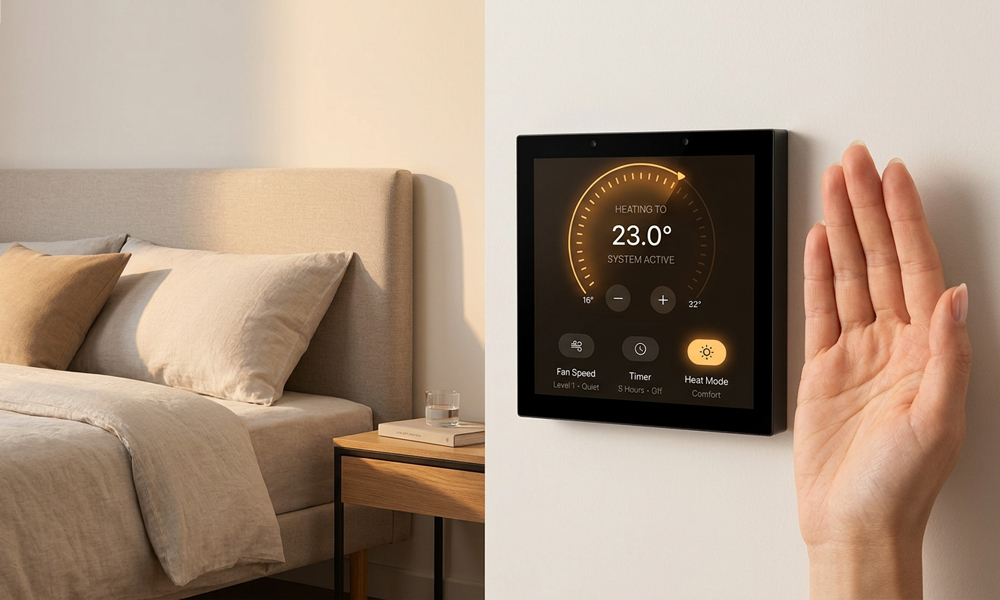
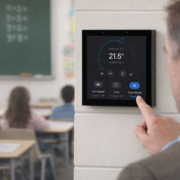
smart home control panel
Portworld Smart Panel Advantages
Portworld offers a full suite of smart control panels with flexible orientation, designed for modern homes, hotels, and office environments. Key highlights include:
- Multi-OS Support: Android 11/13, Linux Debian/Ubuntu, Windows
- Comprehensive Connectivity: Ethernet (PoE), Wi-Fi, Bluetooth, Zigbee, KNX, RS485/RS232
- Customization Options: OEM/ODM services for appearance, UI design, firmware, boot logos, and branding
- Variety of Sizes: From compact 4-inch panels (YC-SM41P) to 10-inch and 11.6-inch displays (YC-SM10P, YC-SM116P)
- Flexible Installation: Compatible with US, EU, and UK standard wall boxes
Portworld panels are designed to fit seamlessly into any environment, providing reliable control, elegant design, and centralized automation. Whether you prefer horizontal dashboards for complex monitoring or vertical panels for focused control, Portworld delivers a solution for every scenario.
The orientation of a smart home panel is more than a design choice—it’s a critical factor in usability, efficiency, and user satisfaction. Horizontal displays excel in multi-widget, multimedia, and dashboard-heavy applications, while vertical displays shine in space-limited areas with focused control needs.
By leveraging Portworld’s wide range of customizable smart panels, developers and integrators can deploy intelligent control solutions that match the specific needs of homes, hotels, or office spaces. From flexible installation and robust connectivity to OEM/ODM customization services, Portworld ensures your smart automation projects are both practical and visually appealing.