Custom Boot Logo and Animation Development for Smart Home Panels
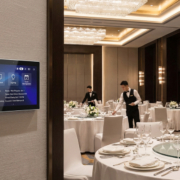
When implementing smart touch control panels in luxury residences, hotels, or corporate environments, the significance of first impressions cannot be overstated. The shift from a cold boot to the operational user interface serves as a crucial touchpoint for brand identity. A standard operating system loading screen detracts from the upscale ambiance of a premium smart environment.
By creating a tailored boot logo (splash screen) and boot animation, hardware manufacturers and system integrators can provide a cohesive, luxurious user experience from the moment the device is powered on.
For brands aiming to establish a highly customized product line, Portworld (Sunworld) Technology presents the ideal hardware solutions—such as the YC-P5 (5-inch) and YC-SM41P (4-inch) smart panels—completely supported by extensive OEM/ODM firmware customization services to enhance your brand’s visibility.
The Structure of the Boot Sequence: The Realm of Customization
To modify the startup visuals on an embedded smart panel, which typically operates on Android or Linux, developers must navigate various phases of the system’s boot process:
The Static Boot Logo (Initial Stage):
- What it is: This is the static image that is displayed immediately when the processor is powered on.
- Where it resides: It is located within the bootloader partition (for instance, U-Boot for Rockchip processors such as the RK3566 or PX30).
- How it is customized: Developers substitute the default logo from the chip manufacturer with a high-resolution, uncompressed bitmap (BMP) or a raw image that corresponds to the panel’s native resolution (for example, 480*480 for 4-inch panels).
The Boot Animation (Subsequent Stage):
- What it is: This refers to the dynamic, animated sequence that plays while the operating system kernel and system services are loading in the background.
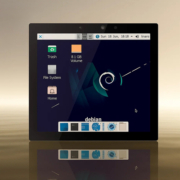
- Where it is stored: In Android panels, this is managed by the bootanimation.zip file located in the system directory (/system/media/). In Linux/Debian systems, it is controlled through tools like Plymouth.
- How it is customized: It comprises compressed, sequenced PNG frames along with a text configuration file (desc.txt) that specifies the resolution, frame rate (typically 30 or 60 FPS), and looping settings.
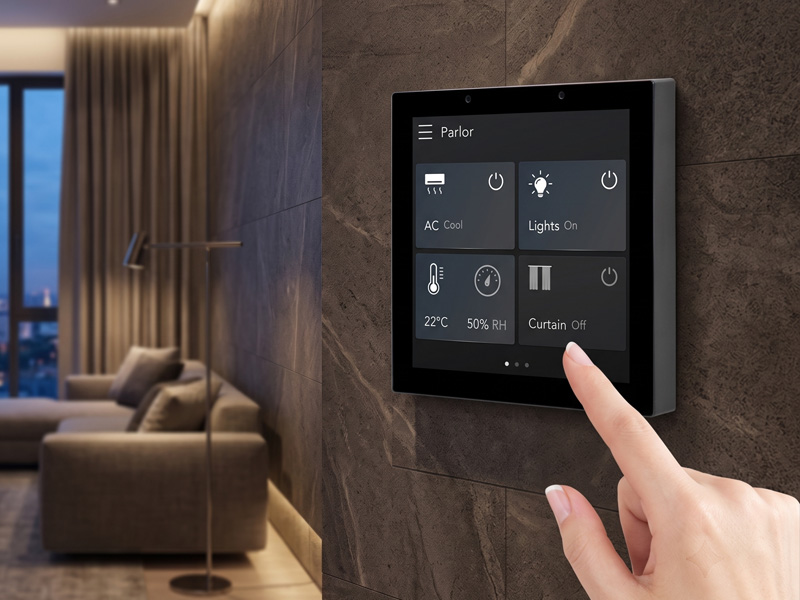
Smart Home Touch Control Panel
Hardware Spotlight: Premium Canvases for Custom Branding
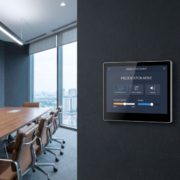
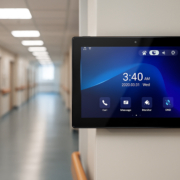
Custom software is best showcased on high-quality hardware. Portworld’s smart panel series is specifically designed to enhance bespoke software customization:
YC-P5 (5-Inch Premium Round Panel)
The YC-P5 stands as a premier 5-inch smart touch control panel, characterized by its elegant round shape and luxurious metal casing. It is powered by the RK3566 Quad-Core processor and operates on Android 11/13, necessitating a sophisticated circular startup animation to match its distinctive physical design. With 2GB of RAM, 32GB of storage, and flexible dual-power options (48V PoE + DC 12V), the YC-P5 represents the pinnacle of high-end wall controllers.
YC-SM41P & YC-SM41P-KNX (4-Inch Standard/KNX Panels)
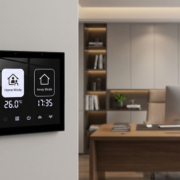
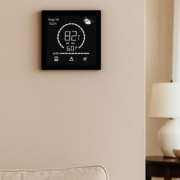
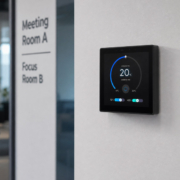
For compact, square-format architectural applications, the YC-SM41P series (480×480 IPS display) sets the industry benchmark. Operating on Android or Linux with PX30 or RK3566 processors, these panels facilitate smooth multi-touch gestures and are designed to fit seamlessly into standard UK and EU wall boxes, providing a flawless, customized startup experience right from the outset.
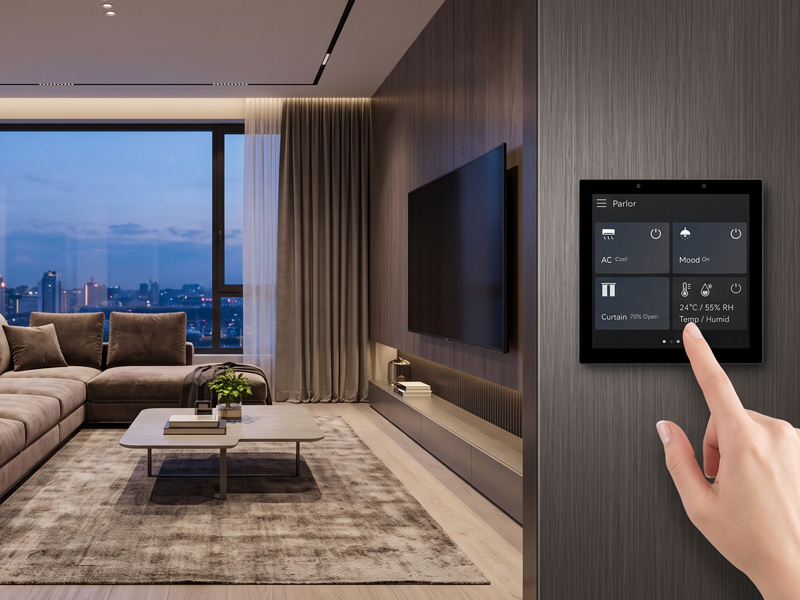
YC-SM41P (White)
4″ Smart Control Panel
Enhancing Brand Identity through Portworld’s OEM/ODM Services
Altering low-level system partitions and bootloaders necessitates specialized embedded engineering expertise. Portworld simplifies this process by offering a full range of software, hardware, and branding customization services:
Firmware-Level Branding: The in-house software team at Portworld manages the configurations of low-level SDK and BSP. We embed your custom static logo directly into the bootloader and preload your unique boot animations into the OS system partition, ensuring they remain intact after factory resets.
Appearance Customization: Align the physical appearance with your custom software. Portworld provides options for laser-engraved or silk-screened logo printing on front bezels or metal casings, custom housing colors, and tailored retail packaging.
Hardware & Interface Tailoring: In addition to the display, Portworld can modify the PCBA design, incorporate specific smart home radios (such as Zigbee or KNX), and set up custom ports to fit your distinct automation ecosystem.
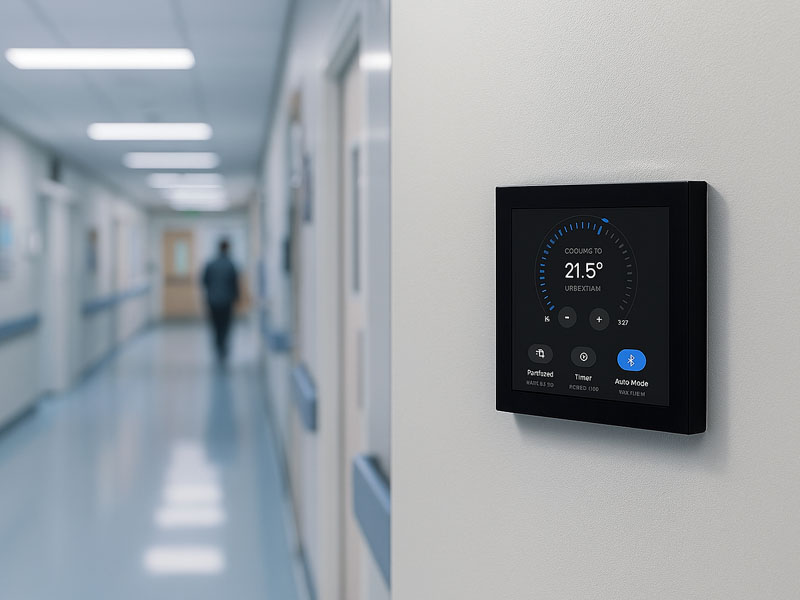
YC-SM10P
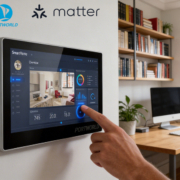
10.1 inch Smart Home Control Panel
Custom boot logos and animations enhance smart touch panels, converting standard hardware tablets into exclusive, high-end brand assets. By integrating a customized startup sequence with Portworld’s commercial-grade, metal-cased YC-P5 and YC-SM41P smart panels, system integrators and automation brands can provide a superior, comprehensive user experience.
Are you prepared to elevate your smart home brand?
Collaborate with a leading industry expert. Reach out to Portworld (Sunworld) Technology Co., Ltd today to explore wholesale pricing, hardware evaluation units, or bespoke OEM/ODM firmware branding services.