Best Zigbee Smart Home Control Panels for Home Automation
Smart home automation continues to advance. Homeowners increasingly want to manage lighting, curtains, air conditioning, sensors, and security systems from a single, convenient interface. Yet as the number of connected devices increases, switching among multiple apps and separate control systems can become cumbersome.
Zigbee provides a practical way to connect smart home devices using a low-power wireless mesh network. Paired with a touchscreen control panel, it creates a central interface for managing different areas of the home.
What, then, makes a Zigbee smart home control panel a good fit for a modern automation project? The decision involves more than screen size and design. Hardware performance, Zigbee gateway architecture, software compatibility, connectivity, and customization options are also important.
This guide outlines what to consider when selecting the best Zigbee smart home control panels for home automation.
1. What Is a Zigbee Smart Home Control Panel?
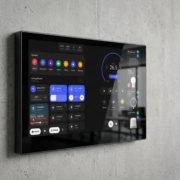
A Zigbee smart home control panel is a touchscreen device that provides a centralized interface for managing smart home features. Depending on its hardware and system design, it may communicate with a smart home gateway, show the status of connected devices, and send commands to automation equipment.
A typical Zigbee smart home system may include:
- Zigbee smart lights and switches
- Smart curtains and motorized blinds
- Temperature and humidity sensors
- Motion and door sensors
- Smart plugs and power-monitoring devices
- HVAC and climate-control systems
- Centralized home automation gateways
The touchscreen panel offers a visual way to control these devices. Users can create scenes, adjust lighting, set room temperatures, and view sensor data without relying solely on mobile apps.
A Zigbee-compatible touchscreen panel is not necessarily a Zigbee coordinator. The panel may not include a Zigbee radio or function as a Zigbee gateway. Some systems rely on a separate gateway or coordinator, while others incorporate Zigbee hardware into the control system.
2. How Does a Zigbee Smart Home Control System Operate?
Zigbee is a low-power wireless protocol developed for connected devices. Its mesh network enables compatible devices to communicate through multiple nodes.
A typical home automation system consists of three main components:
1. Zigbee Coordinator
The coordinator creates and manages the Zigbee network. It communicates with compatible devices and links the network to the broader automation system.
2. Zigbee End Devices and Routers
Sensors, switches, lights, and other smart devices connect to the network. Mains-powered devices can serve as routers, relaying messages between network nodes, while battery-powered devices typically operate as end devices.
The touchscreen panel serves as the user interface. It connects to the automation platform or gateway using a supported method, such as Ethernet or Wi-Fi.
For example, when a user taps a lighting control on the wall panel, the command goes to the automation platform, which communicates with the Zigbee network to control the selected light.
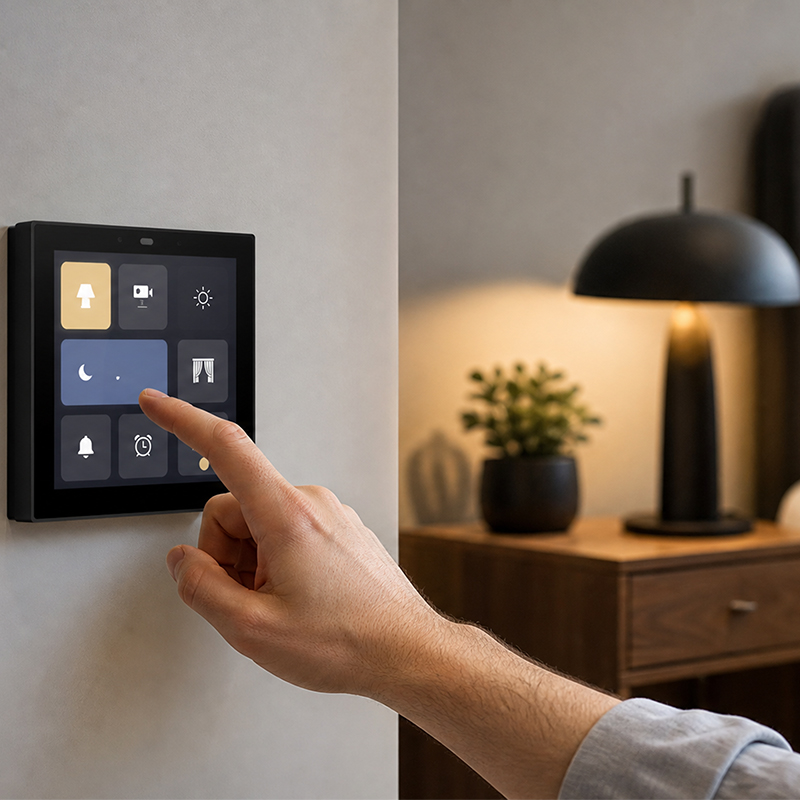
YC-SM43P ESP32 4″ Smart Touch Panel
A typical architecture is structured as follows:
Touchscreen Control Panel → Smart Home Platform / Gateway → Zigbee Coordinator → Zigbee Devices
This setup enables users to control multiple Zigbee devices from a single touchscreen interface.
3. Key Features to Consider When Choosing the Best Zigbee Control Panel
Not every touchscreen panel is appropriate for every smart home project. Consider the following factors before choosing a device.
3.1 Display Size and Touchscreen Experience
The display serves as the main point of interaction between users and the automation system.
Common display sizes include:
- 4-inch panels: Ideal for compact, room-level control, lighting, and basic scene management.
- 5-inch panels: Provide a practical balance between installation space and interface visibility.
- 7-inch panels: Offer additional space for multifunction dashboards and room controls.
- 10-inch panels: Well suited to centralized control, climate management, security monitoring, and more detailed interfaces.
- Resolution, brightness, viewing angles, and touch responsiveness also influence the user experience.
For instance, a 4-inch wall panel may be adequate for controlling bedroom lights and curtains, whereas a 10-inch panel may be a better fit for a living room or central home automation area.
3.2 Processor and Operating System
The processor affects how efficiently the panel runs its interface and automation applications.
In Android-based control panels, ARM processors, including Rockchip platforms, can handle graphical dashboards, network communications, and custom applications.
The operating system also shapes software development:
- Android: A good fit for projects that require app installation, graphical interfaces, and integration with third-party software.
- Linux: Provides flexibility for embedded development, custom system services, and specialized automation applications.
- ESP32-based platforms: Well suited to lightweight interfaces and dedicated control functions, using frameworks such as LVGL.
- The best platform depends on the interface’s complexity and the smart home system’s software architecture.
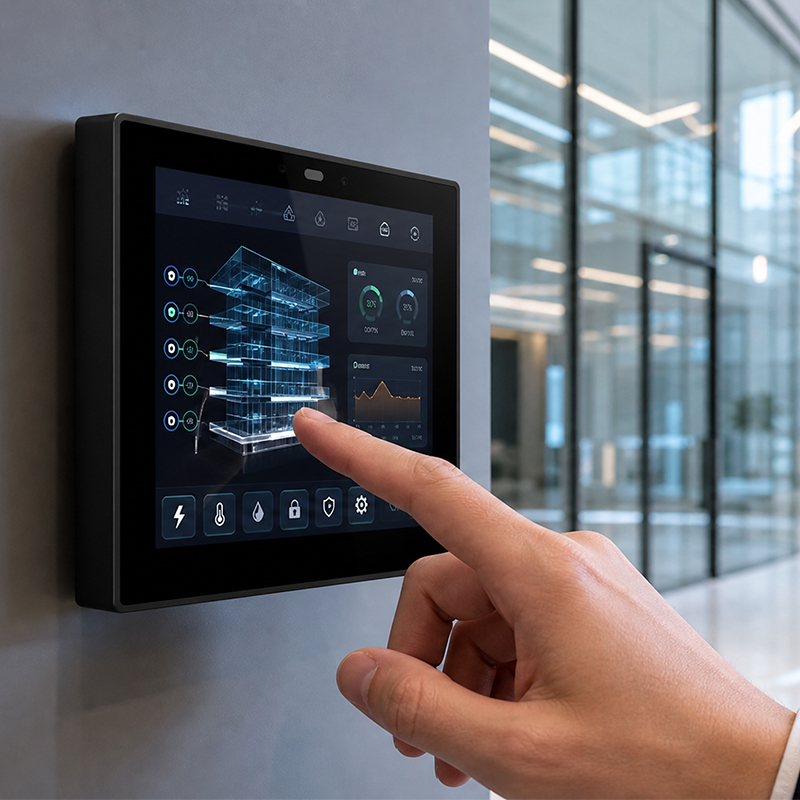
YC-SM43P ESP32 4″ Smart Touch Panel
3.3 Zigbee Connectivity and Gateway Compatibility
This is a key consideration.
A touchscreen panel does not need a built-in Zigbee radio to control Zigbee devices. It can communicate with an external Zigbee gateway over an IP network.
If a project requires a built-in Zigbee coordinator, verify that the panel has the required 802.15.4 radio hardware, compatible firmware, and gateway software.
In Home Assistant projects, ZHA and Zigbee2MQTT are two commonly used integration options. ZHA is included in Home Assistant, whereas Zigbee2MQTT runs as a separate application and communicates over MQTT.
The coordinator must support the chosen software. Do not assume that every Zigbee device will function the same way with every gateway.
3.4 Ethernet, Wi-Fi, and PoE
Reliable network connectivity is vital for a touchscreen panel.
Useful connectivity options include:
- Ethernet: Provides a dependable wired network connection.
- Wi-Fi: Enables flexible installation when network cabling is unavailable.
- PoE: Delivers both power and network connectivity through a single Ethernet cable.
- RS485: Enables integration with certain wired building automation and industrial control devices.
PoE is especially useful for wall-mounted smart home panels, as it can simplify installation and eliminate the need for a separate power adapter.
However, PoE and Zigbee have distinct roles. PoE connects and powers the control panel, while Zigbee enables wireless communication among compatible smart home devices.
3.5 Customizable User Interface
An effective smart home control panel should make everyday operation straightforward.
Useful interface functions include:
- Room-based device control
- Lighting brightness and color adjustment
- Curtain and blind control
- Temperature and HVAC settings
- Scene activation
- Sensor status monitoring
- Energy information dashboards
- Custom icons, themes, and wallpapers
A customizable interface also helps manufacturers and system integrators maintain consistent branding across different projects.
4. Recommended Zigbee Smart Home Control Panel Types
Project requirements vary in terms of panel size and hardware platform. Rather than choosing a single device for every use case, select a panel that fits the room and its automation needs.
4.1 Compact 4-Inch Smart Home Control Panels
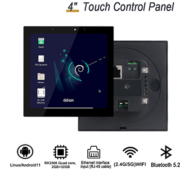
A 4-inch touchscreen works well for controlling devices in individual rooms, particularly where installation space is limited.
Common applications include:
- Bedroom lighting and curtain control
- Guest room automation
- Temperature and humidity monitoring
- Basic smart home scenes
- Compact apartment automation
For instance, Portworld’s YC-SM41P is a compact 4-inch smart home control panel powered by the Rockchip RK3566 platform. It offers Android and Debian configurations, a 480 × 480 touchscreen, and PoE options.
When connected to a compatible Zigbee gateway, it can function as a room-level interface within a smart home system.
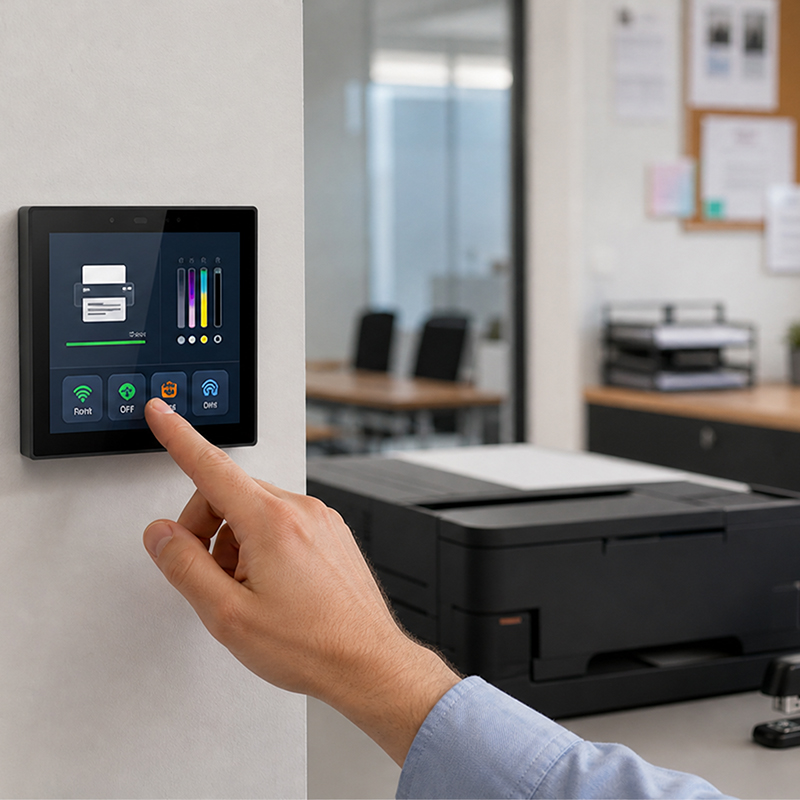
YC-SM43P ESP32 4″ Smart Touch Panel
4.2 5.5-Inch Smart Home Control Panels
A 5.5-inch panel offers additional interface space while retaining a comparatively compact, wall-mounted form.
It is well suited for:
- Living room lighting control
- Smart curtain operation
- Room temperature adjustment
- Dashboards for controlling multiple devices
- Residential and hospitality automation
The Portworld YC-SM55P has a 5.5-inch touchscreen with a resolution of 720 × 1280 and is powered by a Rockchip RK3566 processor. Its Android platform supports flexible customization for smart home applications.
In projects that use Zigbee devices, the panel can connect to a compatible gateway or automation platform through the supported network architecture.
4.3 10-Inch Smart Home Control Panels
For more sophisticated home automation projects, a larger touchscreen offers a more comprehensive control experience.
A 10-inch panel can bring multiple device groups, room details, environmental data, and automation scenes together on a single interface.
Common applications include:
- Centralized smart home management
- Living room automation
- Multi-room lighting control
- HVAC and climate dashboards
- Smart security monitoring
- Premium residential and hotel projects
The Portworld YC-SM10P is a 10-inch smart home control panel powered by the RK3566 platform. It includes a 1280 × 800 display, 500-nit brightness, 10-point touch, Android 11, and PoE connectivity.
The panel can be customized to serve as a centralized touchscreen interface for smart home automation platforms.
5. Zigbee Control Panels and Home Assistant Integration
Home Assistant is a widely used platform for bringing together different smart home technologies.
Its Zigbee Home Automation (ZHA) integration links compatible Zigbee devices through a supported coordinator. Alternatively, Zigbee2MQTT can connect to Home Assistant using MQTT.
A touchscreen panel can provide the user-facing interface for either system.
For instance, a smart home setup might include:
- A Rockchip-based Android touchscreen panel
- Home Assistant running on a separate server or embedded computer
- A compatible Zigbee coordinator
- Zigbee lights, switches, and sensors
- An Ethernet or Wi-Fi connection between the panel and the automation platform
- Users can control connected devices through a customized dashboard.
Before deployment, developers should confirm device compatibility, coordinator support, network settings, and the availability of the required entities or functions.
An important architectural principle is that a Zigbee network uses a single coordinator. Multiple touchscreen panels can connect to the same automation platform and control the same Zigbee network; each panel does not need its own coordinator.
6. How to Choose the Right Zigbee Smart Home Control Panel
The best panel depends on the project’s requirements rather than simply choosing the largest display or fastest processor.
| Selection Factor | What to Consider |
|---|---|
| Screen size | 4″, 5.5″, 7″, or 10″ according to the interface requirements |
| Processor | ARM platform for more complex applications; MCU for lightweight interfaces |
| Operating system | Android, Linux, or an MCU-based platform |
| Zigbee architecture | Built-in coordinator or external gateway |
| Network | Ethernet, Wi-Fi, and optional PoE |
| Integration | Home Assistant, ZHA, Zigbee2MQTT, or a customized platform |
| Installation | Wall mounting, power supply, and wiring |
| Customization | UI, firmware, branding, and hardware interfaces |
For a small apartment, compact panels may be sufficient for individual rooms. For a large residence or smart hotel, a combination of room-level panels and larger centralized interfaces may provide a better experience.
It is also worth considering future expansion. A system designed around an open and documented integration architecture can make it easier to add new devices and functions later.
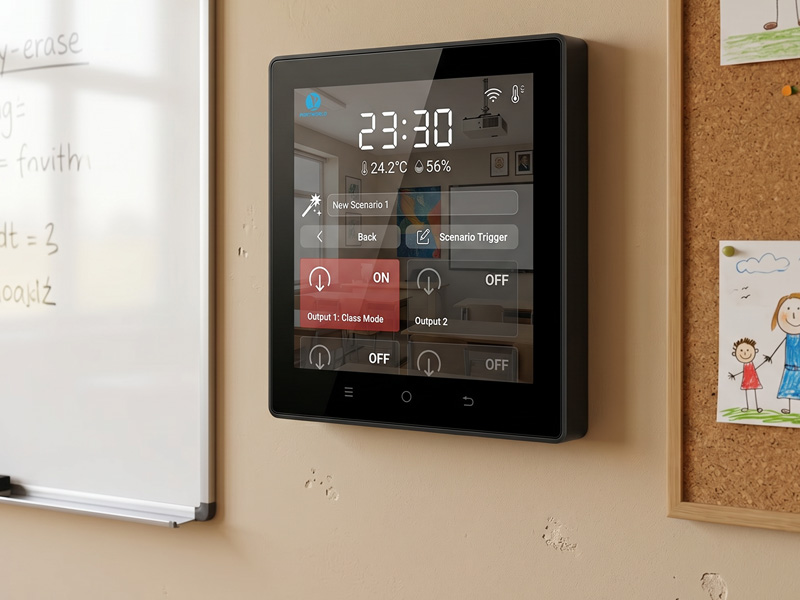
smart home control panel-1
7. Why Choose Portworld Smart Home Control Panels?
Portworld offers smart home touchscreen panels and embedded hardware solutions for residential, commercial, and building automation applications.
With more than 18 years of experience in embedded hardware and touchscreen manufacturing, Portworld assists customers throughout the process—from hardware selection and product customization to OEM/ODM development and mass production.
Its smart home control panel range includes multiple screen sizes and hardware platforms.
Hardware Options
- 4-inch, 5.5-inch, and 10-inch touchscreen panels
- Rockchip-based Android and Linux platforms
- ESP32-S3-based embedded touchscreen solutions
Ethernet, Wi-Fi, PoE, RS485, and other interface options, depending on the model
Customization Services
- OEM/ODM hardware development
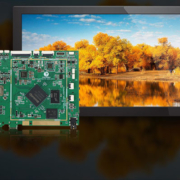
- PCB and motherboard customization
- Android and Linux system customization
- UI/UX design and branded interfaces
- Customization of logos, models, packaging, and boot animations
- Smart home protocol and gateway integration
- SDKs, documentation, and technical development support
For Zigbee projects, Portworld can support the development of touchscreen hardware and software integration based on the customer’s selected Zigbee gateway architecture.
Whether you require a compact room controller or a larger, centralized touchscreen interface, Portworld can provide a hardware platform tailored to your project requirements.
The best Zigbee smart home control panel is not simply the one with the largest screen or the most powerful processor. It is the one that fits the automation architecture, user interface, installation environment, and future expansion requirements.
Before making a decision, consider the display size, operating system, network connectivity, Zigbee gateway compatibility, and software customization options.
With the right combination of touchscreen hardware and Zigbee gateway technology, homeowners can build a more convenient, flexible, and scalable smart home automation system.
Looking for a customized Zigbee smart home control