Can a Smart Home Control Panel Communicate with Modbus HVAC Equipment?
Modern smart homes and commercial buildings often integrate several systems, such as lighting, air conditioning, ventilation, heating, and environmental monitoring. As connectivity expands, homeowners and facility managers increasingly seek to operate these devices from a single touchscreen interface.
A common question when integrating systems is: Can a smart home control panel communicate with Modbus HVAC equipment?
Yes. A smart home control panel can communicate with HVAC equipment that supports Modbus RTU or Modbus TCP, as long as the panel includes a compatible communication interface and the necessary software implementation.
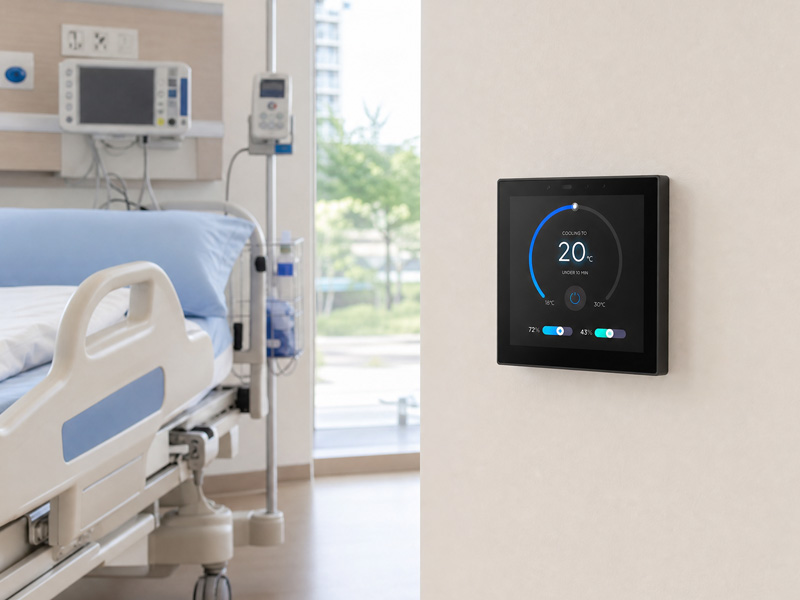
With a suitable integration, a wall-mounted touchscreen can monitor room temperatures, change HVAC setpoints, select operating modes, and display equipment status.
1. What Is Modbus in HVAC Systems?
Modbus is an industrial communication protocol commonly used in building automation, industrial control, and HVAC applications.
Many HVAC controllers, fan coil units, heat pumps, ventilation systems, and energy management devices support Modbus to exchange operational data.
Modbus enables different devices to communicate through a standardized request-and-response structure. A control device can read information from an HVAC controller or write commands to registers that support them.
For example, a smart home control panel may communicate with an HVAC controller to:
- Read the current room temperature.
- Set the target temperature.
- Switch the HVAC system on or off.
- Change between heating and cooling modes.
- Set the fan speed.
- Check equipment status and fault information.
The available functions depend on the HVAC manufacturer’s Modbus register map and the permissions assigned to each register.
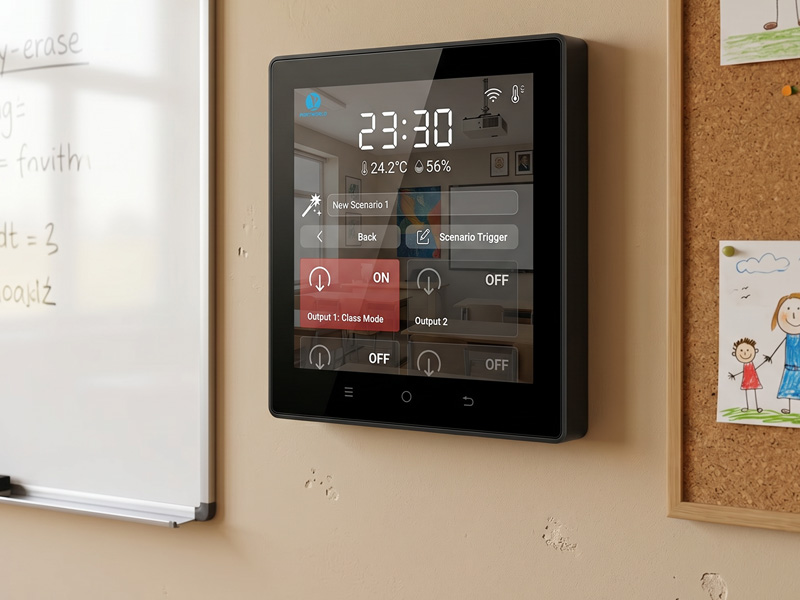
smart home control panel-1
2. Modbus RTU vs. Modbus TCP: Which Connection Should You Choose?
Modbus HVAC equipment commonly communicates using one of two methods: Modbus RTU or Modbus TCP.
Modbus RTU: Communication over RS485
Modbus RTU generally uses an RS485 serial interface and is widely supported by HVAC controllers and building automation equipment.
A smart home control panel equipped with an RS485 interface can communicate directly with a compatible HVAC controller via an A/B differential signal connection.
Typical requirements include:
- An RS485 communication interface.
- Modbus RTU master functionality on the control panel.
- The correct baud rate, parity, and stop bits.
- The correct slave address.
- The HVAC Modbus register map.
For instance, a panel can communicate with multiple fan coil controllers on the same RS485 bus. Each controller must have a unique Modbus slave address.
Modbus TCP: Communication over Ethernet
Modbus TCP operates over an Ethernet network rather than an RS485 serial link.
A smart home control panel can communicate with an HVAC controller over the local network, provided both devices support compatible Modbus TCP communication.
Typical requirements include:
- Ethernet connectivity.
- Modbus TCP client capability.
- The correct device IP address and TCP port.
- The correct unit identifier, if required.
- Compatible register definitions.
Modbus TCP is useful in smart buildings where HVAC equipment is already connected to an Ethernet network.
| Comparison | Modbus RTU | Modbus TCP |
|---|---|---|
| Physical connection | RS485 | Ethernet |
| Communication medium | Serial bus | IP network |
| Typical configuration | Baud rate and slave ID | IP address and TCP port |
| Network structure | Multi-drop serial bus | Ethernet network |
| Common application | HVAC controllers and FCUs | Networked HVAC systems |
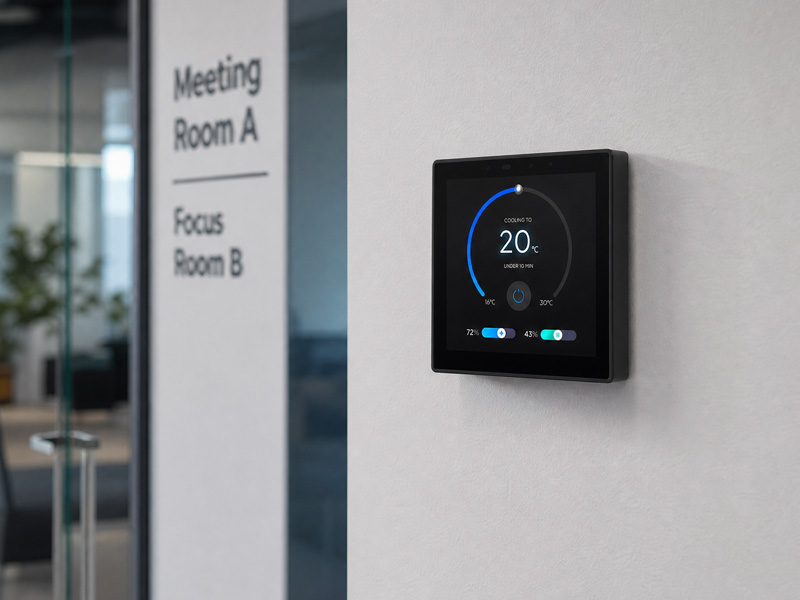
smart home control panel
3. What HVAC Functions Can a Smart Home Control Panel Manage?
Once Modbus integration is complete, the touchscreen can serve as a central interface for controlling HVAC systems.
Typical functions include:
Temperature Control
Users can check the current room temperature and set a target temperature directly on the touchscreen.
Operating Mode Selection
Where supported by the HVAC controller, users can choose heating, cooling, fan-only, or automatic operation.
Fan Speed Adjustment
Users can select low, medium, high, or automatic fan speed, depending on the equipment’s available settings.
Power Control
The touchscreen can send commands to switch supported HVAC equipment on or off.
Operating Status Monitoring
The panel can show operating status, temperature readings, and other available system parameters.
Fault Monitoring
If the HVAC controller makes fault codes available through Modbus registers, the panel can display related maintenance alerts.
In hotel or apartment projects, these functions can be incorporated into a room-control interface alongside lighting, curtains, and other smart home features.
4. How Does Modbus HVAC Integration Work?
A typical Modbus RTU smart-home integration uses a simple communication sequence.
- The user selects an HVAC function on the touchscreen.
- The control panel creates a Modbus request.
- The request travels over RS485 to the HVAC controller.
- The controller validates the command and, if it is valid, updates the relevant register.
- The panel reads the updated register or receives the appropriate response.
- The touchscreen refreshes to show the current operating status.
For example, if a user sets the target temperature to 24°C, the panel writes the corresponding value to the HVAC setpoint register.
The panel then reads the register again to confirm the setting.
A reliable implementation must account for register addresses, data types, scaling factors, byte order where applicable, communication timeouts, and error handling.
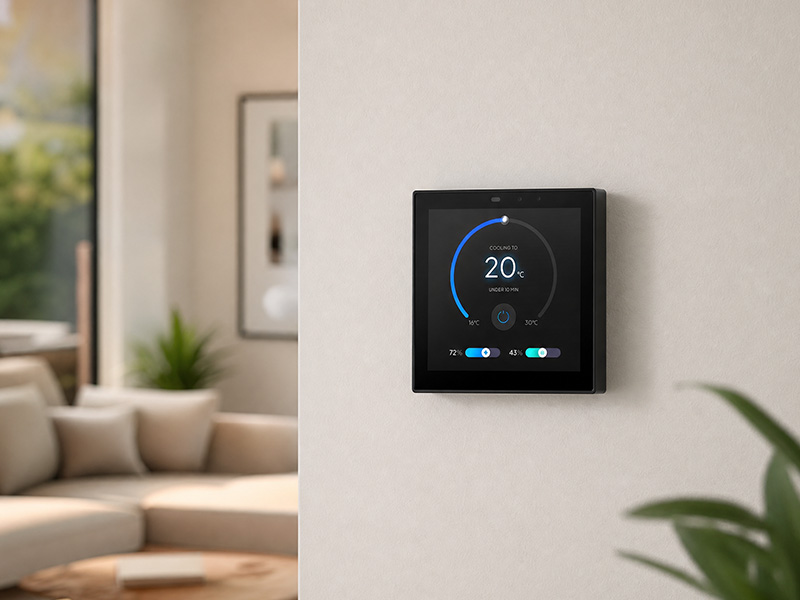
smart home control panel
5. What Hardware Is Required for Modbus Integration in a Smart Home Control Panel?
Hardware requirements vary according to the Modbus communication method.
- For Modbus RTU, the panel must include an RS485 interface. Modbus TCP requires Ethernet connectivity.
- An RS485 port or Ethernet connection alone does not guarantee Modbus support. The panel must also have compatible Modbus software and application logic.
- For embedded touchscreen development, the processor platform and operating system are also key considerations.
Android-Based Control Panels
Android smart home panels can run customized applications that communicate with HVAC controllers through an RS485 interface or an external serial-to-Ethernet adapter.
Developers can use appropriate software libraries to implement Modbus communication and link the received data to the touchscreen interface.
Linux-Based Control Panels
Linux offers an alternative platform for developing Modbus applications.
With appropriate Modbus libraries, developers can implement RTU or TCP communications, process HVAC data, and integrate it with a tailored user interface.
ESP32-Based Control Panels
ESP32-based panels can also handle Modbus RTU when paired with an RS485 transceiver and suitable firmware.
For instance, an ESP32-S3 panel can combine an LVGL touchscreen interface with custom Modbus communication logic.
The best option depends on interface complexity, the number of connected devices, and software requirements.
6. Portworld Smart Home Control Panels for Modbus HVAC Projects
Portworld designs embedded touchscreen control panels for smart home automation, HVAC control, and building management applications.
A range of processor platforms and hardware configurations enables customers to choose a panel that meets their project requirements.
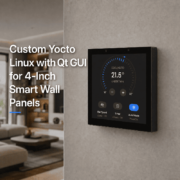
YC-SM43P – ESP32-S3 Smart Home Control Panel
The YC-SM43P is a compact, 4-inch touchscreen panel built on the ESP32-S3 platform.
Key specifications include:
- 4-inch capacitive touchscreen.
- 480 × 480 resolution.
- ESP32-S3 dual-core processor.
- 8MB PSRAM and 16MB Flash.
- LVGL graphical interface.
- RS485 communication.
- Wi-Fi and Bluetooth connectivity.
Ethernet and PoE options, depending on configuration.
With customized firmware, the YC-SM43P can support Modbus RTU communication with HVAC controllers, temperature monitoring, and fan-speed adjustment.
YC-SM41P – RK3566 Smart Home Control Panel
The YC-SM41P is a 4-inch touchscreen control panel powered by the RK3566 platform.
Key specifications include:
- 4-inch touchscreen.
- 480 × 480 resolution.
- RK3566 processor.
- Android 11 or Debian 11 platform options.
- 2GB RAM and 32GB storage.
- Optional RS485 and PoE support.
Its Android/Linux development environment supports customized Modbus applications and HVAC control interfaces, offering flexibility for a range of projects.
YC-SM10P – 10-Inch Smart Home Control Panel
Designed for projects that need a larger interface, the YC-SM10P features a 10-inch touchscreen with 1280 × 800 resolution and an RK3566 processor.
It runs Android 11 and is suited to larger HVAC dashboards and centralized smart building control interfaces. Depending on the selected hardware configuration, Modbus integration is available through a compatible RS485 interface or an external communication gateway.
smart home control panel-1
7. What Information Is Required Before Developing a Modbus HVAC Solution?
Before creating a customized smart home control panel, gather the HVAC equipment’s technical specifications.
The manufacturer’s Modbus register map is the most important document. It should specify:
- Register addresses for temperature, power, and operating modes.
- Whether registers are holding registers or input registers.
- Whether each register allows reading, writing, or both.
- Data types and scaling factors.
- Communication settings for Modbus RTU or TCP.
- Device addresses and connection requirements.
For instance, one HVAC manufacturer may encode temperature as an integer multiplied by 10, while another may use a different data format.
Developers should follow the equipment’s documented register definitions rather than assume that all HVAC systems use the same addresses and values.
For installations with multiple devices, also account for communication scheduling, bus termination, device addressing, and error recovery.
8. Custom Modbus Smart Home Control Panels by Portworld
HVAC projects have distinct hardware, software, and interface requirements.
A hotel may need a compact room thermostat interface, whereas a commercial building may require a large touchscreen dashboard to monitor multiple HVAC systems.
Portworld offers OEM/ODM development services for customers creating customized smart home and building automation control panels.
Customization options include:
- Hardware and PCB/PCBA design.
- Control panel platforms based on RK3566 and ESP32.
- RS485, Ethernet, PoE, and other interface configurations.
- Customization of Android, Linux, and embedded firmware.
- Modbus RTU and Modbus TCP software integration.
- Tailored HVAC touchscreen UI/UX.
- Integration with temperature sensors and other automation devices.
- Support for logos, packaging, SDKs, and technical documentation.
Drawing on more than 18 years of experience in embedded touchscreen solutions, Portworld assists customers throughout the process, from hardware design and prototype development to mass production.
When developing a smart home control panel for HVAC applications, selecting the appropriate processor, communication interface, and software architecture at the outset can help make integration smoother and more dependable.