When Should You Choose a Touchscreen Advertising Display?
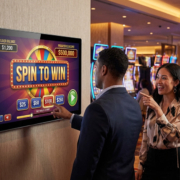
Digital advertising displays are common in retail stores, restaurants, shopping malls, hotels, exhibition venues, and other commercial settings. They enable businesses to promote products, provide information, and engage with customers.
However, a touchscreen is not necessary for every advertising display. A screen that continuously plays promotional videos has different needs from one that lets customers browse products, look up information, or place orders.
When, then, should you select a touchscreen advertising display rather than a standard non-touch screen?
The choice depends on how customers are expected to use the display, which tasks it must support, and whether interactive features deliver meaningful business value.
1. When Customers Need to Do More Than Watch
The primary reason to select a touchscreen advertising display is to enable customer interaction.
A non-touch display shares information with everyone in its vicinity. A touchscreen, by contrast, allows each user to choose content, explore available options, and complete specific tasks.
For example:
- A conventional retail display presents product promotions.
- A touchscreen retail display enables customers to browse product categories and compare specifications.
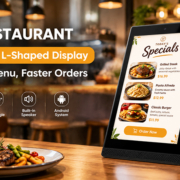
- A conventional restaurant menu board displays dishes and prices.
- A touchscreen ordering display allows customers to choose meals and customize their orders.
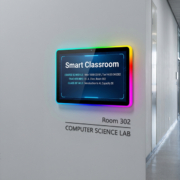
- A conventional hotel lobby screen provides event information.
- An interactive hotel display lets visitors find facilities and directions.
When customers only need to view a message, a non-touch display is generally sufficient. When they need to search, select, navigate, or submit information, touchscreen functionality offers greater value.
The essential step is to define a clear interaction task before selecting the hardware.

YC-55MT Digital signage display Government Hall
2. Five Applications Where Touchscreen Advertising Displays Are a Good Fit
Retail Stores: Product Browsing and Information
Retailers can provide customers with interactive displays that let them explore products without waiting for staff assistance.
A touchscreen advertising display can offer:
- Product catalogs and detailed specifications.
- Product comparisons.
- Available colors, sizes, and configurations.
- Recommendations for related products.
- Promotional campaigns and membership information.
For example, an electronics store can place a touchscreen near its product shelves. Customers can choose a product category, compare specifications, and access additional information directly on the screen.
This is especially useful for stores that carry extensive product ranges or have limited staff availability.
Restaurants: Self-Service Ordering
Restaurants and quick-service establishments can use touchscreen displays to make browsing menus and placing orders more convenient.
Customers can explore food categories, choose meals, customize their selections, and check their orders before submitting them.
A touchscreen system may provide:
- Digital menu browsing.
- Meal and combo selection.
- Suggested add-ons.
- Order customization.
- Order confirmation.
However, touchscreen hardware alone does not constitute a complete ordering solution. The application must integrate with the restaurant’s order workflow, POS system, payment terminal, and kitchen management platform, as needed.
Shopping Malls: Interactive Wayfinding
Large shopping malls often include hundreds of stores, restaurants, service facilities, and public spaces.
A conventional advertising display can present a static directory, while an interactive touchscreen enables visitors to search for particular destinations and explore a map.
Common features include:
- Store and brand searches.
- Floor directories.
- Interactive navigation.
- Information about restaurants and facilities.
- Details about events and promotions.
Interactive touchscreen wayfinding is especially valuable when visitors need to locate specific destinations rather than simply view general announcements.
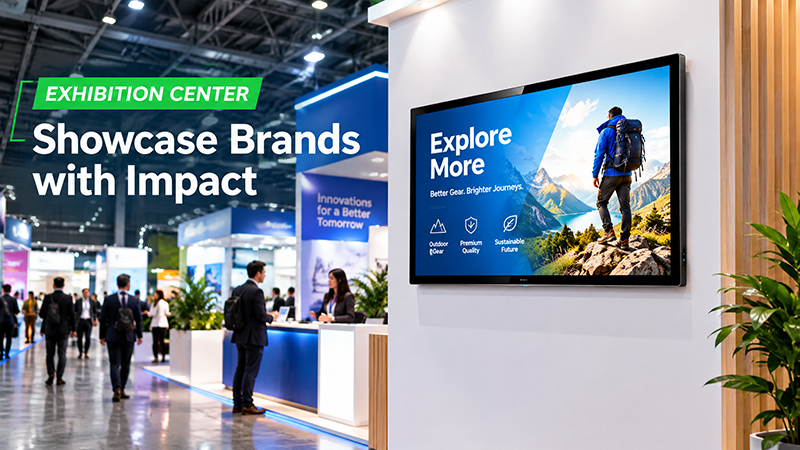
YC-55MT digital signage display Exhibition Center
Hotels: Guest Information and Self-Service
Hotels can place touchscreen displays in reception areas, lobbies, and other public spaces, enabling guests to find useful information independently.
Potential uses include:
- Directories of hotel facilities.
- Details about restaurants and services.
- Guidance on nearby attractions and transportation.
- Event schedules.
- Self-check-in systems.
Self-check-in may require additional software, identity verification, integration with reservation systems, and secure handling of guest data.
Exhibitions and Showrooms: Interactive Product Demonstrations
At trade shows and in product showrooms, touchscreen advertising displays can create more detailed product experiences.
Visitors can choose products, review technical specifications, watch demonstration videos, and browse product catalogs.
This enables businesses to share more information than a standard promotional video while allowing visitors to decide what they want to explore.
3. When a Non-Touch Advertising Display Is the Better Choice
Touchscreen technology can be valuable, but it is not always needed.
A non-touch display is often more practical when the primary goal is to communicate information to several people at once.
Consider a non-touch display for:
- Storefront advertising.
- Promotional videos.
- Restaurant menu boards.
- Shopping mall advertisements.
- Reception welcome messages.
- Public announcements.
- Brand videos and product highlights.
In these applications, customers generally have no need to interact with the screen.
Non-touch displays can also lower hardware expenses and make content management easier. They eliminate interaction features that are unnecessary when a business only requires scheduled advertising playback.
A practical planning guideline is straightforward: choose touch when customers need to take an action, and choose non-touch when they only need to view information.
4. Which Touchscreen Technology Should You Choose?
After determining that an interactive display is necessary, the next step is to select a suitable touch technology.
Projected capacitive and infrared touch are two widely used technologies for commercial displays.
| Feature | Projected Capacitive (PCAP) | Infrared (IR) |
|---|---|---|
| Touch method | Detects finger contact through a sensor layer | Detects interruptions in infrared light |
| Touch experience | Smooth and responsive | Responsive, depending on implementation |
| Multi-touch | Commonly supported | Supported by many configurations |
| Screen surface | Typically integrated behind protective glass | Uses an infrared frame around the screen |
| Common applications | Retail terminals and compact kiosks | Larger interactive displays and specialized installations |
Projected capacitive touch is a popular option for compact commercial displays, retail terminals, and self-service kiosks, offering intuitive finger gestures and a smooth front surface.
Infrared touch may be suitable for larger displays or applications that require interaction with various objects, including gloved hands, depending on the system design.
The best technology depends on screen size, enclosure design, operating environment, touch requirements, and budget.
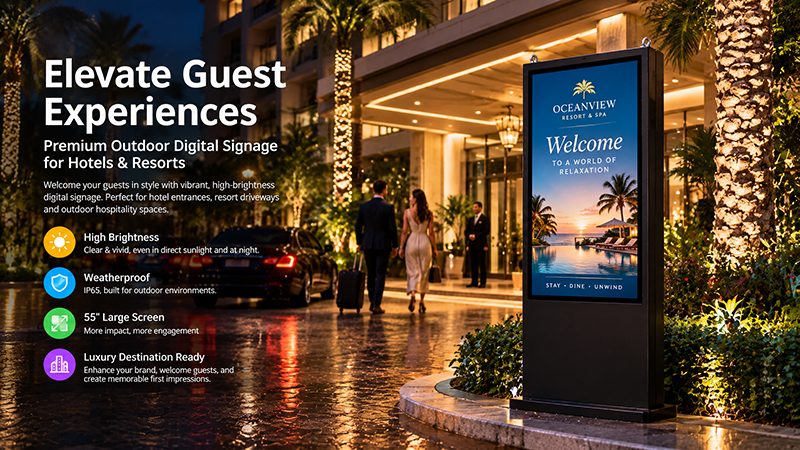
55 inch digital sigange display
5. Consider Screen Size, Brightness, and Installation
Choose a display suited to its surroundings and how customers will use it.
Screen size: Compact 10.1-inch or 15.6-inch screens work well on retail counters, reception desks, and product-information terminals. Larger displays are often better suited to shopping mall directories, self-service kiosks, and public information points.
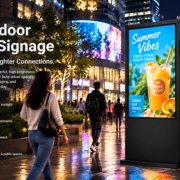
Brightness: Indoor displays typically require less brightness than screens placed near storefront windows or in well-lit public areas. Assess ambient light and potential reflections before choosing a panel.
Viewing angle: A wide viewing angle makes the interface easier to see for users approaching from different directions.
Installation: Countertop, wall-mounted, and floor-standing options each require different amounts of space and types of mounting. Position interactive displays so users can comfortably reach the screen.
Durability: Public-facing touchscreens may be used frequently. Evaluate the protective glass, touch-surface durability, enclosure quality, and ease of cleaning.
Accessibility is also important. Choose readable fonts, provide clear instructions, ensure adequate color contrast, and place controls within comfortable reach.
6. Android, Linux, and Software Requirements
A touchscreen advertising display requires more than a touch panel; its operating system and software shape the user experience.
Android supports many commercial interactive applications, such as product catalogs, directories, information terminals, and customized interfaces. It allows applications to be installed and can make it easier to deploy dedicated touch applications.
Linux is an option for embedded systems that need a controlled software environment, specialized interfaces, or integration with other equipment.
Windows may be the better choice when an existing business application relies on the Windows environment.
Before purchasing, verify that the hardware supports the intended application and peripherals. Consider the following as well:
- Processor performance and memory capacity.
- Touchscreen driver compatibility.
- Application startup after power-on.
- Kiosk mode and safeguards against unauthorized access.
- Remote software updates.
- Network security and user data protection.
For public interactive terminals, the software should return to its initial screen after each session and ensure that one user’s information is not revealed to the next user.
7. Remember That Touchscreen Hardware Is Just One Part of the Solution
A common mistake in digital signage projects is assuming that a touchscreen alone provides every interactive function.
In practice, a complete interactive system usually consists of:
- Display hardware: An LCD panel, touch sensor, controller, and enclosure.
- Computing hardware: A processor, memory, storage, and operating system.
- Application software: Product catalogs, menus, directories, or self-service interfaces.
- Network and integration: APIs, POS connections, databases, or cloud services, as needed.
- Management tools: Content updates, device monitoring, and software maintenance.
For instance, a touchscreen advertising display in a restaurant may present an interactive menu, but accepting orders requires an application connected to the restaurant’s ordering system.
Likewise, a touchscreen in a shopping mall may show an interactive map, but store searches and navigation depend on suitable directory software and regularly updated location data.
Planning these components as a unified system helps avoid compatibility issues and unexpected development costs.
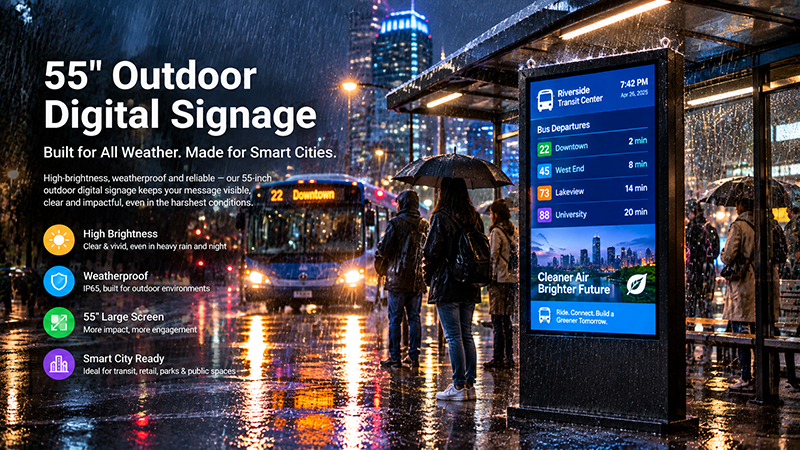
55 inch digital signage display
8. Portworld Touchscreen Advertising Displays and OEM/ODM Solutions
For digital signage integrators, retailers, and commercial equipment manufacturers, off-the-shelf displays may not meet every project’s requirements.
Portworld offers commercial advertising players, touchscreen displays, and embedded computing hardware for retail and commercial applications.
Available display solutions include compact formats such as 10.1-inch and 15.6-inch screens, suitable for countertop advertising, product information terminals, and interactive applications.
Portworld also offers OEM/ODM customization, which may include:
- Custom display sizes and touchscreen configurations.
- Android and Linux system customization.
- Mainboard and PCBA design.
- Wi-Fi, Ethernet, USB, PoE, and serial interface options, depending on the chosen platform.
- Application preinstallation and automatic startup.
- Customized enclosures, logos, and packaging.
- SDKs and technical documentation for supported hardware configurations.
For projects with interactive features, plan the hardware configuration alongside the application and integration requirements. This approach helps confirm that the selected display platform can deliver the intended user experience.