Android vs. Windows Digital Signage: How to Choose the Right System
Selecting between Android and Windows for a digital signage initiative involves more than merely contrasting operating systems. The appropriate choice hinges on the specific functionalities required by the display, the applications it needs to support, the installation of the hardware, and the management of the devices post-deployment.
In the case of a restaurant showcasing digital menus, an Android-based display might fulfill all necessary requirements without the complications associated with a conventional PC. Conversely, for a corporate interactive kiosk utilizing specialized Windows software, a Windows-based system could prove to be the more sensible choice. The essential factor is to determine the operating system based on the intended application rather than opting for hardware first and subsequently addressing compatibility issues.
For enterprises creating custom advertising displays, menu boards, retail screens, or interactive terminals, comprehending the distinctions between Android and Windows can aid in managing development expenses and preventing unnecessary alterations to hardware or software.
Android vs. Windows Digital Signage: Key Differences
Both Android and Windows are capable of supporting digital signage, yet they present distinct advantages based on the specific requirements of the project.
Android is frequently utilized for integrated signage displays, advertising players, menu boards, and dedicated touchscreen applications. Its compact hardware platforms and relatively simple deployment process make it appealing for projects that emphasize cost-effectiveness and ease of use.
Conversely, Windows is typically favored when a project relies on pre-existing desktop applications, specialized drivers, intricate business software, or a conventional PC environment. It is also suitable for applications that necessitate particular Windows development tools or integration with current IT systems.
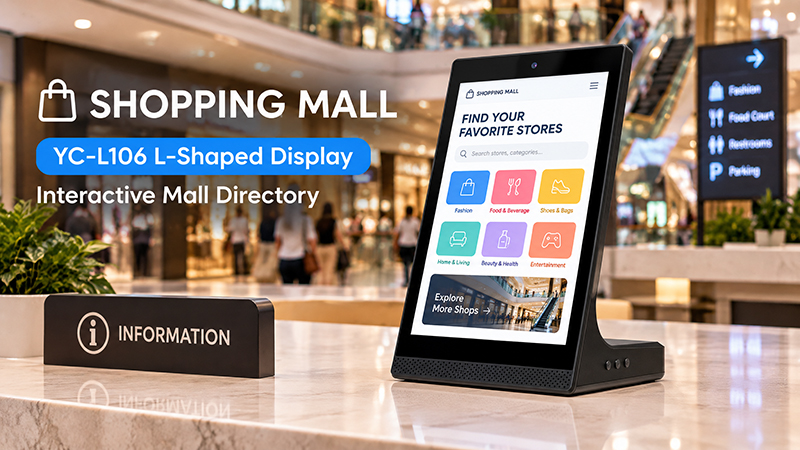
YC-L106 Shopping Mall Banner
| Comparison | Android Digital Signage | Windows Digital Signage |
|---|---|---|
| Hardware platform | Commonly ARM-based embedded boards | Commonly Intel or AMD-based PC platforms |
| Initial hardware cost | Often lower | Often higher |
| Power consumption | Generally lower on comparable basic workloads | Depends on PC configuration and workload |
| Software compatibility | Android apps, APKs, supported web applications | Windows desktop applications and compatible web software |
| System integration | Well suited to compact, integrated devices | Well suited to PC-based systems |
| Peripheral support | Depends on drivers, SDKs, and application support | Often advantageous when Windows-specific drivers are required |
| Customization | Android system, launcher, hardware and application integration | Windows configuration, PC hardware and application integration |
| Common applications | Advertising screens, menu boards, information displays | Interactive kiosks, enterprise applications, specialized terminals |
These represent general trends rather than certainties. The actual performance, expenses, energy consumption, and compatibility are contingent upon the specific hardware setup and software prerequisites.
When Should You Opt for Android Digital Signage?
For numerous typical digital signage initiatives, Android provides a practical equilibrium between functionality, hardware integration, and deployment expenses.
Take, for instance, a restaurant that requires multiple screens to showcase menus, promotions, and scheduled advertisements. If the screens are solely intended to play media via a compatible content management system (CMS), a compact Android platform could suffice. The project may not necessitate the extra computing power or desktop environment linked with a Windows PC.
This same concept is applicable to retail advertising displays, hotel information screens, reception displays, and various digital notice boards.
Android is especially advantageous when the project necessitates:
- Scheduled playback of images and videos.
- Integration with an Android-compatible signage CMS.
- Installation and automatic initiation of a dedicated APK.
- A compact embedded system incorporated into the display.
- Network connectivity via Wi-Fi or Ethernet.
- A budget-friendly hardware design for multi-screen implementation.
- A tailored startup interface or dedicated application environment.
However, selecting Android does not guarantee that every Android display will be compatible with all signage applications. It is essential to verify the Android version, processor architecture, available memory, storage, permissions, and necessary system services prior to making a purchase.
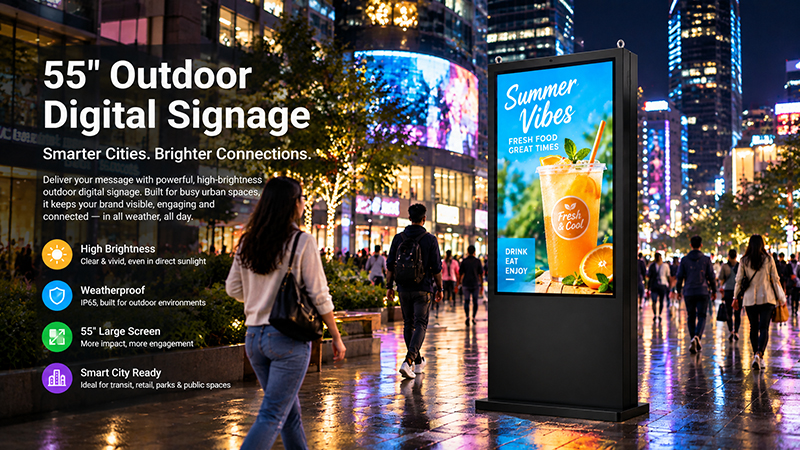
55 inch outdoor digital signage display
For instance, an application designed for a more recent Android version may not function properly on an older embedded system. Additionally, a Content Management System (CMS) may have particular hardware or operating system prerequisites. These specifications should be confirmed with the software provider before finalizing the hardware setup.
When Is Windows Digital Signage the Preferable Option?
Windows becomes increasingly appealing when the project relies on software specifically tailored for a PC environment.
Consider a manufacturer creating an interactive information terminal that needs to operate an existing Windows application and interface with specialized industrial machinery. Adapting the application for Android could entail considerable software development, testing, and ongoing maintenance. In such a case, opting for Windows may prove to be more efficient, even if the hardware expenses are higher.
Windows should be taken into account when a project necessitates:
- Existing Windows desktop applications.
- Specialized drivers that are exclusively available for Windows.
- Complex interactive applications designed for a PC.
- Integration with established Windows-based business systems.
- Specific development frameworks or desktop browser functionalities.
- Multiple connected peripherals reliant on Windows software.
- A PC-based hardware platform offering enhanced configuration flexibility.
Windows is not inherently the optimal choice for every intricate display scenario. It is essential to assess the actual processor, graphics capabilities, memory, and application requirements. For instance, a resource-intensive 4K multimedia application may necessitate a more robust hardware setup, irrespective of the chosen operating system.
The critical inquiry is whether the software truly requires Windows. If it does, opting for Android merely to cut down on hardware expenses could lead to increased development and support costs in the future.
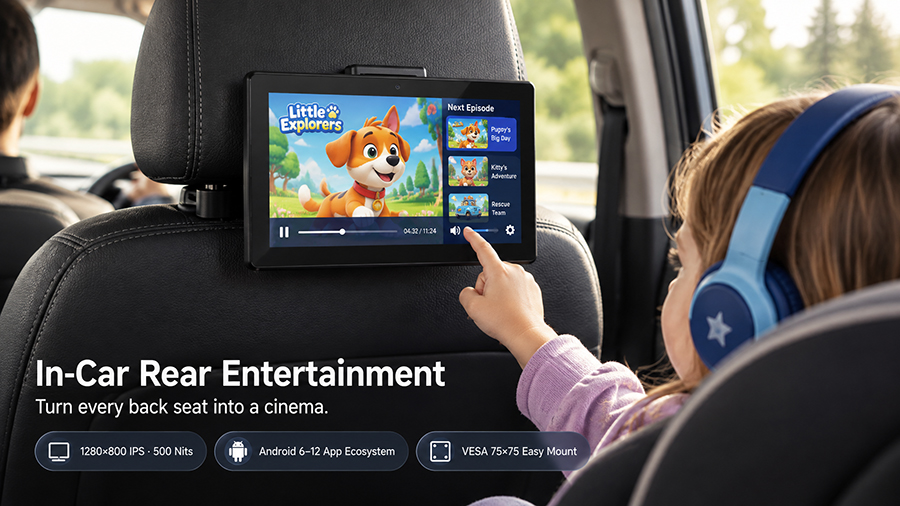
YC-102P digital signage display
Hardware Configuration: The Operating System Is Merely One Aspect of the Decision
The operating system constitutes just one component of a digital signage solution. The foundational hardware plays a crucial role in determining whether the device can execute the intended applications efficiently and support the necessary interfaces.
For Android-based digital signage, embedded platforms utilizing processors like the Rockchip RK3566 and RK3568 may be appropriate for certain projects. The ultimate decision hinges on factors such as application complexity, video playback needs, memory, storage, network interfaces, and peripheral connections.
In the case of Windows digital signage, the hardware may incorporate an Intel or AMD processor platform, contingent upon the software demands. Projects that involve sophisticated graphics, intricate dashboards, or numerous connected devices may require a higher-performance configuration.