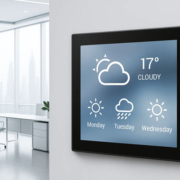
How to Develop an LVGL-Based Smart Display with an RK3506 Mainboard
Smart displays have emerged as a critical component within industrial control systems, smart home devices, household appliances, and embedded IoT products. In contrast to conventional tablets, these devices typically require rapid initialization, clear information presentation, dependable responsiveness to touch interactions, and sustained operation within a defined hardware configuration.
For developers creating these solutions, the integration of an RK3506 mainboard with LVGL represents a viable foundation. The RK3506 delivers an embedded processing platform featuring Linux compatibility and specialized hardware functionalities, whereas LVGL furnishes the graphical elements necessary for constructing a specialized touchscreen interface.
The fundamental difficulty extends beyond merely rendering several interface buttons. A commercially viable smart display must integrate the graphical interface with the display driver, touch controller, device communication protocols, application functionality, and the underlying operating system.
Comprehending the interconnection of these components enables developers to transition from a functional prototype to a dependable embedded system.
The RK3506, an embedded processor manufactured by Rockchip, is engineered for applications including industrial human-machine interfaces, smart home automation, appliance display systems, and industrial gateway solutions. The processor architecture incorporates three Arm Cortex-A7 cores alongside a Cortex-M0 core, with Cortex-A7 frequencies reaching up to 1.6 GHz as specified in published development-board documentation.
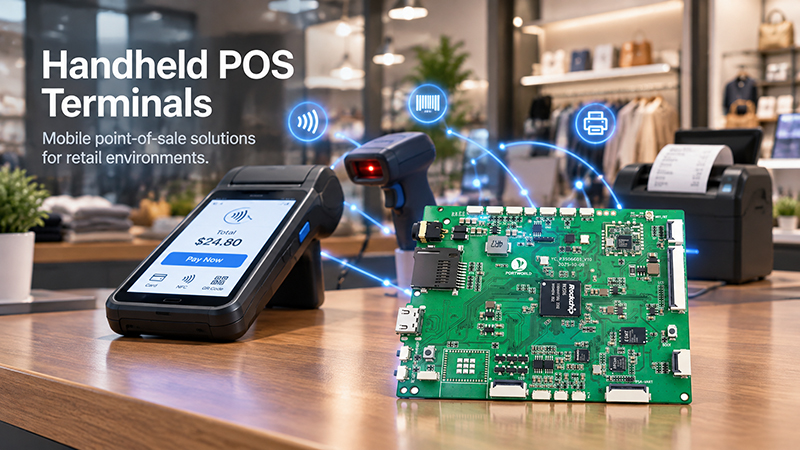
P3506 Handheld POS Terminals
The processor facilitates Linux-based development and includes documented LVGL SDK support with 2D hardware acceleration capabilities. These features establish the platform as a viable option for embedded graphical user interfaces that do not necessitate a complete desktop environment. Actual implementation support is contingent upon the specific board selection, SDK version, and software configuration employed.
LVGL represents an open-source graphics library developed for embedded user interface applications. It enables developers to construct graphical elements including buttons, sliders, charts, status indicators, menus, and animations. The library can be deployed across various operating systems and hardware platforms, contingent upon proper implementation of display and input interfaces.
When combined, these technologies facilitate the development of intelligent display systems that render customized interfaces while maintaining communication with sensors, controllers, and networked devices.
Consider an industrial touchscreen application that exhibits machine operational status and alarm notifications. Alternatively, a smart home control panel could deliver lighting and climate management functionality. An appliance interface might present operational modes, timer displays, and system status information.
The resulting interface can be customized to align with specific product requirements rather than employing a standardized screen configuration.
Step 1: Establish Display Specifications Prior to Hardware Selection
Before commencing software development, establish the functional requirements for the smart display.
A basic control interface may require only a primary screen, several operational buttons, and multiple status indicators. A sophisticated HMI may demand multiple screens, graphical representations, historical information, configuration options, and continuous integration with peripheral systems.
These specifications influence the necessary display dimensions, pixel density, tactile input technology, memory allocation, and computational capacity for the implementation.
For instance, a compact 480 × 480 touchscreen may be suitable for a room management system with a limited set of regularly accessed operations. A larger 800 × 480 display may prove more suitable for an industrial control system featuring multiple status displays and menu structures.
The primary circuit board must accommodate the chosen display connection protocol, whether MIPI DSI, RGB/LCD interface, or an alternative supported standard. The touch input controller must demonstrate compatibility with the selected hardware platform and possess accessible software support.
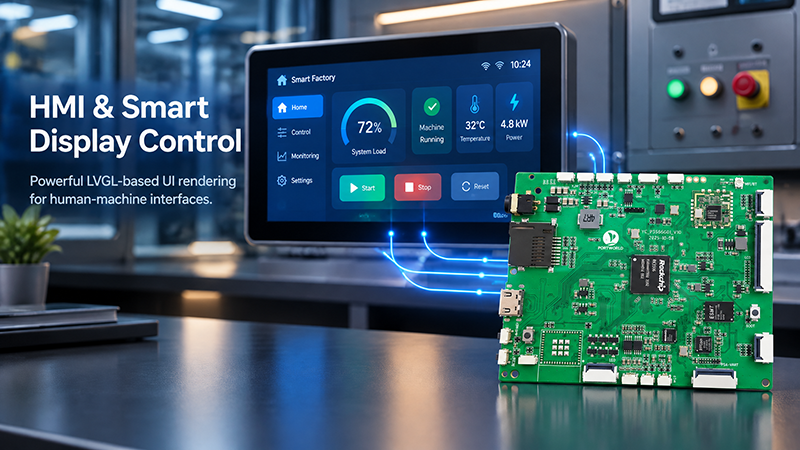
P3506 HMI Smart Display
During this phase, developers should verify:
- Display proportions, pixel resolution, and connection protocol.
- Touch-input controller specifications and software support availability.
- Memory capacity, storage allocation, and frame buffer specifications.
- Essential connectivity options, including Ethernet, RS485, USB, or GPIO.
- Operating system compatibility and development framework support.
- Electrical consumption, installation specifications, and heat dissipation requirements.
- Establishing these specifications at an early stage minimizes the likelihood of developing an interface that performs inadequately on the selected hardware platform.
Step 2: Establish the RK3506 Development Environment
The subsequent phase involves acquiring the appropriate software distribution for your chosen RK3506 mainboard.
This typically encompasses the board support package, bootloader, Linux kernel, root filesystem, device-tree configuration, display drivers, and peripheral drivers. Certain vendors additionally furnish example applications, cross-compilation tools, and an LVGL integration layer.
A published RK3506 development-board specification designates Linux Kernel 6.1 and a Buildroot-based software environment as supported development options. Nevertheless, developers must validate the actual kernel version and SDK release provided for their specific board rather than presuming all RK3506 products utilize identical software packages.
Once the SDK is accessible, confirm that the board initializes properly and that essential peripherals function as expected before implementing the graphical application.
The preliminary validation process should encompass display output, touch input, network connectivity, serial interfaces, and any additional hardware necessary for the product. Should the display driver fail to operate correctly, incorporating LVGL will not address the fundamental issue.
An effective development methodology involves establishing hardware functionality initially, confirming the software environment subsequently, and then incorporating the graphical interface.
Step 3: Establish LVGL Integration with the Display Driver
LVGL does not inherently manage all displays connected to an RK3506 mainboard. A suitable integration layer is required to establish a connection between the graphics library and the underlying display infrastructure.
The implementation approach is contingent upon how the board presents its display output and the capabilities provided by its SDK.
Within an embedded Linux environment, LVGL may be integrated via a supported framebuffer interface, DRM/KMS, or a proprietary display solution. The appropriate selection depends on the kernel drivers, graphics architecture, and SDK delivered for the board. LVGL provides documentation for Linux display backends as well as proprietary display integrations.
The integration procedure typically encompasses four primary tasks.
First, establish LVGL initialization and define its build parameters. The configuration must align with the intended color depth, activated widgets, memory management approach, and designated LVGL version.
Second, establish a connection between LVGL and the display output. The integration layer must supply the screen resolution and a method for displaying the rendered image on the screen.
Third, establish the draw buffers. LVGL processes interface content into memory buffers before transferring the resulting image to the display. Buffer dimensions and quantity influence memory usage and rendering performance, necessitating selection based on display resolution and available memory capacity.
Lastly, confirm that screen refresh operations function as intended. Begin with a straightforward background, text label, or interactive button before incorporating sophisticated layouts and motion effects.
Should the RK3506 SDK contain an already-supported LVGL implementation, leveraging that solution typically represents a more practical foundation than constructing the complete display integration independently.
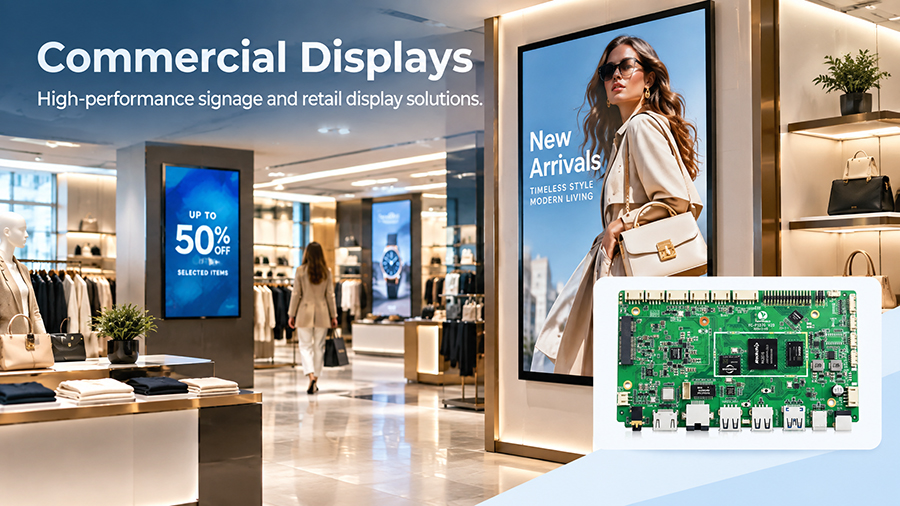
P3576 digital signage display
Step 4: Establish Touchscreen Input Integration
A smart display requires more than mere visual presentation. End users must possess the capability to engage with the interface through tactile input mechanisms.
The touchscreen controller typically interfaces with the primary circuit board via a communication protocol such as I2C or USB, contingent upon the specific hardware architecture. The appropriate Linux driver must identify touch occurrences and accurately communicate their positional data.
LVGL necessitates an input-device integration layer that captures these occurrences and converts them into the pointer or touch operations that the graphical interface anticipates.
The development methodology should confirm that touch coordinates correspond appropriately to the display orientation, calibration parameters are properly configured where applicable, and touch responsiveness persists throughout screen transitions and concurrent background operations.
This phase proves particularly critical for wall-integrated smart control systems and industrial human-machine interfaces, where inaccurate coordinates or unreliable touch performance can substantially compromise user experience and product usability.
Following successful input pathway implementation, development teams can associate touch occurrences with corresponding application operations. For instance, activating a lighting control button can initiate a directive to an external controller, whereas modifying a temperature parameter can revise a designated setpoint within the application framework.
Step 5: Develop the Smart Display Interface Using LVGL
Once the display and touch input mechanisms are operational, developers can proceed with constructing the user interface itself.
An effective strategy involves establishing a limited collection of modular interface components that can be applied across multiple screens, rather than designing each screen in isolation. Reusable elements such as buttons, navigation bars, status indicators, value displays, and configuration panels can be leveraged throughout various pages.
For a smart home control panel, the interface might incorporate a primary dashboard displaying room temperature, lighting conditions, and scene shortcuts. An additional page could manage curtain operations, while a separate interface could present device configuration options.
For an industrial HMI system, this same development methodology could generate a machine-status dashboard, alarm notification list, operational controls, and a maintenance interface.
LVGL provides support for these categories of graphical components, enabling developers to construct an embedded interface that aligns with the product’s design specifications and operational requirements.
Interface design should emphasize usability and system responsiveness. Touch targets must be appropriately sized for the intended user base, regularly accessed controls should be positioned for convenient access, and critical alerts should be presented with visual prominence.
Developers should also minimize superfluous graphical enhancements. Excessive animations, substantial image files, and continuous full-screen refreshes can elevate resource consumption without enhancing user satisfaction.
An optimally designed LVGL interface concentrates on delivering the information and functionality that users require most.
Step 6: Establish Communication Between the Interface and Physical Devices
A graphical interface achieves practical value as a smart display only when it facilitates data exchange with the underlying system.
The RK3506 mainboard can establish connections to sensors, controllers, network services, or external devices via the interfaces provided by the chosen board. The application software manages these communications and refreshes the interface based on received information.
Consider a smart home controller that retrieves temperature readings, transmits lighting instructions, and indicates whether the operation completed successfully. Similarly, an industrial HMI might obtain machine status through a serial connection and refresh alarm notifications instantaneously.
When the project incorporates RS485 and Modbus RTU, the application requires an appropriate serial driver and Modbus protocol support. When utilizing Ethernet and Modbus TCP, the software must establish the corresponding network communication framework.
The availability of a physical interface does not inherently guarantee protocol functionality. Developers must thoroughly examine the entire communication infrastructure, encompassing cabling, driver installation, protocol execution, fault management, and reconnection procedures.
Equally significant is the isolation of communication functionality from the user interface layer. A properly designed application can process device information autonomously and modify LVGL components upon receipt of updated data. This approach enhances code maintainability and minimizes the likelihood that communication delays will compromise touchscreen responsiveness.
.jpg)
P3506 Digital Signage
Step 7: Optimize Rendering, Memory, and Startup Time
An interface that functions satisfactorily during a demonstration may still require optimization prior to mass production.
Memory utilization represents a critical consideration. Display buffers, fonts, images, widgets, and application data all contend for available system resources. Developers should quantify actual memory consumption through measurement rather than depending on assumptions derived solely from screen dimensions.
Rendering performance is also influenced by the methodology employed for screen updates. LVGL’s display integration documentation indicates that draw-buffer size and buffering mode determine how rendering and display refresh operations are executed. Double buffering can facilitate the overlap of rendering with display transfer when hardware and driver capabilities permit it; however, this approach requires additional memory allocation.
The RK3506 platform‘s published development-board specifications describe 2D hardware acceleration capabilities for LVGL. The extent to which this acceleration is utilized depends on the available SDK and graphics integration framework, necessitating that developers confirm the intended rendering path genuinely benefits from acceleration.
Startup time constitutes an additional consideration for dedicated smart displays. A product designed solely to present a control interface may not necessitate every service included in a general-purpose Linux image.
Developers can examine bootloader configuration, kernel settings, service initialization, application startup, and display initialization procedures to eliminate unnecessary delays. The goal is to ensure the device achieves operational readiness expeditiously while maintaining the reliability and services essential to the application.
Finally, conduct testing of extended operational periods. Memory leaks, communication instability, repeated touch event occurrences, and display refresh anomalies may remain undetected during brief demonstrations but can compromise products intended for sustained continuous operation.