How Is Firmware Programmed Into a Smart Control Panel PCBA?
How Is Firmware Programmed Into a Smart Control Panel PCBA?
Understanding Firmware Programming in Smart Touch Control Panel Manufacturing
Firmware represents the embedded software contained within a smart control panel PCBA that governs hardware operations including the touchscreen, communication interfaces, sensors, and automation capabilities.
Throughout smart control panel manufacturing, firmware programming constitutes a critical production phase that converts a bare PCBA into a fully operational intelligent device.
The standard workflow encompasses:
Firmware Development → PCBA Programming → Hardware Testing → Functional Verification → Mass Production
1. Firmware Development Prior to Production
Before firmware is installed onto the PCBA, software engineers develop the firmware in accordance with the specific smart control panel specifications.
The firmware manages:
- Touchscreen functionality
- Display interface operations
- WiFi/Bluetooth connectivity
- RS485/Modbus protocol communication
- GPIO management
- Sensor connectivity
- Smart home protocol integration
- User interface operations
Various firmware development environments are employed depending on the specific hardware platform utilized.
Prevalent development frameworks:
- ESP-IDF
- Arduino Framework
- PlatformIO
Standard capabilities:
- WiFi connectivity establishment
- Bluetooth device pairing
- MQTT protocol communication
- LVGL touchscreen user interface
- Device management logic
Firmware Composition Typically Encompasses:
- Android Operating System image
- Linux kernel layer
- Device driver components
- Hardware configuration parameters
- Proprietary applications
Processor platforms such as Rockchip necessitate specialized BSP (Board Support Package) engineering and development.
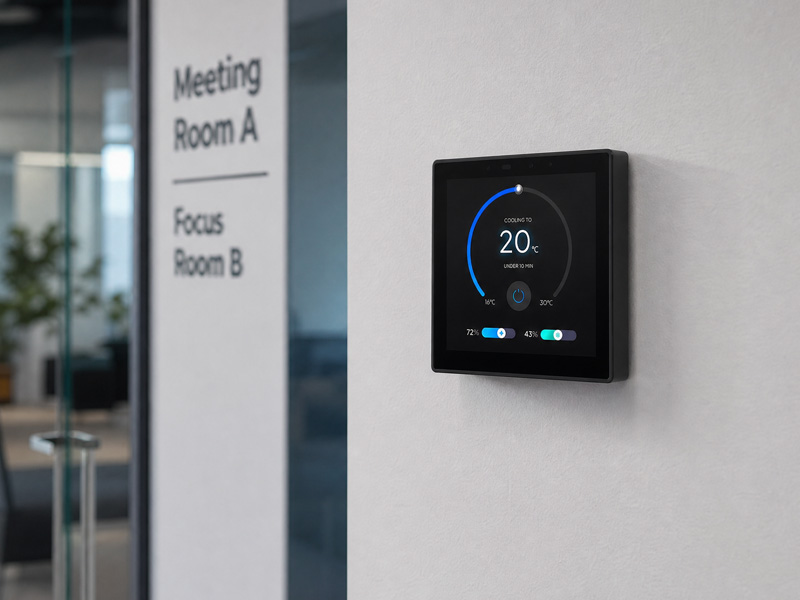
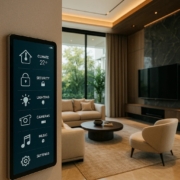
smart home control panel
2. PCBA Preparation for Programming Operations
Following PCBA assembly, the board undergoes comprehensive inspection prior to firmware installation.
Engineers conduct verification of:
- Power supply voltage levels
- Communication interface functionality
- Processor performance and stability
- Memory module detection and recognition
The PCBA must incorporate an appropriate programming interface, which may include:
- USB Type-C connectivity
- UART serial communication
- JTAG debugging interface
- SWD (Serial Wire Debug) protocol
- Dedicated test points
Illustrative Example:
Programming Tool
↓
USB/UART Interface
↓
ESP32 Smart Control Panel PCBA
↓
Firmware Installation Complete
3. Firmware Installation Methodology
Firmware is deployed into the memory chip of the PCBA utilizing a specialized programming tool.
ESP32 Firmware Installation
For ESP32 intelligent control panels, the installation sequence typically encompasses:
1. Establish PCBA connection via USB/UART interface
2. Activate download mode
3. Transfer firmware image file
4. Program firmware into flash memory storage
5. Execute device restart
6. Confirm proper functionality
The firmware package typically comprises:
- Bootloader component
- Partition table configuration
- Application firmware module
- User interface resources
Android Smart Panel Firmware Installation
For Android-powered intelligent control panels:
The manufacturing sequence typically encompasses:
1. Establish PCBA connection via USB or dedicated debugging interface
2. Initialize bootloader component
3. Deploy Android system image
4. Configure device drivers
5. Deploy customized applications
6. Establish system configuration parameters
The firmware package typically comprises:
- Android operating system
- System kernel
- Hardware driver modules
- Application launcher interface
- Automation control software
4. Factory Firmware Programming Methods
During mass production, manufacturers employ various programming methodologies.
Manual Programming
Applicable to:
- Prototype samples
- Small production batches
Process:
An engineer connects each board individually and installs the firmware.
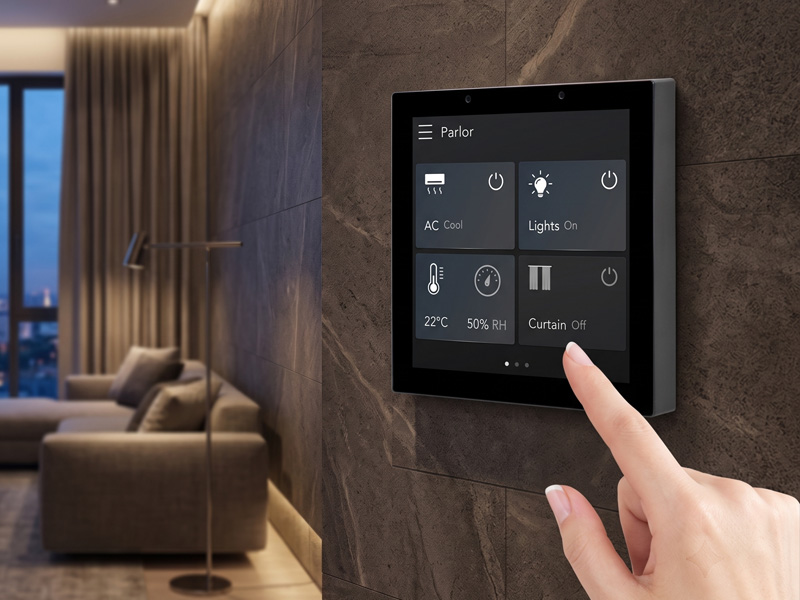
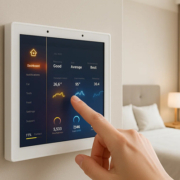
Smart Home Touch Control Panel
Automated Programming Fixture
Utilized for:
- High-volume production runs
- Accelerated manufacturing timelines
A programming fixture simultaneously connects multiple boards for concurrent processing.
Advantages:
- Accelerated production cycles
- Minimized labor expenses
- Uniform firmware deployment
Example:
Programming Fixture
↓
Multiple Smart Panel PCBAs
↓
Automatic Firmware Flashing
5. Firmware Configuration Following Programming
Upon completion of firmware installation, each intelligent control panel typically necessitates configuration adjustments.
Standard configuration parameters encompass:
Device Information
- Product model designation
- Serial number identification
- MAC address specification
Network Configuration
- WiFi connectivity settings
- Bluetooth operational parameters
- Cloud service integration
Hardware Configuration
- Display output parameters
- Touch interface calibration
- Sensor operational settings
6. Touchscreen Calibration and User Interface Validation
Following firmware programming completion, the intelligent panel requires comprehensive functional assessment.
Engineering personnel conduct verification of:
Touch Functionality
- Single-point touch detection
- Multi-touch recognition
- Swipe gesture recognition
- Zoom capability functionality
Display Functionality
- Brightness level adjustment
- Resolution performance
- Color reproduction accuracy
Communication Functionality
- WiFi network connectivity
- Bluetooth device pairing
- Ethernet network connection
- RS485 serial communication
7. Firmware Update After Deployment
Contemporary intelligent control panels frequently incorporate firmware update capabilities.
- Prevalent update methodologies:
- OTA (Over-The-Air)
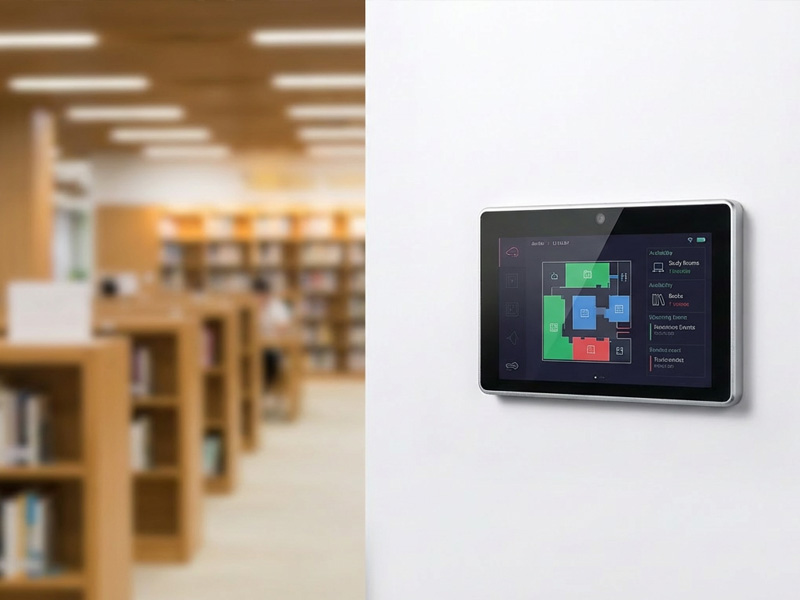
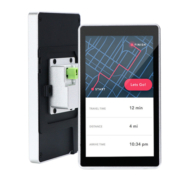
smart home control panel
Firmware updates can be executed by users via:
- Wireless network connectivity
- Cloud-based infrastructure
Advantages:
- Distant system administration
- Resolution of software defects
- Introduction of enhanced functionalities
Local Update
Firmware modifications may alternatively be accomplished through:
- Portable storage devices
- Memory card interfaces
- Diagnostic communication protocols
Firmware Programming Across Diverse Smart Panel Applications
Firmware administration encompasses:
- Illumination management
- Automated window coverings
- Climate control systems
- Protection and surveillance equipment
- Vocal interface connectivity
Hotel Room Control Panel
Firmware functionality includes:
- Automated guest accommodation systems
- Thermal regulation
- Customizable illumination configurations
- Hospitality service capabilities
Building Automation Panel
Firmware operations manage:
- Climate system interfacing
- Power consumption analysis
- RS485 Modbus peripheral devices
- Integrated facility management platforms
Case Study: Portworld Smart Control Panel Firmware Development
Portworld delivers comprehensive OEM/ODM firmware customization solutions for intelligent control panels, encompassing:
Capabilities:
- ESP32 firmware engineering
- LVGL graphical interface customization
- MQTT protocol implementation
- RS485/Modbus device communication
- Residential automation protocol integration
Android Smart Control Panels
Capabilities:
- Android operating system customization
- Software application engineering
- Board support package customization
- Peripheral driver implementation
Deployment sectors:
- Residential automation environments
- Hospitality facilities
- Commercial workspaces
- Intelligent facility infrastructure