How to Develop Custom Software for an Android Digital Signage Display
As more businesses turn to digital signage for advertising, customer engagement, and information management, standard media players often fall short of fulfilling specific project needs.
Creating custom software for an Android digital signage display empowers businesses to deliver distinctive user experiences, integrate with existing systems, and manage extensive display networks more effectively.
Utilizing Android-based hardware platforms, organizations can develop tailored applications for sectors such as retail, hospitality, transportation, healthcare, smart offices, and industrial settings.
Why Opt for Custom Software Development for Android Digital Signage?
Android serves as a versatile platform for commercial displays due to its combination of:
- Open-source operating system architecture
- Extensive developer ecosystem
- Touchscreen compatibility
- Network connectivity
- Simplified application deployment
In contrast to conventional advertising players, custom Android signage software grants businesses precise control over content presentation and user interaction with the device.
Typical customized functionalities encompass:
- Digital advertising playback
- Remote content management
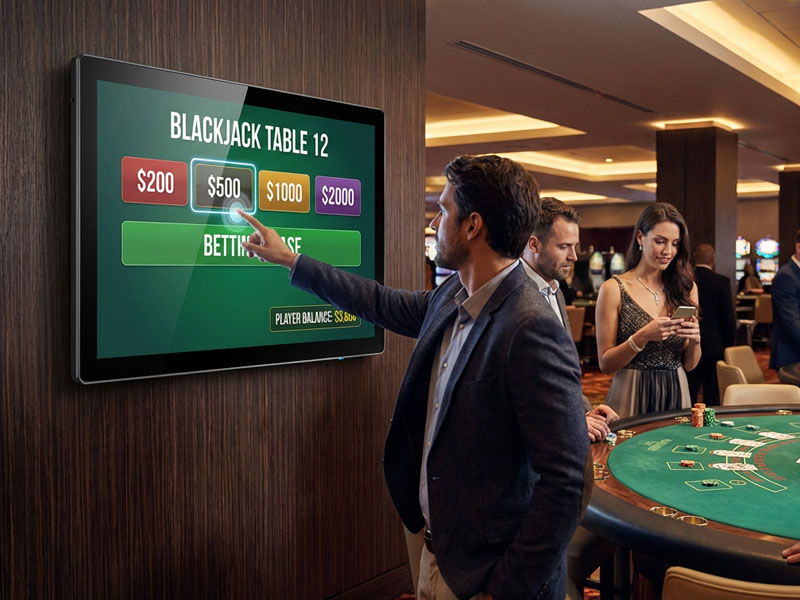
- Interactive touch applications
- Customer feedback systems
- Payment integration
- Access control
- AI recognition capabilities
Step 1: Select Appropriate Android Digital Signage Hardware
The foundation of software development lies in the choice of suitable hardware.
Commercial Android displays generally utilize ARM processors such as:
Rockchip RK3566
RK3568
RK3576
RK3588
The choice of hardware is contingent upon the specific requirements of the application.
For instance:
Basic Advertising Display
Requirements:
- Video playback
- Image rotation
- Remote updates
Recommended platform:
- RK3566 / RK3568
- Interactive Touch Kiosk
Requirements:
- Touch interaction
- Camera
- NFC/RFID
- AI capabilities
Recommended platform:
RK3576 / RK3588
Portworld Android digital signage displays offer adaptable hardware configurations, enabling customers to choose various CPUs, memory, storage, and interfaces tailored to their software needs.
Step 2: Create the Digital Signage Application
The primary software is typically an Android application (APK) tailored for commercial display purposes.

digital siganage display
A bespoke signage application may encompass:
Media Playback System
Supports:
- Videos
- Images
- Text
- Web pages
- Streaming content
Advanced features:
- Scheduled playback
- Playlist management
- Multi-zone display
- Split-screen layouts
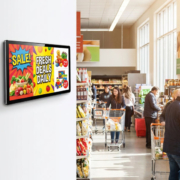
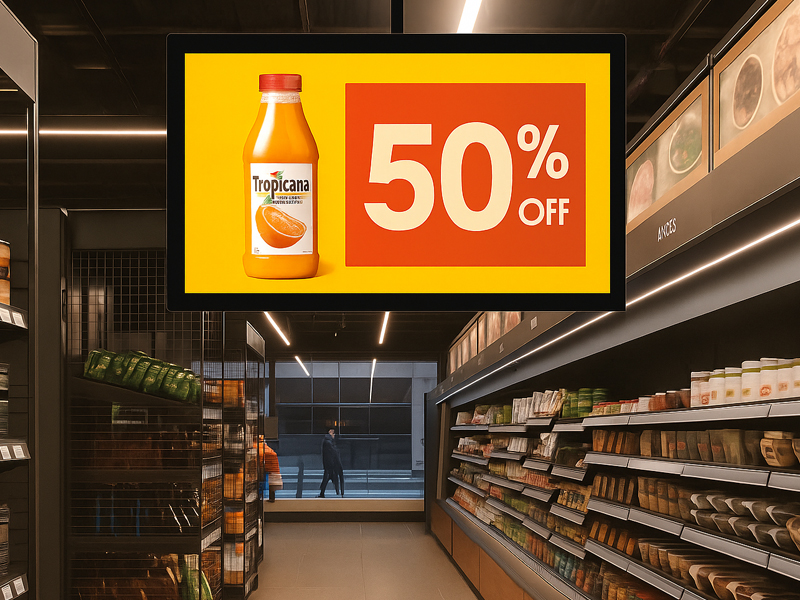
For instance, a supermarket can arrange various advertisements according to the time of day:
- Morning: breakfast promotions
- Afternoon: product discounts
- Evening: special offers
Step 4: Incorporate External Hardware
Commercial Android displays frequently come equipped with supplementary hardware modules.
Custom software can interact with:
NFC / RFID Readers
Applications:
- Access control
- Employee authentication
- Membership systems
- Payment terminals
- Cameras
Applications:
- Face recognition
- Video communication
- AI analytics
- Sensors
Applications:
- Environmental monitoring
- Smart retail analysis
- Occupancy detection
Portworld Android display solutions offer customization options that include cameras, NFC/RFID, PoE, and various industrial interfaces.
digital signage display
Step 5: Enhance Android System for Commercial Applications
In the context of professional digital signage implementation, software customization extends beyond merely creating an APK.
Manufacturers have the ability to tailor the following:
Android Launcher
Substitute the default Android home screen with a specialized signage interface.
Advantages:
- Automatic application initiation
- Prevention of unauthorized access
- Streamlined operation
- Kiosk Mode
Secures the device to a designated application.
Typically utilized for:
- Self-service kiosks
- Ticket vending machines
- Information display terminals
- Firmware Customization
Encompasses:
- Pre-installed applications
- System configurations
- Boot logo personalization
- OTA updates
Step 6: Activate Remote Device Management
Extensive digital signage networks necessitate centralized oversight.
Bespoke software can offer:
- Remote surveillance
- Device status verification
- Application updates
- Firmware enhancements
- Remote diagnostics
This enables operators to efficiently manage hundreds or even thousands of displays.
meeting digital signage display-1
Technologies for Developing Android Digital Signage Software
Commonly utilized development tools comprise:
Android Studio
Employed for:
- APK creation
- User interface design
- Hardware interaction
- Java / Kotlin
Programming languages utilized for:
- Application creation
- System integration
- Web Technologies
Utilized for:
- Browser-based signage solutions
- Cloud-based CMS platforms
- APIs and SDKs
Employed for the integration of:
- Payment processing systems
- Databases
- AI functionalities
- Enterprise solutions.
digital signage display
Portworld Custom Android Digital Signage Software Solutions
Portworld offers comprehensive hardware and software customization services tailored for Android digital signage initiatives.
The supported solutions encompass:
- Wall-mounted advertising displays
- Touch kiosks
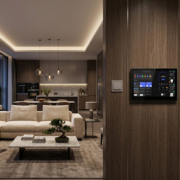
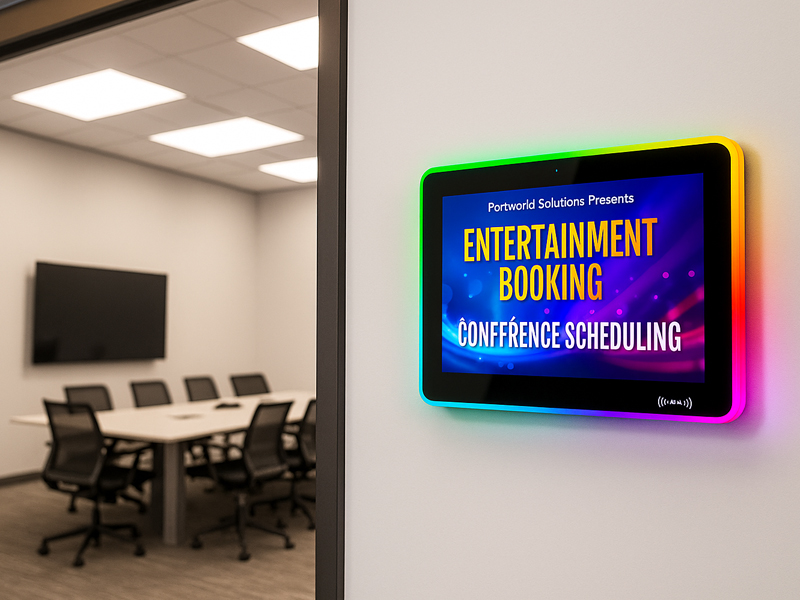
- Meeting room panels
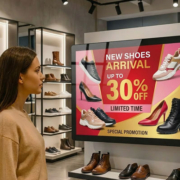
- Retail interactive displays
- POS terminals
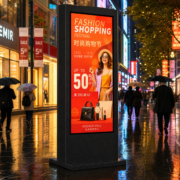
- Smart transportation displays
The customization services provided include:
- Android APK development
- Launcher customization
- System firmware customization
- BSP adaptation
- Hardware integration
- CMS integration
- OEM/ODM manufacturing
Utilizing platforms such as RK3566, RK3568, RK3576, and RK3588, Portworld assists businesses in developing dependable and scalable commercial display solutions.