How to Choose an IP65 Industrial Touch Screen Monitor
With the swift integration of smart factories, industrial automation, and IoT systems, touch screen monitors have emerged as a crucial interface for machine operation and data visualization. Nonetheless, industrial settings differ significantly from office or commercial environments. Factors such as dust, moisture, vibrations, temperature variations, and continuous usage can rapidly compromise standard displays.
An IP65 industrial touch screen monitor is specifically engineered to address these challenges by offering a dependable, robust, and user-friendly interface for demanding applications. However, selecting the appropriate model involves more than merely choosing a screen size. Considerations such as protection level, touch technology, display performance, connectivity options, and customization capabilities must all be taken into account.
Understanding the Significance of IP65 for Industrial Touch Screens
The IP65 rating stands out as one of the most critical attributes of industrial displays.
- IP6X – Dustproof: The enclosure is entirely safeguarded against dust ingress.
- IPX5 – Water Resistant: The front panel can endure low-pressure water jets from various angles.
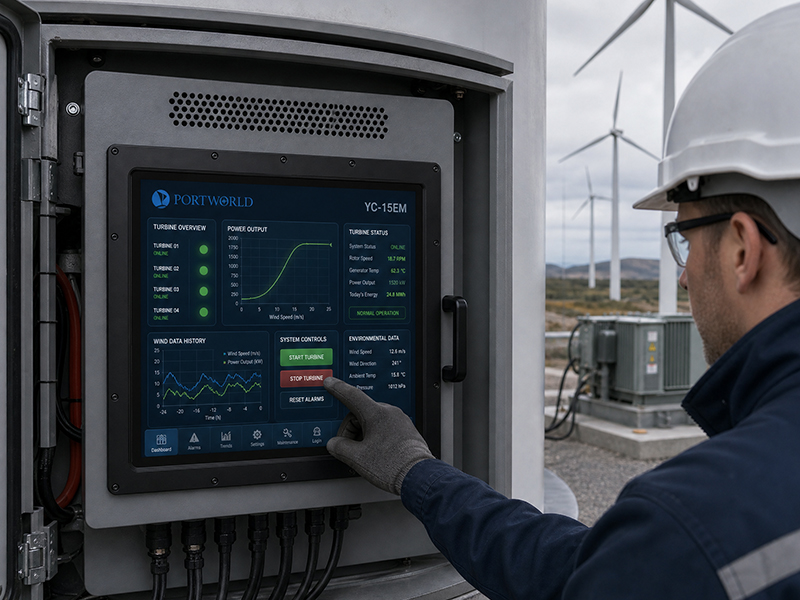
This level of protection renders IP65 industrial touch screens suitable for environments including:
- Manufacturing workshops
- CNC machine control systems
- Industrial automation lines
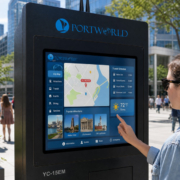
- Outdoor information terminals
- Smart logistics equipment
It is essential to recognize that IP65 protection typically pertains to the front panel. For projects subjected to extreme weather conditions or complete water submersion, additional protective measures may be necessary.
industrial embedded PC
Assessing the Working Environment
The application environment dictates the type of industrial touch monitor required.
In factory automation, the display may encounter:
- Metal dust and oil contamination
- Mechanical vibrations
- Extended operating hours
- Temperature variations
A rugged industrial touch screen featuring a metal casing and fanless cooling design can enhance reliability.
For outdoor applications, consider supplementary features such as:
- High brightness display
- Wide operating temperature range
- Anti-glare glass
- Enhanced sealing capabilities.
Select the Appropriate Touch Technology
Different applications necessitate distinct touch solutions.
Capacitive Touch Screen
Projected capacitive (PCAP) touch technology provides:
- Seamless multi-touch functionality
- Rapid response times
- High precision in touch detection
- Contemporary user experience
It is frequently utilized in:
- Smart kiosks
- Digital signage
- Interactive terminals
- Commercial control systems
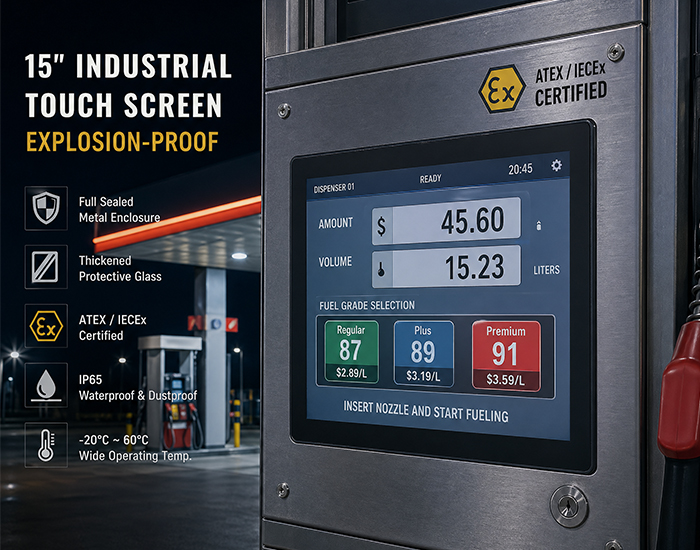
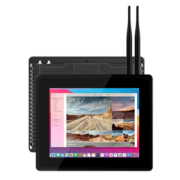
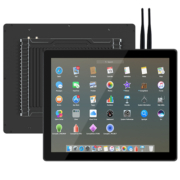
Industrial Embedded Touch Monitor
Resistive Touch Screen
Resistive touch technology offers:
- Functionality with gloves or stylus
- Robust adaptability to environmental conditions
- Dependable performance in industrial settings
It is typically favored for:
- CNC machines
- Factory equipment
- Industrial control panels
The appropriate selection is contingent upon the manner in which operators engage with the system.
Assess Display Quality and Size
Industrial touch screens come in a range of sizes, from compact embedded displays to expansive control panels.
When choosing a display, take into account:
- Screen dimensions
- Resolution
- Brightness
- Viewing angle
- Operating lifespan
For instance, a 10.1-inch industrial touch screen may be ideal for machine interfaces, whereas larger displays of 15-inch, 17-inch, or 21.5-inch are commonly employed for monitoring systems and production control.
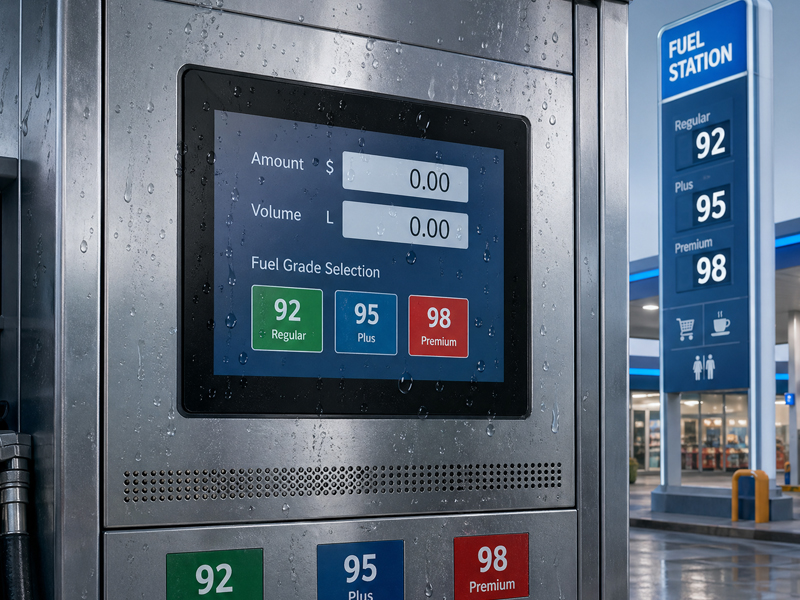
YC-104EM
10.4″ Embedded Touch Screen Panel
Examine Industrial Interfaces and Integration Options
An industrial touch screen monitor typically forms part of a broader control system, making connectivity essential.
Common industrial interfaces consist of:
- HDMI
- USB
- RS232
- RS485
- Ethernet
- GPIO
- CAN Bus
These interfaces facilitate connections with:
- PLC controllers
- Sensors
- Industrial computers
- Automation equipment
For OEM projects, the ability to customize interfaces can significantly ease system integration.
Prioritize Long-Term Reliability
Industrial equipment is generally expected to function for many years. A dependable IP65 touch screen monitor should offer:
- Industrial-grade components
- Stable thermal management
- Fanless operation
- Resistance to shock and vibration
- Capability for continuous operation 24/7
In contrast to consumer displays, industrial solutions emphasize lifecycle stability over short-term performance.
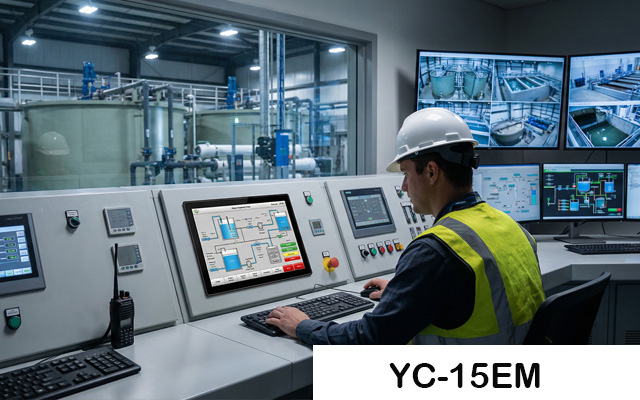
Evaluate OEM/ODM Customization Capability
Numerous industrial projects necessitate tailored designs rather than off-the-shelf products.
A competent industrial display manufacturer should provide support for:
- Custom screen dimensions
- Touch panel modifications
- Interface enhancements
- Mounting structure design
- Integration with Android, Linux, or Windows
- Branding and enclosure personalization
This is particularly crucial for sectors such as automation, medical equipment, transportation, and smart retail.
Selecting the Appropriate Industrial Touch Screen Partner
Choosing the right supplier is as vital as selecting the appropriate hardware. A trustworthy manufacturer should possess experience in industrial applications, robust engineering capabilities, and the capacity to ensure long-term product availability.
Portworld offers IP65 industrial touch screen monitors, embedded panel PCs, and tailored industrial display solutions for clients worldwide. With adaptable hardware configurations, various operating system choices, and support for OEM/ODM development, Portworld assists businesses in creating reliable touch interfaces for challenging environments.