What Features Should an Office Smart Control Panel Have?
As workplaces evolve to become more intelligent and interconnected, conventional switches and independent controllers are being supplanted by centralized touchscreen solutions. An office smart control panel should not only facilitate device management but also seamlessly integrate with meeting rooms, HVAC systems, lighting, security, and IoT platforms.
The appropriate smart control panel can enhance workplace efficiency, improve employee experience, and lower energy consumption.
1. High-Resolution Touchscreen Display
The display serves as the primary interaction interface for an office smart control panel.
Key features include:
- Capacitive touchscreen
- Multi-touch capability
- High-resolution IPS display
- Wide viewing angle
- High brightness suitable for various lighting conditions
A seamless touchscreen experience enables employees to swiftly manage office systems, monitor room status, and utilize automation features.
For various office settings:
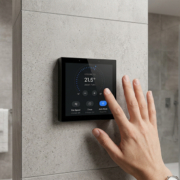
- 4–5 inch panels are appropriate for room switches and basic controls.
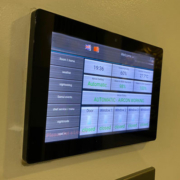
- 8–10 inch panels are perfect for meeting rooms and office dashboards.
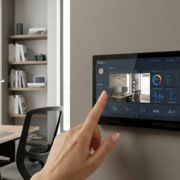
- 14 inch panels are designed for sophisticated building management interfaces.
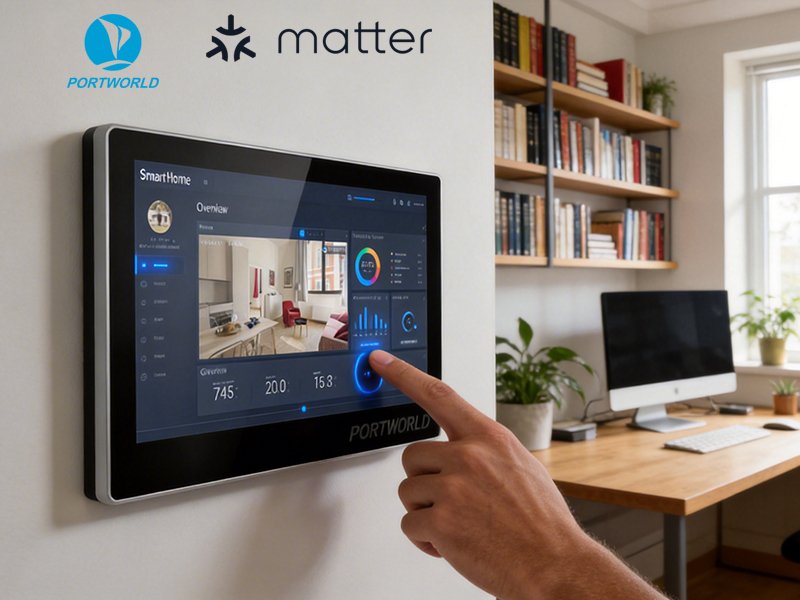
smart home control panel
2. Meeting Room Control Functions
A sophisticated office smart panel must facilitate the automation of meeting rooms.
Key functionalities include:
- Meeting room reservation
- Display of room availability
- Integration with calendars
- Control of video conferencing systems
- Management of display/projector settings
- Oversight of microphones and speakers
This allows employees to efficiently set up meeting environments without the need to manually configure various devices.
3. Lighting Control and Scene Management
Effective smart lighting control is a vital component of office automation.
A smart panel should enable:
- Control for turning lights ON/OFF
- Adjustment of brightness levels
- Creation of lighting scenes
- Automation based on schedules
Typical office scenes consist of:
Meeting Mode
- Adjust lighting for presentations
- Diminish unnecessary illumination
Working Mode
Enhance brightness to boost productivity
Energy Saving Mode
Deactivate lights in areas that are not in use.
4. HVAC and Environmental Control
The comfort of an office is significantly influenced by temperature and air quality.
A sophisticated control panel ought to integrate seamlessly with HVAC systems to regulate:
- Air conditioning
- Heating
- Fan speed
- Temperature settings
- Ventilation systems
Moreover, advanced panels can also interface with sensors for:
- Temperature monitoring
- Humidity detection
- Occupancy sensing
5. Multiple Communication Interfaces
Office settings frequently encompass various automation systems, making flexible connectivity essential.
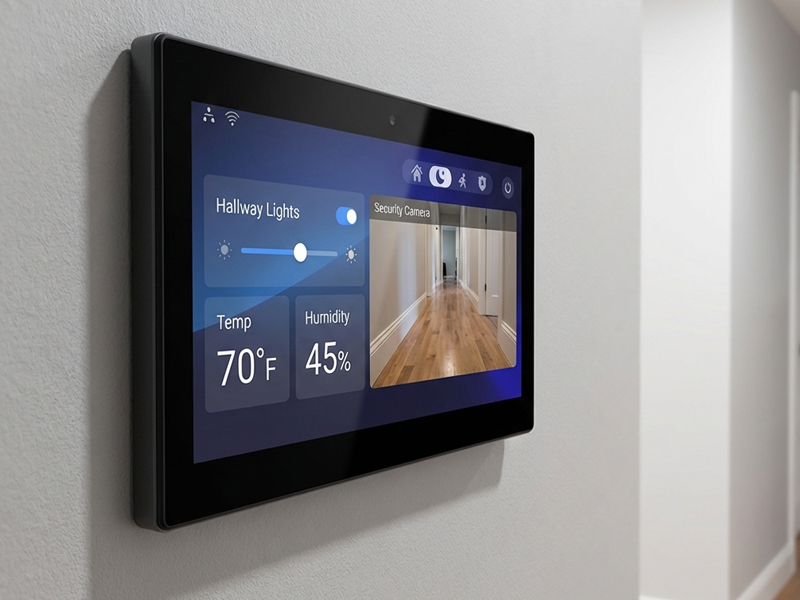
smart home control panel-1
A professional smart control panel should accommodate:
Ethernet
- To ensure stable network communication and facilitate enterprise deployment.
- PoE (Power over Ethernet)
Advantages include:
- Power and data delivered through a single cable
- Streamlined installation
- Reduced maintenance expenses
RS485 / Modbus
For linking:
- HVAC controllers
- Lighting systems
- Building automation equipment
WiFi and Bluetooth
To support:
- Wireless IoT devices
- Mobile applications
- Smart sensors
6. Integration with Building Management Systems
Enterprise offices frequently necessitate connectivity with pre-existing automation platforms.
An effective smart control panel should facilitate integration with:
Building Management Systems (BMS)
- KNX systems
- Modbus devices
- MQTT platforms
- IoT cloud platforms
- Home Assistant
This capability enables various office systems to operate cohesively through a single interface.
7. Customizable Software Platform
Each organization possesses unique requirements, making software adaptability crucial.
Essential features to consider include:
- Custom UI design
- Company branding
- Multi-language support
- Custom applications
- Remote firmware updates
- Cloud management
Android-based panels are typically favored for applications that demand rich interfaces and extensive app ecosystems.
Conversely, Linux-based panels are ideal for projects that require more profound embedded customization and long-term deployment.
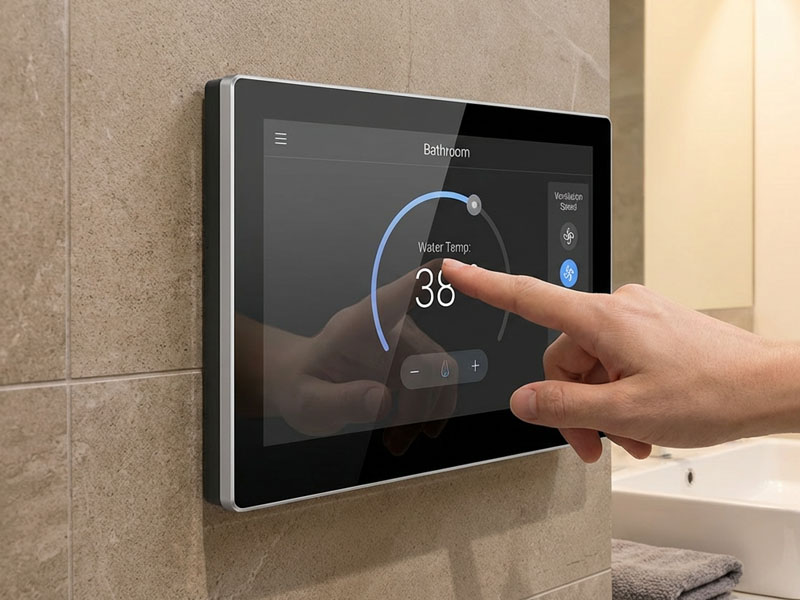
smart home control panel
8. Dependable Hardware Performance
Office smart control panels must ensure consistent performance for everyday operations.
Recommended specifications:
- ARM quad-core processor
- 2GB RAM or more
- 16GB–32GB storage
- Long-term operating system support
- Industrial-grade components
For enhanced office automation, processors like RK3566 and RK3568 deliver sufficient performance for touchscreen interfaces, IoT applications, and multimedia functionalities.
9. Secure Access and User Management
Enterprise settings necessitate robust security features.
Essential functions include:
- User authentication
- Network security support
- Device management
- Remote monitoring
- Access control integration
This is particularly crucial for corporate offices, campuses, and smart buildings.
Portworld Smart Control Panels for Office Automation
Portworld offers smart touch control panel solutions tailored for offices, meeting rooms, and commercial buildings.
The YC-SM41P 4-inch smart control panel serves as a compact solution for room automation, smart switches, and IoT control. It supports Ethernet, RS485, WiFi, Bluetooth, and PoE.
The YC-SM08P and YC-SM10P Android smart control panels feature larger touchscreen interfaces with RK3566 processors, Android support, PoE connectivity, and versatile integration options.
The YC-SM14P 14-inch smart touch control panel is crafted for high-end office automation applications, showcasing RK3568 performance, Android/Linux support, and large-screen interaction.