
How to Choose an L-Shaped Digital Menu Display for Restaurants
Restaurants need to display menus clearly while using limited counter space efficiently. In cafés, bakeries, fast-food outlets, and takeaway shops, a traditional wall-mounted menu board may not be practical. A compact countertop display offers an alternative for presenting menu items, prices, promotions, and product images where customers make their purchasing decisions.
An L-shaped digital menu display is designed for these settings. Its screen and supporting structure create an angled profile that stands on a counter or service desk without needing to be mounted on a wall.
Selecting the right display, however, requires more than choosing a screen size. Orientation, viewing angle, brightness, operating system, content management, and physical stability all influence the customer experience.
This guide outlines the main considerations when choosing an L-shaped digital menu display for a restaurant.
1. Determine Where an L-Shaped Display Will Be Used
Before selecting hardware, establish the display’s main purpose and where it will be installed.
Unlike large digital menu boards mounted above restaurant counters, compact L-shaped displays are intended for viewing at close range. They can show information to customers at cashier counters, ordering stations, or reception desks.
Typical uses include:
- Restaurant counters: Show daily menus, popular dishes, and promotional offers.
- Cafés: Present coffee selections, seasonal beverages, desserts, and combo deals.
- Bakeries: Feature product images, prices, and limited-time offers.
- Fast-food restaurants: Promote meal combinations, add-ons, and special deals.
- Takeaway counters: Provide ordering details and encourage customers to consider additional products.
- The display may also function as a secondary information screen alongside a POS terminal.
For instance, a cashier can process orders on the POS system while the customer-facing display shows menu images, prices, or promotional content.
The essential consideration is whether the display will provide passive information or support interactive ordering. A standard digital menu display does not inherently offer touch-based ordering or payment capabilities. Those features require compatible software and further system integration.
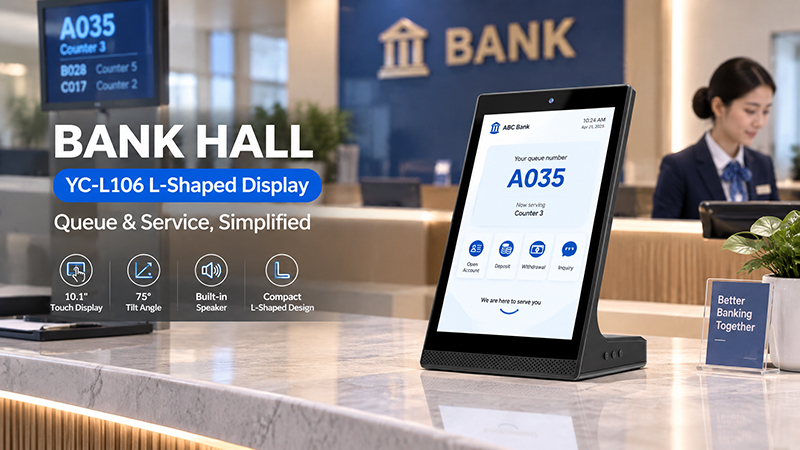
YC-L106 Bank Hall Banner
2. Select an Appropriate Screen Size
Screen size is among the first factors to consider, as countertop space is often limited.
A screen that is too small can make product descriptions and prices hard to read. One that is too large may take up valuable counter space and disrupt daily operations.
For compact restaurant setups, consider evaluating these common screen sizes:
| Screen size | Potential applications |
|---|---|
| 10.1-inch | Small cashier counters, cafés, and product information |
| 14-inch | Restaurant counters and compact promotional displays |
| 15.6-inch | Larger menus, product images, and promotional content |
| 21.5-inch | Larger counters where more information needs to be displayed |
These are planning guidelines rather than established industry standards. The right size depends on the viewing distance, menu content, counter dimensions, and the display’s physical footprint.
Before placing an order, measure both the screen area and the full L-shaped structure. Verify the base dimensions, total height, and space available for cables.
For restaurants with narrow counters, a compact 10.1-inch or 14-inch model may be more suitable. Where counter space allows, a 15.6-inch display offers additional room for product images and promotional layouts.
3. Assess the L-Shaped Design and Viewing Angle
The mechanical design is a key consideration when selecting an L-shaped digital menu display.
Unlike a conventional tablet, which rests flat or requires a separate stand, an L-shaped display is built to hold the screen at a fixed angle while remaining stable on the countertop.
Consider the following factors:
Viewing angle: Customers should be able to read the menu easily while standing or approaching the counter. The screen should be angled to minimize reflections and prevent customers from having to bend down.
Base stability: The base should keep the display from tipping during typical countertop use. This is particularly important in busy restaurants, where customers and staff regularly interact near the device.
Footprint: The base should take up as little counter space as possible without sacrificing stability.
Cable management: Route power and network cables through or behind the structure to keep the counter tidy.
Housing durability: The enclosure should tolerate frequent handling and routine cleaning in a commercial setting.
If the standard structure is not suited to the restaurant’s counter design, consider a custom enclosure or mounting bracket.
4. Choose Appropriate Brightness and Display Resolution
Lighting conditions differ considerably between restaurants. A display in a softly lit café, for instance, may need different specifications from one located beside a bright storefront window.
Brightness is typically measured in nits or cd/m². The appropriate level depends on ambient lighting, reflections, screen size, and viewing distance.
For indoor countertop use, a commercial display rated at approximately 300–500 nits can be a practical starting point for evaluation. Locations with brighter lighting may require a higher-brightness model.
However, brighter is not always better. Excessive brightness may cause discomfort for customers viewing the screen at close range.
The display resolution should also be suited to the screen size and the content being shown.
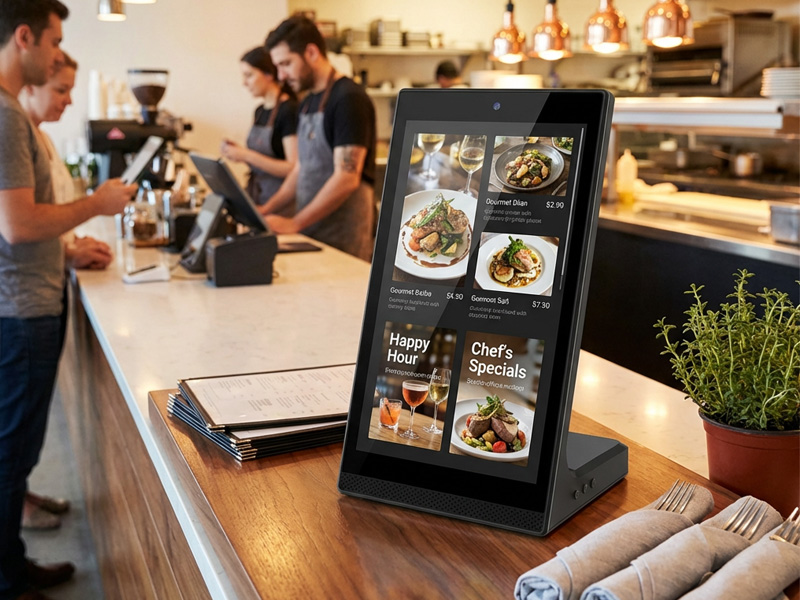
YC-L106 10.1-inch L-Shaped Digital Signage Display
For example:
- 1280 × 800: May be suitable for compact menu displays with relatively simple layouts.
- 1920 × 1080: Offers more space for detailed product photos, promotional graphics, and text.
- These resolutions are examples; actual options depend on the panel selected.
For restaurant menus, prioritize legibility rather than displaying as much information as possible. Use clear product names, prices that are large enough to read, and high-quality food images. Avoid crowding a small screen with too many menu items.
5. Select a Suitable Operating System
The operating system determines how the display runs applications, plays media, and connects with other restaurant systems.
Android and Linux are two potential platform options for L-shaped digital menu displays.
Android
Android may suit restaurants that require:
- Dedicated digital menu applications
- Local image and video playback
- Customized promotional interfaces
- Content updates over a network
- Preinstalled applications that launch automatically
Android can also offer flexibility when integrating compatible third-party applications.
Linux
Linux may be suitable for projects requiring:
- Customized embedded interfaces
- Lightweight applications
- Dedicated media playback systems
- Specific hardware and software integration
The right option depends on the restaurant’s existing software environment and development needs.
If the display needs to connect to a POS system, ordering platform, or restaurant management application, confirm software compatibility before choosing the hardware. The operating system alone does not ensure integration.
6. Verify Connectivity and Peripheral Interfaces
Connectivity determines how easily the display communicates with other devices and receives updated content.
Depending on the platform, useful interfaces may include:
| Interface | Possible application |
|---|---|
| Wi-Fi | Wireless network connection and content updates |
| Ethernet (RJ45) | Stable wired network communication |
| USB | Local media playback and peripheral connection |
| HDMI | External video input or connection to another system |
| Bluetooth | Connection to supported wireless peripherals |
| RS232 / RS485 | Integration with compatible industrial or control equipment |
Not every restaurant requires every interface.
For a standalone promotional display, Wi-Fi and USB may be enough. Projects involving POS equipment or customized control systems may need additional interfaces.
Always verify the specific hardware configuration. Interface availability differs by motherboard and display model.
7. Plan Content Management and Menu Updates
A digital menu display is valuable only if its content can be managed efficiently.
Restaurants often adjust prices, introduce seasonal products, revise meal combinations, and advertise limited-time offers. An effective content workflow can minimize the need to update each device manually.
YC-L106 10.1-inch L-Shaped Digital Signage Display
Consider how content will be managed before selecting a display.
Local playback: Appropriate for basic applications where menu images or videos are updated infrequently.
USB updates: A convenient choice for smaller restaurants that prefer to replace content manually.
Network-based management: Best suited to restaurants that need remote updates or must manage multiple displays.
Scheduled playback: Enables automatic transitions between breakfast, lunch, dinner, and promotional content.
For multi-store restaurant groups, centralized content management can help maintain consistent pricing and branding across locations.
It is important to distinguish between hardware capability and CMS functionality. A display with Android, Wi-Fi, or Ethernet does not automatically include a complete digital signage management platform. Confirm whether the project will use an existing CMS, a third-party application, or customized software.
8. Assess the Need for Touchscreen Functionality
A touchscreen menu display is not necessary for every restaurant.
When the goal is to present food images, prices, and promotions, a standard non-touch display may be more affordable and simpler to maintain.
Touch functionality is beneficial when customers need to use the screen directly.
Potential uses include:
- Browsing detailed product categories
- Choosing food and beverage options
- Reviewing ingredients and product descriptions
- Discovering additional products or meal combinations
- Using a self-service ordering interface
For these purposes, verify the touch technology, accuracy, responsiveness, and compatibility with the intended application.
Keep in mind that a touchscreen alone does not provide an ordering system. Payment processing, order submission, POS communication, and order management require additional software and integration.
9. Assess Reliability and Maintenance
Restaurant displays are often used in settings where devices may stay on for many hours each day.
A dependable setup should take operating schedules, heat, power stability, and regular maintenance into account.
Key factors include:
- Operating hours: Check that the display supports the restaurant’s actual daily schedule.
- Thermal management: Confirm that the internal design allows adequate heat dissipation.
- Power supply: Choose a stable power configuration appropriate for the installation.
- Screen protection: Assess surface durability and cleaning requirements.
- Service access: Ensure the display can be inspected or replaced with minimal disruption.
Production consistency: When ordering multiple units, check screen quality, housing dimensions, and system performance across samples and production batches.
Before placing a larger order, restaurants should test a sample in the intended counter environment.
Consider OEM and ODM Customization
Standard displays may not align with every restaurant’s brand identity, counter dimensions, or software needs.
For restaurant chains, equipment manufacturers, and digital signage providers, OEM/ODM customization can deliver a countertop display that better suits the intended application.
Depending on project requirements, customization may cover:
- Screen size and resolution
- L-shaped enclosure and base dimensions
- Viewing angle and mounting structure
- Android or Linux mainboard configuration
- Wi-Fi, Ethernet, USB, HDMI, and other supported interfaces
- Application preinstallation and automatic startup
- Boot logo and user interface branding
- Custom housing color, logo, and packaging
Portworld offers commercial display hardware, advertising players, embedded motherboards, and OEM/ODM development services.
For restaurant display projects, Portworld can assess the screen, embedded computing platform, interfaces, and mechanical design in light of the application requirements. Its compact display portfolio includes options such as 10.1-inch and 15.6-inch models. Project-specific configurations should be confirmed based on panel availability and design requirements.
If a restaurant requires a specific L-shaped design, it should be handled as a mechanical customization requirement unless an existing standard model has been confirmed.
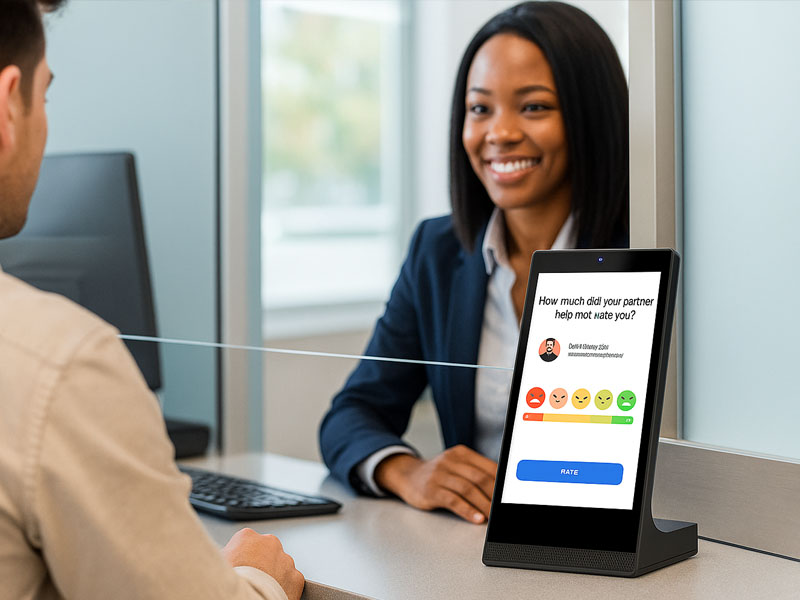
YC-L106
10.1-inch L-Shaped Digital Signage Display
Before purchasing an L-shaped digital menu display, consider the following:
- Measure the available countertop area.
- Verify the screen size and the overall enclosure dimensions.
- Assess the viewing angle from the customer’s position.
- Test brightness under the restaurant’s actual lighting conditions.
- Choose a resolution appropriate for displaying menu content.
- Select Android, Linux, or another compatible operating platform.
- Ensure the display includes Wi-Fi, Ethernet, USB, and any other required connections.
- Determine whether touch functionality is needed.
- Confirm the requirements for CMS and POS integration.
- Review operating hours, thermal performance, and access for maintenance.
- Request a sample before proceeding with mass production.
