Affordable Android Smart Home Control Panels
When deploying smart homes in large apartment projects, control panels are the most intuitive interface for users. Unlike villa projects, apartment projects are more cost-sensitive, involve a large number of devices, and have tight installation timelines. Selecting the right Android control panel within budget is a challenge that every project manager must face.
1. Why Do Apartment Projects Prefer Android Panels?
Cost Advantage
Professional smart home panels (such as KNX original panels or Crestron touch screens) often cost thousands of dollars per unit, whereas Android solutions can keep unit costs within $200-$300.
Flexible Deployment
Android panels support standard 86 bottom box installations, eliminating the need for special wiring. With PoE (Power over Ethernet) capabilities, a single Ethernet cable solves both power and communication, significantly reducing installation difficulty.
Ecosystem Compatibility
The open system supports various smart home apps (such as Tuya, Home Assistant, MQTT clients, etc.), allowing a single panel to manage Zigbee, WiFi, BLE, and even 485 devices simultaneously.
2. Product Selection: Three Solution Comparisons
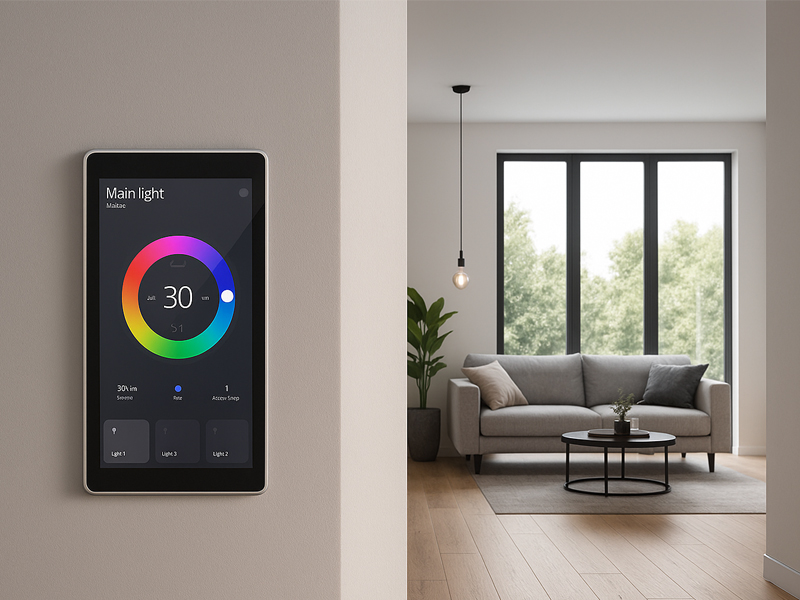
Solution A: Dedicated Android Control Screen (Recommended)
Industrial-grade products specifically designed for wall installation, usually preloaded with Tuya or other smart home frameworks.
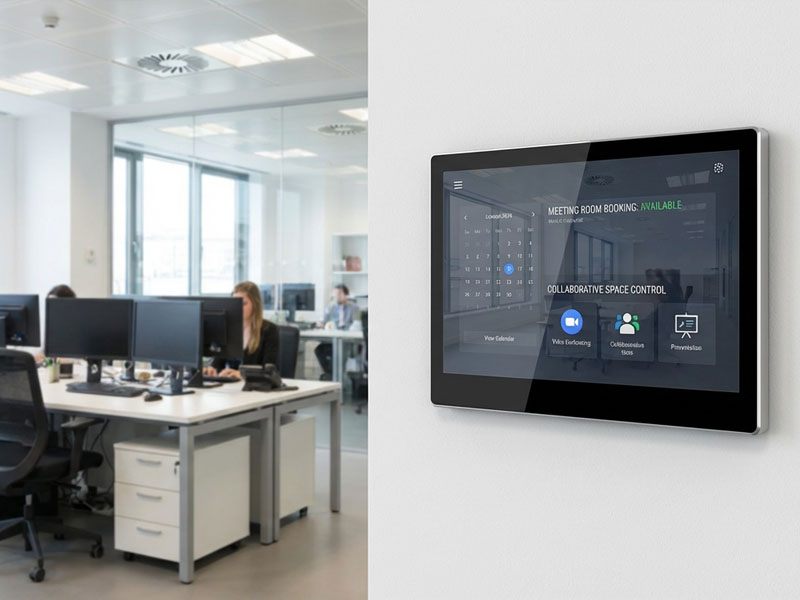
smart home control panel1
| Parameter | Entry Level | Standard Level |
|---|---|---|
| Screen Size | 7-10 Inches | 10-11 Inches |
| Resolution | 1280×800 | 1920×1080 / 1536×2048 |
| Processor | RK3568 / RK3566 | RK3566 or above |
| Memory | 2GB+16GB | 4GB+32GB |
| Price Range | $50-120 | $150-250 |
Recommended Models:
- Portworld 10.1-inch: Android 11/13, RK3568, PoE/RS485 support, starting at ~$122
- Golden Security T2E: 1080P IPS screen, built-in Zigbee gateway, local control support, around ~$190
- TYSH 10.1-inch: Aluminum body, Android 11, 485 interface, around ~$190-200
Solution B: Consumer Tablet Transformation (Ultra-Low Cost)
Embedding a standard Android tablet into the wall using a bracket and charging module for continuous power supply.
- Low Cost: Used or entry-level tablets cost only $50-$100.
- Cautions:
- Battery Risk: Prolonged charging may cause battery swelling. Control charging strategy (20%-80% cycle).
- Heat Dissipation: Ensure proper ventilation behind the tablet.
- Software: Use Fully Kiosk or Ava for kiosk mode.
Solution C: Generic Panel + Central Hub (Most Flexible)
Install only the display screen on the wall, with the actual logic processed by a central hub like Home Assistant.
- Advantages: Strong cross-protocol integration (KNX + Zigbee unified interface)
- Representative Software: Ava (free, supports BLE proxy/floating windows), Fully Kiosk (requires a paid subscription)
smart home control panel
3. Key Technical Details to Confirm Before Procurement
- Can Third-Party APKs Be Installed?
Many low-cost control screens are closed systems that only allow pre-installed apps, making it impossible to install Home Assistant or other custom applications. Always confirm this before procurement. - What Communication Interfaces Are Available?
- Must-Have: Ethernet (RJ45) + Wi-Fi
- Bonus: RS485/Modbus (for building automation), Zigbee (direct sensor connection), PoE (one cable for power and data)
- Power Solutions
- AC 110-240V Plug-in: Suitable for boxes with a neutral wire.
- DC 12-24V + PoE: Safer, recommended for new projects.
- Does it Support Local Execution (Offline Usability)?
Cloud-dependent panels will be completely unusable in case of a network failure. Choose products that support LAN direct connections or local scene execution.
4. Deployment Suggestions for Large Projects
4.1 Point Placement
For apartment projects, the control panels should be placed at:
- Entrance (Total control for leaving/returning home)
- Living Room Corridor (Most frequent daily operations)
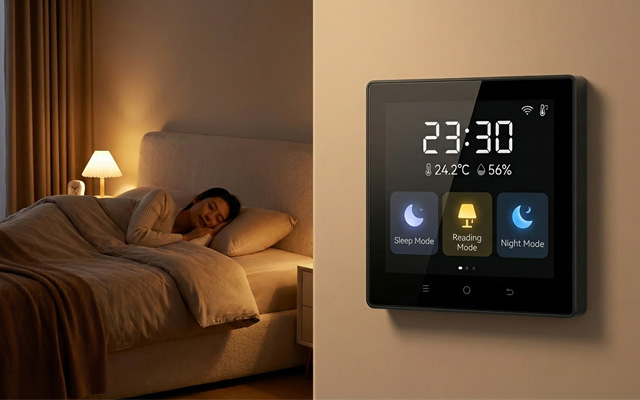
- Master Bedroom Headboard (For control before sleep)
Each unit should have 1-2 panels; there’s no need to install one in every room.
4.2 Power and Network
Recommended Solution: Cat6 Ethernet Cable + PoE Power Supply
- Use a PoE switch in the low-voltage cabinet to supply power to panels.
- Ensure stable network access for the panels, without occupying Wi-Fi bandwidth.
- Centralized UPS ensures uninterrupted power even during network failures.
4.3 Software Configuration Highlights
- Kiosk Mode: Lock to a single app to prevent users from exiting accidentally.
- Auto Brightness: Use proximity or human sensors to wake up the panel.
- Night Mode: Reduce brightness at set times to avoid light pollution.
- Remote Management: Push configurations in bulk, monitor online status.
4.4 Maintenance & After-Sales
- Choose brands that support OTA (Over-the-Air) remote upgrades.
- Stock 5%-10% spare parts for replacements.
- Ensure that vendors provide SDK or API support for secondary development and integration.
Portworld offers a range of affordable Android-based smart home control panels that combine high-quality performance, flexibility, and integration options for both residential and commercial applications. Here are some of their most notable products:
smart touch control panel8
1. YC-SM41P 4-inch Smart Control Panel
- Display: 4-inch capacitive touchscreen with a 480×480 resolution.
- Processor: Powered by PX30 quad-core ARM Cortex-A35 processor.
- Connectivity: Supports Ethernet (RJ-45), Wi-Fi (2.4GHz), Bluetooth 5.0, and PoE (Power over Ethernet).
- OS: Runs Android 11/13, offering smooth performance and compatibility with a wide range of smart home devices.
- Key Features: Compact design, custom branding options, intuitive user interface, and integration with smart home ecosystems like Zigbee and Wi-Fi.
- Applications: Ideal for controlling lights, security systems, thermostats, and other smart devices in homes, hotels, and offices.
2. YC-P5 5-inch Smart Control Panel
- Display: 5-inch capacitive touchscreen with a 800×480 resolution.
- Processor: RK3566 Quad-Core ARM Cortex-A55 processor for enhanced performance.
- Connectivity: Offers Wi-Fi (2.4GHz/5GHz), Bluetooth 5.0, Ethernet (RJ-45), and PoE support.
- OS: Android 11/13.
- Key Features: Sleek design with metal casing, customizable branding options, high brightness for visibility in various lighting conditions, and easy installation for smart home control.
- Applications: Suitable for residential and small office automation, as well as digital signage and smart building systems.
3. YC-SM10P 10-inch Smart Control Panel
- Display: 10-inch capacitive touchscreen with a 1280×800 resolution.
- Processor: RK3566 chipset, providing robust performance for larger screens and more complex tasks.
- Connectivity: Includes Wi-Fi (2.4GHz/5GHz), Bluetooth, Ethernet (RJ-45), and PoE.
- OS: Android 11/13, compatible with popular smart home platforms.
- Key Features: Larger, high-resolution screen for easier control of devices, ideal for use in smart homes, offices, and commercial environments. Also offers custom logo printing and mounting options.
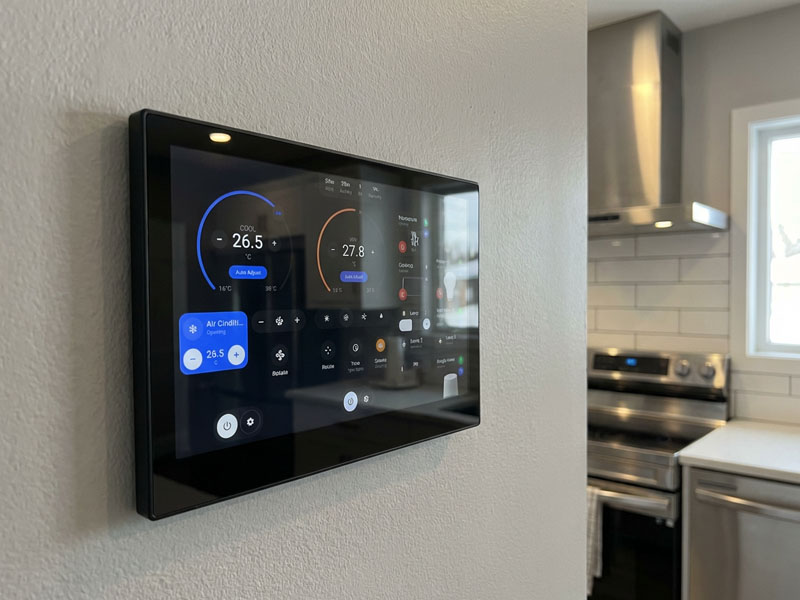
- Applications: Smart home hubs, control panels for HVAC systems, security monitoring, and building management systems.
4. YC-SM08P 8-inch Smart Control Panel
- Display: 8-inch capacitive touchscreen with a 1024×768 resolution.
- Processor: RK3566 Quad-Core processor.
- Connectivity: Wi-Fi (2.4GHz/5GHz), Bluetooth, and Ethernet (RJ-45).
- OS: Android 11/13.
- Key Features: Touchscreen with high brightness, customizable appearance, and compatibility with a variety of smart home devices via apps and voice assistants (Google Assistant, Alexa).
- Applications: Perfect for controlling lighting, blinds, HVAC systems, and other smart home functions.
smart home control panel
5. YC-SM08P- 8-inch Waterproof Smart Control Panel
- Display: 8-inch capacitive touchscreen, designed for high brightness and visibility.
- Processor: Powered by RK3566 chipset, perfect for real-time control applications.
- Connectivity: Features Wi-Fi, Ethernet, and Bluetooth.
- OS: Android 11.
- Key Features: Waterproof and dustproof design (IP65 rated), making it ideal for outdoor or high-moisture environments like kitchens, bathrooms, or industrial settings.
- Applications: Ideal for use in homes with smart kitchens, bathrooms, or commercial spaces where exposure to moisture is common.
6. YC-1011 10.1-inch Smart Control Panel
- Display: 10.1-inch capacitive touchscreen with 1280×800 resolution.
- Processor: RK3368 Octa-Core processor, ensuring smooth performance for more demanding tasks.
- Connectivity: Supports Ethernet, Wi-Fi, Bluetooth, and PoE.
- OS: Android 11.
- Key Features: Large screen, highly responsive touchscreen, custom branding options for businesses, and support for a wide range of smart devices.
- Applications: A great option for larger smart home systems, ideal for controlling everything from lighting and security to heating and cooling systems.