
Embedded Touch Screen Panel vs. Touch Monitor: Which Do You Need?
When choosing a touchscreen for an industrial machine, control cabinet, or commercial system, buyers often consider embedded touch screen panels and touch monitors. While both support touchscreen interaction, they serve different functions within a system.
An embedded touch screen panel may integrate a display, touch controller, processor, memory, and operating system. A touch monitor, in contrast, primarily provides a display and touch interface, connecting to an external computer or controller.
Knowing how these options differ can help you select the solution best suited to your application.
1. What Is an Embedded Touch Screen Panel?
An embedded touch screen panel is built for integration into a larger machine or equipment system. Depending on the model, it may combine a touchscreen display with an embedded motherboard, processor, memory, and operating system.
Some models operate independently on Android or Linux, while others use an industrial PC platform to run Windows applications.
Common applications include:
- Industrial HMI systems
- Production line monitoring
- Building automation
- EV charging interfaces
- Self-service terminals
- Industrial IoT equipment
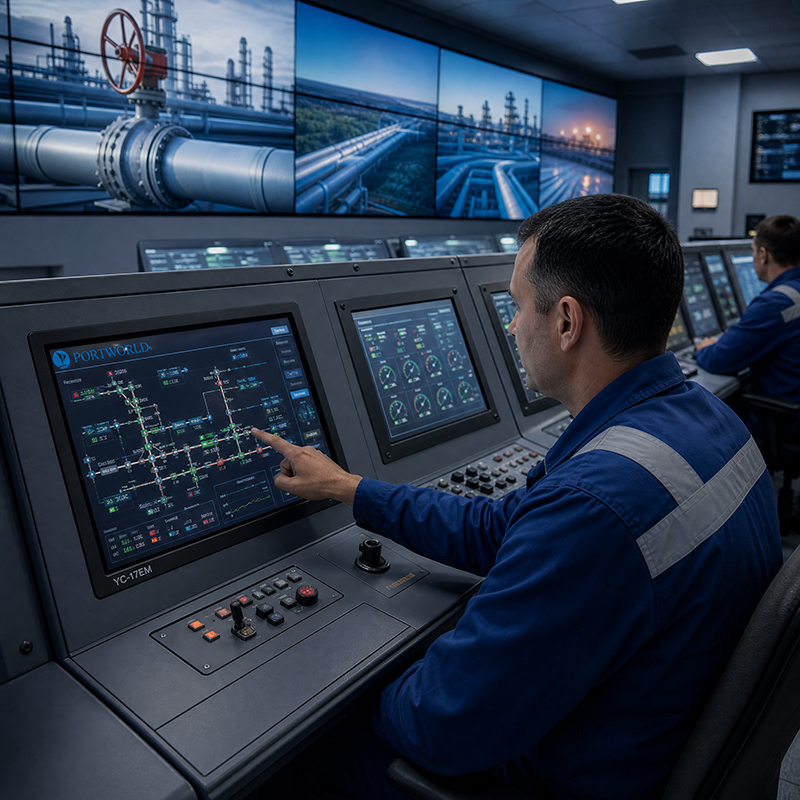
For instance, Portworld’s YC-104EM and YC-215EM are industrial touchscreen Panel PCs designed to provide integrated computing and touch interaction. Each combines a display, touch functionality, and computing hardware in a single device.
2. What Is a Touch Monitor?
A touch monitor functions primarily as an input and display device. It delivers visual output and touchscreen interaction, while typically depending on an external computer, embedded board, or controller to handle processing.
Common interfaces include HDMI or DisplayPort for video and USB for touch input, though the available connections vary by model.
Touch monitors are frequently chosen when the computing platform is already in place or must be kept separate from the display.
Typical applications include:
- Industrial equipment with an existing controller
- Raspberry Pi-based projects
- External PC workstations
- Digital control interfaces
- Testing and development systems
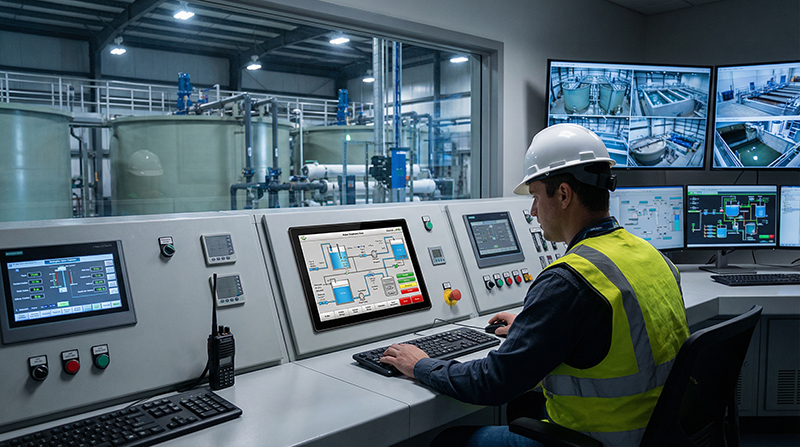
For example, Portworld’s YC-102EBT is a 10.1-inch touchscreen monitor featuring a 1280 × 800 resolution and 10-point capacitive touch. It offers HDMI and USB connectivity and is compatible with supported Windows, Linux, Raspberry Pi, and Android systems.
industrial touch screen monitor
3. Key Differences Between Embedded Touch Screen Panels and Touch Monitors
| Comparison | Embedded Touch Screen Panel | Touch Monitor |
|---|---|---|
| Main function | Display and computing | Display and touch input |
| Processor | Usually built in | Usually external |
| Operating system | May run Android, Linux, or Windows | Depends on connected device |
| Installation | Integrated into equipment | Connected to an external host |
| System design | More integrated | More flexible and modular |
| Maintenance | May require servicing the integrated unit | Display and computer can be replaced separately |
| Best for | Standalone or integrated applications | Systems with an existing computer |
The key distinction is whether the display must handle computing tasks on its own.
4. When Should You Choose an Embedded Touch Screen Panel?
An embedded touch screen panel is a suitable option when you need a compact, integrated system with fewer separate components.
Choose this option if:
You need a standalone interface. The panel can run its own application without relying on a separate desktop computer.
Space is limited. Integrating the display and computing hardware can make equipment installation simpler.
You need a customized operating system. Android or Linux customization, startup applications, interface branding, and hardware integration can be included in an OEM/ODM project.
You need industrial integration. Depending on the model, interfaces such as RS232, RS485, Ethernet, USB, and GPIO can facilitate communication with external equipment.
For example, the Portworld YC-104EM is a 10.4-inch industrial Panel PC featuring an aluminum housing, 10-point capacitive touch, and an IP65-rated front panel. It is suitable for industrial control and equipment interfaces that require an integrated computing platform.
5. When Should You Choose a Touch Monitor?
A touch monitor is generally the better option when your system already includes a computer or embedded controller.
Choose a touch monitor when:
You already have a computing platform. You can use your existing system without purchasing an additional processor or operating system.
You want flexible hardware upgrades. The external computer can be upgraded separately from the display.
You are developing a prototype. You can connect a touchscreen monitor to development boards and PCs for testing.
You need a separate display installation. The computing unit can be placed inside a cabinet while the monitor is mounted on a machine or control panel.
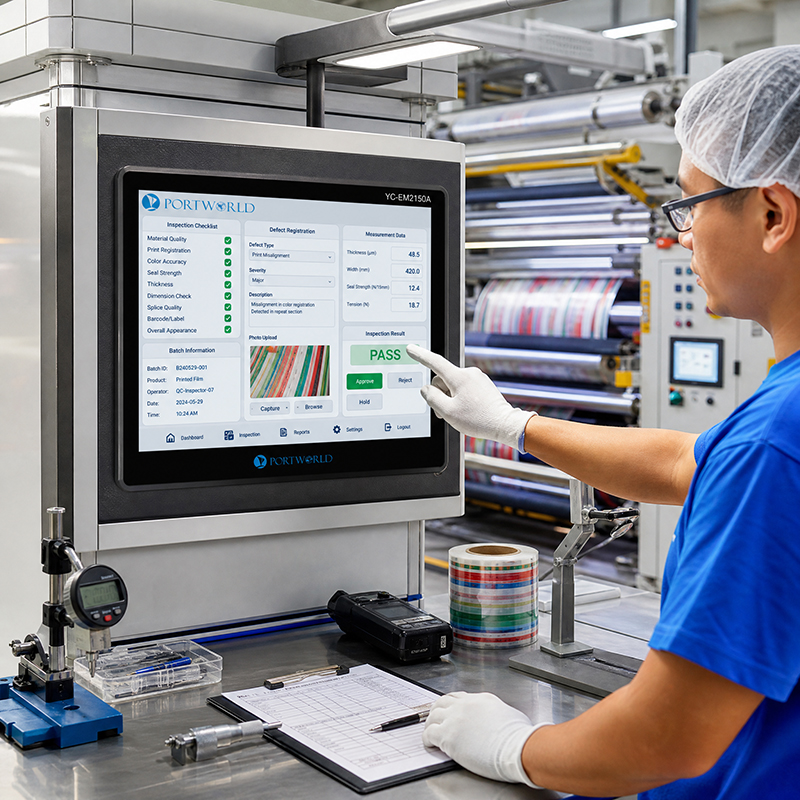
Portworld’s YC-102EBT is one example. Its HDMI and USB connections enable it to function as a touchscreen interface with a compatible external computing device.
Industrial Embedded Touch Monitor
6. What to Consider Before Purchasing
Before choosing either type, assess the following factors:
- Computing requirements: Will the display need to run applications, or will an external controller perform the processing?
- Operating system: Do you require compatibility with Android, Linux, Ubuntu, Debian, or Windows?
- Interfaces: Confirm that the necessary HDMI, USB, Ethernet, RS232, RS485, and GPIO connections are available.
- Installation: Account for panel or VESA mounting, cabinet space, and cable routing.
- Environment: Assess the required operating temperature range and protection against dust, moisture, vibration, and other conditions affecting the front panel.
- Customization: Determine whether you need a custom screen size, motherboard, enclosure, interface layout, or software image.
For industrial applications, verify the specifications of the complete system instead of relying solely on the touchscreen’s display specifications.
7. Portworld Embedded Touchscreen Solutions
Portworld offers industrial touch monitors and embedded touchscreen Panel PCs to meet a range of equipment and integration needs.
Its product lineup includes:
- YC-102EBT: A 10.1-inch HDMI/USB touchscreen monitor designed for use with external computing platforms.
- YC-104EM: A 10.4-inch industrial touchscreen Panel PC featuring integrated computing hardware.
- YC-215EM: A 21.5-inch industrial all-in-one touchscreen PC designed for larger control interfaces.
- YC-15EBT / YC-185EBT / YC-215EBT: Industrial touch monitor models available in various screen sizes.
Portworld also provides OEM/ODM services, including motherboard design, PCBA customization, operating system configuration, interface adjustments, enclosure design, and software integration.
Industrial Panel PCs
These services enable equipment manufacturers to develop touchscreen solutions tailored to their mechanical designs, computing needs, and operating environments.
Choosing between an embedded touch screen panel and a touch monitor largely depends on your system architecture.
If you require a standalone touchscreen with built-in computing hardware, an embedded Panel PC is typically the better choice. If you already have a computer or controller and need only a touch-enabled display, a touch monitor is generally more practical.
Before deciding, establish your computing requirements, interfaces, installation conditions, and customization needs. Selecting the appropriate architecture early can streamline integration and help avoid unnecessary hardware costs.

