PoE vs. Wi-Fi Smart Home Control Panels: Understanding Power and Connectivity
When selecting a smart home control panel, power and network connectivity are key considerations that affect installation, performance, and ongoing maintenance. Some panels connect to the network over Wi-Fi and rely on a separate power adapter. Others support Power over Ethernet (PoE), which carries power and data over a single Ethernet cable.
Homeowners, system integrators, and smart home manufacturers can make more informed project decisions by understanding how PoE and Wi-Fi differ.
PoE and Wi-Fi, however, are not necessarily competing technologies. PoE specifies how a device receives power, whereas Wi-Fi provides a wireless network connection. A smart control panel may use Wi-Fi for communication with a separate power supply, or PoE for both power and wired networking. Some products offer several connection options.
This article describes how PoE and Wi-Fi work, compares their practical benefits, and considers how to choose the right connectivity solution for smart home control panels.
1. What Is a PoE Smart Home Control Panel?
Power over Ethernet (PoE) is a technology that transmits electrical power and network data over a single Ethernet cable. Rather than needing a separate power adapter and network cable, a compatible smart control panel can receive both through its Ethernet connection.
A standard PoE setup has three components:
- PoE switch or injector: Provides power and Ethernet data to the connected device.
- Ethernet cable: Transmits both power and network communications.
- PoE-compatible control panel: Receives power and connects to the local network through its Ethernet port.
- This configuration makes installation easier, especially for wall-mounted control panels that require a permanent location.
- Main Advantages of PoE
- One cable for power and data
PoE eliminates the need for separate power and network cables. This can simplify wiring and deliver a neater installation, particularly when a control panel is wall-mounted or used in a commercial building.
Stable wired network connection
Ethernet delivers a direct network connection that does not rely on wireless signal strength. This can be beneficial in buildings with thick walls or multiple floors, and in locations where Wi-Fi coverage is unreliable.
Centralized power management
With a compatible PoE switch, several control panels can receive power from a central network location. This allows integrators to manage network connections and power distribution more efficiently.
Ideal for fixed installations
PoE is especially useful for smart home control panels that stay in a fixed position, including those in entryways, living rooms, meeting rooms, and building automation control areas.
However, PoE depends on compatible network equipment and cabling. The switch or injector must support the required IEEE 802.3 power standard, and the control panel must be designed to accept the corresponding PoE input.
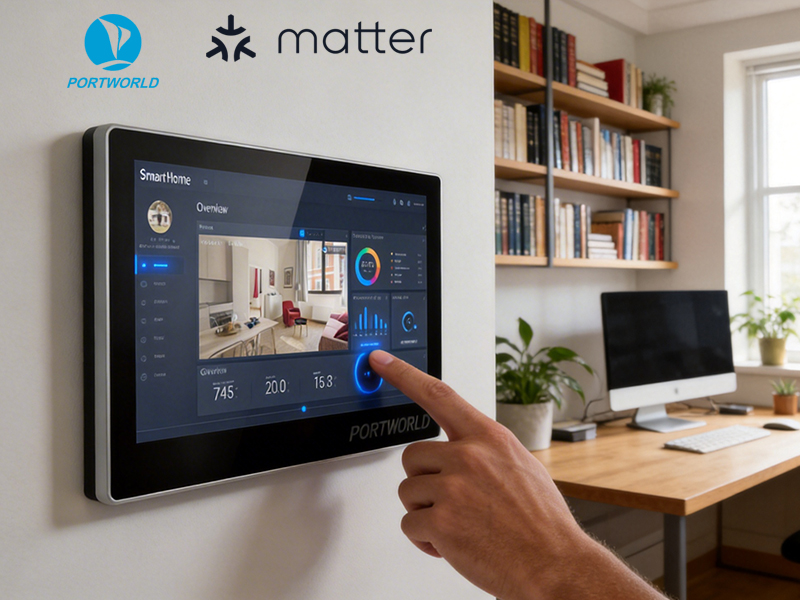
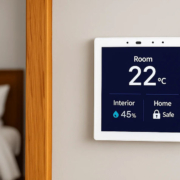
smart home control panel
2. What Is a Wi-Fi Smart Home Control Panel?
Wi-Fi is a wireless networking technology that enables a smart control panel to connect to a local network and compatible smart home systems without a physical Ethernet cable.
A Wi-Fi control panel generally connects to a wireless router or access point. It may be powered by a DC adapter, USB connection, or another supported power source.
Wi-Fi is commonly used in smart home applications because it allows flexible placement and minimizes the need for network cabling.
Main Advantages of Wi-Fi
Flexible installation
Because a Wi-Fi control panel requires no Ethernet cable for network access, it is easier to install in existing homes where adding network cables may be challenging.
Simpler network deployment
In smaller smart home projects, connecting a panel to an existing Wi-Fi network can be more convenient than setting up additional Ethernet infrastructure.
Suitable for wireless smart home environments
Depending on the software architecture, Wi-Fi can link a control panel with cloud services, local servers, mobile applications, and compatible smart home devices.
Reduced cabling requirements
Wi-Fi eliminates the need for a physical network cable, but the panel still requires an appropriate power source unless it is designed to run on batteries.
A key consideration is that Wi-Fi performance is affected by signal strength, interference, router capacity, and network configuration. A control panel located far from the router or behind thick walls may have an unstable connection.
3. PoE vs. Wi-Fi: What Are the Key Differences?
PoE and Wi-Fi serve distinct technical functions. Comparing them therefore requires examining both power delivery and network communication.
| Comparison | PoE | Wi-Fi |
|---|---|---|
| Power supply | Ethernet cable through compatible PoE equipment | Separate DC adapter or another supported power source |
| Network connection | Wired Ethernet | Wireless network |
| Installation | Requires Ethernet cabling | Requires Wi-Fi coverage |
| Network stability | Generally consistent wired connection | Depends on signal strength and interference |
| Power management | Can be centralized through a PoE switch | Usually managed through individual power supplies |
| Cable requirements | One Ethernet cable for power and data | Power cable still required |
| Best suited for | Fixed, professionally installed panels | Flexible installation and retrofit projects |
PoE’s main distinction is its ability to deliver power and wired network connectivity through the same cable. Wi-Fi provides wireless network access but typically does not power the panel.
Therefore, a useful comparison for a smart control panel is often between a PoE-powered Ethernet panel and a Wi-Fi-connected panel that uses a separate power source.
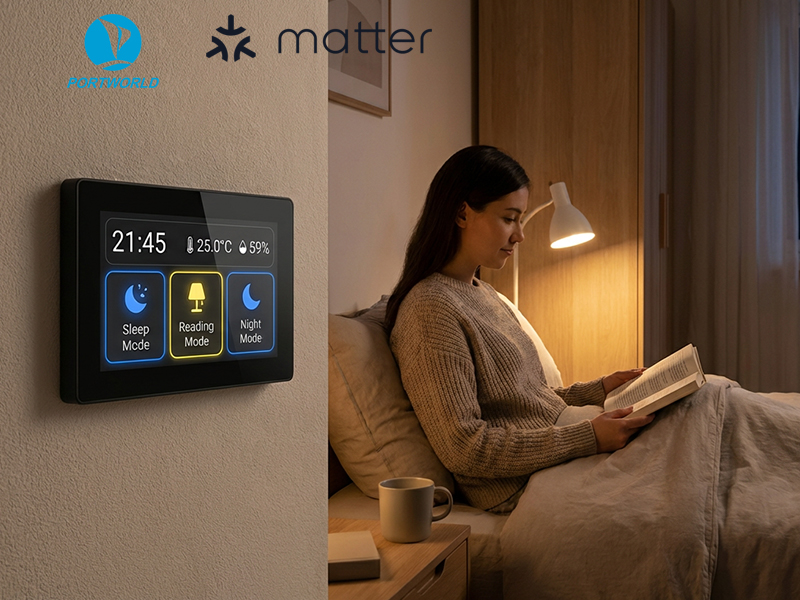
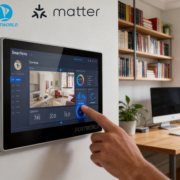
smart home control panel
4. Which Is Better for Different Smart Home Applications?
The right option depends on the building’s layout, installation requirements, and the system’s intended functions.
PoE for New Smart Home Projects
PoE is well suited to new residential developments and smart building projects where Ethernet wiring can be incorporated during construction.
For instance, a smart home might have control panels at the entrance, in the living room and main bedroom, and in other locations. Running Ethernet cables to these points enables installers to connect every panel to a central PoE switch.
This arrangement can streamline power distribution while providing wired network connections for stationary control points.
PoE is also beneficial in commercial settings, including hotels, offices, and apartment buildings, where numerous control panels require reliable network access.
Wi-Fi for Existing Homes and Retrofit Projects
Wi-Fi is often a more convenient option when installing a smart control panel in an existing home.
When Ethernet cables are not available at the intended installation points, a Wi-Fi panel can simplify the work by connecting to the existing wireless network without the need for additional network cabling.
This makes Wi-Fi a practical choice for renovations, smaller installations, and settings where flexible panel placement is important.
However, installers should verify wireless coverage at the actual installation site rather than relying solely on the router’s stated range.
Hybrid Connectivity for Flexible Projects
Some smart control panels support both Ethernet and Wi-Fi, offering greater installation flexibility.
For instance, a panel may use PoE and Ethernet as its primary connection while also supporting Wi-Fi for alternative network setups, depending on its hardware and firmware.
This capability can benefit OEM products intended for varied markets or installation conditions.
Manufacturers should verify whether the chosen hardware allows both connection types to operate simultaneously or only in alternative modes, since support varies by product configuration.
5. What Should You Consider When Selecting a PoE Smart Control Panel?
PoE can make smart control panel installation simpler, but you should review several technical factors before choosing a device.
PoE standard and power budget
Verify whether the control panel supports IEEE 802.3af, IEEE 802.3at, or another specified power input. The PoE switch must support a compatible standard and supply sufficient total power for every connected device.
Do not presume that all Ethernet ports provide PoE. A standard Ethernet connection does not supply electrical power by default.
Ethernet interface
Review the supported Ethernet speed, connector type, and network configuration. A 10/100 Mbps interface is adequate for many control panel applications, while some projects may require Gigabit Ethernet.
Power consumption
Power requirements vary according to the processor, display size and brightness, wireless features, and connected peripherals. A larger touchscreen may require a different power budget than a compact panel.
Installation environment
Assess the distance from the control panel to the network switch, cable routing, wall construction, and access to network equipment. These considerations affect installation cost and convenience.
Operating system and software
PoE defines how power and a wired network connection are delivered; it does not determine whether the control panel uses Android or Linux.
Depending on its hardware platform and software configuration, a PoE control panel can run either an Android- or Linux-based system.
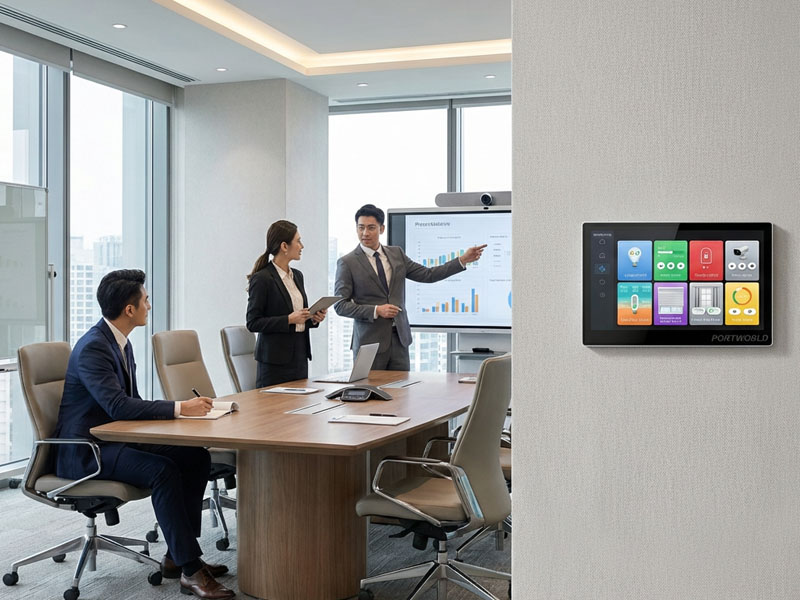
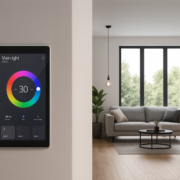
smart control panel
6. Portworld PoE Smart Home Control Panel Solutions
Portworld offers smart home control panels in a range of display sizes, processor platforms, operating systems, and connectivity configurations. Its lineup includes PoE-enabled touchscreen panels designed for smart control in residential and commercial settings.
Several models provide a foundation for PoE-based projects.
YC-SM41P: Compact 4-Inch PoE Smart Control Panel
The YC-SM41P is a compact smart home control panel powered by the Rockchip RK3566 platform.
Its key specifications include:
- 4-inch touchscreen
- 480 × 480 display resolution
- RK3566 processor
- 2GB RAM + 32GB storage configuration
- Android 11 or Debian 11, depending on the selected version
- PoE and RS485 connectivity
With its compact design, the panel is well suited to room-level smart home control, lighting interfaces, and building automation applications.
YC-SM41P-KNX: Smart Home Panel with KNX Integration
For projects based on KNX building automation, the YC-SM41P-KNX offers an additional hardware option.
Built on the RK3566 platform, it supports Android or Linux, depending on the version selected. Its configuration may include KNX and Zigbee gateway functionality, as well as PoE connectivity.
This panel is suited to projects requiring a touchscreen interface integrated with building automation.
Confirm the exact protocol interfaces and gateway capabilities against the required hardware and software configuration.
YC-SM10P: 10-Inch PoE Touchscreen Panel
For projects needing a larger display, the YC-SM10P offers a 10-inch touchscreen.
- Key specifications include:
- 10-inch touchscreen
- 1280 × 800 resolution
- RK3566 processor
- Android 11
- 500-nit display brightness
- 10-point capacitive touch
- 2GB RAM + 32GB storage
- PoE connectivity
The larger display offers additional space for smart home dashboards, lighting controls, HVAC interfaces, and room-level monitoring.
These Portworld models illustrate how PoE can be incorporated into smart control panels designed for different screen sizes and application needs.
7. Can PoE and Wi-Fi Be Integrated into an OEM Smart Control Panel?
Connectivity needs often differ from one project to another for manufacturers developing smart home control panels.
Some customers favor PoE for centralized power delivery and wired networking, while others require Wi-Fi to support more flexible installation. Other projects may need Ethernet, Wi-Fi, RS485, or additional interfaces on a single product platform.
Portworld offers OEM/ODM customization for smart home control panels, including:
- PoE and Ethernet interface configuration
- Wi-Fi and Bluetooth connectivity options
- Display size and resolution customization
- Android, Debian, and other supported software configurations
- Customized boot logos and UI/UX branding
- RS485 and smart home protocol integration
- PCB, PCBA, and motherboard customization
- SDK, documentation, and firmware development
- Product enclosure, logo, and packaging customization
Drawing on more than 18 years of experience in touchscreen and embedded hardware development, Portworld assists customers throughout the process, from hardware selection and prototype development to customized production.
For OEM projects, it is important to define the power supply and communication architecture at an early stage. This helps ensure that the motherboard, enclosure, network interfaces, and software selected are compatible with the intended installation environment.