What Can Be Customized in an OEM Smart Home Control Panel
Smart home control panels are increasingly central to modern residential and building automation systems. They offer a unified interface for managing lighting, curtains, air conditioning, security, entertainment, and other connected devices. For smart home brands, system integrators, and distributors, creating a control panel under their own brand provides an opportunity to differentiate their product and deliver a consistent user experience.
An OEM smart home control panel requires far more than adding a company logo to an existing device. Depending on the project, customization may include the display, processor, communication interfaces, PCB design, enclosure, operating system, user interface, firmware, and packaging.
The scope of customization also influences development costs, lead times, minimum order quantities, and production complexity. Some projects require only branding and software configuration, while others call for hardware redesign or an entirely new product structure.
Understanding these options enables businesses to define suitable OEM requirements before engaging a manufacturer.
1. Display Size, Resolution, and Touchscreen Customization
The display is the most prominent component of a smart home control panel. Its size, visual design, and touch responsiveness affect both installation and the way users operate the smart home system.
OEM customers can choose from or customize several display features.
Screen size
Smart home control panels come in a range of sizes to suit different installation settings.
4-inch panels: Ideal for compact room controls, lighting, and essential smart home functions.
5–7-inch panels: Well suited to room-level control, scene selection, and environmental information.
10-inch panels: Offer additional space for dashboards, device management, and control across multiple rooms.
Larger displays: Appropriate for centralized home automation, villa control, and commercial building applications.
The optimal size depends on the panel’s intended purpose, installation location, user interface, and the wall space available.
For instance, a compact panel near a bedroom entrance may only need to manage lighting, curtains, and temperature. A larger central control panel may need to show several rooms, security information, and environmental data at the same time.
Resolution and display quality
Choose the resolution based on the screen size and interface design. A straightforward control interface may not need very high resolution, whereas a panel featuring detailed dashboards, graphics, or video may benefit from a higher-resolution display.
Other display features available for customization include:
- LCD or IPS panel type
- Screen brightness
- Viewing angle
- Color performance
- Portrait or landscape orientation
- Cover glass and surface finish
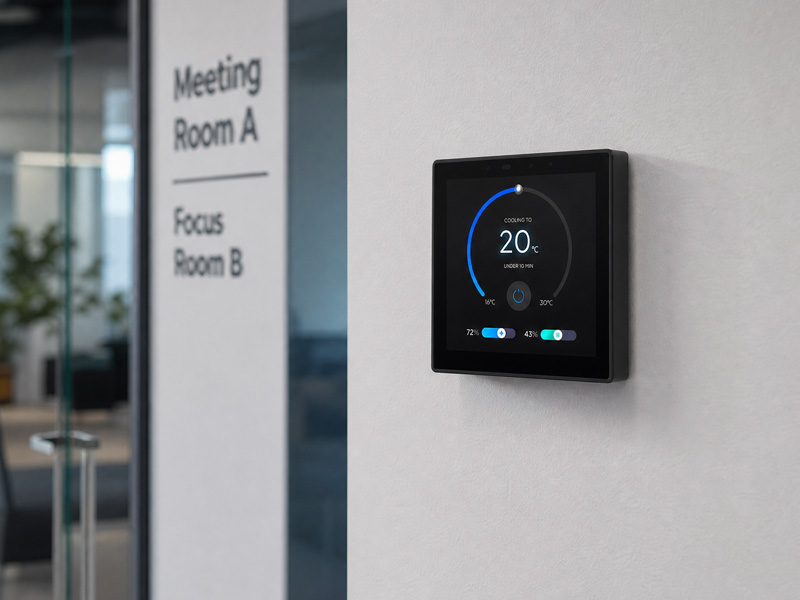
For indoor, wall-mounted panels, set the brightness to suit the room’s lighting. A screen that is too bright may be uncomfortable in bedrooms and other dimly lit spaces.
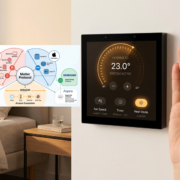
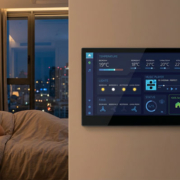
smart home control panel
Touchscreen configuration
Most modern smart home control panels feature capacitive touchscreens. For OEM projects, consider touch dimensions, sensitivity, cover glass thickness, and front-panel design.
Test the touchscreen with the intended user interface. Buttons, sliders, temperature controls, and scene-selection elements should remain responsive and easy to use.
2. Processor, Memory, and Mainboard Customization
The mainboard determines how a smart home control panel handles information, runs applications, communicates with connected devices, and accommodates future software updates.
Projects have different computing requirements.
A basic room controller may operate effectively with a relatively simple embedded platform. A larger panel that runs a customized Android interface, several applications, voice interaction, or complex dashboards may need a more powerful processor and additional memory.
OEM hardware customization may include:
- Processor selection: Select a suitable chipset based on the operating system, application workload, display resolution, and anticipated product lifecycle.
- RAM and storage: Set memory and storage capacities to support the operating system, applications, user data, and future software updates.
- Mainboard design: Adjust the PCB layout, component placement, connectors, and circuit architecture to satisfy project requirements.
- Expansion capabilities: Add or modify GPIO, UART, USB, audio, sensor, or other interfaces, where the hardware architecture allows.
- Power design: Tailor the power input and circuit design to the installation environment.
For example, Portworld provides smart home control panel platforms built on different hardware architectures, including Rockchip-based Android panels and ESP32-S3 solutions.
The YC-SM41P, YC-SM41P-KNX, and YC-SM55P are examples of embedded smart home panel platforms. The YC-SM43P, by contrast, is based on an ESP32-S3 architecture and supports LVGL. These platforms address different application and software needs.
The goal is to choose hardware that suits the intended function, rather than automatically opting for the highest processor specification.
3. Communication Protocols and Connectivity
Communication compatibility is a key consideration when developing a smart home control panel.
The panel may need to communicate with lighting controllers, HVAC systems, curtain motors, sensors, gateways, and other smart devices. If the communication architecture is not established early, the hardware may be unable to support the intended ecosystem.
OEM customization can accommodate both wired and wireless communication options.
Wired communication
Common wired interfaces include:
- RS485: Commonly used for building automation and industrial communications.
- KNX: Used in building automation systems to manage lighting, HVAC, shading, and other functions.
- Ethernet: Provides wired network access and enables communication with local servers or gateways.
- Relay and GPIO: Support specific control signals, inputs, and outputs, depending on the product design.
- UART: Enables communication with external modules and embedded devices.
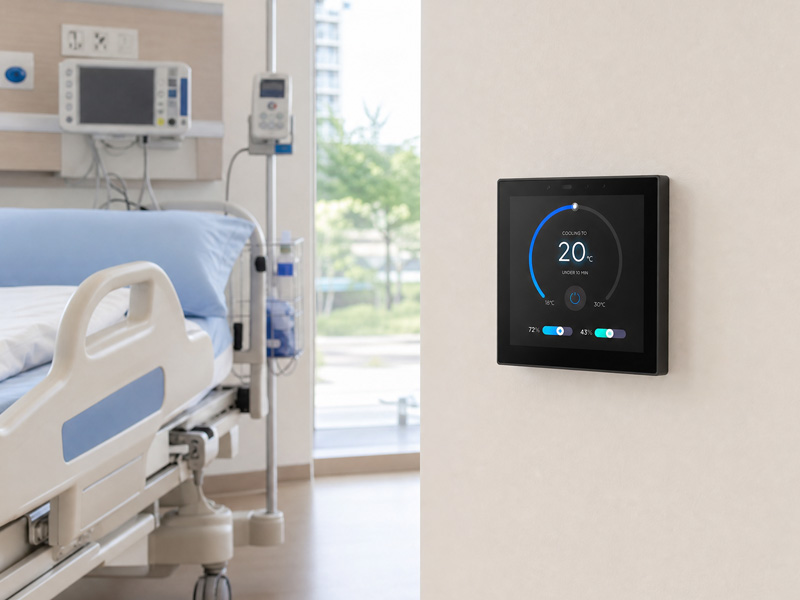
The interfaces required depend on the system architecture. For instance, a project connecting a control panel to an RS485-based HVAC controller may need an appropriate RS485 interface and the corresponding software implementation.
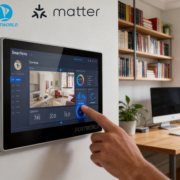
smart home control panel-1
Wireless communication
Available wireless options depend on the chosen hardware platform and project requirements. They may include:
- Wi-Fi
- Bluetooth
- Zigbee
- Matter-related connectivity
- Other wireless modules specific to the project
Each technology serves a distinct purpose. Wi-Fi can connect the panel to a local network, Bluetooth can enable pairing or communication with nearby devices, and Zigbee can connect to compatible smart home products.
Matter support requires careful assessment. A wireless connection alone does not make a panel a Matter controller or ensure compatibility with all Matter devices. Confirm the required protocol role, software stack, certification, and integration with the relevant ecosystem.
Protocol integration involves more than hardware
A communication module or physical interface alone does not ensure that a panel can control a third-party device.
Successful integration may also require:
- Protocol stack development
- Device drivers
- Gateway setup
- Command mapping
- Data parsing
- Software APIs
- Compatibility testing
OEM buyers should therefore give the manufacturer’s engineering team a clear list of the target devices, required protocols, and expected control functions.
4. User Interface and Software Customization
The user interface offers one of the most effective ways for a smart home brand to set its products apart.
Even when two control panels use similar hardware, their software design can create markedly different user experiences.
For OEM customers, customization can extend across the complete visual and interactive experience.
Home screen and dashboard design
The home screen can be tailored to the customer’s product positioning and intended users.
Customization options may include:
- Home screen layout
- Background images and colors
- Icons and visual elements
- Room navigation
- Device status display
- Temperature and humidity information
- Lighting and curtain controls
- Scene shortcuts
- Security and energy dashboards
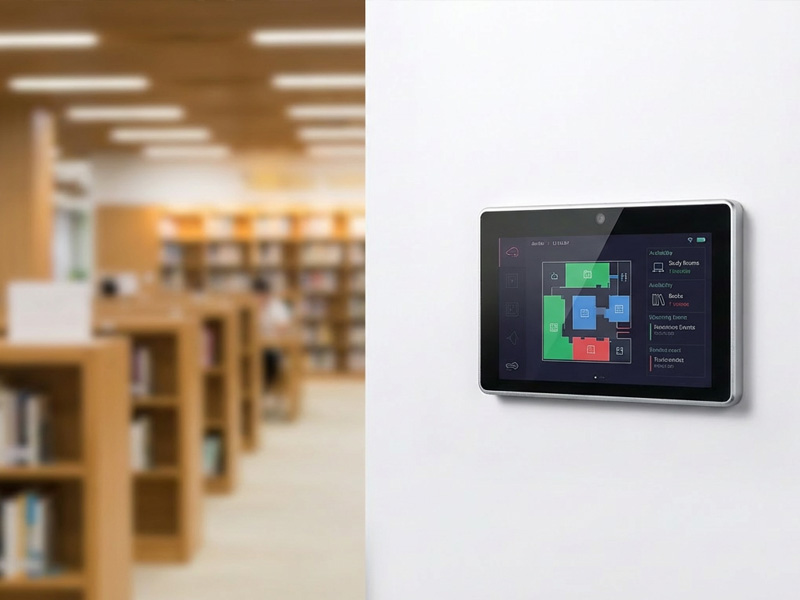
For instance, a residential smart home brand might favor a straightforward interface organized around room-based controls. A luxury villa project, by contrast, may call for a more visual dashboard featuring multiple zones, lighting scenes, and environmental information.
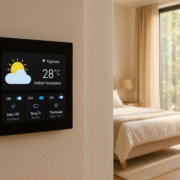
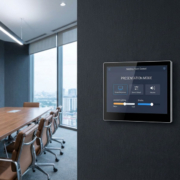
smart home control panel
Device control pages
Individual device pages can be tailored to match the connected hardware.
Typical examples include:
- Lighting brightness and color controls
- Curtain opening and closing controls
- Air conditioning temperature settings
- Floor heating controls
- Security system status
- Music and entertainment controls
- Smart sensor information
Available functions depend on the connected devices and software integration.
Scene and automation interfaces
Smart home scenes let users trigger several predefined actions with a single operation.
For example, a “Good Night” scene may switch off selected lights, close the curtains, and adjust the air conditioning. A “Leaving Home” scene may enable security settings and turn off designated electrical devices.
OEM customers can tailor scene names, icons, layouts, and control logic to suit their smart home ecosystem.
Multilingual interface
For international brands and distributors, language localization is another key customization option.
Depending on the target market, a panel may need to support English, German, French, Spanish, Japanese, or other languages.
Localization involves more than translating labels. It should also account for text length, font rendering, date formats, temperature units, and regional interface conventions.
5. Operating System, Firmware, and Application Customization
The operating system and firmware govern how the control panel boots, runs applications, manages connected devices, and communicates with other systems.
OEM projects may use an existing software platform or require more extensive customization.
Android Customization
For Android-based smart home control panels, customization options may include:
- Custom boot logos and animations
- A customized launcher
- Preinstalled applications
- Automatic application startup
- Kiosk mode
- System settings configuration
- Network configuration
- Firmware optimization
- OTA update arrangements, where supported
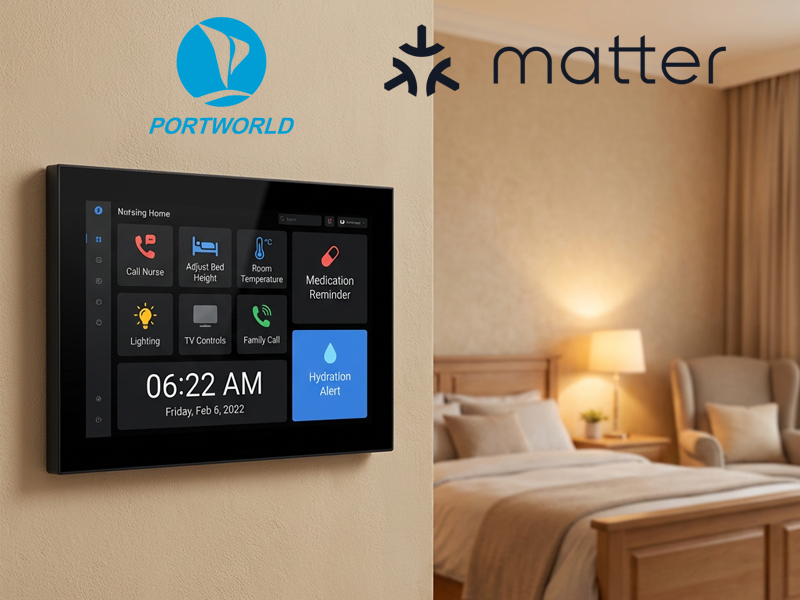
For instance, an OEM customer may want the control panel to launch directly into its smart home application at startup instead of displaying the standard Android launcher.
This approach helps deliver a more integrated product experience.
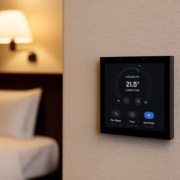
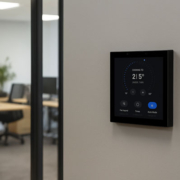
smart control panel-1
Linux customization
Linux-based platforms can support projects that require a dedicated embedded environment, tailored applications, or specific system-level settings.
Depending on the hardware platform, development may include customizing the system image, integrating drivers, configuring interfaces, and deploying applications.
Firmware and application integration
Some customers already have smart home software and need only a compatible hardware platform. Others require the manufacturer to assist with application deployment or firmware adaptation.
Before development starts, both parties should define:
- Which software the customer will provide
- Which firmware components the manufacturer will provide
- Whether SDK or API documentation is needed
- How the panel will communicate with the customer’s platform
- How updates and maintenance will be managed
- Which functions must operate without an internet connection
Clearly dividing these responsibilities is particularly important for brands building their own smart home ecosystems.
6. Enclosure Design, Appearance, and Installation Structure
A smart home control panel is typically mounted permanently on a wall, so its appearance plays an important role in the surrounding interior.
For OEM projects, the enclosure can be tailored to reflect the customer’s brand identity, installation needs, and target market.
Housing materials and finishes
Customization options may include:
- Plastic or metal housing
- Frame color
- Surface finish
- Front-panel design
- Logo placement
- Button layout
- Rear-cover structure
For premium residential projects, customers may favor a refined metal frame or a minimalist design that complements the interior.
For mass-market products, a standardized enclosure may be more cost-effective and simpler to manufacture.
Wall Mounting and Installation Dimensions
Mechanical compatibility is especially important for wall-mounted panels.
Wall boxes, cable layouts, and mounting methods can vary across markets and buildings. As a result, an OEM project may require:
- Customized mounting brackets
- Rear housing dimensions
- Compatibility with wall boxes
- Cable-entry locations
- Installation depth
- Screw-hole locations
- Concealed or surface-mounting structures
For instance, a panel designed to meet one installation standard may not fit a different wall box unless the bracket or rear housing is modified.
Confirm the mounting dimensions before beginning tooling and prototype development.
7. Power Supply and Optional Functional Modules
Power configurations and optional hardware modules can be tailored to suit the installation environment.
Power supply options
Depending on the product architecture, available power configurations may include:
DC power input
PoE
AC power options on models specifically designed to support them
PoE can simplify installation by carrying network communications and power over a compatible Ethernet connection. It requires suitable hardware, a compatible power source, and sufficient power capacity.
For projects involving RS485, sensors, or other external devices, power and interface requirements should be evaluated together.
Additional hardware modules
Some smart home applications require capabilities beyond basic touchscreen control.
Depending on the platform, OEM projects may consider:
- Temperature and humidity sensors
- Microphones and speakers
- Proximity sensors
- Light sensors
- Camera modules
- Relay modules
- NFC or RFID
- Additional wireless communication modules
- External sensor interfaces
For instance, a panel with built-in temperature and humidity sensors can display information about the room environment. A microphone and speaker can enable voice interaction when the software platform supports the required functionality.
Choose modules based on the product’s actual requirements. Unnecessary components can raise hardware costs and power consumption while adding complexity to software development.
8. Branding, Packaging, and Product Documentation
OEM customization also extends to the details customers encounter when they purchase, install, and use the finished product.
These features help smart home brands maintain a consistent identity across their product ranges.
Common branding options include:
- Product logo: Place the customer’s logo on the front panel, rear housing, or product label.
- Startup branding: Show a customized logo or boot animation when the panel powers on.
- Packaging: Customize the product box, protective materials, labels, and outer carton.
- User manuals: Supply branded installation guides, operating instructions, and technical documentation.
- Product identification: Customize model numbers, serial number labels, and other product markings.
For distributors and smart home brands selling through multiple channels, packaging and documentation can be especially important. They support a consistent product presentation and help make the finished panel easier to launch in local markets.
9. How to Choose the Right Level of OEM or ODM Customization
Not every smart home control panel project requires a completely new design. The right development approach depends on how much needs to change.
A useful way to organize the options is to divide customization into three levels.
| Customization level | Typical scope | Suitable for |
|---|---|---|
| Basic OEM | Logo, packaging, startup screen, language, and selected software settings | Brands using an existing product platform |
| Advanced OEM | UI customization, firmware adaptation, memory configuration, interface changes, and selected structural modifications | Brands with specific product requirements |
| ODM development | Custom PCB, mainboard, enclosure, hardware architecture, and deeper software development | Brands developing a dedicated product |
Basic OEM customization generally requires less engineering work because it uses an existing product platform. Advanced OEM projects may involve firmware or hardware changes. ODM development is more suitable when standard products cannot meet the required specifications.
The actual development cost, MOQ, tooling requirements, and delivery schedule depend on the customization scope. These details should be confirmed during project evaluation rather than assumed to be the same for every model.
10. What to Confirm Before Starting an OEM Smart Home Control Panel Project
A clear technical specification helps manufacturers evaluate the project and provide a more accurate quotation.
Before contacting an OEM/ODM manufacturer, prepare the following information:
| Category | Information to prepare |
|---|---|
| Target application | Residential, apartment, villa, hotel, or building automation |
| Screen | Size, resolution, brightness, and orientation |
| Touchscreen | Capacitive touch or non-touch configuration |
| Processor | Preferred chipset or required performance |
| Memory | RAM and storage requirements |
| Operating system | Android, Linux, or another supported platform |
| Communication | Wi-Fi, Bluetooth, Zigbee, KNX, RS485, Ethernet, or other protocols |
| Software | Existing application, custom UI, SDK/API requirements |
| Power | DC, PoE, or project-specific power configuration |
| Enclosure | Material, color, dimensions, and mounting method |
| Branding | Logo, startup animation, packaging, and manuals |
| Production | Sample quantity, estimated annual demand, and target launch date |
It is also essential to establish how the product will be tested.
Prototype testing should assess display quality, touch responsiveness, network connectivity, communication with target devices, software operation, power stability, and compatibility with the intended installation.
For products designed to operate continuously, evaluations should also examine long-term reliability and recovery following power or network disruptions.
Regulatory requirements for the intended market should be identified early. Changes to the power supply, wireless modules, enclosure, or other components may affect the compliance assessment of the final product configuration.
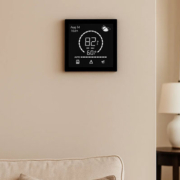
smart touch control panel8
11. OEM Smart Home Control Panel Customization with Portworld
Portworld supplies smart home control panels and embedded hardware solutions for brands, distributors, and system integrators creating customized smart home products.
Its portfolio features compact wall-mounted panels, Android smart control panels, KNX-related control solutions, and ESP32-based interfaces.
Examples include:
- YC-SM41P: A compact 4-inch smart home control panel powered by the Rockchip RK3566 platform.
- YC-SM41P-KNX: A smart control panel platform intended for projects integrating KNX and Zigbee.
- YC-SM43P: A 4-inch panel based on the ESP32-S3, featuring LVGL support for embedded control interface development.
- YC-SM55P: A 5.5-inch Android smart home control panel.
- YC-SM10P: A 10-inch smart control panel platform designed for applications that need a larger touchscreen interface.
Selecting the right model depends on the project’s processor needs, communication architecture, installation environment, and software platform.
Portworld provides OEM/ODM customization in multiple areas:
- Hardware and PCB development: Processor and memory configurations, PCB/PCBA design, interface modifications, and embedded hardware development.
- Operating system and firmware: Customization of Android, Linux, Ubuntu, and Debian to suit the chosen hardware platform.
- Communication integration: Project-based assessment of KNX, Zigbee, Modbus, MQTT, BACnet, Matter-related requirements, and other communication interfaces.
- UI and application support: Custom branding, application preinstallation, automatic startup configuration, and software integration assistance.
- Mechanical customization: Housing design, logo positioning, mounting structures, and product aesthetics.
- Production support: Prototype creation, technical documentation, sample assessment, and mass production.
The available customization scope depends on the selected product platform and engineering requirements. For instance, adding a logo and preinstalling an application differs substantially from redesigning a PCB or developing a new communication architecture.
Defining the required functions and technical specifications at the outset helps customers select an existing hardware platform, an advanced OEM adaptation, or complete ODM development.