Touchscreen vs. Non-Touch Digital Signage: Which Fits Your Project?
Digital signage is extensively utilized in various environments such as retail stores, restaurants, hotels, offices, hospitals, and public areas. Although factors like screen size, brightness, and resolution are crucial when selecting a display, one key decision can significantly influence the overall project: should you opt for a touchscreen or a non-touch display?
The choice hinges on how individuals will engage with the content. A screen meant for displaying advertisements, promotional videos, or restaurant menus may not require touch capabilities at all. Conversely, a display designed for product searches, self-service ordering, visitor registration, or interactive wayfinding could greatly benefit from a touchscreen.
Selecting the appropriate type of digital signage can assist businesses in avoiding unnecessary hardware expenses while enhancing the user experience. For companies creating custom commercial displays, this decision also impacts the display assembly, embedded motherboard, software interface, and long-term maintenance needs.
What Is Touchscreen Digital Signage?
Touchscreen digital signage enables users to engage directly with the content displayed by touching the screen. Depending on the hardware and software, users can tap buttons, browse product catalogs, select menu items, search for information, or complete self-service tasks.
A touchscreen system generally consists of a display panel, a touch sensor and controller, a computing platform, and an application tailored for interactive use.
Contemporary commercial touchscreen displays typically employ capacitive touch technology. This offers a responsive, smartphone-like experience and supports multi-touch gestures when the display hardware and software are appropriately designed for such functionality.
Nevertheless, incorporating touch functionality does not inherently render a digital signage system interactive. The application must be specifically designed to react to user inputs, and the operating system must be compatible with the touch controller.
Touchscreen digital signage proves particularly beneficial when users are required to make selections, obtain specific information, or perform actions instead of merely viewing content.
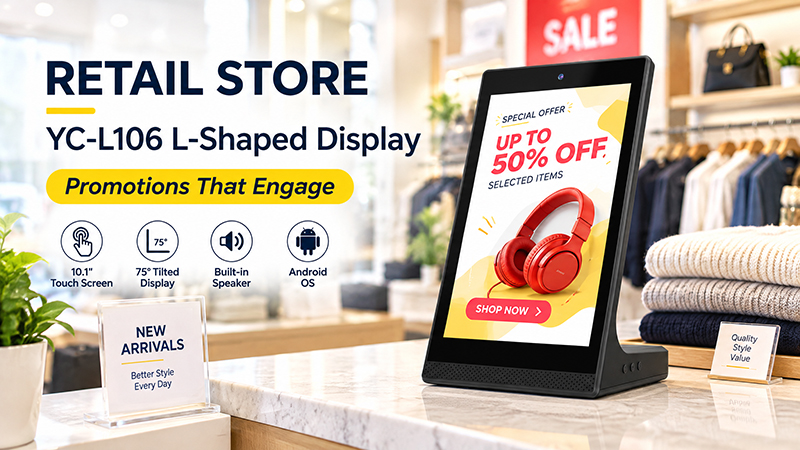
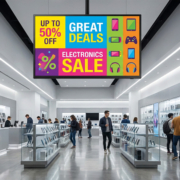
YC-L106 Retail Store Banner
What Is Non-Touch Digital Signage?
Non-touch digital signage presents content without necessitating direct interaction from users with the screen. Content can be displayed continuously, scheduled at specific times, or updated remotely via a compatible content management system (CMS).
Typical examples include advertising displays in shopping malls, promotional screens in retail environments, menu boards in restaurants, corporate announcements, and information screens in hotels.
Since a non-touch display does not require a touch sensor or controller, its hardware design can be more straightforward. This can also lessen the software development efforts related to interactive features.
For numerous advertising applications, this simplicity is advantageous. If the primary goal of the display is to capture attention and convey a message, incorporating touch functionality may not significantly enhance the outcome to warrant the additional expense and complexity.
Touchscreen vs. Non-Touch Digital Signage: Key Differences
Both types of digital signage can display images, videos, promotional content, and information. The main difference is whether the user needs to interact with the display.
| Comparison | Touchscreen Digital Signage | Non-Touch Digital Signage |
|---|---|---|
| User interaction | Supports direct interaction | Primarily designed for viewing |
| Hardware | Requires compatible touch hardware and controller | Does not require touch components |
| Software | Needs an application designed for touch input | Can use standard playback or signage software |
| Initial cost | Generally higher for comparable configurations | Generally lower for comparable configurations |
| User experience | Enables browsing, selection, and self-service | Provides a straightforward viewing experience |
| Content delivery | Interactive applications or scheduled content | Commonly scheduled or remotely managed content |
| Maintenance | Touch surfaces and controllers add components to maintain | Fewer touch-related components |
| Typical applications | Kiosks, directories, ordering, product search | Advertising, menu boards, announcements, promotions |
These comparisons are general in nature. The actual costs, performance metrics, and maintenance needs are influenced by factors such as display size, touch technology, enclosure type, operating system, and specific applications.
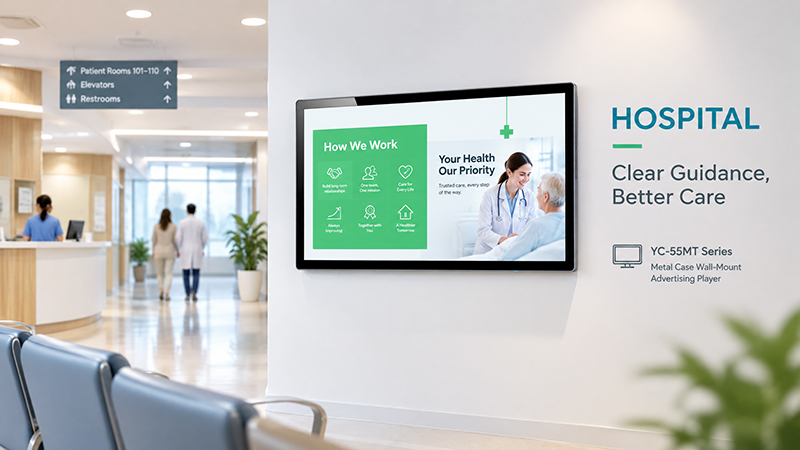
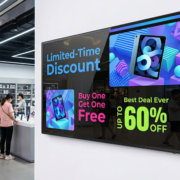
YC-55MT Digital signage display Hospital Banner
When Should Touchscreen Digital Signage Be Selected?
Touchscreen digital signage is preferable when users require the ability to control the content displayed or to perform tasks directly on the screen.
1. Self-Service Ordering and Digital Menu Systems
Interactive displays can be utilized by restaurants, cafés, and quick-service establishments to enable customers to explore menus, personalize orders, and make selections.
In these scenarios, touch functionality is integral to the ordering process rather than being an optional enhancement. The screen must integrate seamlessly with the ordering application, payment processes, and any necessary peripherals associated with the project.
For businesses creating custom ordering kiosks, it is essential to test the hardware and software in conjunction to ensure that the touch interface operates correctly and that the application functions reliably under anticipated usage conditions.
However, not every restaurant requires an interactive display. A digital menu board that merely presents images of food, pricing, and promotional offers may be more effectively served by a non-touch screen.
2. Interactive Wayfinding and Information Kiosks
Shopping centers, hotels, hospitals, campuses, and office buildings frequently require assistance for visitors to locate destinations or obtain specific information.
A touchscreen directory enables users to search for a store, department, meeting room, or service and navigate through pertinent information.
In contrast to a static information display, an interactive kiosk can showcase varying content based on each visitor’s selection. This feature is particularly beneficial when the information is extensive or when users have diverse destinations.
The project may also necessitate a larger screen, an accessible interface design, an appropriate mounting structure, and software capable of efficiently updating location information.
3. Retail Product Browsing
In retail settings, touchscreen displays can assist customers in exploring product specifications, comparing options, viewing colors or sizes, and accessing additional information without the need for every detail to be displayed on the screen at once.
This is particularly advantageous when a store has a wide range of products but limited physical display space.
For instance, a touchscreen catalog can provide product details on demand, while a separate non-touch display showcases brand videos or promotional content in close proximity.
4. Visitor Registration and Interactive Check-In
Touchscreen kiosks can be utilized by offices, hotels, event venues, and business centers for purposes such as visitor registration, appointment check-in, or gathering information.
Typically, these applications necessitate more than just a touch display. They may also require a compatible application, network connectivity, data security measures, and additional peripherals like scanners or printers.
Prior to selecting hardware, it is essential to confirm the necessary interfaces and ensure that the software is compatible with the selected operating system and touch controller.
5. Interactive Product Demonstrations
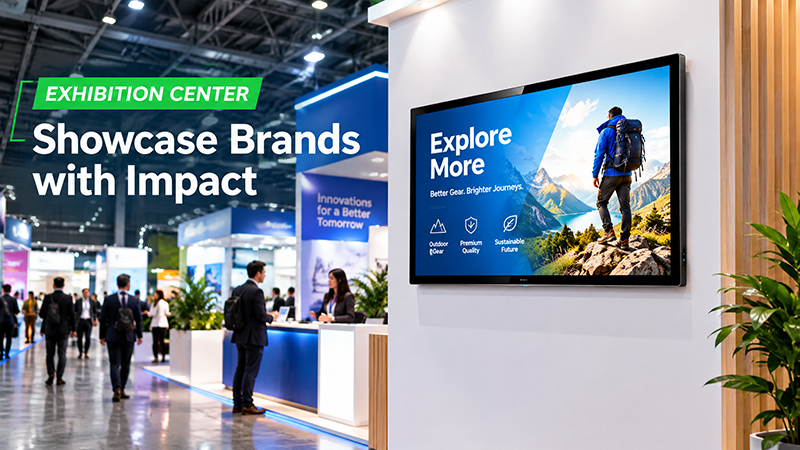
Touchscreens are frequently employed in showrooms, exhibitions, and trade show booths to enable visitors to explore product features, technical specifications, videos, and application examples.
Rather than delivering every detail in a predetermined order, the display can empower visitors to select the information that is most pertinent to them.
For B2B companies, an interactive product catalog can prove especially beneficial when the product range is extensive or when the technical details are too intricate for a standard advertising screen.
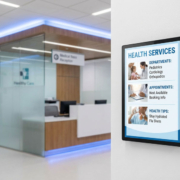
YC-55MT digital signage display Exhibition Center
When Is Non-Touch Digital Signage the Preferred Option?
Non-touch digital signage is frequently the most effective choice when the objective is to convey information to a collective audience rather than facilitate individual engagement.
1. Advertising and Promotional Displays
Digital signage is widely utilized in retail stores, shopping malls, hotels, and commercial establishments to showcase advertising videos, brand messages, and promotional campaigns.
Viewers can comprehend the information without needing to interact. Consequently, a non-touch display can fulfill the intended purpose without the necessity for additional touch hardware.
For businesses operating numerous screens across various locations, this approach can aid in managing equipment expenses and streamlining the overall system.
2. Restaurant Menu Boards
Digital menu boards serve as a prevalent illustration of non-touch signage. They present food items, prices, promotional offers, and menu categories, with content controlled by staff or a content management system (CMS).
If customers place orders at a counter or via a distinct ordering system, a touchscreen may not be essential.
A non-touch display can also be more suitable when the aim is to present the same menu to all patrons in the restaurant.
3. Corporate and Internal Communications
Non-touch displays may be employed in offices and industrial settings for company announcements, schedules, performance dashboards, safety information, and internal communications.
These screens are generally viewed by employees rather than utilized for task completion. A straightforward playback system with dependable content updates may suffice.
The display’s visibility, installation location, network connectivity, and content management process often hold greater significance than the touch functionality.
4. Hotel, Lobby, and Public Information Screens
Reception areas and waiting zones frequently utilize digital signage to display welcome messages, event schedules, service details, and promotional materials.
When visitors only require information viewing, non-touch signage offers a streamlined and economical solution.
If visitors need to locate rooms, directions, or services, an interactive directory may be more suitable. Some establishments employ both types of displays for various functions.
Touchscreen vs. Non-Touch: Which Is More Expensive?
Touchscreen displays typically incur higher costs compared to similar non-touch displays due to the inclusion of extra hardware and potentially more comprehensive software development.
Nonetheless, the cost disparity extends beyond just the screen price. The overall project expense is contingent upon the entire solution.
For touchscreen digital signage, expenses may encompass:
- Touch sensor and controller.
- Compatible embedded motherboard or PC.
- Development of interactive applications.
- Integration with scanners, printers, or other peripherals.
- User interface testing and software upkeep.
- Additional cleaning and maintenance of touch surfaces.
For non-touch digital signage, primary costs may center around the display panel, computing hardware, enclosure, signage software, content management, and installation.
A non-touch system is frequently more cost-effective when the application solely necessitates scheduled playback. Conversely, a touchscreen may offer greater value when it replaces manual processes or allows customers to perform tasks independently.
Thus, the appropriate comparison is not merely the cost of a touchscreen against a non-touch screen. Rather, it is the expense associated with delivering the desired business function through each solution.

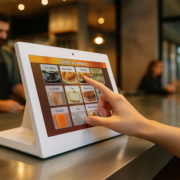
YC-55MT Digital signage display Government Hall
Which Touch Technology Should You Select?
Should you determine that your project necessitates a touchscreen, the subsequent step involves choosing a suitable touch technology.
Projected capacitive (PCAP) touch is extensively utilized in commercial interactive displays due to its support for responsive touch input and, in appropriate configurations, multi-touch gestures. It is often considered for kiosks, product catalogs, ordering systems, and contemporary interactive panels.
Alternative touch technologies may be suitable for specific environments or applications. The optimal choice is contingent upon the screen size, enclosure design, anticipated usage, environmental conditions, and software requirements.
The interaction between touch functionality and the operating system, along with the application, is crucial for effective touchscreen digital signage.
Android is often a viable option for interactive signage, provided that the necessary application is either available as an Android app or can be developed for the intended platform. It is frequently utilized for product catalogs, information kiosks, dedicated ordering interfaces, and various other embedded applications.
Conversely, Windows may be more appropriate when the project relies on pre-existing Windows desktop software, specialized drivers, or peripherals that necessitate a PC-based environment.
It is important to note that neither operating system inherently ensures compatibility with all touchscreen devices. Compatibility must be verified for the touch controller, hardware interfaces, drivers, application framework, and display configuration.
For instance, one touchscreen kiosk might utilize an Android embedded motherboard, while another project could necessitate an Intel- or AMD-based Windows system due to its specific software requirements.
Portworld provides embedded motherboard and touchscreen display solutions that can be assessed based on the project’s operating system, performance, interface, and touch specifications.