How to Connect Native KNX Bus Lines Directly to 4 Inch Smart Wall Switches Without Gateways
KNX has grown into one of the most commonly used wired communication standards for professional building automation. It’s found in everything from luxury villas and hotels to offices and commercial properties, mainly because it’s dependable, has a long service life, and supports equipment from multiple vendors.
In many traditional smart touch panel setups, you usually need an extra KNX gateway to get the panel communicating with KNX devices. By contrast, native KNX smart wall switches have the KNX communication hardware built directly into the panel. This means they can connect straight to the KNX bus line without needing any external conversion hardware.
For example, a 4-inch smart wall switch with native KNX support, such as the Portworld YC-SM41P-KNX, pairs a modern touchscreen experience with direct KNX bus communication. The result is a solution that’s both simpler and more reliable for smart building control.
Understanding Native KNX Bus Connection
In a traditional arrangement, a smart panel may first send signals over Ethernet, WiFi, or another protocol. A gateway then takes those instructions, converts them into KNX telegrams, and forwards them to the KNX actuators.
While this can work well, it also adds extra hardware and makes the overall system more complex.
With a native KNX smart panel, the device includes a built-in KNX communication interface. The panel can then communicate directly via KNX telegrams with:
– KNX lighting actuators
– HVAC controllers
– Curtain and blind actuators
– Sensors
– Energy management devices
No external protocol conversion gateway is necessary.
Basic KNX Bus Wiring Process
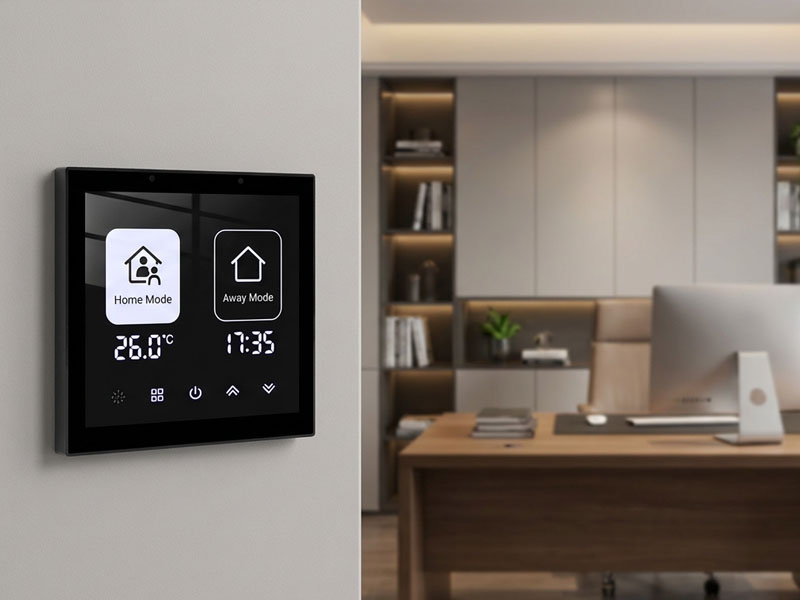
4″ KNX Smart Touch Control Panel
Connecting a native KNX smart wall switch typically involves a few key steps:
1. Prepare the KNX Bus Cable
The standard KNX TP bus uses a dedicated twisted-pair cable.
This cable carries:
- The communication signal
- The bus power supply
The KNX bus usually links multiple devices in a line, tree, or star arrangement, depending on the needs of the project.
2. Connect the KNX Bus to the Smart Panel
A native KNX 4-inch smart panel comes with its own dedicated KNX interface.
During installation, you generally:
- Connect the KNX bus positive line (+)
- Connect the KNX bus negative line (-)
- Make sure the polarity is correct
- Secure the wiring inside the wall box
Unlike Ethernet-based solutions, KNX communication does not rely on WiFi networks or cloud services.
3. Set Up the KNX Device Address
Once the panel has been physically installed, it must be configured using KNX engineering tools like ETS.
This configuration involves:
- Assigning the physical address
- Setting up group address parameters
- Configuring communication objects
- Mapping functions
For instance, a touchscreen button can be set to:
- Turn lights on or off
- Adjust dimming levels
- Control curtains
- Update HVAC temperature settings
Advantages of Direct KNX Integration Without Gateways
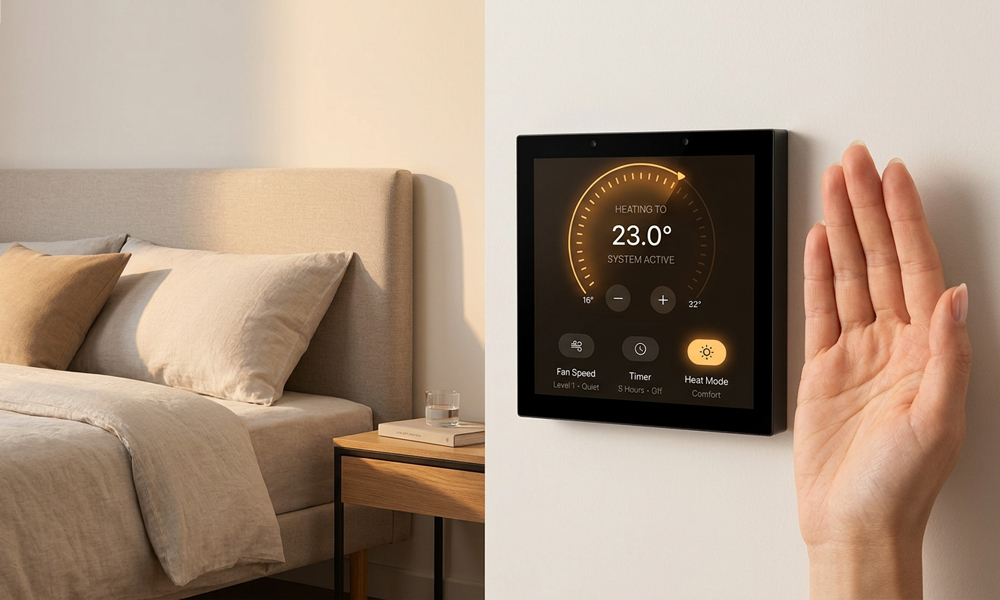
smart home control panel
Simplified System Architecture
By removing the need for an external gateway, fewer devices are required in the automation system.
This brings several benefits:
- Reduced installation complexity
- Fewer potential failure points
- Easier maintenance
- Faster communication response
With direct KNX communication, there are no protocol-conversion delays.
For use cases like lighting scenes and room automation, the quicker response leads to a better user experience.
Better Reliability for Professional Projects
KNX is built for long-term building automation. Because communication runs over a dedicated wired bus, it supports stable operation for:
- Hotels
- Commercial buildings
- Luxury residences
Portworld YC-SM41P-KNX Native KNX Smart Panel Solution
Portworld offers native KNX smart touch panel solutions that are built for professional automation projects.
The YC-SM41P-KNX 4-inch smart wall switch is designed with KNX communication built right into the panel. This means it can be connected to KNX systems directly, without needing an external gateway.
The panel includes:
– Native KNX bus communication
– 4-inch capacitive touchscreen
– Embedded wall installation design
– Android/Linux platform support
– Smart building control functions
It can be used for:
– Lighting control
– HVAC adjustments
– Curtain control
– Scene management
– Building automation interfaces
Bringing KNX Together With Modern Smart Panel Features
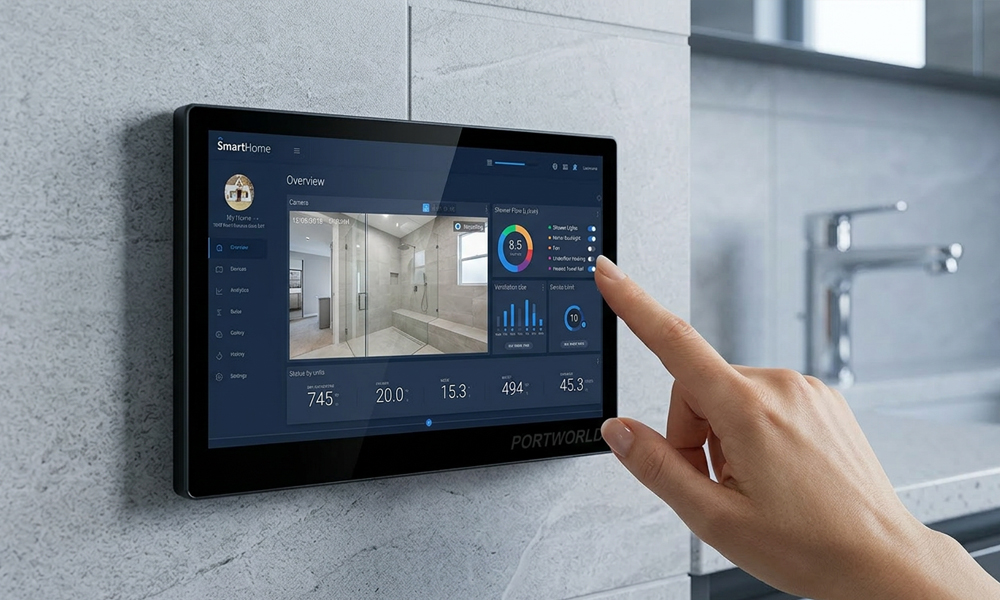
10 inch smart home control panel
While KNX is known for dependable building communication, today’s users often want more advanced, feature-rich interfaces.
A 4-inch smart KNX panel can deliver graphical control features such as:
– Visual room status
– Custom scenes
– Temperature display
– Energy monitoring
– Personalized UI layouts
Compared with traditional KNX buttons, a touchscreen panel offers a more flexible and engaging way to interact.
Connecting a native KNX 4-inch smart wall switch directly to KNX bus lines without gateways simplifies system architecture while maintaining the reliability of professional building automation.
Compared with gateway-based solutions, native KNX panels provide direct communication, faster response, and easier installation for smart homes, hotels, and commercial buildings.