Commercial Display Signage with Google Play Service
In the current fast-paced business landscape, commercial display signage integrated with Google Play Service has become crucial for engaging customers, delivering advertising content, and dynamically managing information.
Digital signage powered by Android allows for the installation of applications directly from Google Play, offering flexibility, interactivity, and cloud-based content management.
What is Google Play-Enabled Commercial Digital Signage?
A commercial display that is Google Play-enabled refers to an Android-based digital signage screen that provides access to the Google Play store. Unlike conventional signage players, it is capable of running applications for advertising, promotions, wayfinding, or interactive customer engagement. These displays are particularly suitable for retail stores, airports, hotels, restaurants, hospitals, and corporate offices.
Advantages
- Direct Access to Apps: Install marketing, CMS, or interactive applications directly from Google Play.
- Interactive Features: Touchscreen options for self-service kiosks or information panels.
- Remote Management: Update content and applications via Wi-Fi, Ethernet, or PoE.
- Multi-Screen Synchronization: Display content across multiple units at the same time.
- 24/7 Reliability: Industrial-grade design guarantees continuous operation.
Applications
- Retail Stores: Product catalogs, promotions, shelf-edge advertising.
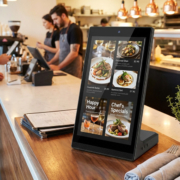
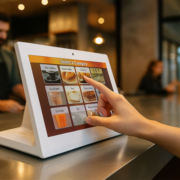
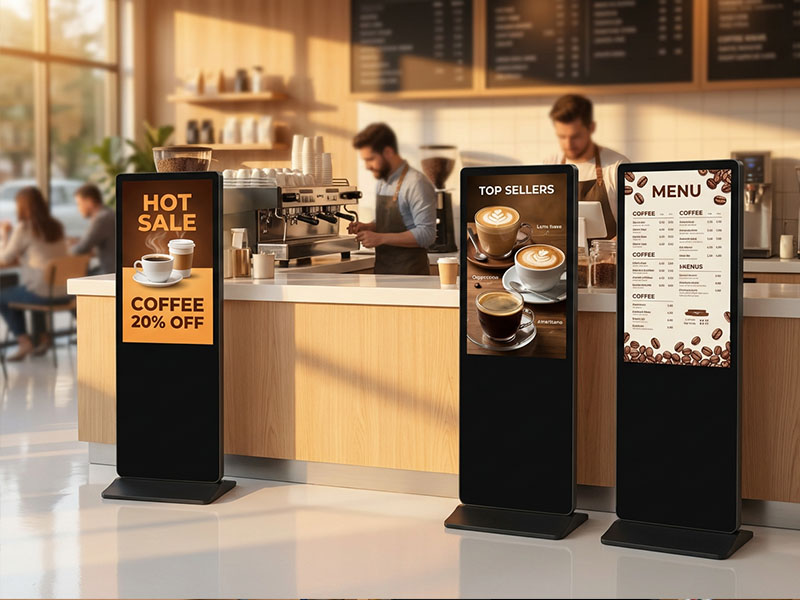
- Restaurants & Cafes: Digital menu boards, self-ordering kiosks, promotions.
- Airports & Transportation Hubs: Flight information, wayfinding, and advertisements.
- Hotels & Hospitality: Concierge information, events, and local guides.
- Corporate Offices: Meeting room booking, visitor management, internal communications.
Digital Signage Solutions
Portworld Google Play Digital Signage Products
Portworld provides an extensive selection of displays that are compatible with Google Play, specifically designed for commercial settings.
YC-55MT Series Metal Case Wall-Mount Advertising Player
- Screen Sizes: 10.1″–65″
- Operating System: Android 11 with access to Google Play, with an optional Linux/Debian
- Features: Optional touchscreen, supports both landscape and portrait orientations, integrated speakers
- Use Cases: Suitable for retail environments, hospitals, airports, and government facilities
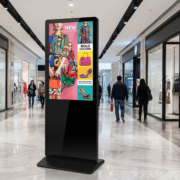
55″ Floor Standing Digital Signage
- Robust Design: Constructed with metal housing featuring cooling vents for uninterrupted 24/7 operation
- Processor: RK3566 Quad-Core Cortex-A55, equipped with 2GB RAM and 16GB ROM
- Applications: Ideal for high-traffic locations such as shopping malls, hotel lobbies, and bank reception areas
- Optional Touch: Available with IR or capacitive touch for interactive advertisements and information
Stretched Bar & Shelf-Edge Displays
- Ultra-Wide Displays: Perfect for advertising at retail shelf edges or providing transportation information
- Split-Screen & Remote Updates: Capable of managing multi-format content
- Android-Based: Supports Google Play applications for engaging promotions
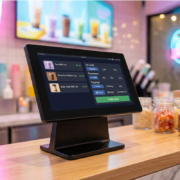
Interactive Touch Panels
- Smart Control Panels: Powered by Android and compatible with Google Play
- Applications: Suitable for self-service kiosks, office room reservations, and restaurant ordering systems
- Flexibility: Allows for custom applications and cloud-based content management systems for remote oversight
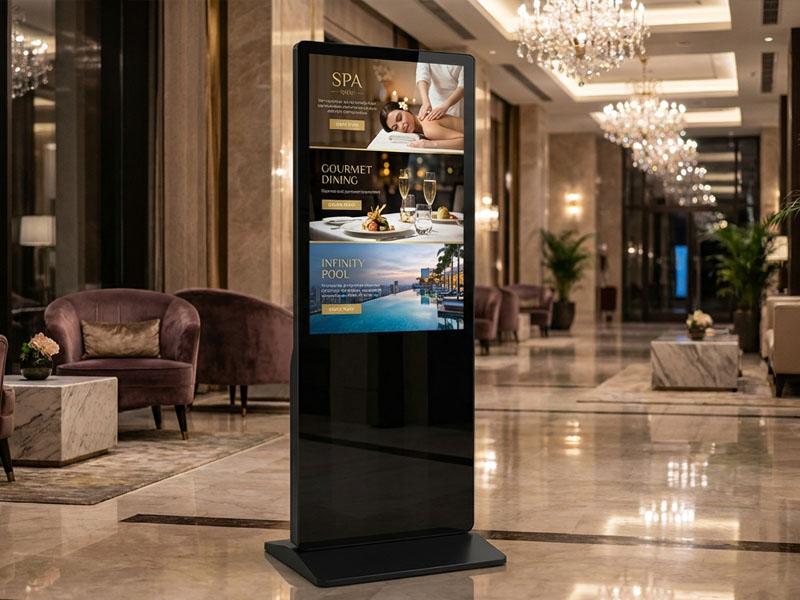
YC-5520FL
55″ Floor Standing Digital Signage
Why Choose Portworld
Customizable Solutions: Offers a variety of display sizes, enclosures, and touchscreen options
- Versatile OS Support: Compatible with Android versions 11 to 13, with optional Linux/Debian
- Industrial-Grade Durability: Engineered for continuous commercial use
- OEM/ODM Services: Provides CKD/SKD solutions and private-label manufacturing options
- Global Support: Offers technical assistance for deployments worldwide
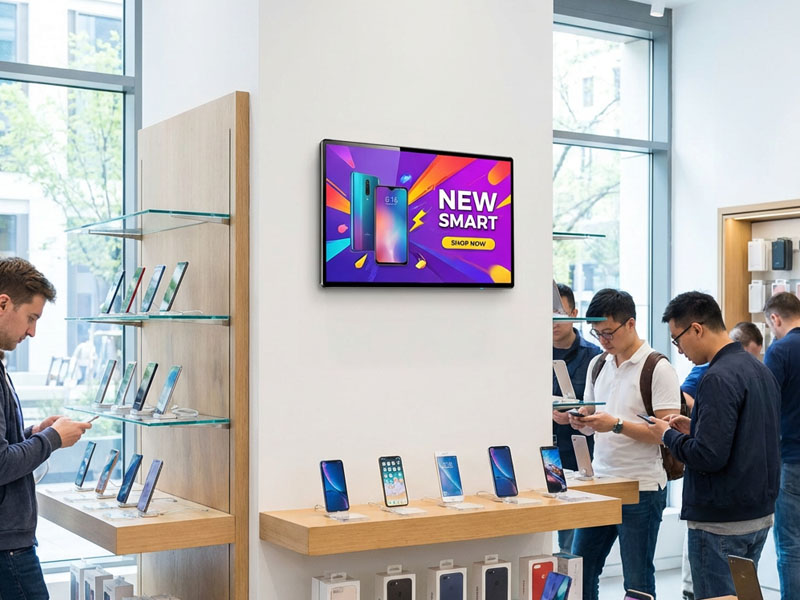
digital signage display
Choosing the Right Google Play Digital Signage
When selecting a commercial display that provides Google Play access, consider the following:
- Screen Size & Resolution – Ensure it matches the viewing distance and the environment
- Processor & Memory – Verify that it supports smooth application and video playback
- Touch Functionality – Assess whether interactivity is necessary
- Network Connectivity – Options include Wi-Fi, Ethernet, or PoE for remote updates
- Software Compatibility – Confirm compatibility with Google applications.